
PC stuck at 100% M-flash (MSI z390 pro BIOS flash)
Redbart Posted messages 20957 Registration date Status Member Last intervention -
Hello everyone
I would like to implore your help
I tried to flash my BIOS on my MSI motherboard, but the computer crashes when it reaches 100%

I used an 8GB USB flash drive that I formatted to FAT32 and copied the files downloaded from the MSI website onto it.
I tried the first time with the 2 MSI folder files as is. After an hour, I stopped the PC (was that a mistake?)
Then, while messing around to restart (CMOS and reboot), and going into the BIOS, I wanted to try again using a technique I found online, which is: to only copy the non-text file and rename it to MSI.rom. But in the end, it wasn't possible to flash like that.
So I tried again like the first time, but with only the non-text file and I'm back to being stuck at 100% like the first time.
My configuration:
Motherboard: MSI z390-A pro, i5 9600k,
Thanks in advance for your help
7 answers
-
Hello
Why did you want to flash the BIOS? It's an operation that carries some risks.
Did the PC reboot into Windows after the first attempt? Have you tried to reload the previous version?
Just so you know, personally, the few times I've noticed PC freezes during a BIOS upgrade it was either because we were trying from a version that was too old which required flashing with an intermediate version (this is specified in the BIOS lists from manufacturers), or the PC environment wasn't stable, and it was crashing for no reason beforehand.
Signature
Euskadi Ta Askatasuna -
-
Thank you for your interest.
Flo88, I wanted to do a factory reset because I thought it might solve some issues I've been having for a few weeks. That is to say, lag in games, in office applications, and also the strangest thing is that the PC no longer wants to shut down completely or restart. It exits Windows, works for a few seconds, turns off the GPU fan and stays like that, as if in sleep mode. The only way it turns off is by holding down the power button for a long time (the problems appeared without any particular event).
In the end, I really got myself into trouble like an idiot.
At certain restarts, on the first MSI screen, it performs a diagnostic and starts a repair, but the problem is that, at some point, the PC needs to restart, but with my issue, it can't. And if I turn it off and on again using the button, it stops the process.
Redbart, that's exactly what I did, but it got stuck at 100%.
-
When he tries to start it without doing the repair, I get this
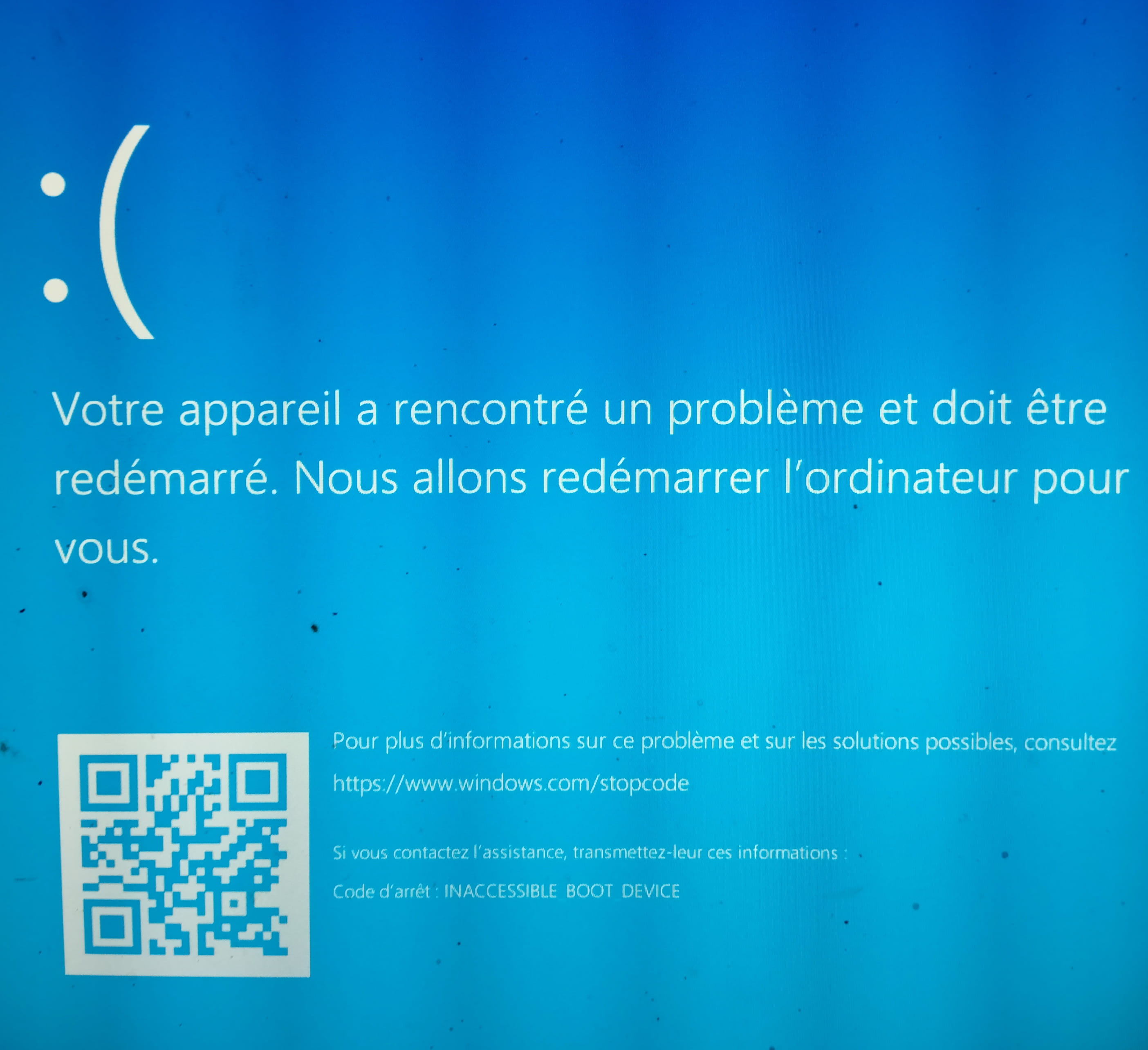
-
Windows indicates it cannot find the disk containing the OS
Your BIOS has been modified and this has changed the boot disk which is normally C:You need to go through the BIOS and correct this
This is probably why the flashing does not seem to be completed
-
Redbart, I tried it and it was good to boot from the SSD with the OS.
I eventually formatted the PC and reinstalled the OS.
So in the BIOS it tells me that the BIOS is on the latest version that I flashed and that was crashing at 100%
Thank you for your help, I will make another post about my issue where the PC won't shut down.
-
I read somewhere that BIOS should be installed in the order of release
Sometimes the best is the enemy of the good

