Repair Office
brucine Posted messages 25338 Registration date Status Member Last intervention -
Hello, I have an old Asus laptop running Windows 10, I had installed a legal version of Office 2016 Home and Business 2016. I wanted to check a text in French, and the Microsoft system offered me an update that would include proofreading tools for French. Unfortunately, I agreed to download, but when I launched the update .exe, it began to run indeed with a message in French. I must clarify here that I do not speak French. But what surprised me is that my Office 365 name was still readable. However I do not want to change my old Office with which I manage fine. So I stopped the execution by ending the task and turned off the laptop. Can I simply reinstall my old version or is there something else I should do? Thank you in advance for your help; I also want to mention that I am 75 years old and just a simple user.
1 answer
-
Hello,
Microsoft slyly updated you to Microsoft 365 to answer your question; aside from the usual, it’s a paid subscription after the first month.
You need to start by completely uninstalling Microsoft 365, which the Control Panel alone usually isn’t sufficient for; use the Office uninstall wizard.
If at the end of the operation Office 2016 is restored, all is well; otherwise you need to reinstall it.
Some older versions include a translation add-in directly; in Word 2019 I don’t have this article.
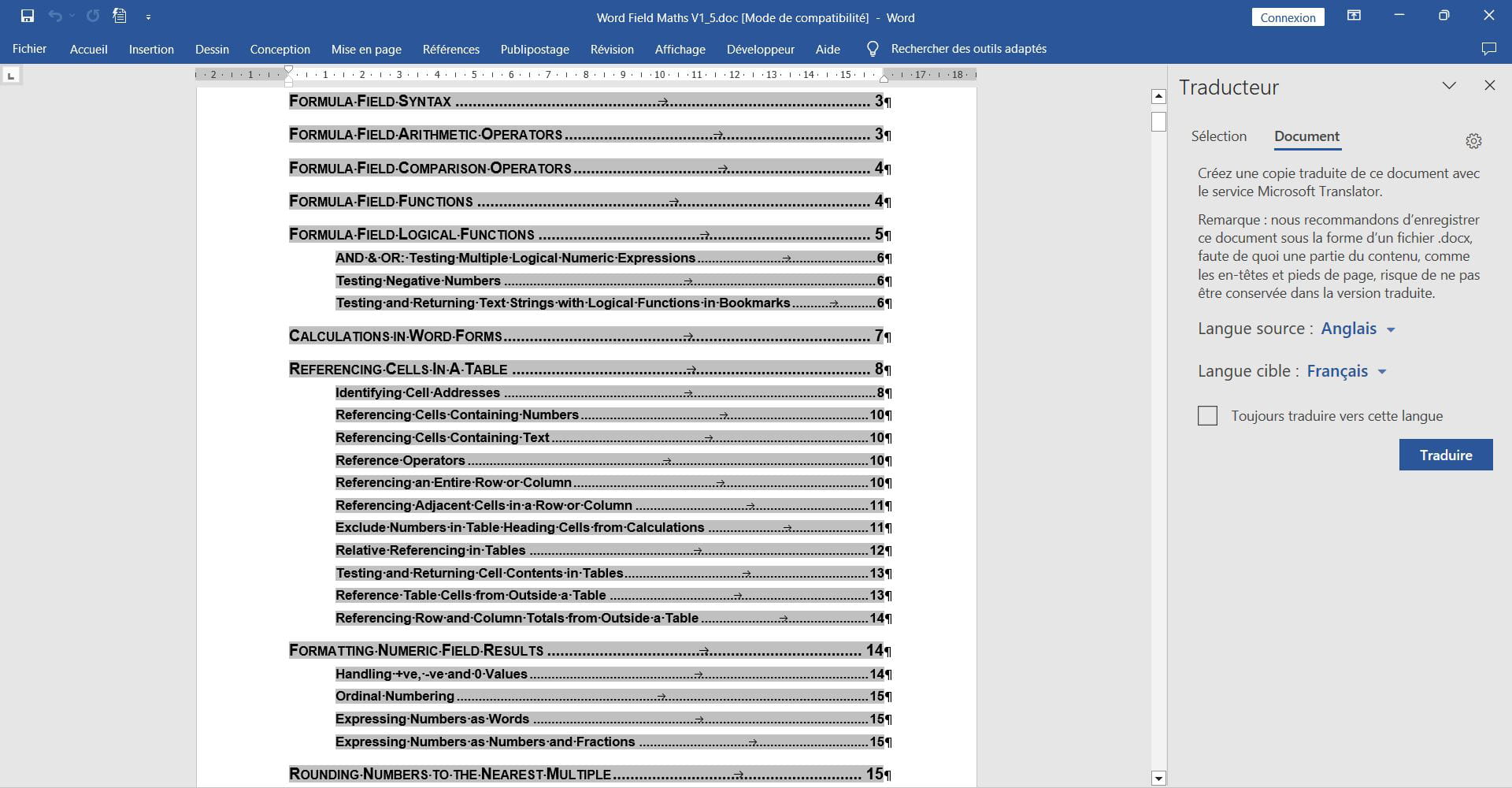
But I can select the whole document, Review, Language, Translate, then on the right choose the source and target languages.