
Boot issue: persistent diagnostic screen
Solvedbrucine Posted messages 24834 Registration date Status Member Last intervention -
I have a problem with my laptop. I have this screen that won't go away.
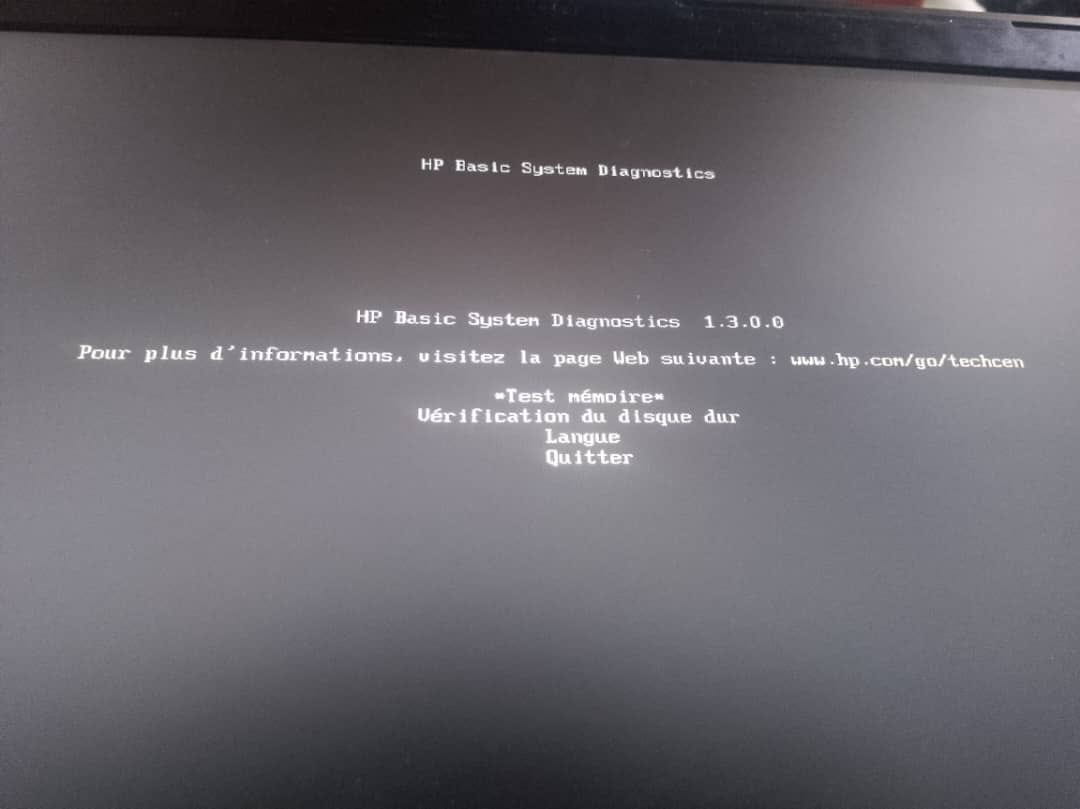
I get a "HP Basic System Diagnostics" screen every time I start my computer. I have successfully performed the "Memory Test" as well as "Hard Disk Check" with no problems detected.
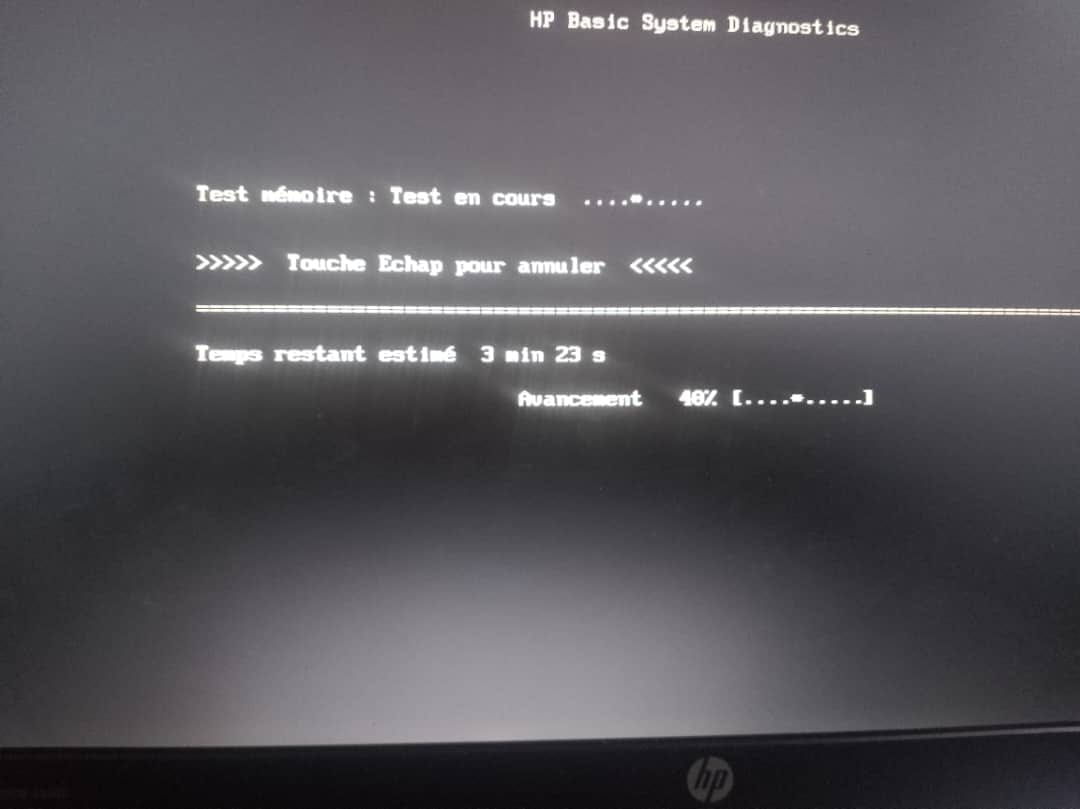
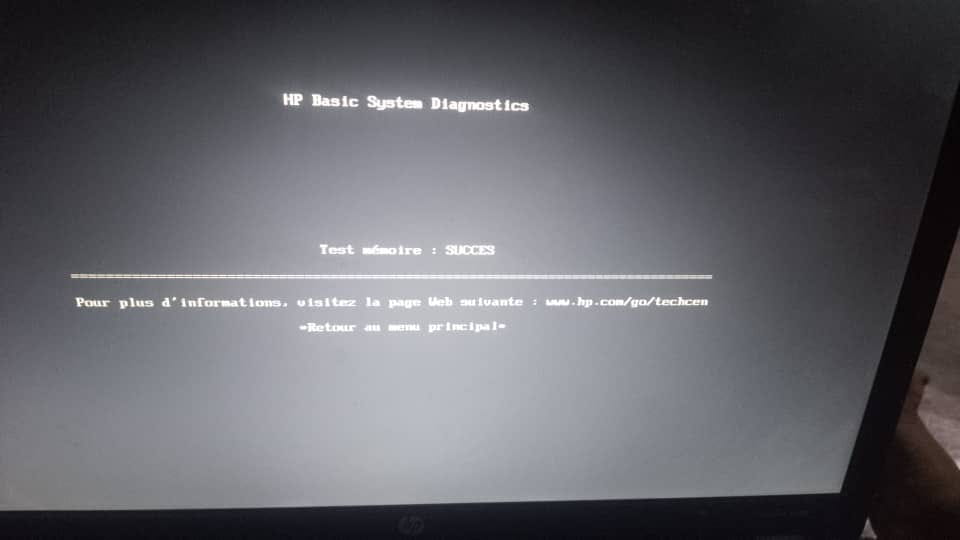
But when I press "Exit" and then "Yes," the computer restarts again on the same "HP Basic System Diagnostics" screen. When I press "Exit" again, the same pattern repeats over and over.
I apologize for the poor quality of the photos, and thank you in advance for your help.
1 answer
-
Hello,
HP System Diagnostics is a nuisance even when it doesn't return an error message because it unnecessarily consumes resources while the corresponding tests can be performed manually on demand.
It can intervene on two levels, either by launching the software on Windows startup or earlier in the UEFI partition.
The first case is less annoying since we can delete these startup entries in Windows, but here we are clearly in the second case.
There is definitely a hardware failure, even if it is not identified by the software, although we can observe two types of artifacts: the BIOS does not prioritize booting from the system disk (to be corrected by reconfiguring the BIOS at startup) or the boot partition is corrupted.
We can attempt to regain control and still in the BIOS disable HP System Diagnostics if there is an option for this or if it is a hard drive issue to disable the SMART function to see what starts and correct the problem if necessary.
If it is a problem related to the boot partition, we can try reinstalling Windows from an installation USB drive.
In all other cases and in the absence of a message this time from Windows identifying the cause of the failure, contact customer support for diagnostics.