High Definition Audio Controller, exclamation point
minimaxalan
Posted messages
29
Status
Member
-
kaneagle Posted messages 86299 Registration date Status Moderator Last intervention -
kaneagle Posted messages 86299 Registration date Status Moderator Last intervention -
Hello,
I have a problem that has persisted for a while.
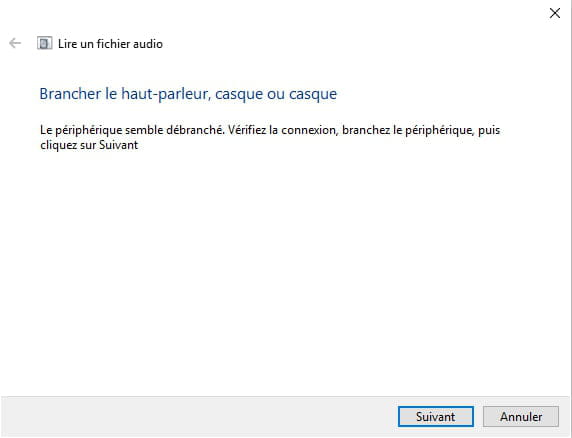
When I plug my headset or microphone into any audio port, my PC does not detect it.
I have done several searches on the internet and tried multiple solutions until I realized there was an exclamation mark on "High Definition Audio Controller".
I tried uninstalling and reinstalling the drivers, but the problem returns.
Thank you for taking the time to read my problem and I look forward to your response, thank you!


I have a problem that has persisted for a while.
When I plug my headset or microphone into any audio port, my PC does not detect it.
I have done several searches on the internet and tried multiple solutions until I realized there was an exclamation mark on "High Definition Audio Controller".
I tried uninstalling and reinstalling the drivers, but the problem returns.
Thank you for taking the time to read my problem and I look forward to your response, thank you!
5 answers
-
Hello,
Give me the identification number of your high definition audio controller, see HERE, also give me your version of Windows without forgetting 32 or 64 bits.
--
bazfile Moderator/Contributor security.-
-
-
-
This device may have a problem and is not functioning properly; drivers are not always the issue, sometimes it's the hardware itself that is faulty, because when I search for the driver using the ID number, it doesn't yield anything precise.
Check if you have the latest version of Windows 10 with this Microsoft tool. -
-
-
Hello,
What is the brand and the exact model number of the PC or the motherboard?
Is Windows up to date?
Press Windows + R
Type --> winver and OK
What is the version?
-
Download and install --> 7Zip 64 bits
Download this driver --> Intel
Right-click on --> 1cd752e3....cab
Select --> 7Zip
Choose --> extract to "1cd752e3.....\"
Go to Device Manager
Right-click on the device
Update driver
Browse my computer ......
Browse
Select the unzipped driver folder --> 1cd752e3.....
OK, next
Restart.
--
The human being is at its best when things are at their worst. -
Try this procedure:
Go to Device Manager
Right-click on the device
Update driver
Browse my computer ......
Choose from a list of drivers...
Have Disk
Browse
Go to the folder of the unzipped driver --> 1cd752e3.....
Select the file --> IntcAudioBus.inf and OK.
Restart.
--
Human beings are at their best when things are at their worst. -
Make a repair of Windows 10
Look at this --> Repair Windows 10 without data loss
If the problem persists, the sound card might be defective?
--
Humankind is at its best when things are at their worst.




 Thank you very much.