
How to remove the white background from OpenOffice?
GerardFoucher
Posted messages
1
Registration date
Status
Member
Last intervention
-
trotte-menu Posted messages 913 Registration date Status Member Last intervention -
trotte-menu Posted messages 913 Registration date Status Member Last intervention -
Hello,
How to remove the white background/page color in OpenOffice?
Thanks
4 answers
-
Hello
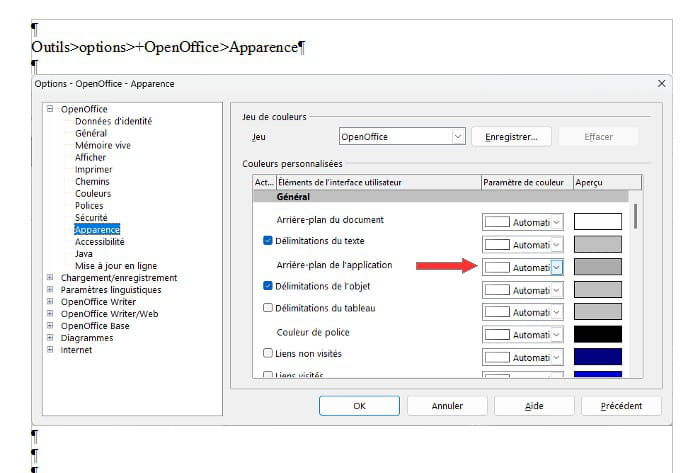
In Open Office check in :
Tools>Options>+OpenOffice>Appearance
-
Hello,
After tests, it is not possible to remove the page background (replaced by an empty background?), but it can be changed to one of the colors provided by the editor.
To test in Writer:
- in a blank file, import the text extracted from the PDF (for example with PDF24).
- the document displays on a white background.
- in the Format menu, Page Style, Background, choose the color.
- it is applied to the page. -
Hello Gérard.
I don’t understand your question: All documents have a white background, right?
That’s right, retirement! Especially in the Antilles...
Raymond (INSA, AFPA) -
Hello,
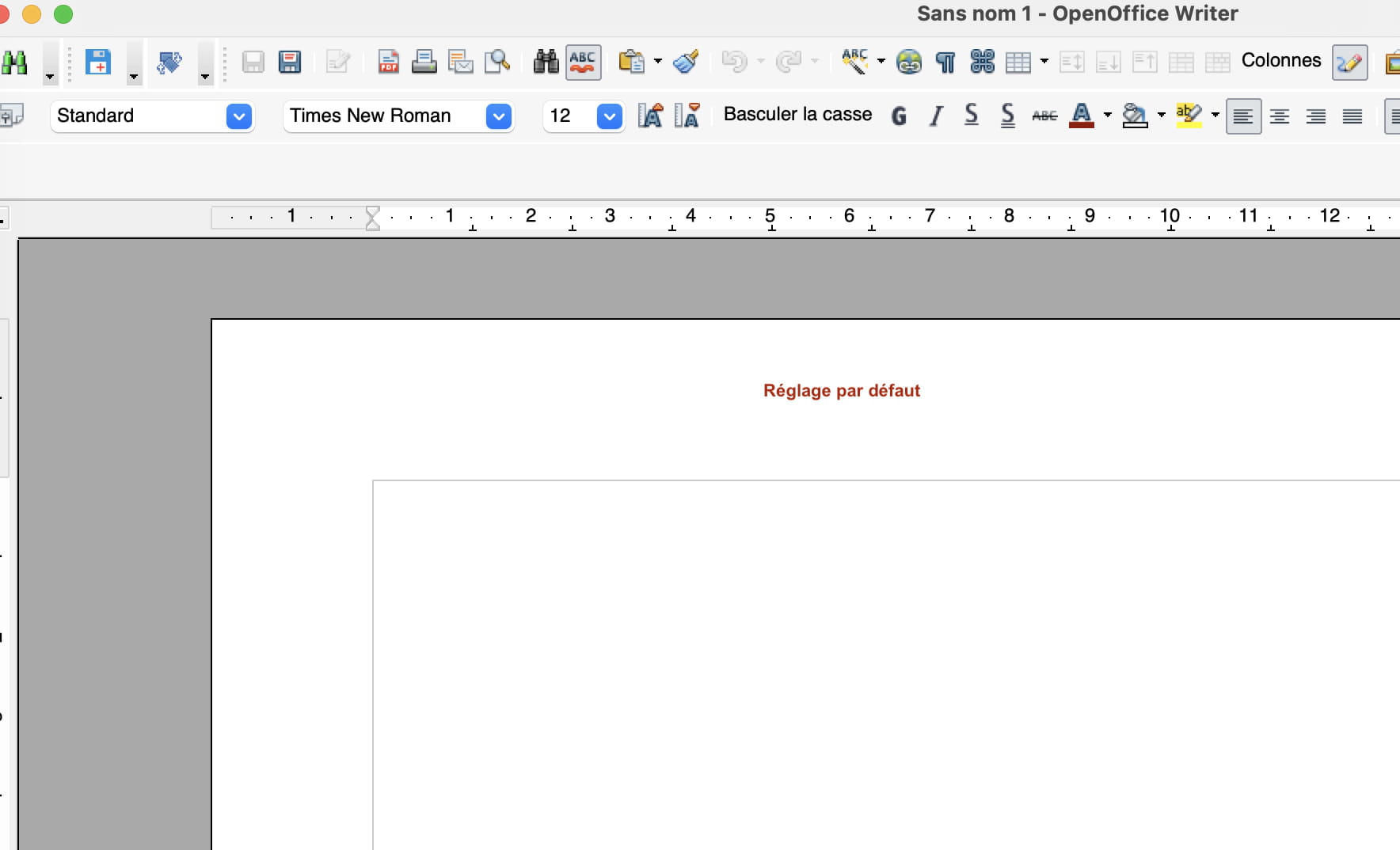
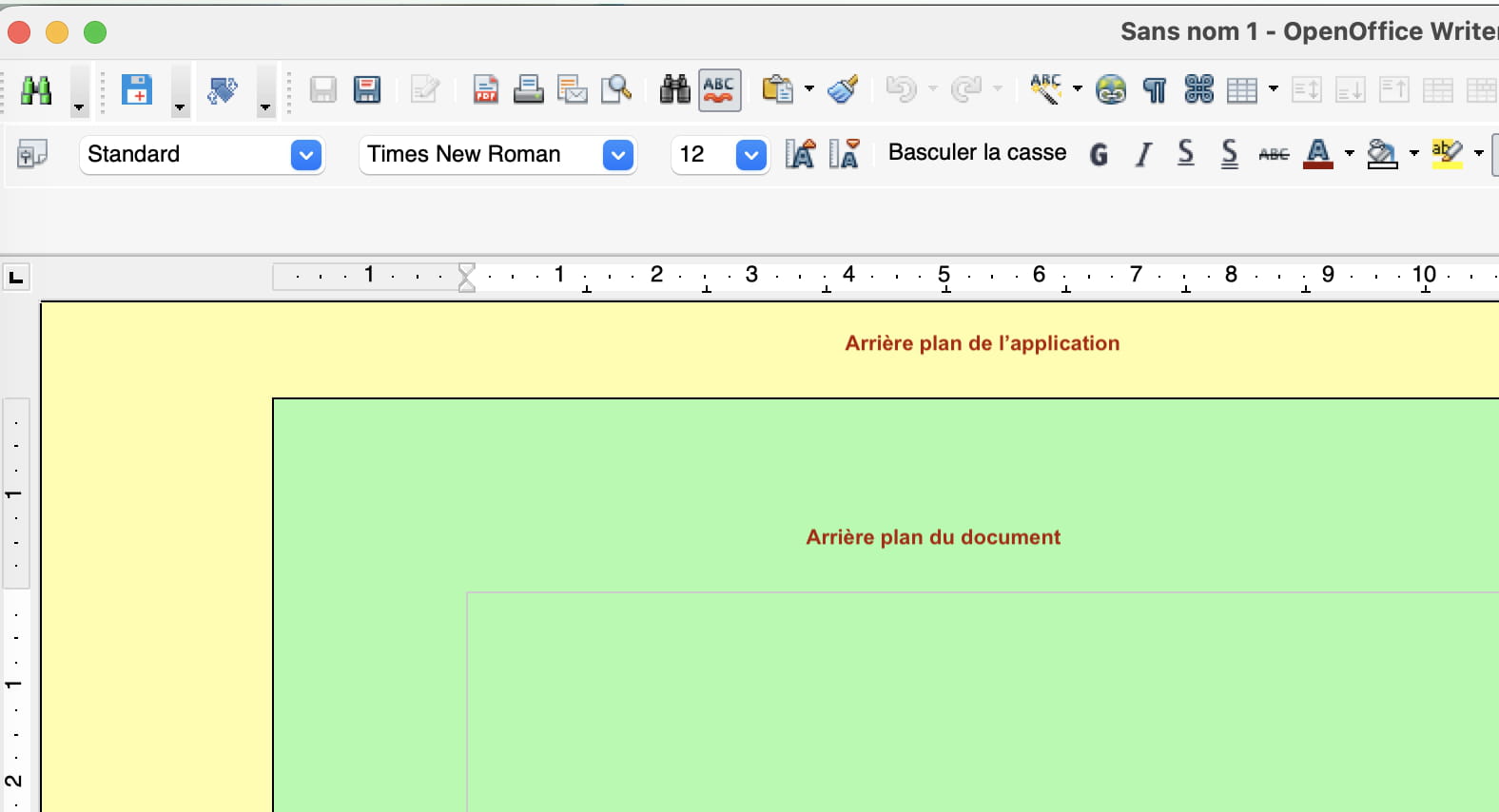
Do not confuse document background with application background.
MBA M4 + macOS Tahoe
OpenOffice, LibreOffice


