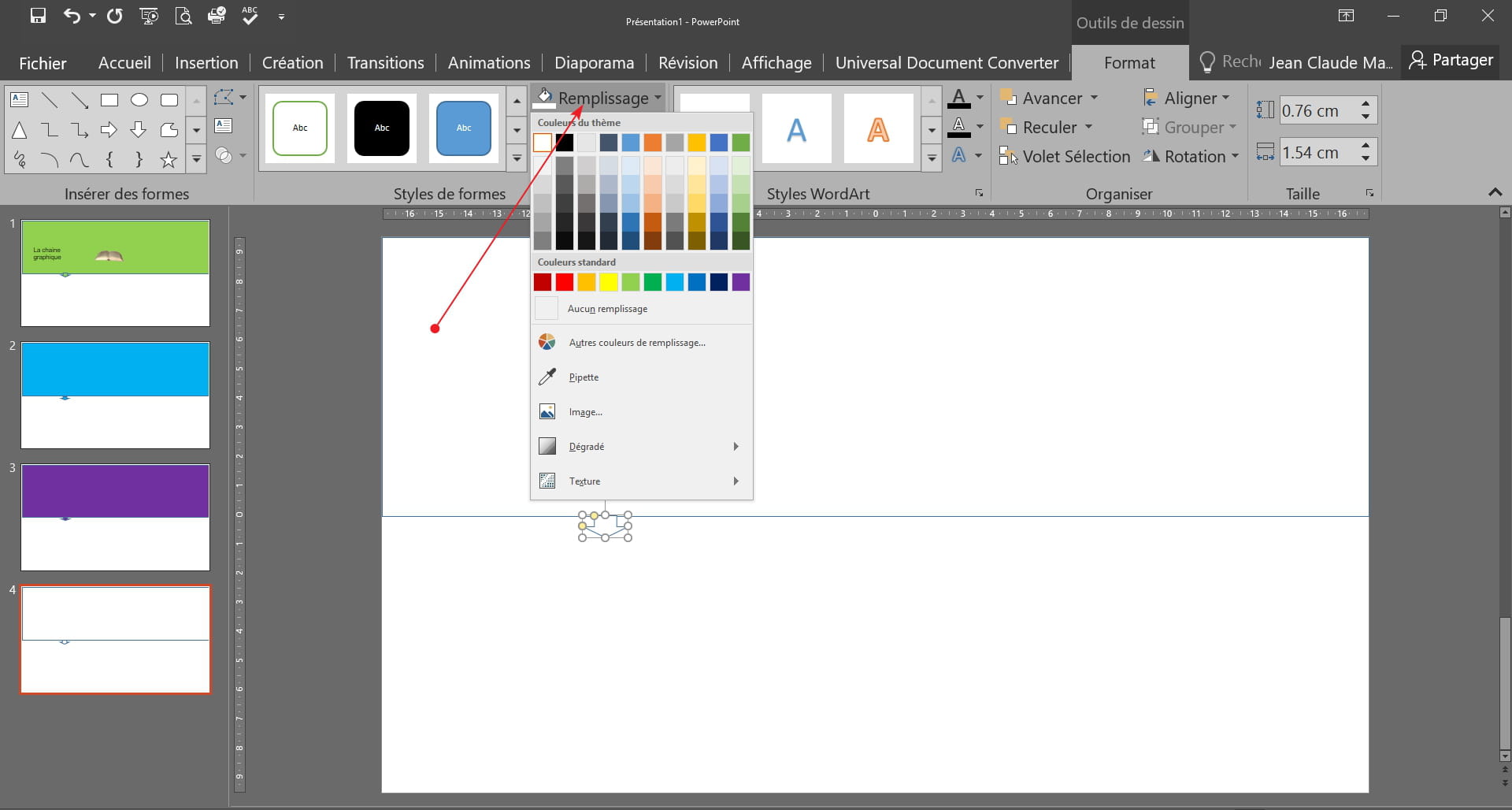
Change the color of each slide in a theme.
Solved
Ow
Posted messages
6
Registration date
Status
Member
Last intervention
-
m@rina Posted messages 27555 Registration date Status Moderator Last intervention -
m@rina Posted messages 27555 Registration date Status Moderator Last intervention -
Hello,
I need to make a presentation for young children. I chose a theme that I like with a fairly colorful "header," but I want to make sure that this header has a different color on each slide.
I tried using a master slide, but the color applies to all slides (which I don't want; I want one slide green, one blue, one pink, etc...).
I attempted to add sections thinking I could personalize certain sections, but to no avail...
I tried copying and pasting slides from one PowerPoint to another without success either; the slide color adapts to the theme used.
How could I do this?
I sincerely hope someone can help me :)

Configuration: Windows / Chrome 54.0.2840.99
I need to make a presentation for young children. I chose a theme that I like with a fairly colorful "header," but I want to make sure that this header has a different color on each slide.
I tried using a master slide, but the color applies to all slides (which I don't want; I want one slide green, one blue, one pink, etc...).
I attempted to add sections thinking I could personalize certain sections, but to no avail...
I tried copying and pasting slides from one PowerPoint to another without success either; the slide color adapts to the theme used.
How could I do this?
I sincerely hope someone can help me :)

Configuration: Windows / Chrome 54.0.2840.99