
Anomalies in my laptop usage: virus?
bazfile Posted messages 58507 Registration date Status Moderator Last intervention -
For a week now I’ve noticed strange things in the use of my desktop PC (laptop).
Here’s what I’m experiencing:
1) when I click on a function icon (open a page...), something else opens instead (it could be a Temu...).
2) when I want to delete just a letter I typed by mistake "A", the cursor highlights an entire word or more, and I have to try several times to get the result.
These oddities didn’t exist last week... but now it’s becoming tiring.
Does anyone have any idea?
Could it be a virus or something else?
Is there a free software to scan and possibly clean the computer as a precaution?
Thanks to anyone who will help.
9 answers
-
Hello,
You can use this method:
https://forums.commentcamarche.net/forum/affich-38206831-alors-vous-voulez-supprimer-les-virus-vous-meme-comment
Ask questions before being imprudent if you have detections that seem too ambiguous for you to judge on your own.
You can take screenshots with Greenshot if needed
https://getgreenshot.org/downloads/-
-
-
A little lower, it says "it deletes nothing without your request."
The installer risks nothing.
Deleting useless or bad things either, except in cases where it would be an infected system file; in those cases, after disinfection, without deleting the system files, we repair with CMD.exe and sfc /scannow -
Okay, I’ve installed the software and I’m following the procedure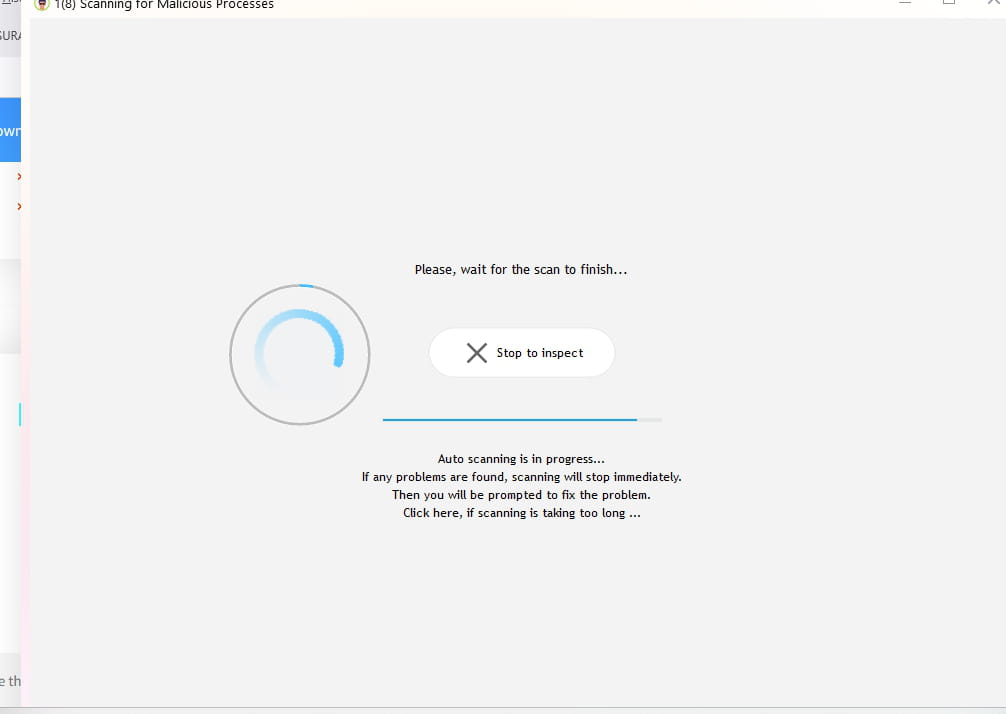
Here is the image of the result:
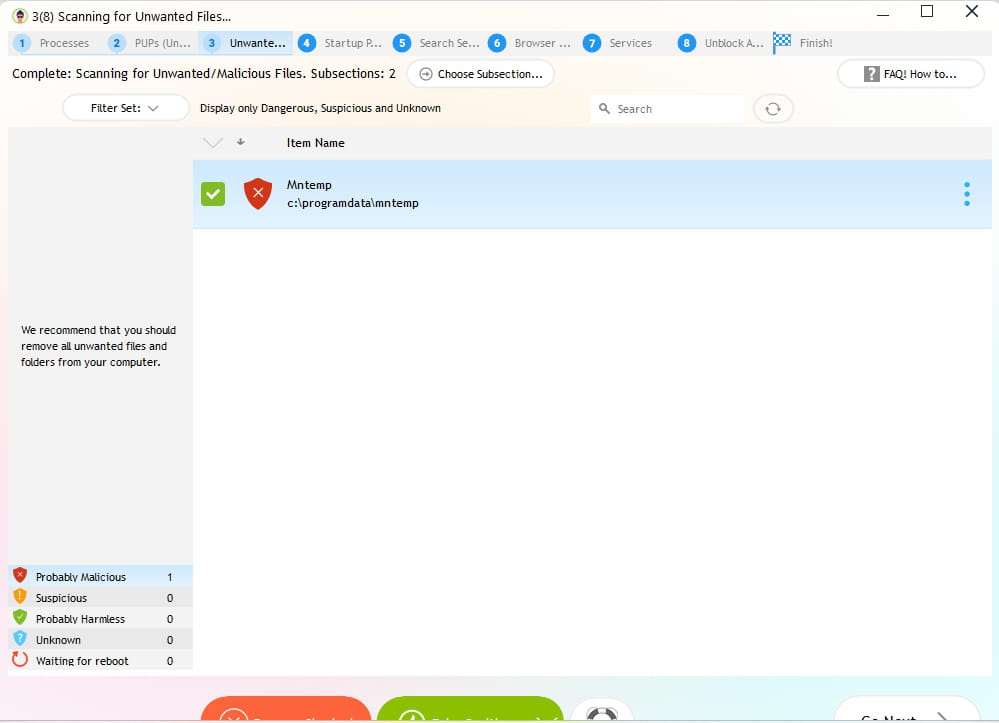 What concerns browsers is mainly found in the tabs 5. Search Settings, and 6. Browser Plugins.
There is also the ResetBrowser program if the Temu windows or others keep opening.
If it is an infection you should or could see traces, possible or not to fix with RegRun, but ResetBrowser resets the browsers to zero.
Or for Edge, if it is in Edge, there is a way to repair or reset it; I am not used to or expert in Edge either.Hello @miaw971 StatusMember .
To find out simply whether the PC is infected or not, do the following.
Download FRST .
Once downloaded, save FRST to the desktop then right-click FRST and choose Run as administrator which will look like this :
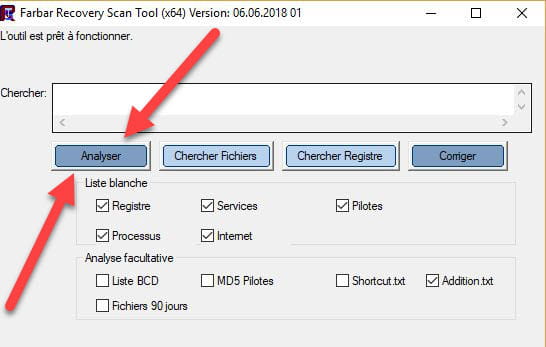

 Wait for the message the tool is ready to function to appear, then click Analyze.
Attention, wait for the messages indicating that the analysis is finished to appear.
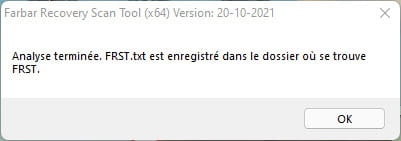
 At the end of the scan the two reports FRST and Addition will be on the desktop.
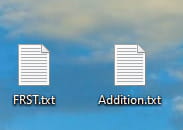
 Send the FRST and ADDITION reports tohttps://pjjoint.malekal.com/ .
Then attach the two links generated by https://pjjoint.malekal.com/ in your reply.
For information :
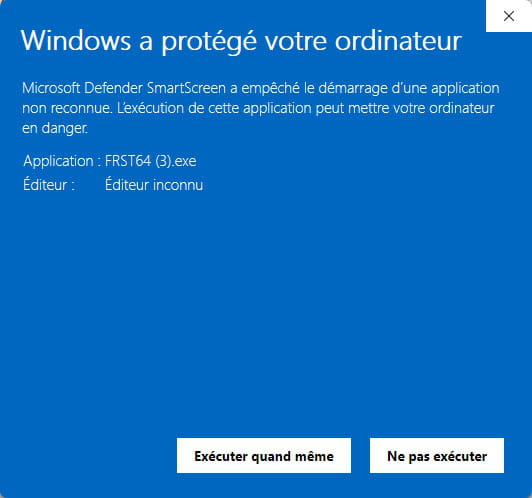
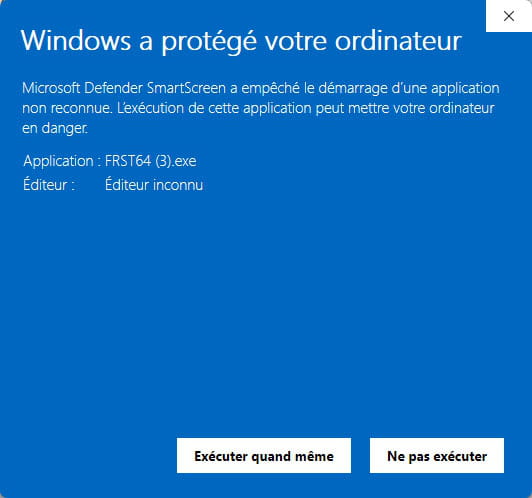
 If opening FRST triggers a Microsoft Defender alert, do not worry: click on More information then Run anyway, see below.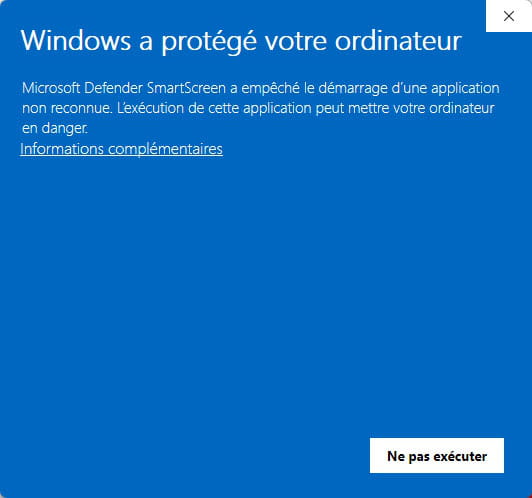


bazfile
Moderator/Security Contributor.
a hello, a reply, a thanks always makes you feel good.I clicked "go next" and it gave me this result after 1 minute of work:
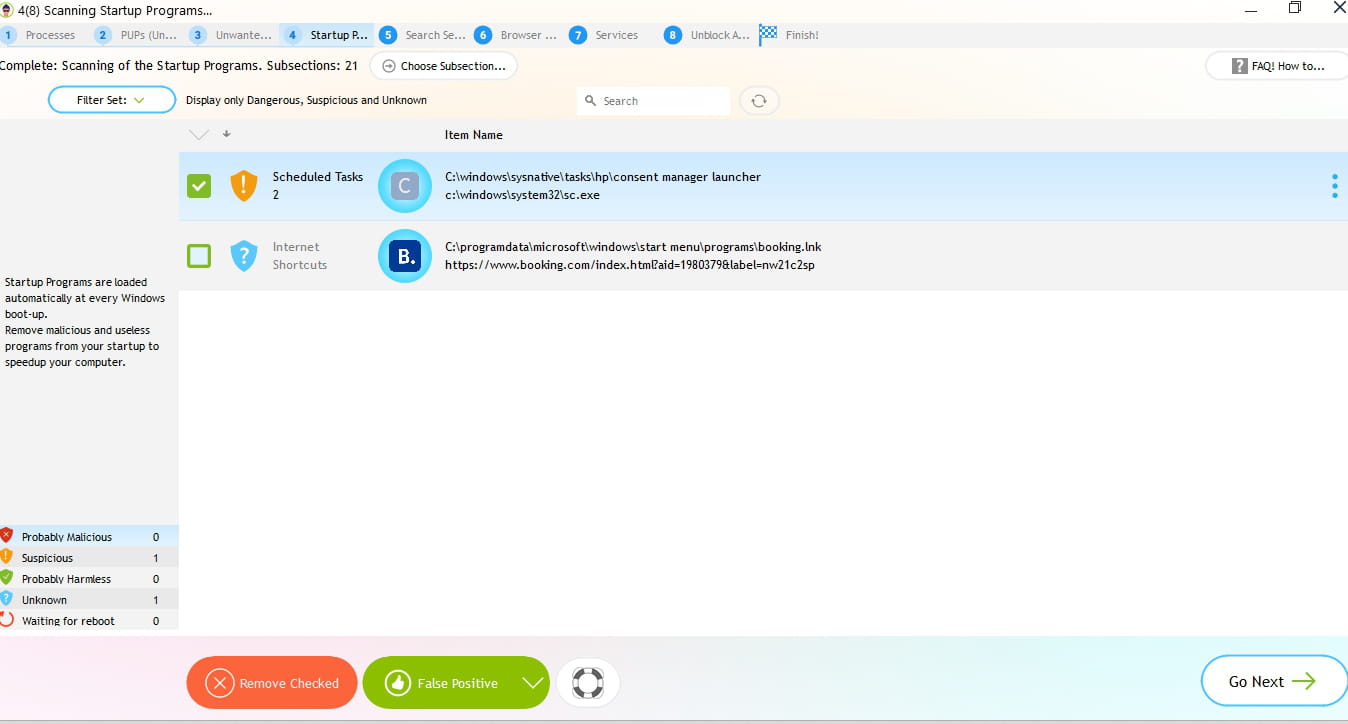
That from HP (IF you believe) (If you read the path you see HP) can be disturbing, a scheduled task on HP that leads to a Windows file, it's suspicious, you can go analyze the file C:\Windows\System32\sc.exe with VirusTotal (Choose File on the link) but do not delete with RegRun
https://www.virustotal.com/gui/home/upload
You can download Autoruns, identify the scheduled task by the path in Scheduled Tasks
And right-click on the scheduled task > Delete (With Autoruns)
https://learn.microsoft.com/en-us/sysinternals/downloads/autoruns-
The ....../System32/sc.exe does not exist in the folder list as shown in the photo
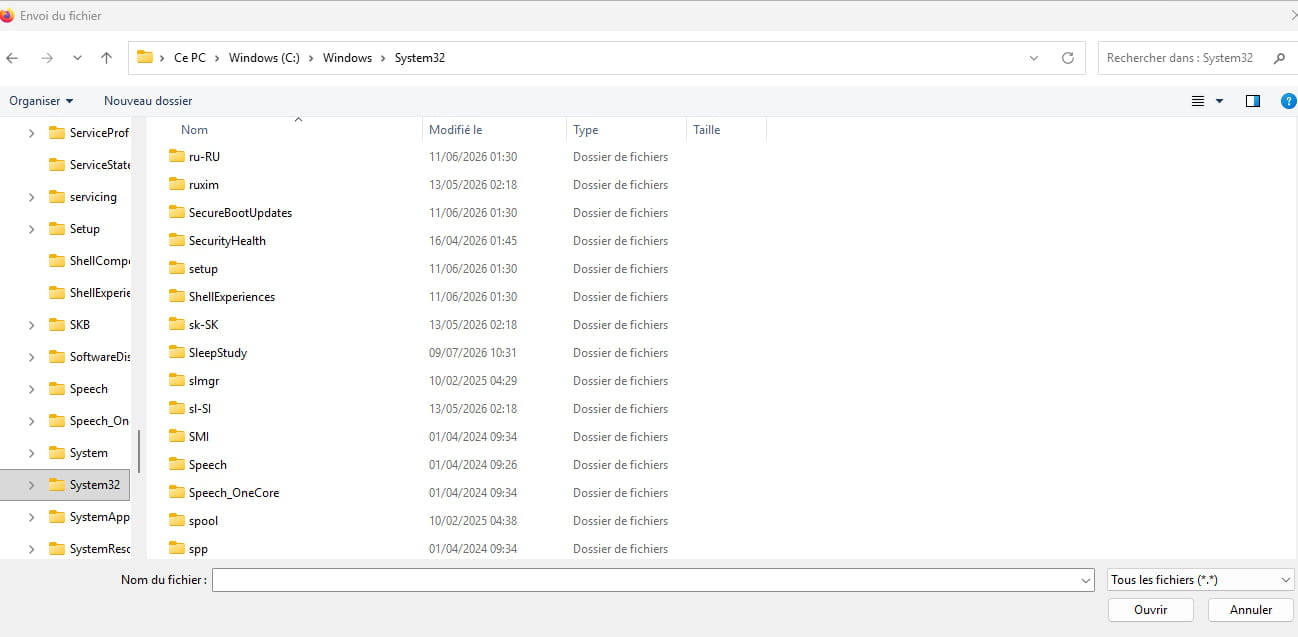
Regarding the "virustotal.com" procedure, I found the sc.exe file
When I clicked on it, I got this result as an image:
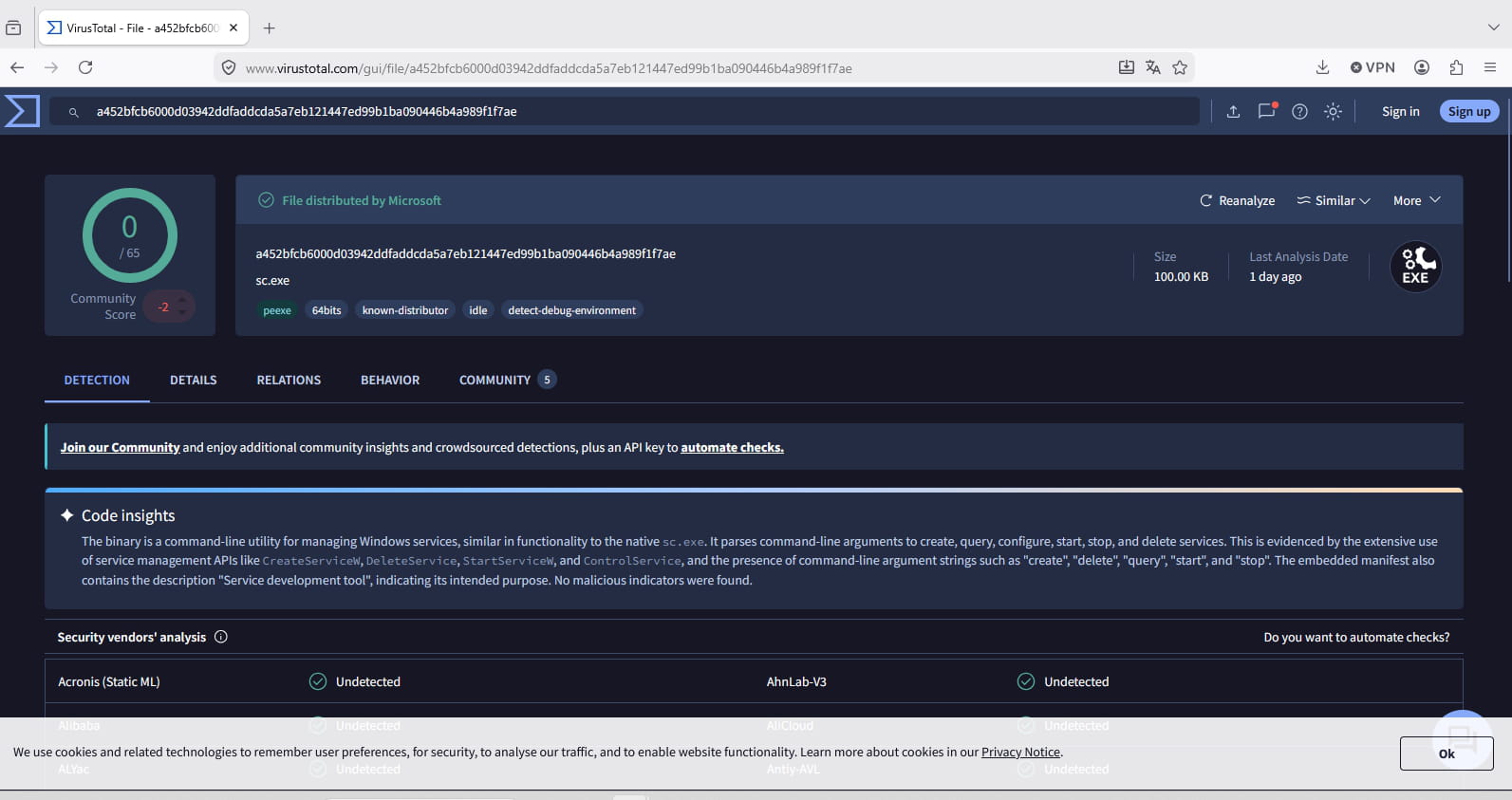
Well, okay, it's an HP task that points to a Windows file that is good (SC.exe), which doesn’t seem evil in itself.
If you want, you can delete the HP task with Autoruns, in the Scheduled Tasks tab
It serves no purpose; once it no longer exists as a scheduled task, it will no longer be detected by RegRunWhen I restart the procedure from A to Z (having clicked "go next"), this time I have no more results:-
In blue, except musnotifications (the 4th item in the list)
The rest does not come from Windows, it’s installed by you, or by a virus, but you know your programs better than I do to sort them.
Uncheck the first one at the top (No action) except VirusTotal scan to know.
Then mark those you know well as false positives with the green button (False positive) to mark them as good, (they will turn Green)
To deduce then for what remains. that we finish with all that is good in Green, then nothing else suspicious.Analyze C:\Windows\System32\sc.exe with VirusTotal (Choose File on the link)
https://www.virustotal.com/gui/home/upload
And give us the URL (The address at the top of VirusTotal after analysis)
Well there, I'm going to be blocked because I know nothing... (as I said, I'm not an expert in anything).
I only see a Booking gizmo (and I wonder what it's doing there)... otherwise, the other lines "updatehelper" or "actionwindows.exe" I don't know.
Brother = I think that's my printer scanner.
Removing Wondershare’s wouldn’t do any harm, I think, especially if you don’t use it or don’t use it often; I don’t know the program, but it’s surely useless in Registry Run (Logon in Autoruns).
Question to Bazfile:
Is there a risk in loading this software compared to the previous manipulation seen with Fabul?
I’m asking beforehand to avoid difficulties.-
No danger.
They are not antivirus in the proper sense, ones that must not be combined with others, but tools against viruses that work well together without problems since they are completely independent, do not monitor in the background, are not active when you do not use them, do not execute them.
@+ -
-

