
A not-so-bad virus?
Solvedbazfile Posted messages 58529 Registration date Status Moderator Last intervention -
Hello,
recently on my PC running Windows 11 I’ve been getting incessant alerts from a pseudo Avast, it seems my antivirus has expired and the PC is infected.
Well, can we just delete all this easily or is it serious?
Thanks in advance for your responses
4 answers
-
Hello,
See here:
https://forums.commentcamarche.net/forum/affich-38206831-alors-vous-voulez-supprimer-les-virus-vous-meme-comment
If it’s just browser notifications, you’ll see Notifications in the Browser Plugins tab of the first program, which covers Edge, Chrome, and Firefox, in addition to Windows.
Otherwise in your browser’s Privacy and Security settings
You should delete / revoke the permissions you granted to sites so that they send you notifications.
Best regards -
Okay, thanks for the response!
I’ll try to apply your advice; it’s not easy because the entire right side of my screen is taken by this display that moves all the time.
Thank you again!
-
Hello @Hdeuseau StatusMember.
The PC is not infected; these are parasitic notifications you registered in your web browser.
Two options are available to you.
- Either delete the parasitic notifications yourself, for this read this page and also this page.
Or reset the concerned browser manually or with Reset Browser.
- If you can't get there download FRST .
Once downloaded save FRST to the desktop, then right-click FRST and choose Run as administrator, which gives this:
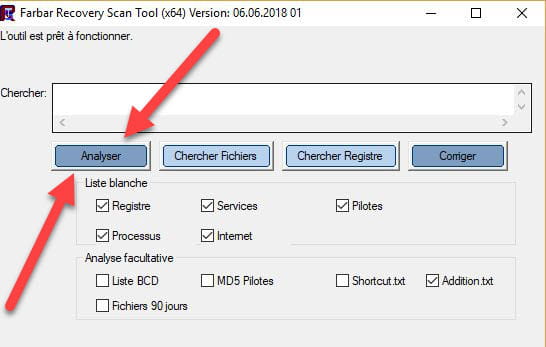

 Attendre que le message l'outil est prêt à fonctionner s'affiche puis cliquer sur Analyser.
Pour information :
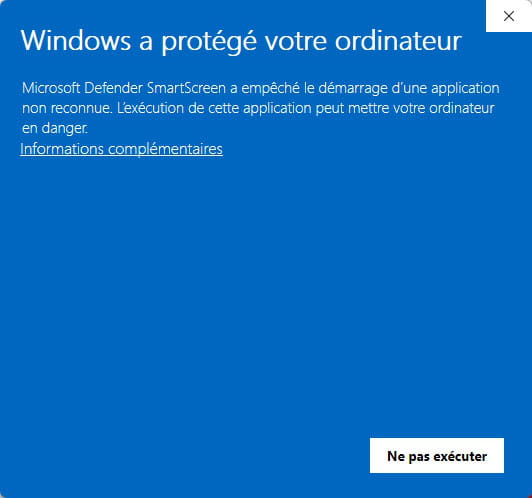
 Si l'ouverture de FRST provoque une alerte de Microsoft Defender ne pas en tenir compte cliquer sur Informations complémentaires puis sur Exécuter quand même, voir ci-dessous.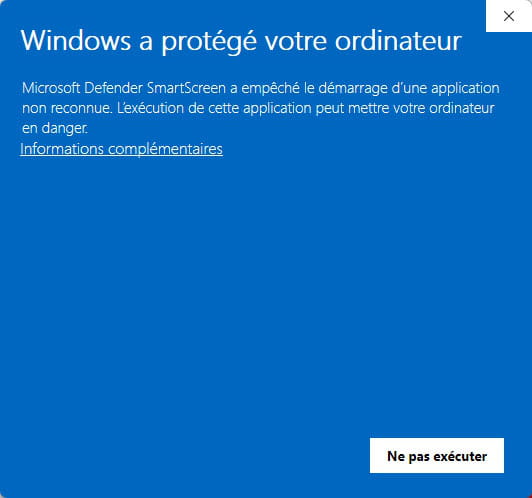

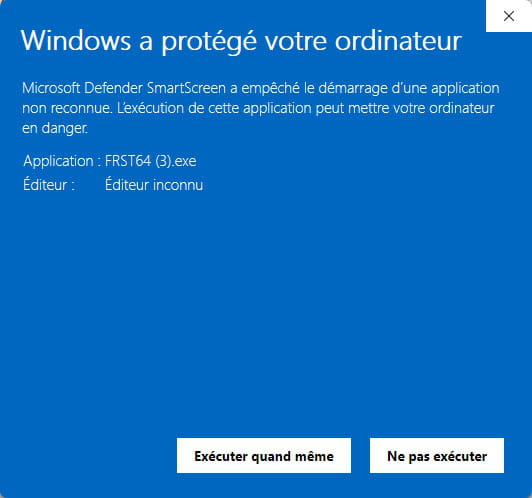
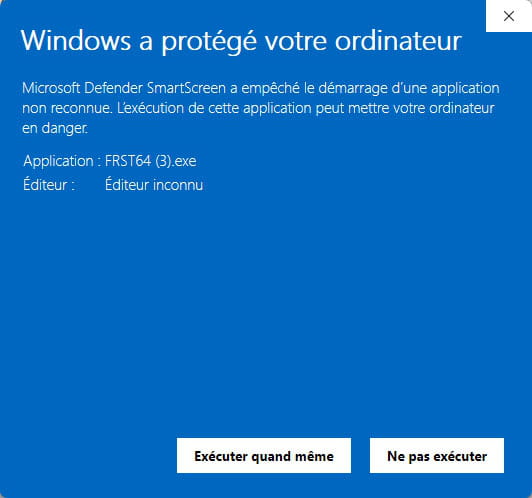
Attention, attendre que les messages disant que l'analyse est terminée s'affichent.
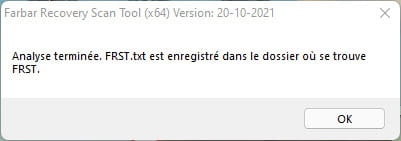


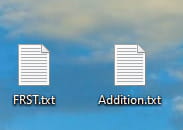
À la fin de l'analyse les deux rapports FRST et Addition seront sur le bureau.



Envoyer les rapports FRST et ADDITION sur https://pjjoint.malekal.com/ .
Puis joindre les deux liens générés par https://pjjoint.malekal.com/ dans ta réponse.
bazfile
Modérateur/Contributeur sécurité.
un bonjour, une réponse, un merci font toujours plaisir. -
Thank you all for your responses, sorry for the delay, I couldn't be here sooner.
Indeed it wasn't a virus, just a notification sent by the browser.
Everything is working fine again!
Thanks again, have a nice day.......

