CANON MG3650S Setup
Solved
kaneagle Posted messages 86298 Registration date Status Moderator Last intervention -
Hello,
We had an old Epson that worked very well except when I changed computers to WINDOWS 11.
My partner could print from his Windows 10 computer, but I could only scan.
So we bought a Canon MG 3650S three days ago.
My spouse installed it on his computer with Windows 10 using the CD without any issue.
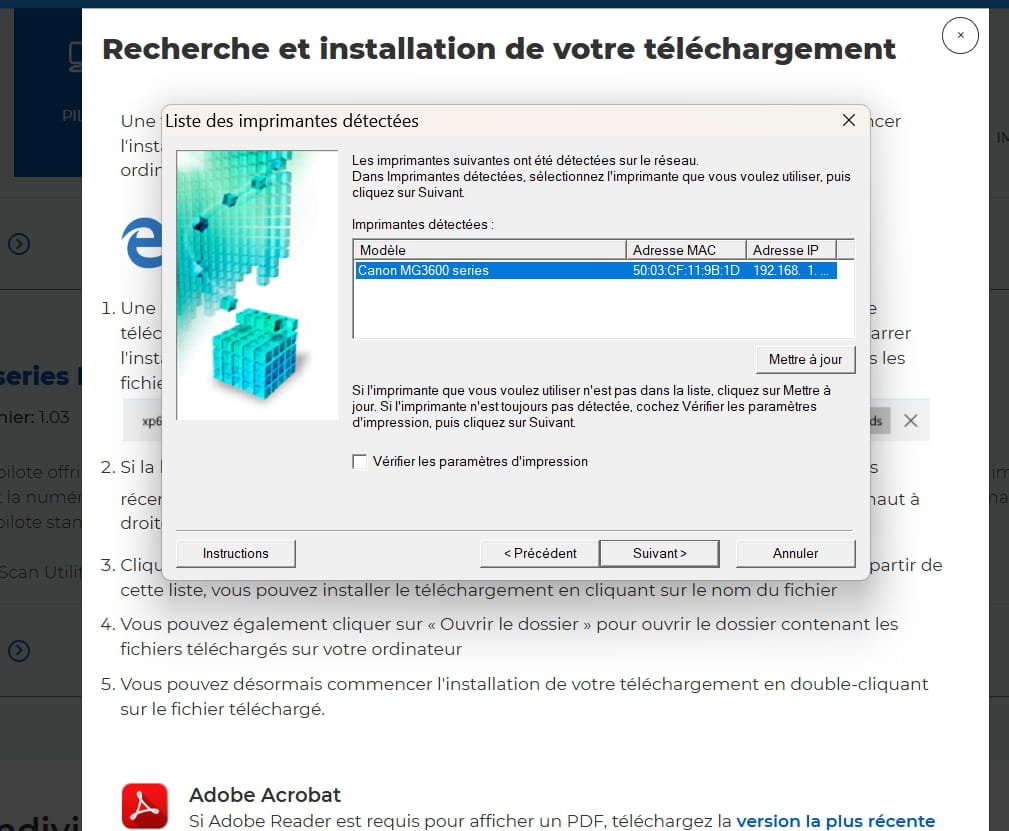
After trying to install the CD on my computer, it didn't work with Windows 11, so I searched online and installed the MG3600 series using a link from CANON, even though I typed in MG3650S, but without success.
Could it be because my partner installed it under WINDOWS 10 while I have WINDOWS 11?
I have already spent three afternoons trying to find a solution; I'm tired.
Can you help me? Thanks in advance.
14 answers
-
More ideas!
Last suggestion:
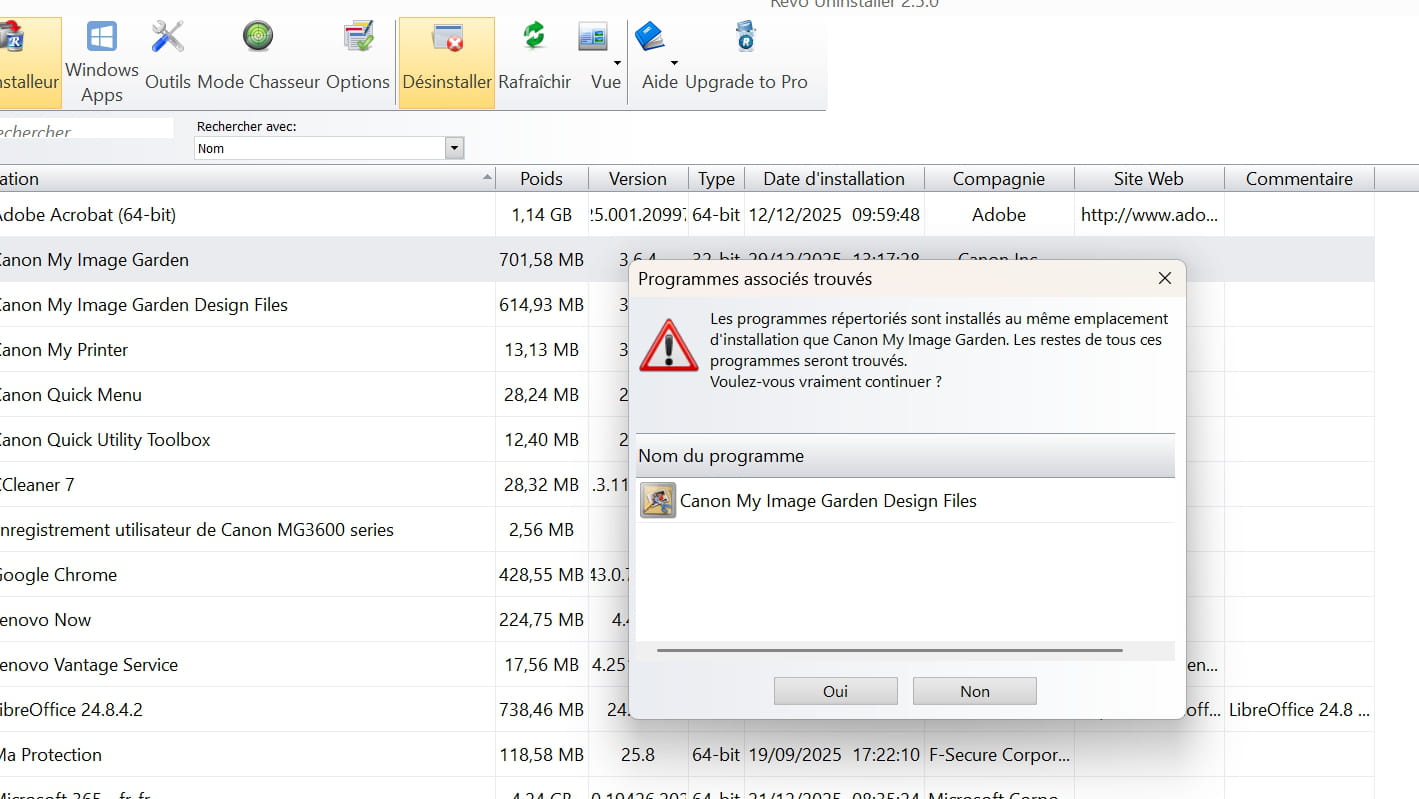
Run Revo-Uninstaller as an administrator
Uninstall all products of the Canon printer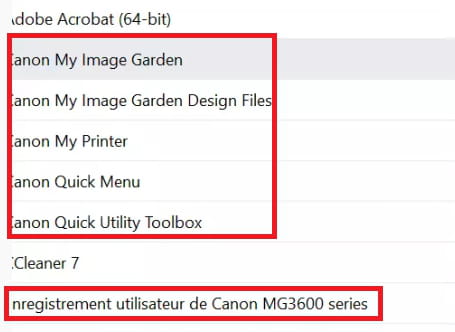
Follow the tutorial carefully to uninstall everything properly, including folders and leftover keys.
For the residue scan, check --> advanced mode
Restart the PC.--------------------------------------------------------------------------------------------------------------
Download and install --> 7Zip 64 bits
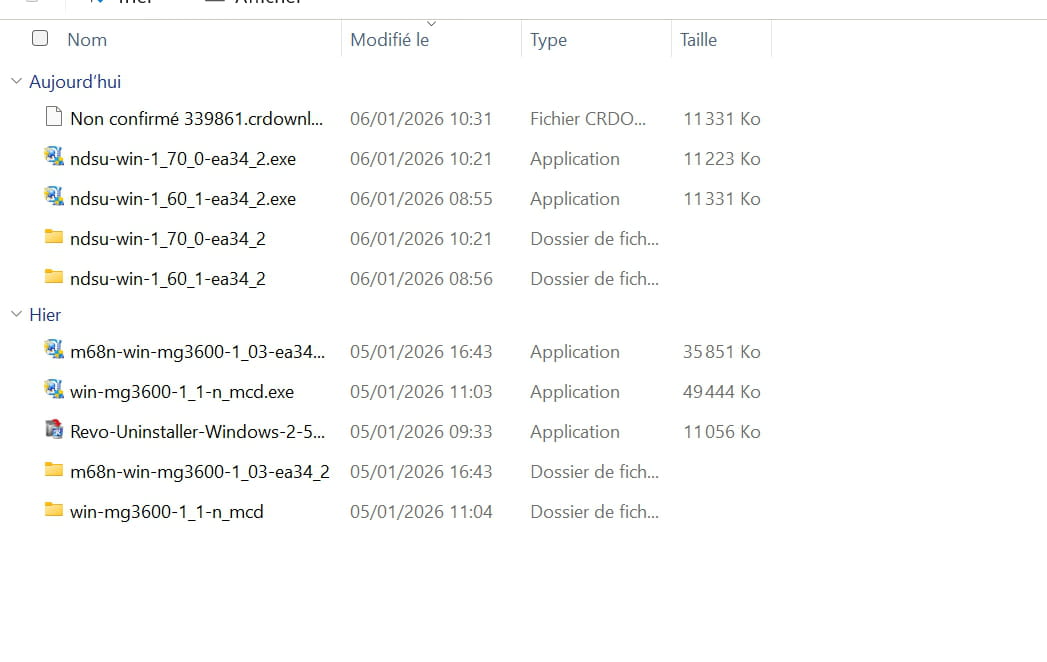
Right-click on the driver --> win-mg3600-1_1-n_mcd.exe
Select --> 7Zip
Choose --> extract to "win-mg3600-1_1-n_mcd"
Turn on the printer
Go to the unzipped driver folder --> win-mg3600-1_1-n_mcd
Folder --> win
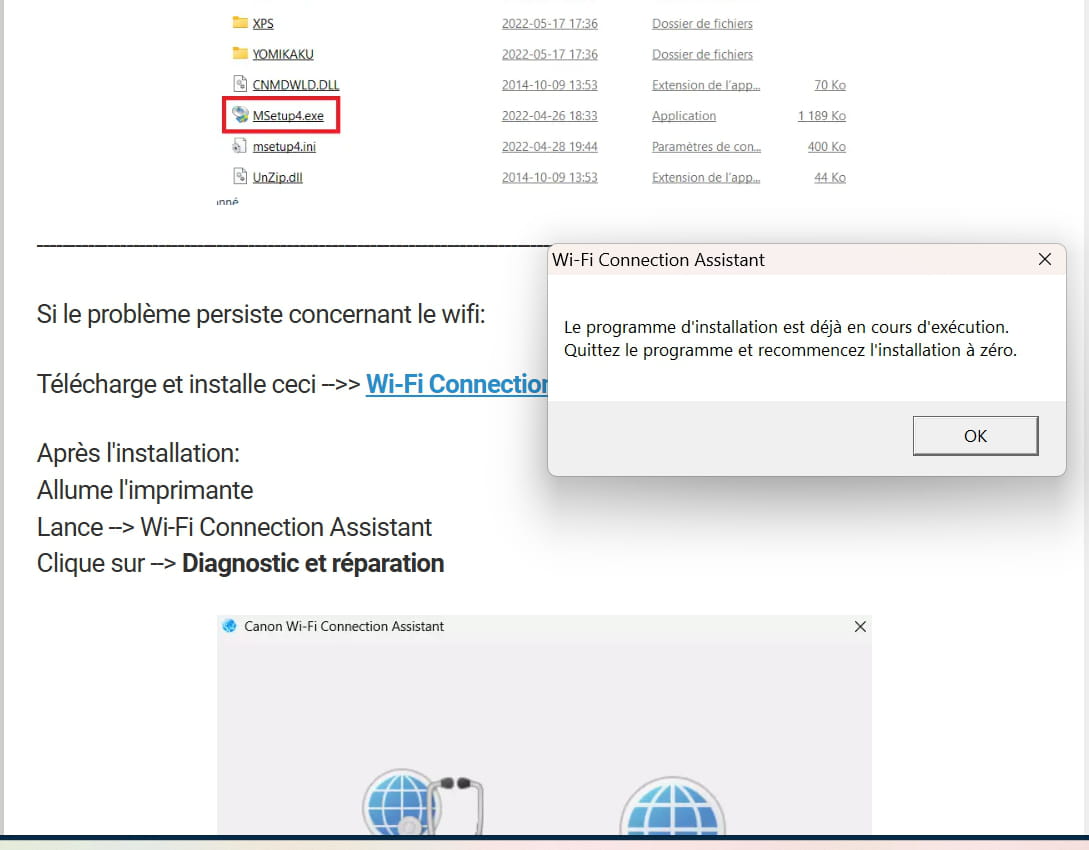
Run the --> MSetup4.exe
Follow the instructions.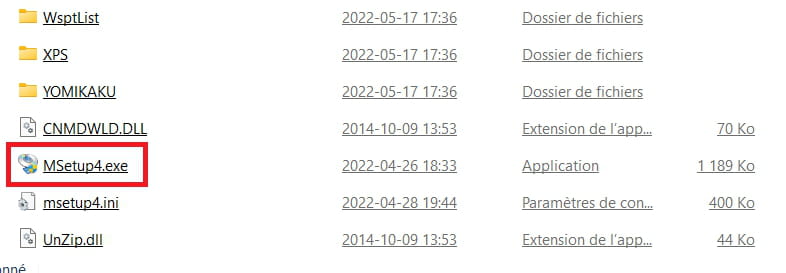
-----------------------------------------------------------------------------------------------------------
If the wifi issue persists:
Download and install this --> Wi-Fi Connection Assistant <<---
After installation:
Turn on the printer
Run --> Wi-Fi Connection Assistant
Click on --> Diagnostics and Repairs
------------------------------------------------------------------------------------------------------------
If that doesn't work, try the other option --> Printer network configuration.
-
I don't know your name, thank you
This is where I am this morning
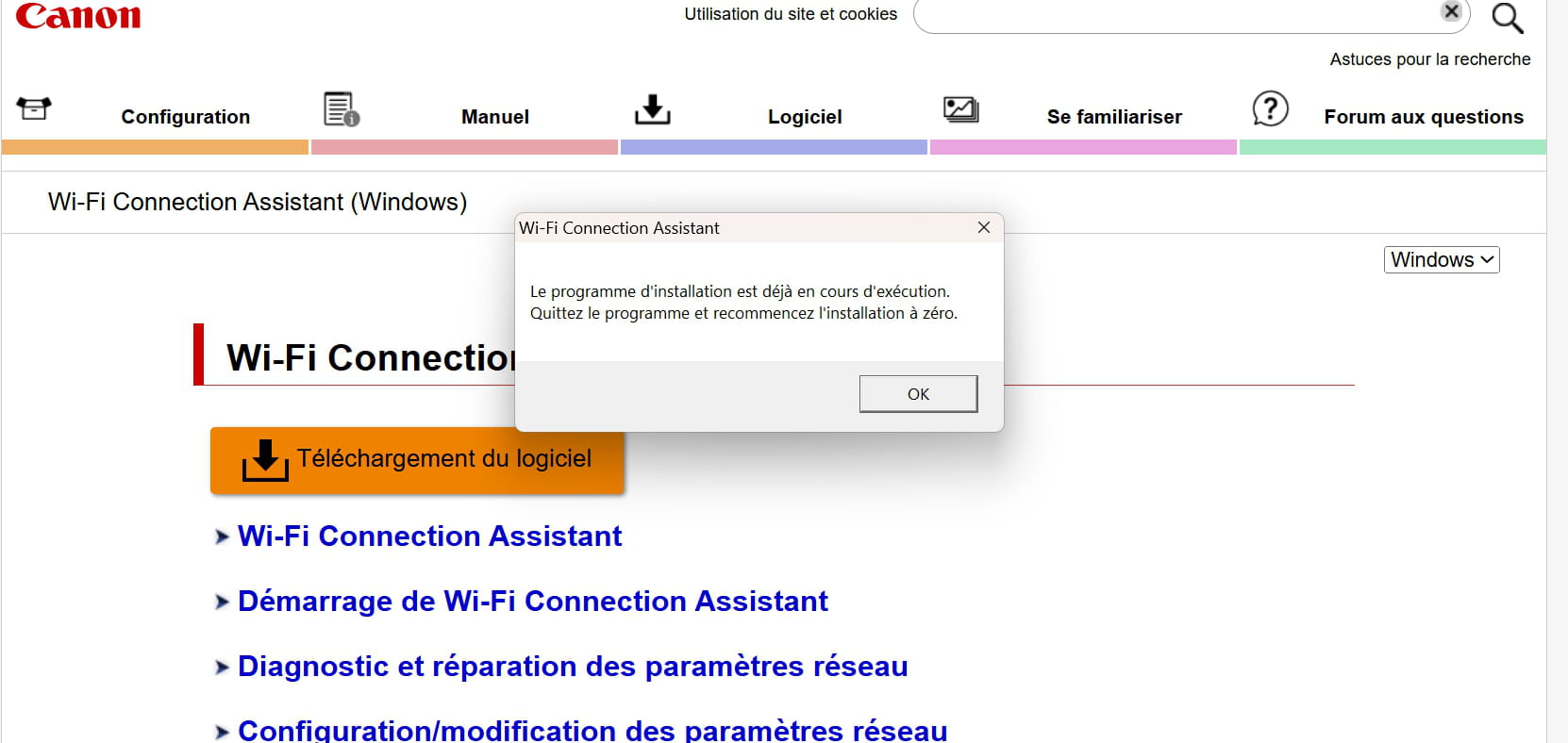
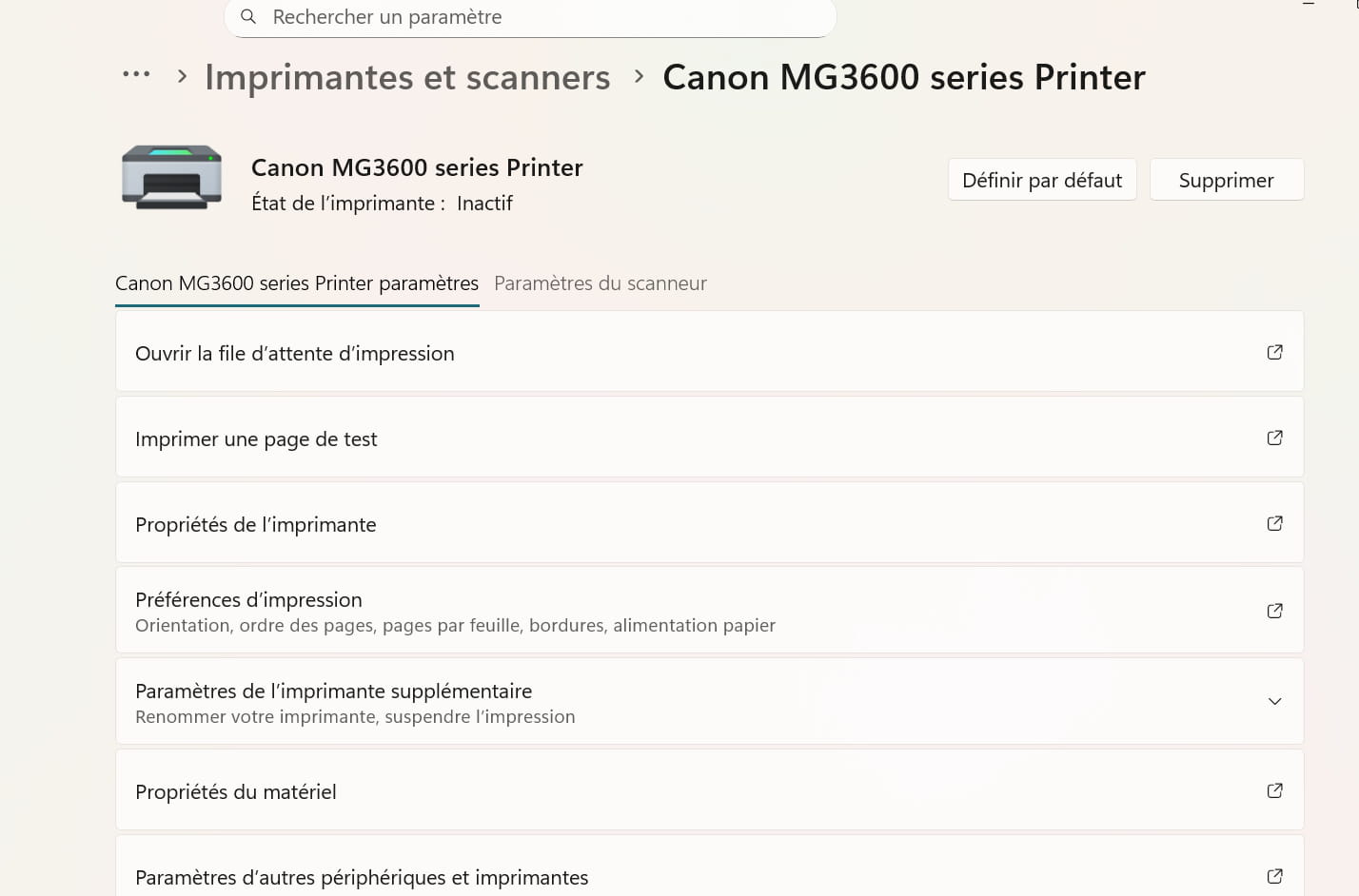
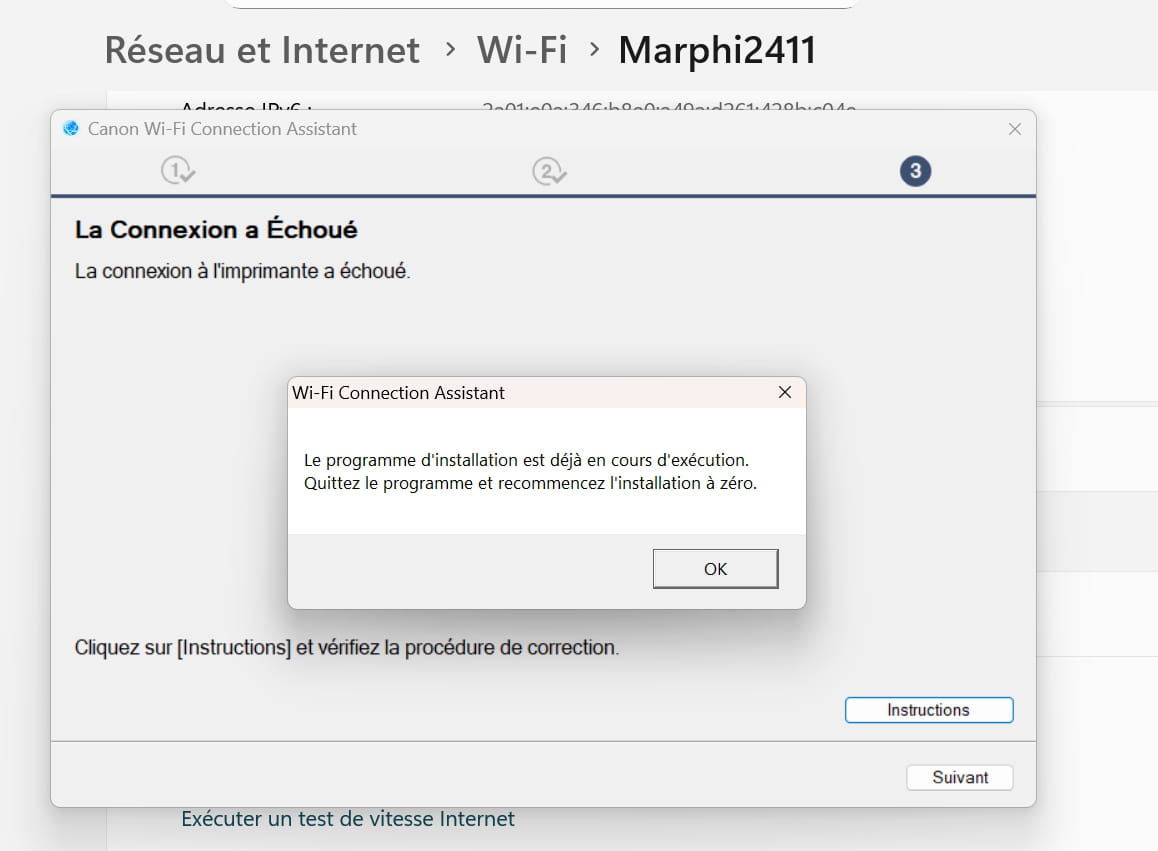
still the same problem
Run an sfc:
Windows key + X
Select --> Terminal (administrator)
Type --> sfc /scannow and hit enter
A system file check will be performed.--------------------------------------------------------------------------------------------------------
If there are missing or corrupted files, perform a Windows repair.
Check this tutorial --> Repair Windows 11 without data loss
-
Thank you. Now it's still blocking for screenshots on my computer. I just took a picture that I'm sending you on my phone.
And well, without success.
Sometimes I hate computers. I can no longer take screenshots. I took a photo of the message to attach it but again this message: The file exceeds the limit allowed by the server!
IN ANY CASE it was stated: "Windows Resource Protection found corrupt files and repaired them.
What else should I do? Thank you for your response
The Windows resource protection has detected corrupted files and repaired them.Uninstall all Canon products using Revo-Uninstaller.
Then, turn on the printer.
Go to the unzipped driver folder --> win-mg3600-1_1-n_mcd
Folder --> win
Launch the --> MSetup4.exe
Follow the instructions.--------------------------------------------------------------------------------------------------------
If the problem persists, perform a Windows repair.
Check out this tutorial --> Repair Windows 11 without data lossHello,
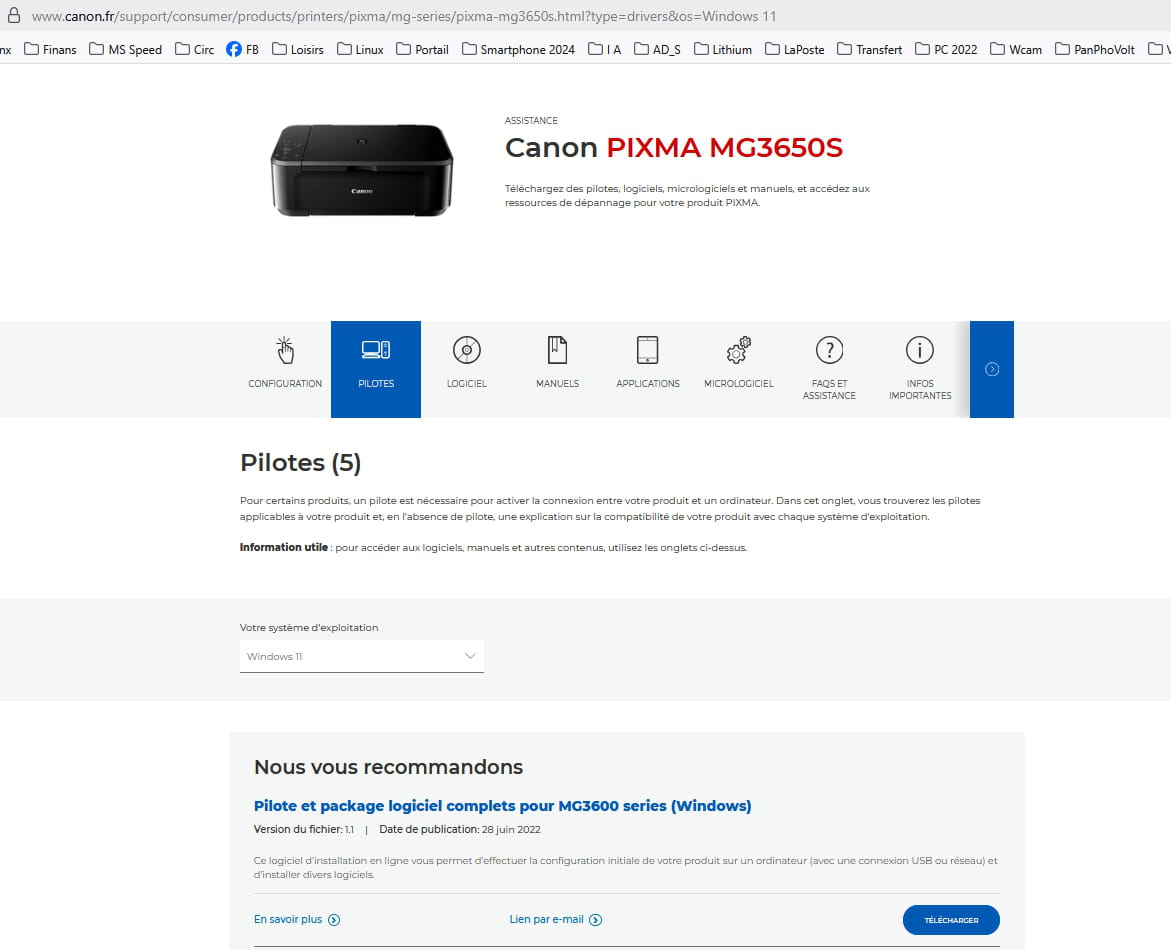
Use the package for Windows 11 available here.
What is well conceived is clearly stated,
And the words to say it come easily.
(Boileau)Thank you, already installed on my computer
I want to upload JPG photos here but can't find how to do it
My partner installed it via WIFI and he suggested I enable WPS, which I did. Could that make a difference?
I just looked at the icons on my partner's computer to compare them to those on mine. ONE main one is MISSING: Start my printer and 2 others: Show ink model numbers and open the page to buy ink and describe basic operations.
-
Whether your printer is connected to your box via Wi-Fi or WPS is irrelevant. The result is the same. WPS is easier to set up.
The most important thing is to know if Windows has recognized your printer.
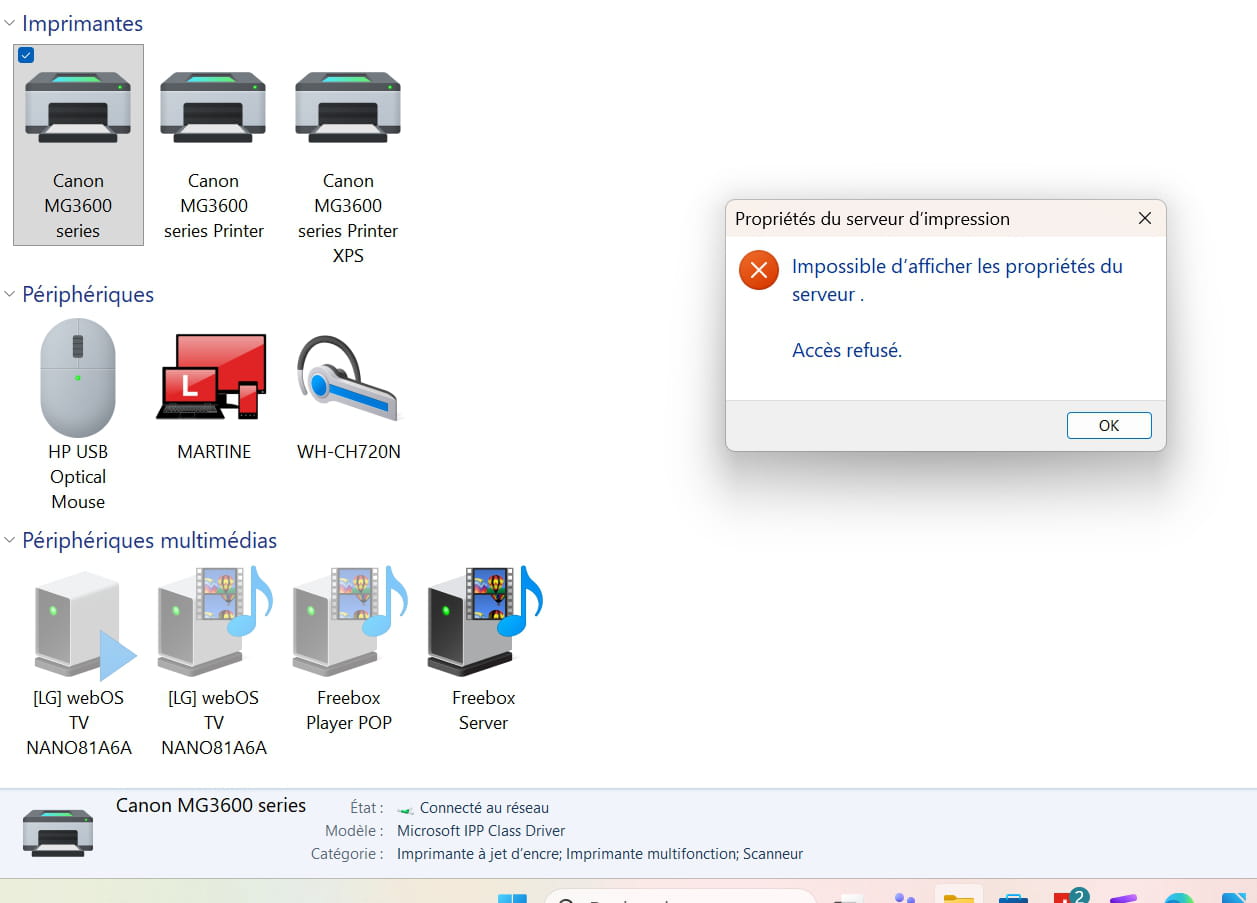
Go to Settings > Bluetooth & devices > Printers & scanners.
Is your printer listed there?
If so, it will be called upon when you need to print something.
You need to check in Windows programs if what you are missing is installed (My Printer, Quick Menu).
It is possible that it is installed, but you may not have the icons on the desktop.
Thank you very much for your reply. I turned off my computer as I was very tired. I will take care of it tomorrow ????
By the way, thank you for telling me how to upload a JPG photo here so that I can show you the programs I have already installed.
Have a good evening and see you tomorrow
-
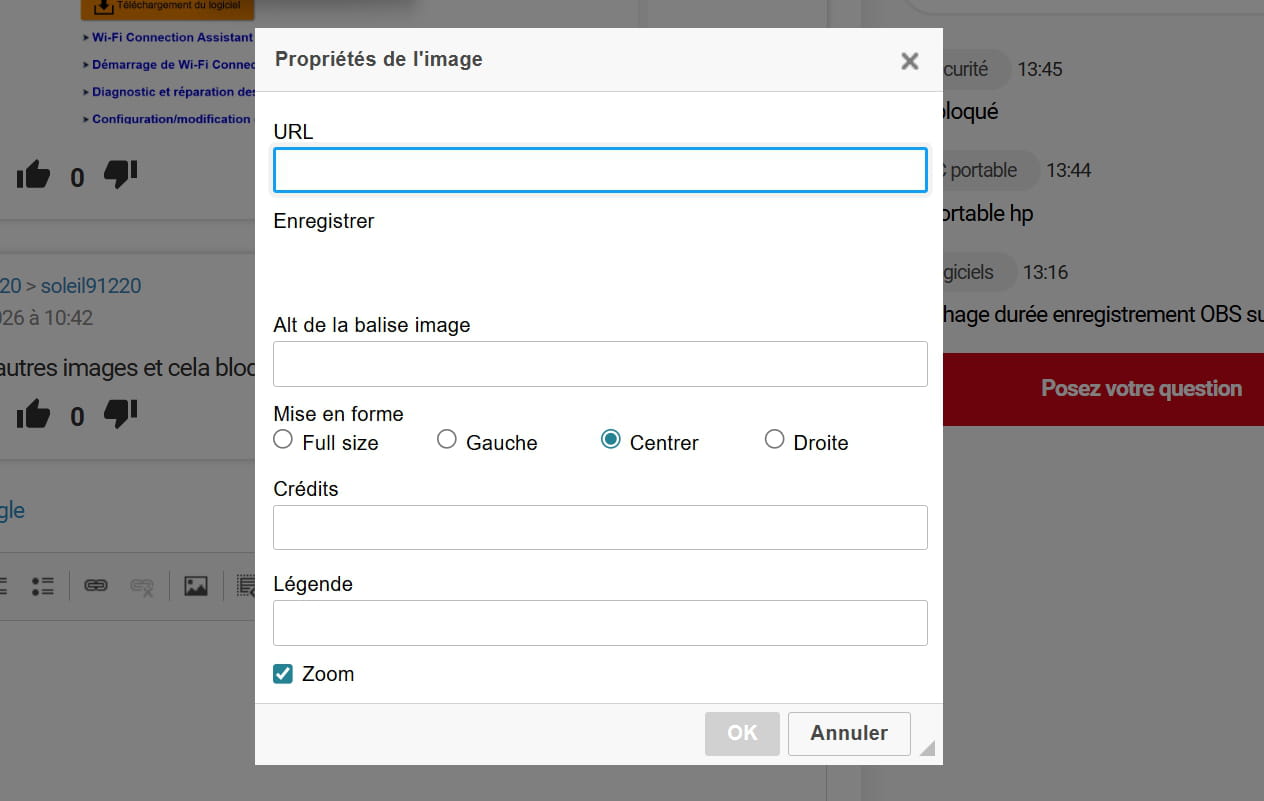
To send an image, open the reply or comment window and click on the icon that I have encircled:

Then, select the image from your computer by clicking on Choose a file.
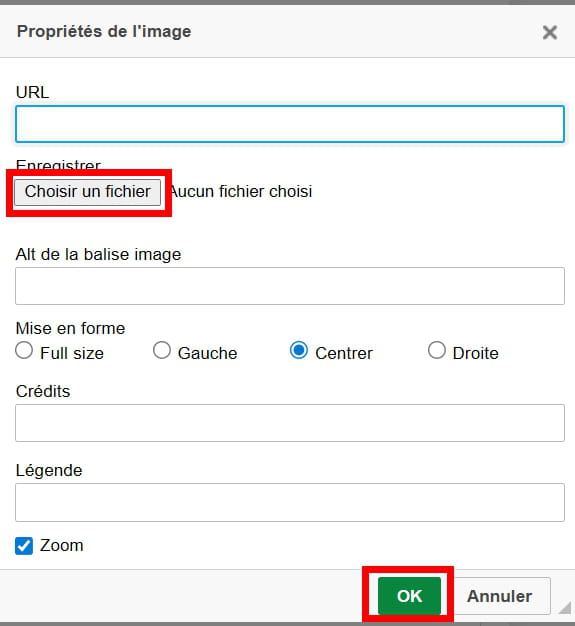
The URL line fills in automatically and you finish by clicking on OK.
Hello
I took a break because computing is exhausting me. Here's a summary:
My partner, on Windows 10, installed it without difficulties but I, on Windows 11, then encountered only problems: the test page worked, I could scan but could not print although my printer appeared I could not activate it.I lost 7 days on this, first asked for help from AI then called CANON who took control of my computer, not succeeding they asked me to call MICROSOFT who also did not succeed. All this 4 times in a row for 1 hour each.
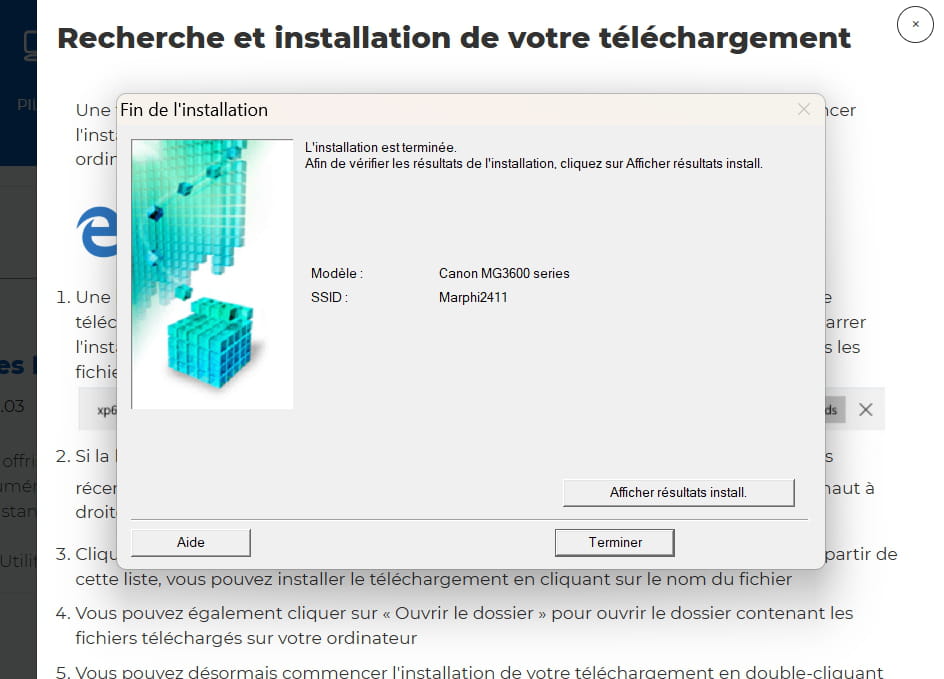
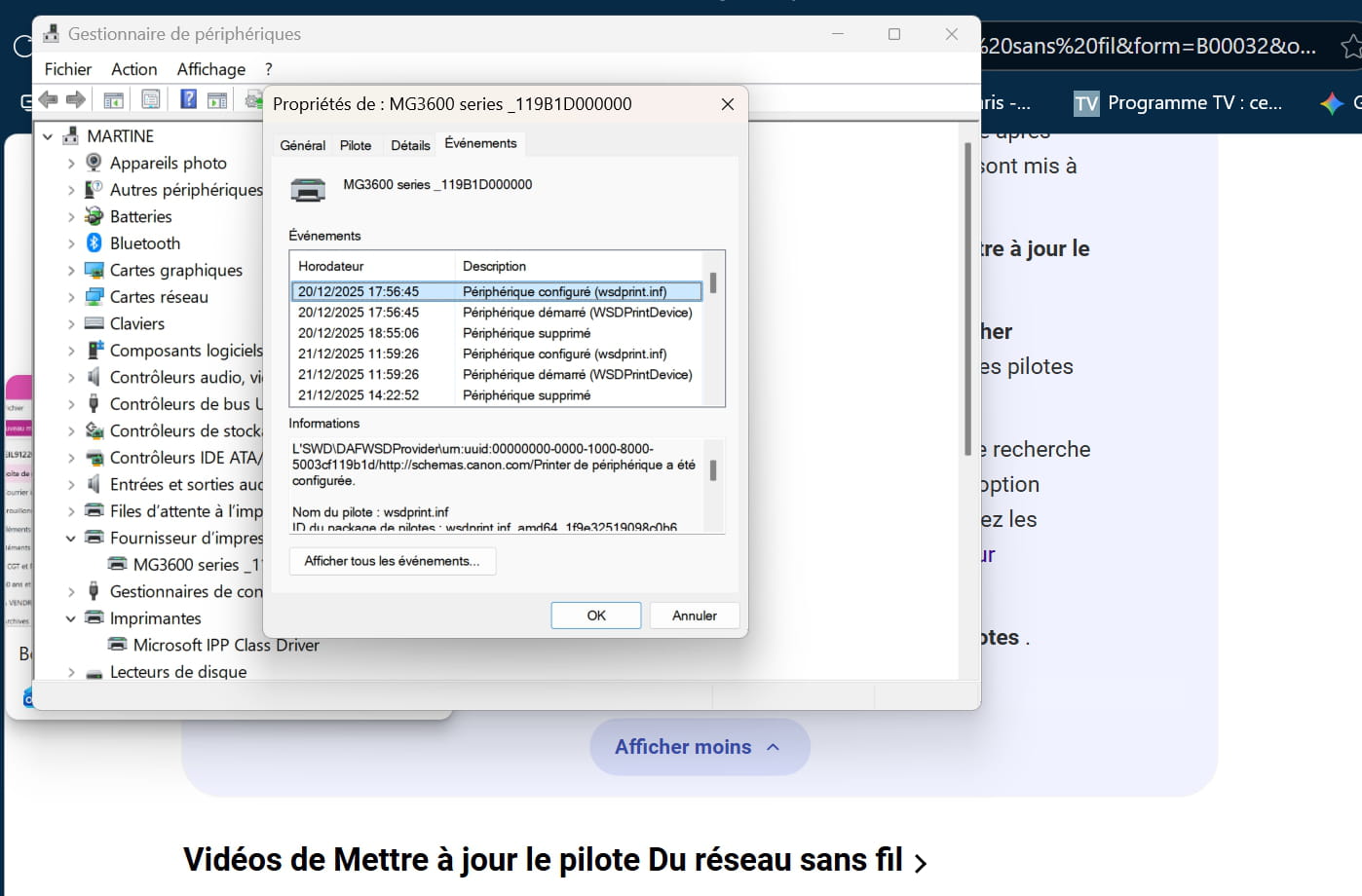
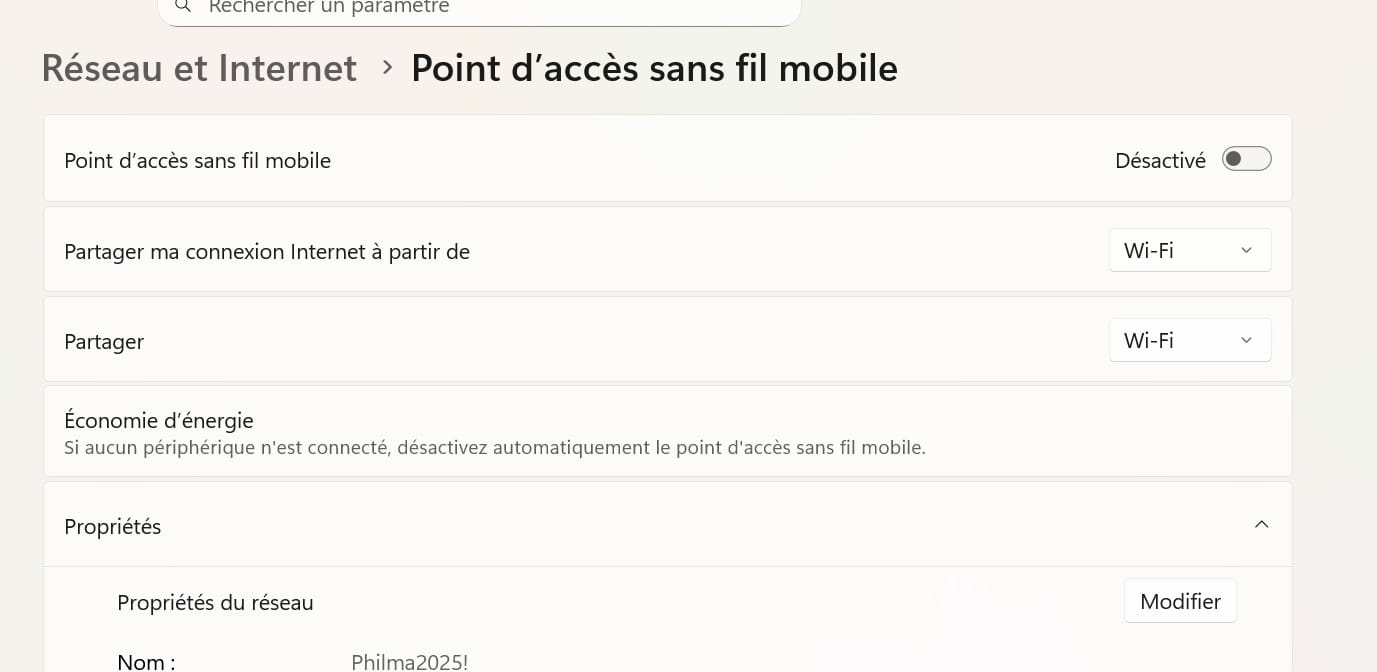
Let me clarify that the WIFI name was changed afterwards because a friend told me it wasn't normal for my network name to appear on the box; she changed it. So with CANON or MICROSOFT, I forgot, we uninstalled and reinstalled the printer with the correct WIFI which appears well corrected on the test page. However, even though it is indicated "this device is working properly," we are unable to activate it.
However, having cameras at home, with the help of FREE we installed both 2.4G and 5G for the WIFI. I wonder if that's what's causing the problem. I think there are 2 networks, one in 5G and the other in 2.4G and I don't know what to do.
The only solution proposed by MICROSOFT was to uninstall WINDOWS 11 and reinstall it. I replied that it was the holidays and that I would send them an email next week when I was available. This solution scares me, and I think there must be something else to do. Could one of you advise me? THANK YOU IN ADVANCE.
Hello,
Uninstall and perform a clean reinstall of the printer.
Download and install --> Revo Uninstaller
Run it as administrator
Uninstall all products from the Canon printer
Follow the tutorial carefully to uninstall everything cleanly, including residual folders and keys.
For scanning residues, check --> advanced mode
Restart the PC.
Download this driver --> MG3650S
Turn on the printer
Launch the driver setup
Follow the instructions.-
Hello
I have uninstalled all Canon and shut down the computer.
I'm going to take a break and reinstall with the provided link, thank you. I'll let you know if this time it accepts recognizing the printer.
On another note, I managed to upload a photo, but then when I tried to add more, I wasn’t able to ????
See you later
-
Hello. As you instructed, I have uninstalled all CANON and reinstalled it.
However, I can still scan but not print. It does not find my printer.
I am on at least my 8th uninstallation and reinstallation. I CAN'T TAKE IT ANYMORE. I have a new computer and a new printer as well.
I am 70 years old, I don't want to uninstall Windows 11 and reinstall it. I DON'T THINK IT'S COMING FROM THAT. Please help me. Thank you.
-
Hello. It's off to a good start this morning.
So, as with previous times, the printers appear but I can't set them as default
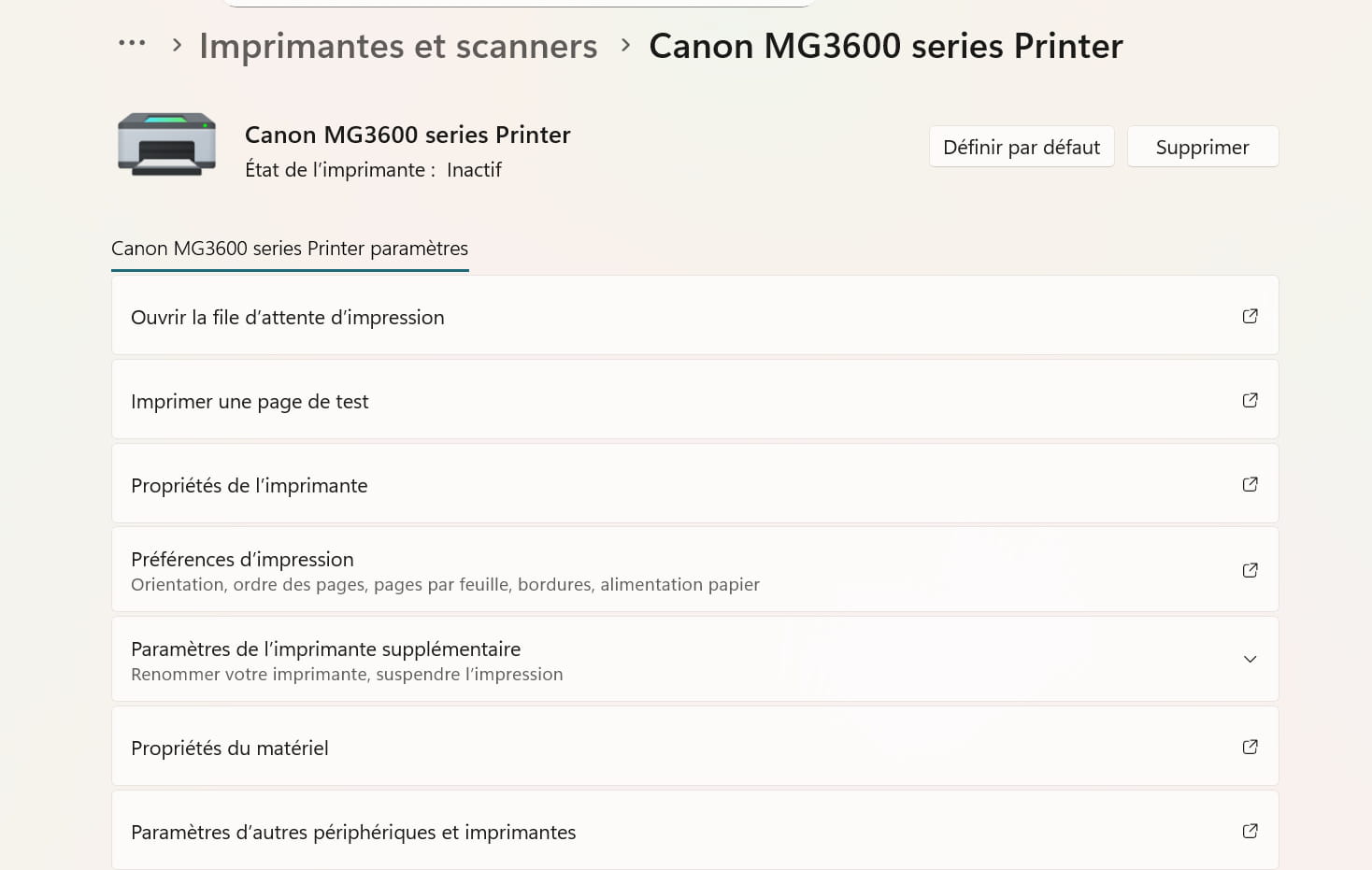
HOWEVER I tried to print a document via ONE DRIVE which I thought I had uninstalled a long time ago because I saw it was active when I scanned a document and found it there AND MIRACLE that document printed.
However, when I want to print a document via LIBRE OFFICE, it STILL refuses TO PRINT
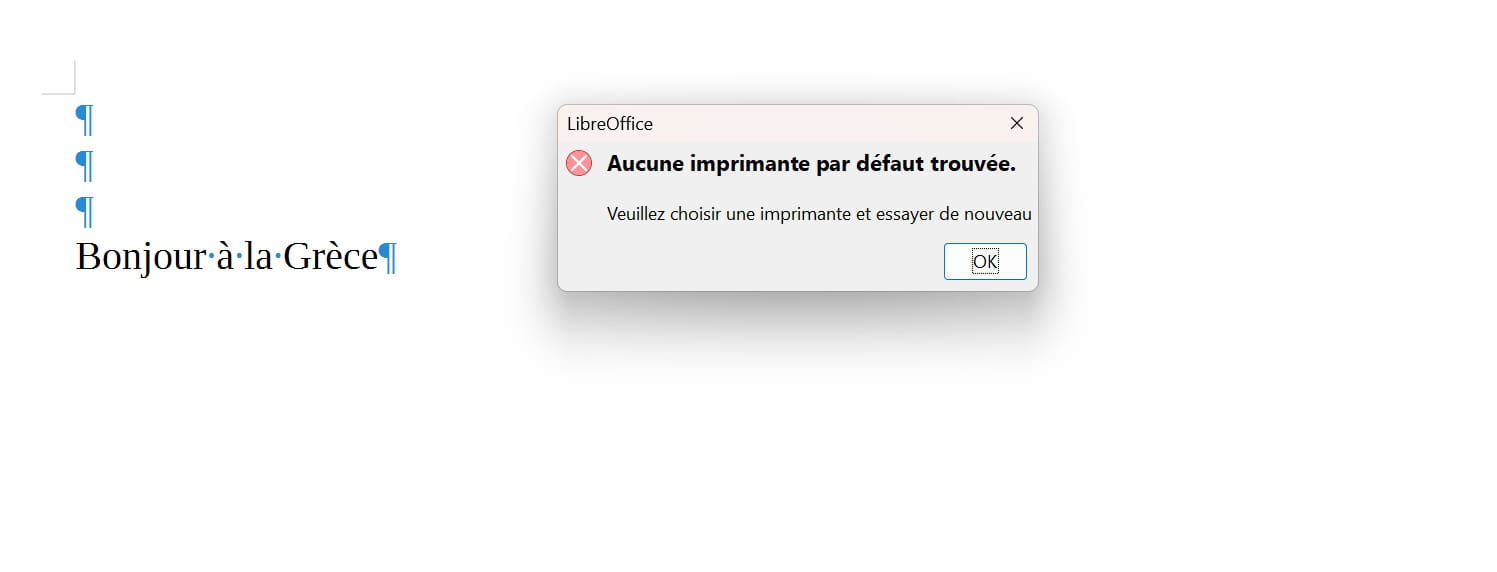
CAN YOU IMAGINE THAT?
I've already spent 2 hours online with CANON and 2 hours with MICROSOFT. All of this since 20/12
Thank you in advance for your responses
So, as with previous times, the printers show up but I can't set them as default
HOWEVER, I tried to print a document via ONE DRIVE, which I had uninstalled a long time ago, it seems to me, because I saw it was active when I scanned a document and found it there AND MIRACLE the document printed.
But when I want to print a document via LIBRE OFFICE, it STILL DOES NOT WANT TO PRINT
CAN YOU IMAGINE THAT?
I have already spent 2 hours online with CANON and 2 with MICROSOFT. All of this since 12/20
Thank you in advance for your responses
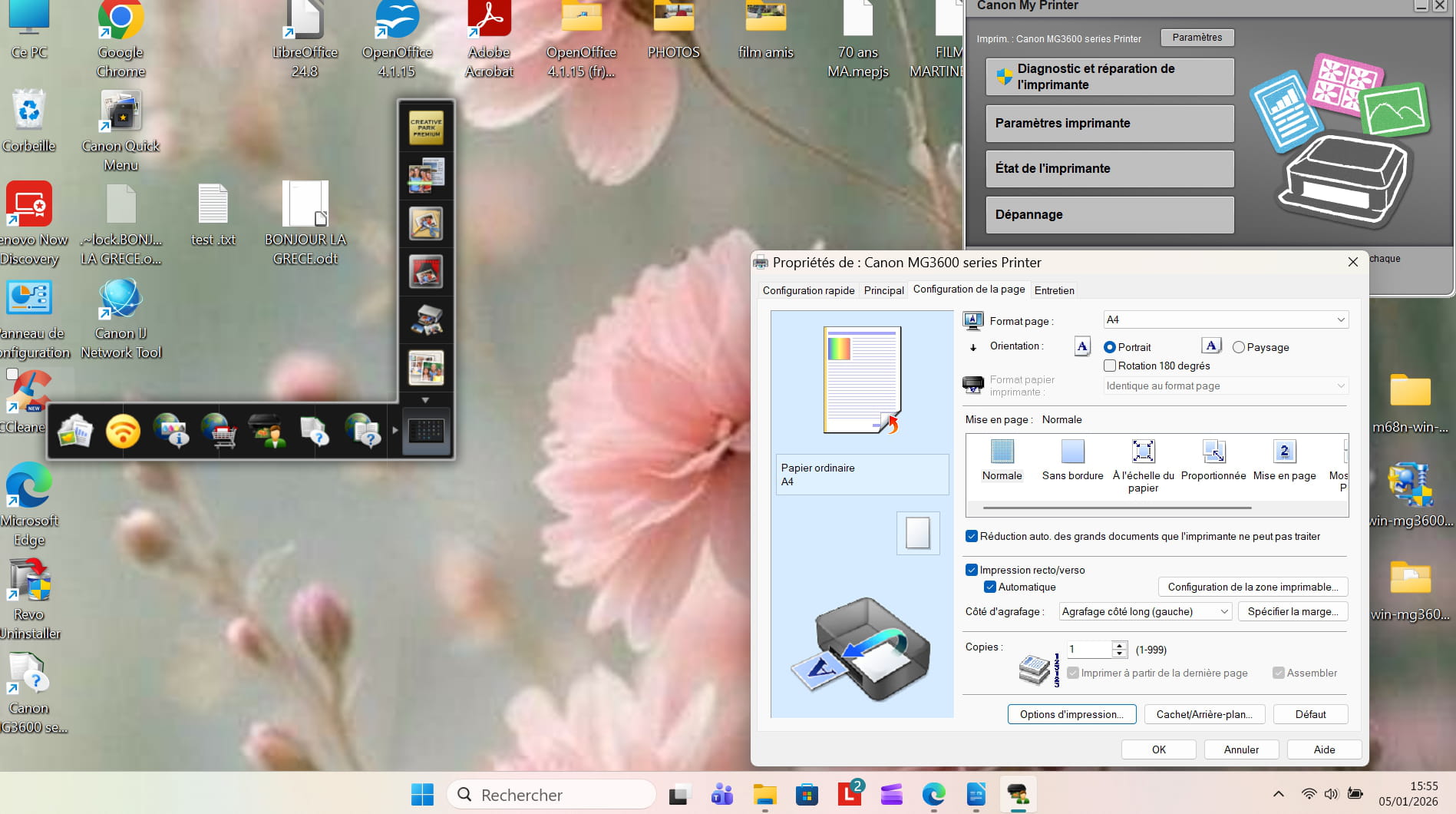
I keep searching without much success. Shouldn't I check something about this?
Check out this tutorial --> PIXMA MG3650 Printer Wi-Fi Setup Guide
Hello
everything is here :
note: check which network - 2.4 GHz or 5 GHz - your husband's printer is using
Latest Discussions -
Download openoffice without extensions
at 18:16 -
Get office for free
at 18:12 -
Unable to install the media feature pack on windows ...
at 18:07 -
Sound disappears after returning from sleep mode
at 18:07 -
Pocophone f1 phone and moto g 77 phone
at 18:04 -
Java 25 i can’t edit my comments anymore.
at 18:03 -
Partial connection between android and windows
at 17:45 -
Computer that locks itself automatically
at 17:37 -
Camera interference
at 17:16 -
Help choosing an uninterruptible power supply (ups)
at 16:59
Other languages
-