
Line break not possible after an image
SolvedWhovi Posted messages 18 Registration date Status Member Last intervention -
Hello
I am finally resigning myself to asking for help with the current issue, after trying to resolve it without disturbing anyone.
Here it is: I work on Libre Office and I often insert an image to support a text, just to show an example of what I explain, or to make it clearer for myself, for instance with a recipe.
I have no problem with the "wrapping": positioning the text in a certain way relative to the image, I know how to do that. My problem lies elsewhere: (I’m trying to explain, excuse me if it’s not clear, I’m a writer, not a graphic designer):.
So: let’s say I write a text of a few lines. If I insert images (to the right, to the left, or whatever) that are smaller than the text, no problem, I can continue typing text following what I have already written.
On the other hand, if I insert an image that takes up the full width of my page (like a banner, for example) and I want to write something below this banner, it’s impossible; my text insertion point automatically positions itself at the end of what I have already written at the top of the page, and I can’t get it to position itself below the image. And if I have placed several images one after another, even if I leave space between each, to write, it’s as if these images formed an inseparable whole; my text insertion point always brings me back to the top of the page, after the previously started text.
I have tried all the anchoring positions, thinking that was the issue, but it doesn’t solve my problem. I have seen that I am not the only one with this issue (other people struggle more with inserting tables, but people talk like me about a "whole that moves" and the impossibility of placing their text freely). Generally, the responses are that you cannot remove the anchoring and that you have to go through Draw, which I would like to avoid.
As usual, thank you for your help, and have a nice Sunday or a good start to the coming week.
Whovi
3 answers
-
Hello,
I just opened LibreOffice Writer to reproduce the problem, and I was able to resolve it by right-clicking on the image > Text Wrapping > None.
This way the cursor comes after the image.Have a great weekend!
-
Aaaaahhhh, THANK YOU BIG ONE, out of the 3 answers received (thank you for this wonderful responsiveness) it's yours that works. I tested it on a page where I had plenty of "image lines"; and I saw that by positioning myself on the image that FOLLOWS the line where I want to write, and doing as you said, it indeed works!!! (my cursor positions itself before the concerned image, but it's the same in my organization: I can write freely, and without everything shifting)
Thank you, thank you, thank you, to the power of N of the Earth and the entire universe!!!!!!
-
-
Hello,
I don't use LibreOffice, but in Word, the simplest way to summarize is to start by inserting 3 paragraph markers and placing the image in the second one.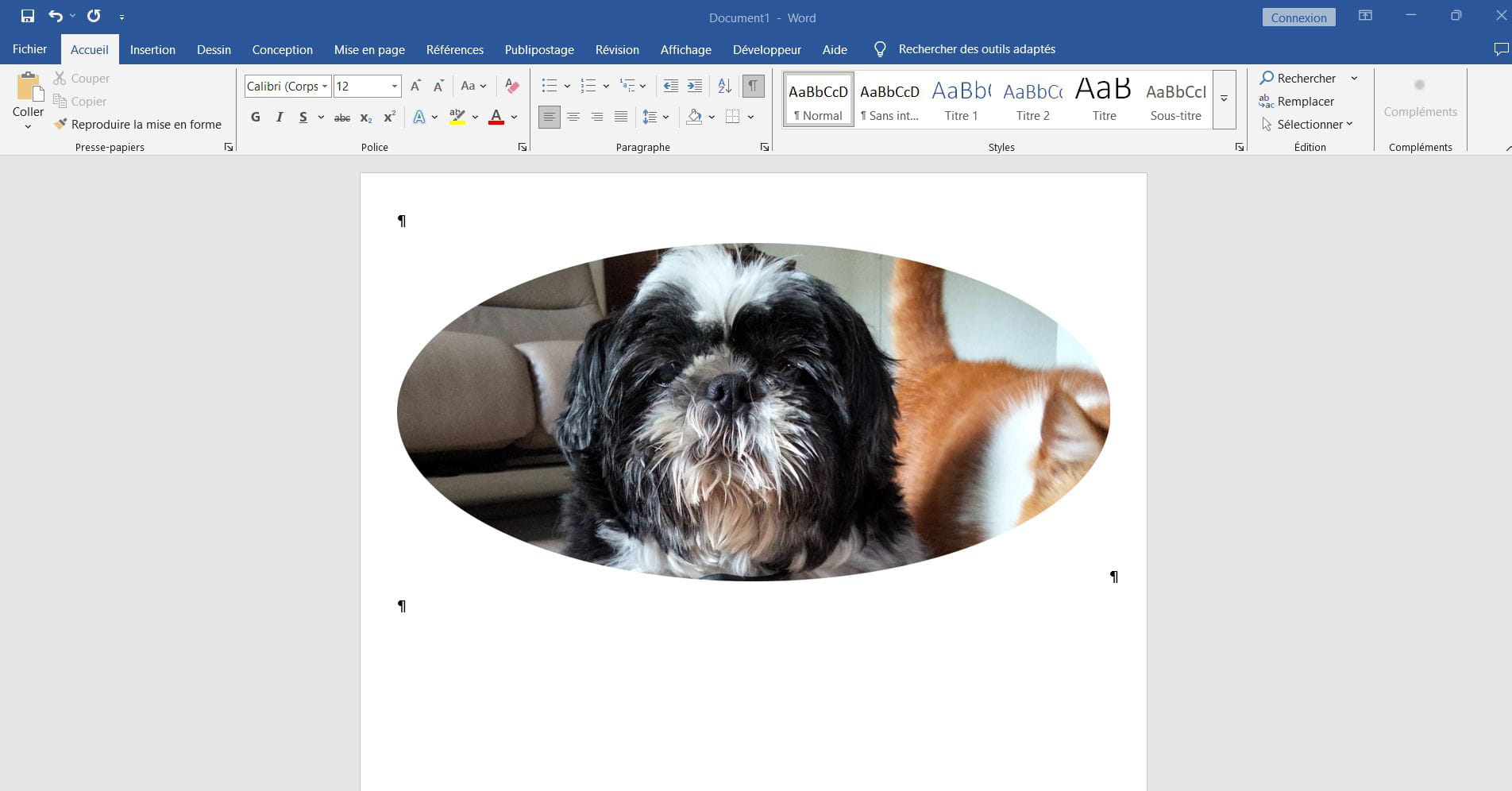
This will be more complicated if we want to write text on either side of the image; text wrapping gives uncertain results, and going through a table with 3 cells and the image in the second one will also affect the text formatting.
-
Hello
you need to anchor the image as a character
- select the inserted image
- right-click
- anchor
- as character

