Convert MBR disk to GPT
Solved
flo88 Posted messages 28539 Registration date Status Contributor Last intervention -
Hello,
It's impossible to upgrade to Windows 11 because enabling secure boot is not possible.
The issue seems to be (if I'm not mistaken) that my hard drive where W10 is installed is in MBR.
GPT format would be required to upgrade to W11.
My research has presented me with 2 solutions.
- A software like EaseUS Partition Master can convert the MBR disk to GPT without data loss, so W10. I convert it, then go into the BIOS and set UEFI mode; will I be able to upgrade to W11?
- Clone the W10 hard drive to another hard drive in GPT. Change the boot drive, set UEFI mode, and upgrade to W11.
Which option seems the least risky to you, please?
If you have other solutions, I'm all ears.
Thank you in advance for your help.
18 answers
-
Hello
The first solution will be paid; converting a system disk is not free with these software tools.
The second one doesn’t work.
In Windows 10, there is a Microsoft DOS utility for converting without data loss, MBR2GPT; a tutorial can be found here: https://lecrabeinfo.net/tutoriels/mbr2gpt-convertir-disque-mbr-en-gpt-sans-perte-de-donnees/
You also need to check if the PC is not too old for official Windows 11 support, and in that case, you need to work around the limitation.
-
Hello.
I cloned my original system hard drive to another SSD.
I booted from the cloned SSD.
Normal boot.
So can I now use the MBR2GPT method: Convert an MBR disk to GPT on the original system disk?
Will I have any conflict with two system disks, one in GPT and the other in MBR, on the same PC?
Thanks in advance.
-
Can I now use the MBR2GPT method: Convert an MBR disk to GPT on the system source disk?
Yes, but you need to unplug the source disk as a precaution during the process.
Will I have any conflict with 2 system disks, one in GPT and the other in MBR on the same PC?
No, GPT coexists very well with MBR for storage use, and once the BIOS is switched to UEFI, it will no longer be able to boot from an MBR system. However, at some point, it will need to be formatted; otherwise, a mistake in the BIOS (e.g., reverting to Legacy) could cause the PC to restart on that old disk if it is left as it is (with Windows 10, therefore), but that's not a problem.
-
Hello,
Try both because if Microsoft gives you an error message on both, it means it doesn't want to install it.
There you go, have a great day.
-
Hello,
The target disk, if it is a system disk, must be active in case there are multiple disks.
If there are no other partitions, the question does not arise; otherwise, if the system disk is not specified, it will be the one used.
https://learn.microsoft.com/en-us/windows/deployment/mbr-to-gpt
-
-
Hello,
To use mbr2gpt to convert the Windows 10 disk from MBR to GPT
A short easy-to-follow summary:
[In Windows 10]
> Settings
> Update & Security
> Recovery
> Restart[In recovery mode]
> Troubleshoot
> Command Promptmbr2gpt /validate
mbr2gpt /convertAfter, you will need to switch the BIOS to UEFI (Non-CSM) in order to boot
-
Hi fabul
In your command lines, the call for the relevant disk is missing; it may seem trivial to those familiar with the commands, but it’s not obvious for someone who doesn’t know.
It looks like this:
mbr2gpt /validate /disk:X
mbr2gpt /convert /disk:X
X is to be replaced with the letter of the system drive.
-
-
Hello,
The first method may work if it involves reintroducing essential Windows partitions in GPT/UEFI mode.
The second one, however, cannot.
-
Hi @flo88 StatusContributor
No, nothing is missing,I might have just had one SSD, or two? at the time, I'm not sure, I don't remember disconnecting my SATA drives, and it worked just as straightforwardly as I wrote, on the first try, with the information I had found back then, so I made a short tutorial of the exact method that worked for me, to switch from Windows 10 in MBR to Windows 10 in GPT.
See you+ -
@flo88 StatusContributor
I couldn't comment anymore, so I created another reply.
Okay, thanks for the contribution, it can help.
Have a great end of the day.
@+ -
Good evening.
Thank you for your answers.
I will try this weekend.
Have a good week.
-
Hello.
Okay and thank you.
I'm going to try.
Have a nice Sunday.
-
-
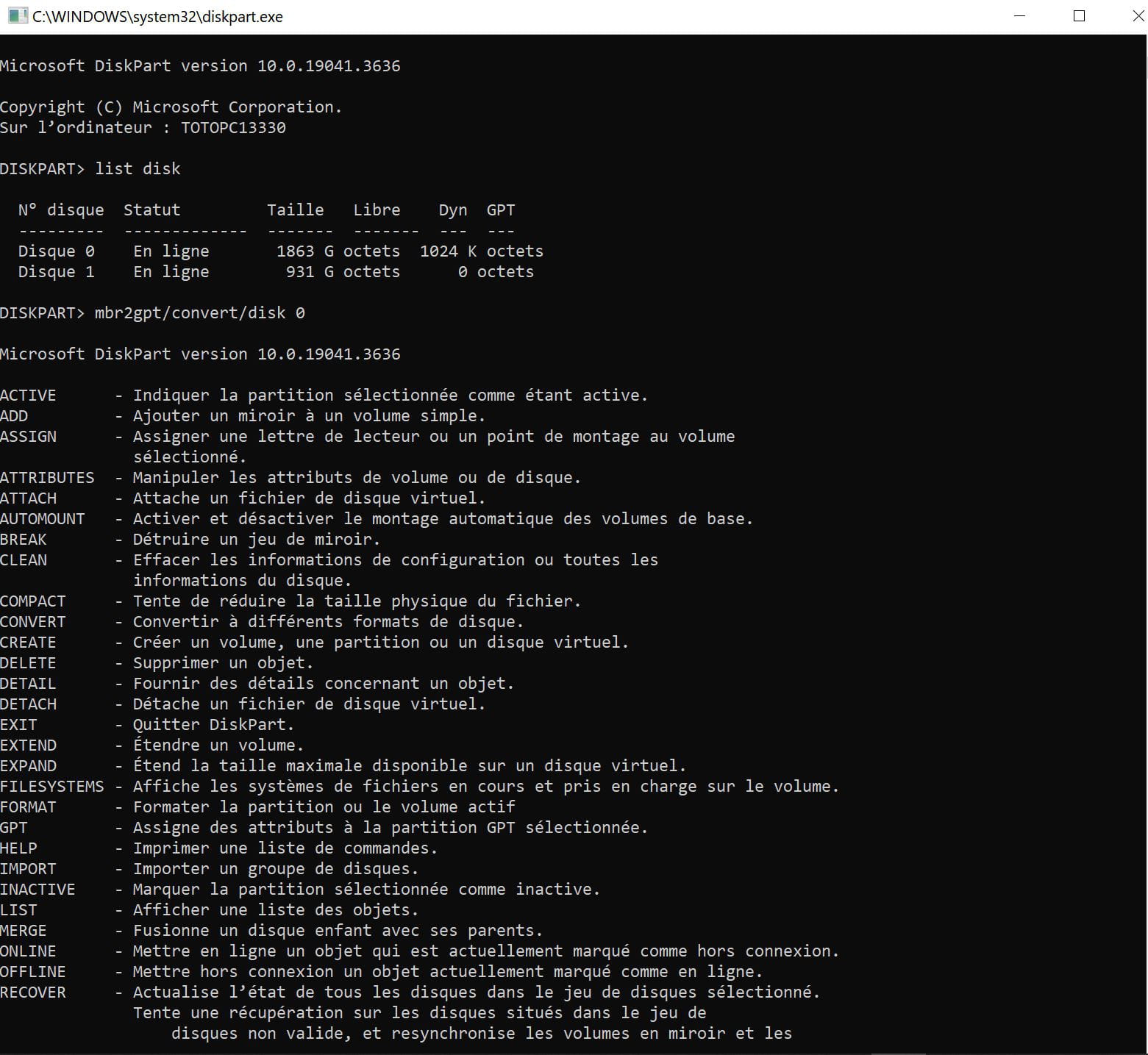
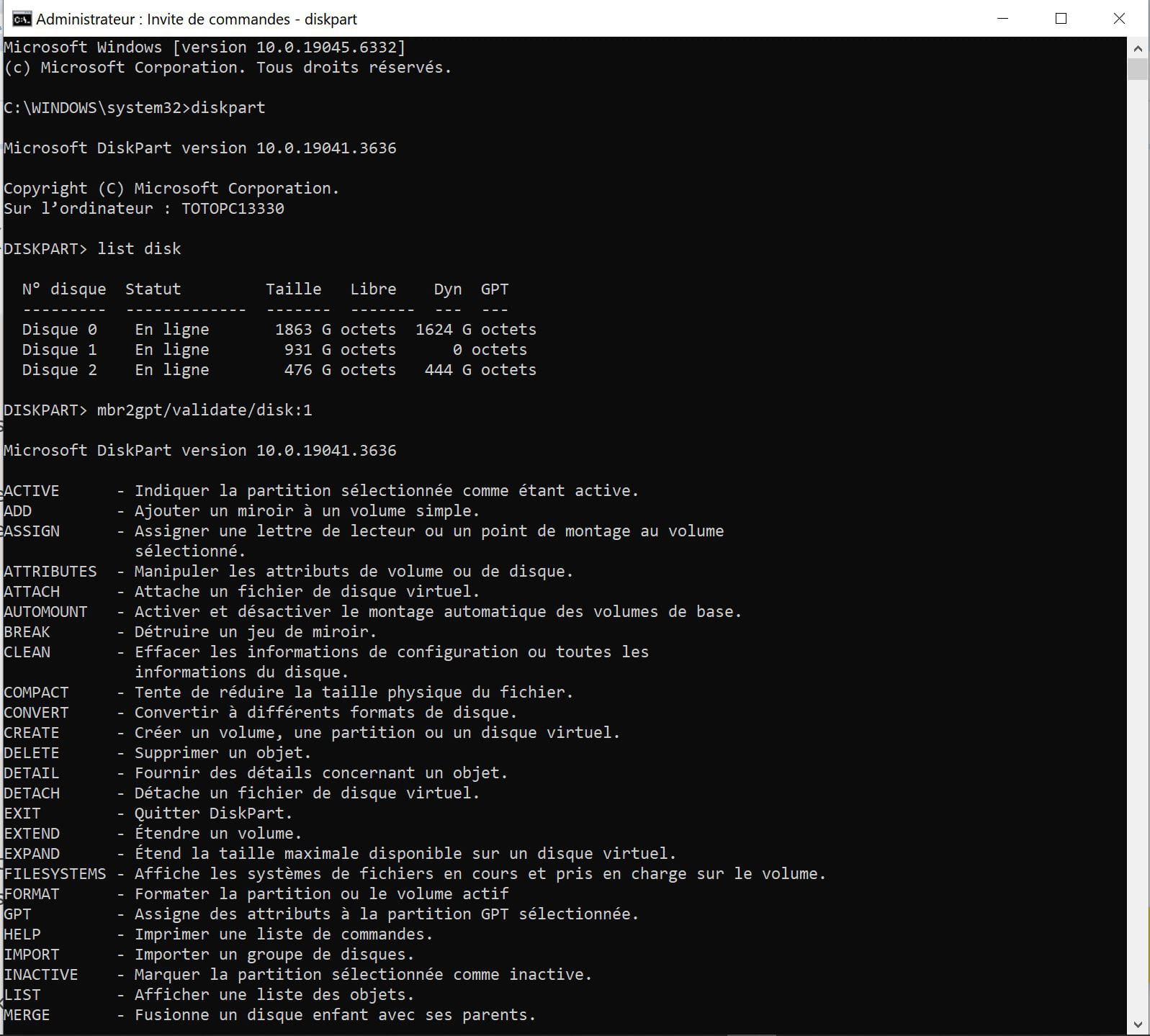
You can post pictures of what mbr2gpt says; there should be a message explaining that it fails and why.
Edit, OK, I see your screenshot; you should not run mbr2gpt from diskpart, but from the command prompt base, see the tutorial linked in my reply "2".
-
-
YOU MUST NOT RUN MBR2GPT FROM DISKPART ...
In fact, going through diskpart beforehand is completely pointless, and you should not run MBR2GPT from diskpart either; it is a separate utility.
This is what needs to be typed to access the commands:
C: \windows\system32 \MBR2GPT
-
Thank you for your help.
But the result is
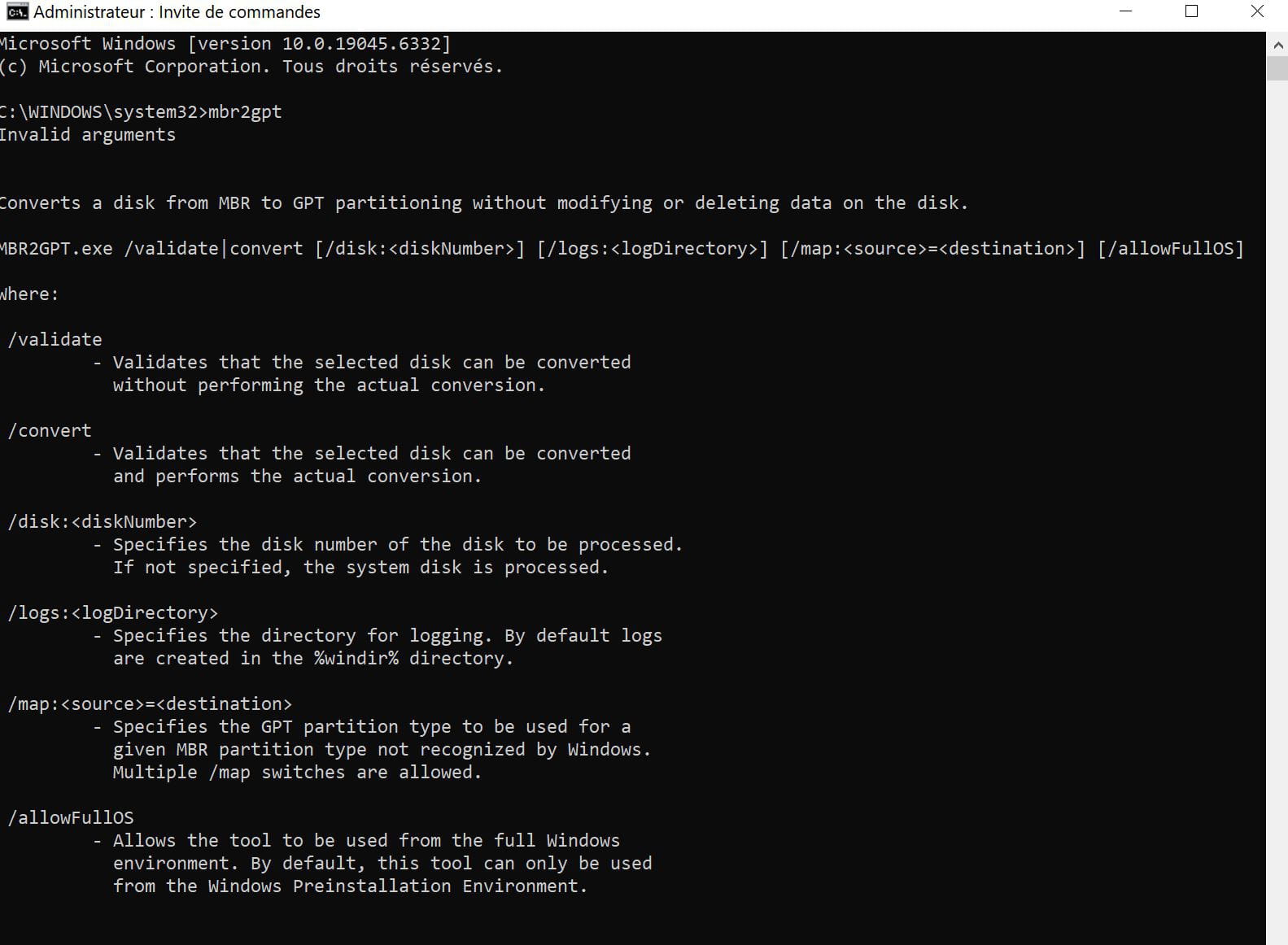
So either I'm not doing what I should be (I'm going to go back to gardening....) or?
Thanks again and sorry for the inconvenience.
Have a good evening
-
What you have now shows you are indeed in the conversion application, but you must not write mbr2gpt alone, as noted above, it is:
mbr2gpt /validate
hit enter and wait 2 seconds
then type again:
mbr2gpt /convert /
If there is an error, you need to add /disk:X (where x will be the unit number)
Note that these commands only work in the Windows recovery environment; if you run the command under an active Windows 10, it's:
mbr2gpt /validate /allowFullOS
mbr2gpt /convert /allowFullOS
-
-
Hello.
I finally succeeded....
Thanks again and sorry if I had trouble understanding....
Have a good Sunday
-
Okay, that's perfect.
-
Hello,
-the least risky: anyway external backups are already planned and backups before starting these manipulations should already be part of automatic gestures.
-A software like EaseUS Partition Master can therefore be a means of backup before starting these manipulations. Flexibility or free options are sometimes part of the choice of external software tutorials.
-The GPT format would be required to switch to W11, yes.
-Start in UEFI as a consequence, yes.
-Old hard drive and/or new ones to be checked with CrystalDiskInfo must only be green or blue.
-Cloning the W10 hard drive to another disk: If it was in MBR, you will need to convert the disk to GPT without data loss (sometimes easier with third-party software), then choose for the boot equivalent allowing UEFI on the GPT disk to boot as before, let's say a more reduced table like MBR: for me if it's cloned it still seems to be W10 and the target disk, by principle, already tested, why not set the definitive one right away before such a big transfer.
-Going through cloning W10 therefore has an interest, for example, if the hardware also limits future W11 usage without taking advantage of all the benefits of switching to GPT and the large corresponding UEFI table.
>>>There are other personal questions that will determine the tutorial chosen for each case. "Unable to upgrade to Windows 11 because enabling secure boot is not possible.": To me, this is not a "preliminary statement," it comes after personal questions about what I will do with it, for example. Yes, there are cases where we will use W11 without secure boot; Yes, there are actually many cases where people will have W11 without TPM.
A recent PC that needs to function for a long time on W11 or more with large fast disks and high frequencies, we probably have an interest in taking advantage of the OS change from 10>11 to also switch to GPT UEFI boot and the "wider" UEFI system table. This time, backups should choose at least a backup of data not dependent on W10 and that can be imported into W11 new devices. And I may not clone the complete W10 disk this time.