
How to remove all the red underlines
Solvedgeorges97 Posted messages 14510 Registration date Status Contributeur Last intervention -
Hello everyone,
I don't know why or how, but all of a sudden, "even in this message," all my words are underlined in red?? I can't remove them, and at the same time, I've discovered --- but not all the time --- a Bing MSN page that opens while I'm on Firefox and Windows 10.
You would really help me a lot if you could explain to me "in simple words please" how I should go about removing all this. There's also this EDGE that has appeared while I don't want that thing.
I probably did something wrong and it messed everything up. At first, I was trying to modify a PDF with Libre Office; I have one line to delete and another to include on 2 different pages, and I can't figure out how to do it.
Thank you so much for your help.
Sincerely.
11 réponses
Hello,
Several disparate questions for which I offer answers that other participants may comment on.
words are underlined in red
this happens when the spell checker is set to a language other than French. Look for the corresponding sub-menu and switch to French (France).
EDGE that has appeared while I don't want that thing.
Same for Edge, it is Microsoft's browser. We can use it, disable it by closing the shortcut but not uninstall it (unless by advanced user tricks) because it comes back with each update.
Incidentally, it doesn't spy on you any more (or less) than other browsers as some anxious people claim. Especially if you don't use it.
Bing MSN page that opens while I am on Firefox and Windows 10
nothing suspicious. Bing is Microsoft's search engine, a competitor to Google. Any search engine works in any browser. You just need to go to its address.
You can change it to have the one of your choice as default. There are others, but you can use several while setting the one that appears by default. Not knowing what you have done previously, it is impossible to say why Bing has taken over.
edit a PDF with Libre Office
This involves opening a PDF document in Libre Office, making modifications to the accessible texts (that is, those not embedded in images) and saving a new document in PDF format.
The new document may sometimes appear different from the original due to the complexity of the file, the non-correspondence of fonts available in Libre Office, and the care taken in the modifications.
This remains a useful but visible DIY procedure that sometimes appears imperfect.

Hello,
You see it by resetting Firefox.
Precaution: Save Firefox and Chrome Bookmarks
Although favorites are retained, it is always safer to have a copy. Click on this tutorial
Download ResetBrowser free for PC - CCM
For Edge, see here.
Good evening to you, and one thing is for sure, I don't understand everything you wrote to me, but... I tried to do what you said, and it's working... because I no longer have the red underline in my writings. That's a positive sign, and it also seems that I no longer have Bing and MSN in the search bar, which is really great.
The area where I'm still struggling is with my document that I scanned and is therefore saved in my documents as a PDF. I can't seem to do it... when I open it with LibreOffice, I can't --delete the line that needs to disappear from the document-- nor add the paragraph that I need to insert.
Could you please tell me which application to use and especially give me the step-by-step instructions for each operation I need to perform? I had previously used Acrobat Reader and PDF Gear, but it's a wall for my old brain.
Thank you in advance for your help.
Oh yes, sorry, I actually downloaded this software and since it was indicated Firefox - Chrome - and Explorer, I confirmed on Firefox and Explorer since I don't have Chrome, so I left it alone.
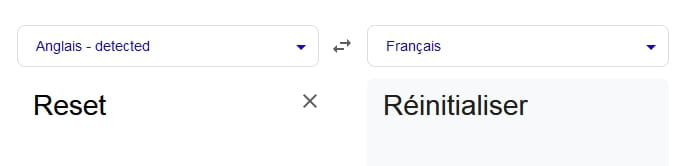
And the result seems to have worked. So what exactly is this Reset? It confirms that I did all these manipulations without really understanding what I was doing, but the main thing is that it worked.
Now the next step is to manage to modify that famous PDF.
Thanks again to you. And have a good evening.
Hello,
Regarding the last question, the modification is paradoxically made in the Draw module of LibreOffice and not in Writer, but is only possible if the PDF is "text" and not an embedded image in that PDF.
https://relations-usagers.web.ac-grenoble.fr/sites/default/files/Media/document/Modifier-PDF-V1.1.pdf
Hello Sir,
So after a good night's sleep, I decided to download the Draw version of LibreOffice. Before, I hadn't specified Draw.
Now, I have opened the scanned file on my PC by double-clicking on the document, which opened correctly in "normal writing" mode and not in lowercase, but I don't see where to click to erase the line I need to remove. I give you the details of what I have in the top bar: in the middle + - auto zoom, then on the right: add a signature, highlight, text, draw, add or modify an image, print and save. I don't have anything else. So what should I do please?
Thank you
Which version of Draw?
In principle, LibreOffice downloads the entire suite, including Draw, and you should not click on the document unless you know which module will open it. Instead, start by opening Draw, then navigate to the desired PDF (again, provided it is not an image).
The process converts the PDF into "editable objects"; in French, only the possible modification tools appear depending on whether it is a global "text," forms, images...
Under LibreOffice (and always under the same condition), I do not know what happens if it is opened in Writer. The "normal" procedure with Microsoft Office will transform the file into docx text format, where you can do whatever you want before "reprinting" to PDF, but here too, excluding, for example, forms that may only be images, processed as such, and possibly editable only in image editing software.
LibreOffice Draw 25.2.3.2
I think I'm going to give up on this system because I've been working on it for 2 days and can't get anything done.
Is there another possibility with a different software or application?
I'm a bit desperate, though.
Thank you in advance.

Hello,
Modifying a PDF with Draw is not complicated.
Generally, you need to zoom in quite a bit to see the editable areas.
When you click on the text, it appears that the text is divided into different areas (framed).
The content of each area can be modified. For example:
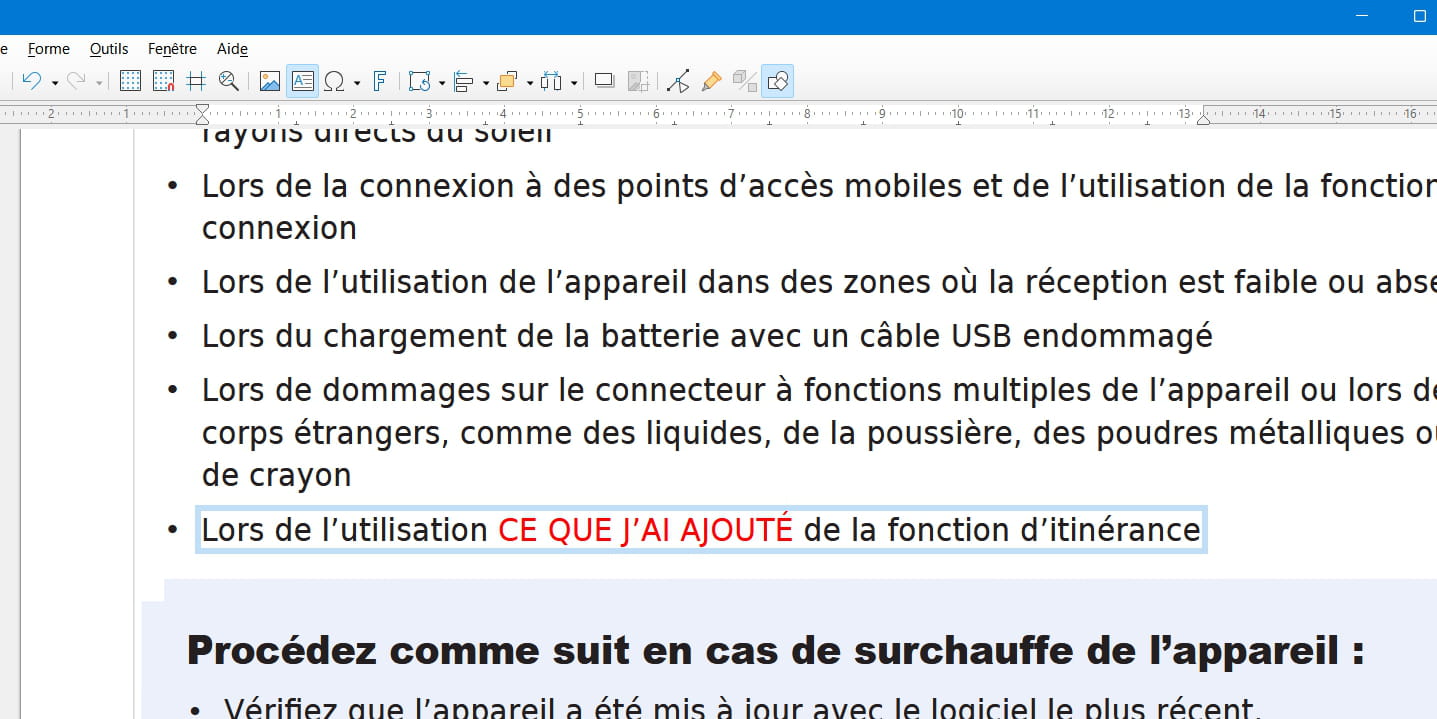
When you have finished the modifications, go to
Files > Export As > Export as PDF...
Hello everyone,
I'm attaching what I have when I’m in Word with the scan that I need to modify:
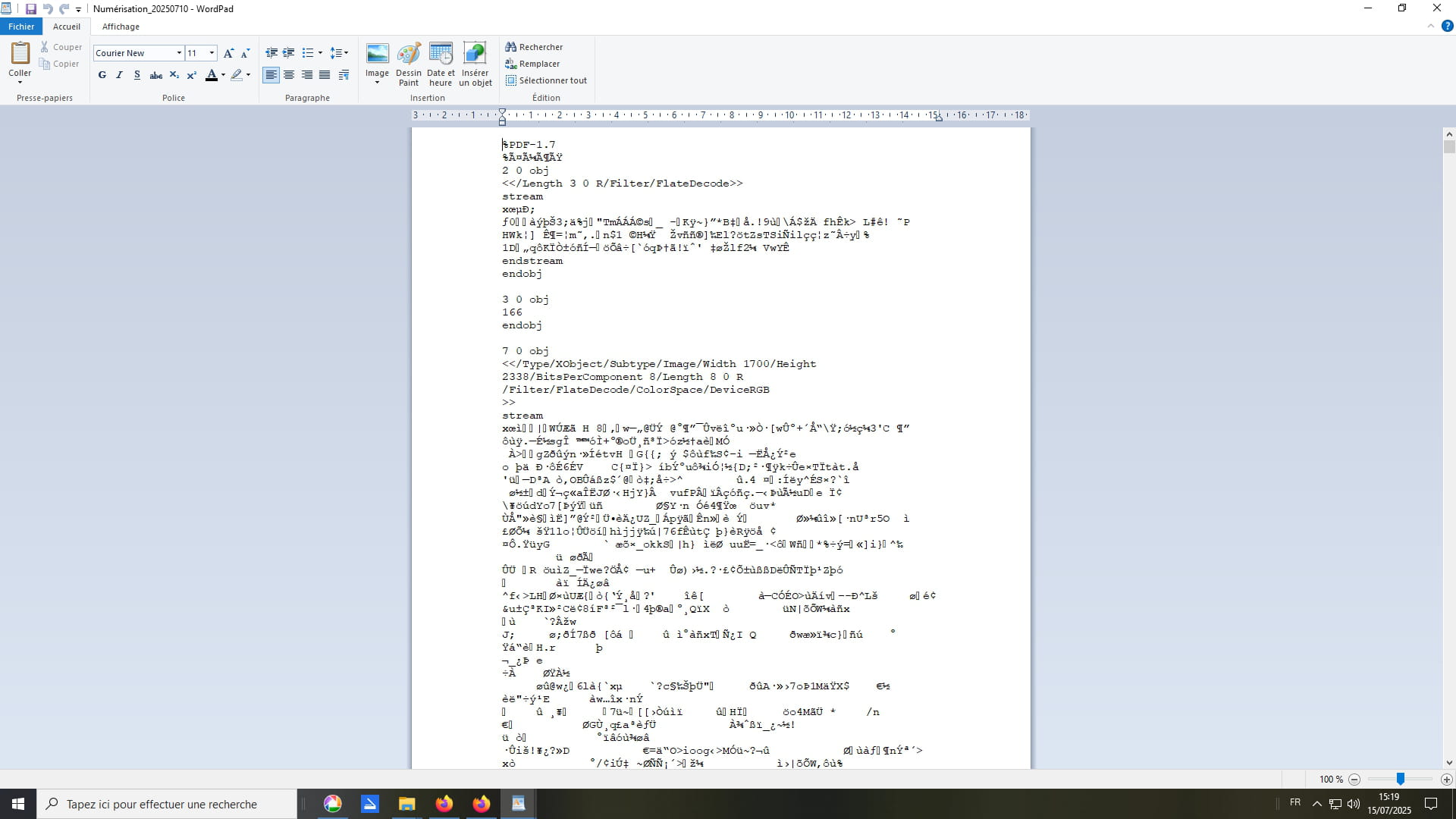
I’m at a stage where it’s consuming me, I know I’m too eager with the mouse clicks, but I just can’t do it. Please, I know there are remote services to take control of a computer, so help me out, be nice and tell me who can do this for me remotely. A thousand thanks to you
Hello,
The CCM regulations prohibit any remote control. Moreover, what you present is absolutely not a Word document but a file in a format that allows no processing, at least if one wants a recipient to be aware of it.
Apparently, you are opening a PDF document in a version of Word that is not designed to read them.
If you have a Word document (and have the Microsoft Office suite), the editing is done in the usual way (selecting a line, inserting a new line). Once the document is correctly displayed, it is "simply" a matter of saving it in PDF format, which is an option in the "save as..." menu.
I can only encourage you to register for the procedures authorized by the forums rather than waiting for contributors to break them, out of kindness, two methods having been described in posts #7 and 12.
Hello,
There is no longer any question of spell checking, everything would be highlighted because there isn't a single word.
Let's take any pdf:
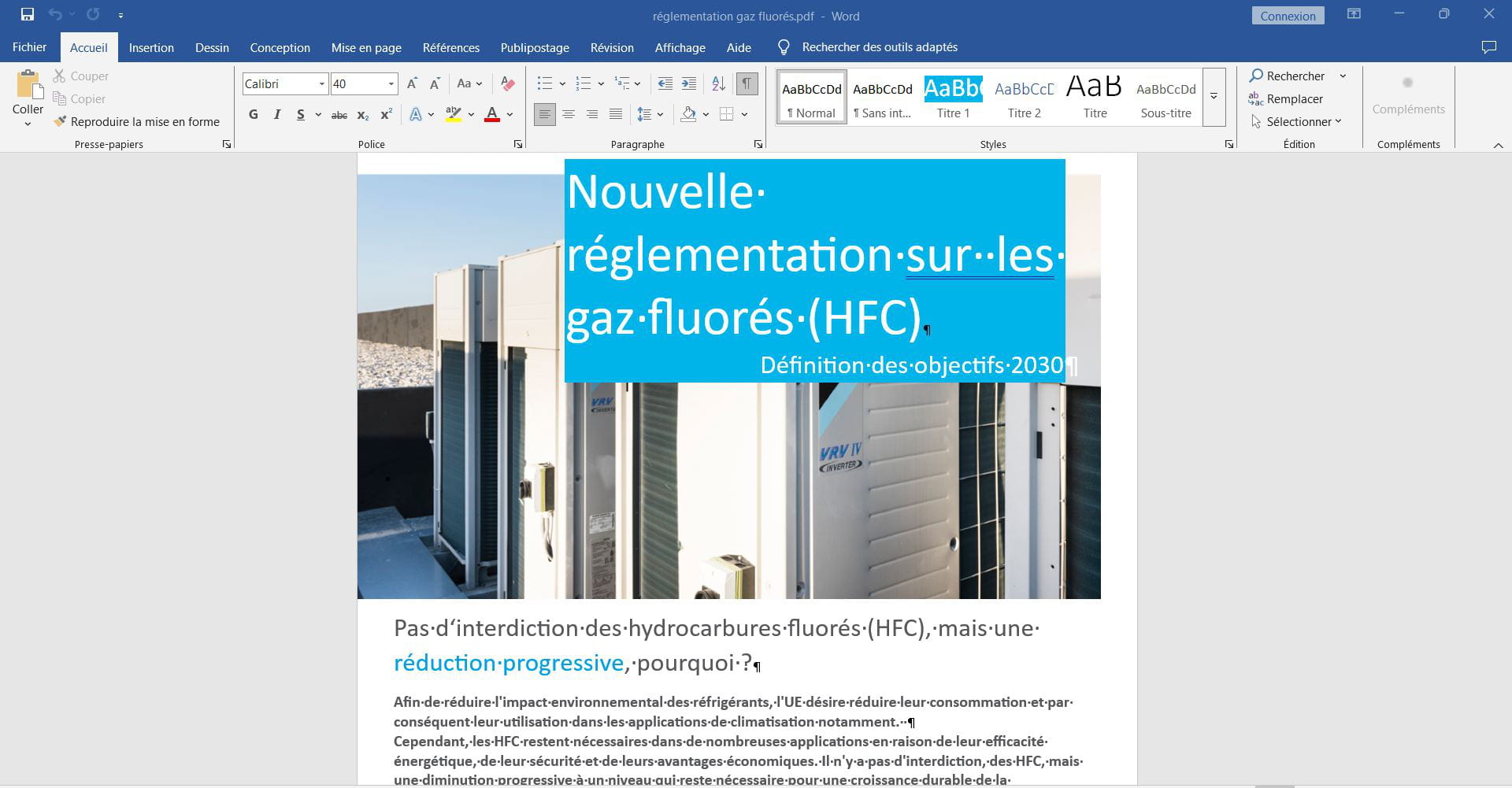
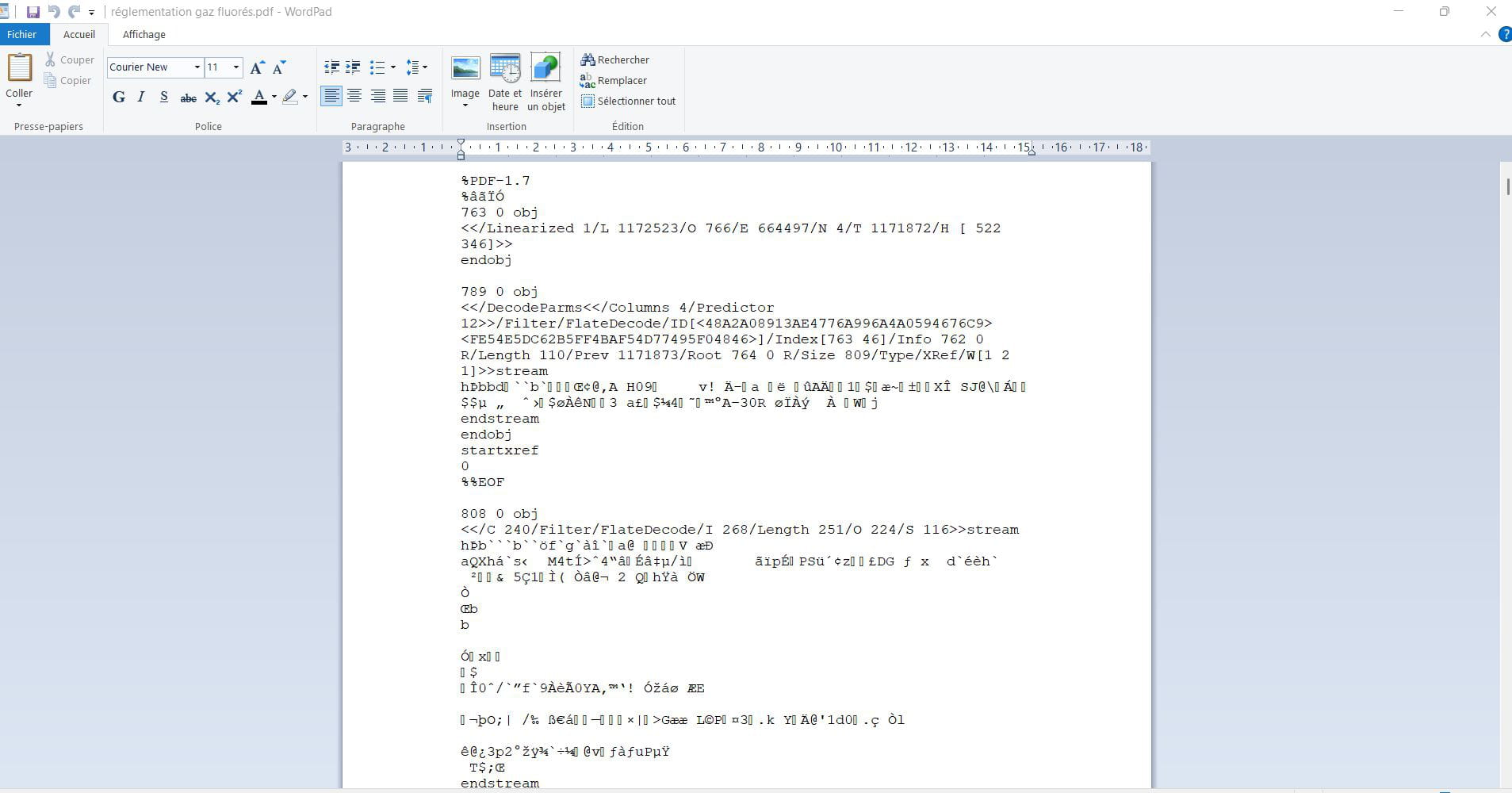
Now let's do like you, let's open it not with LibreOffice or Word but with WordPad, which I am willing to believe has some enhancement capabilities, but not those, here are the results:
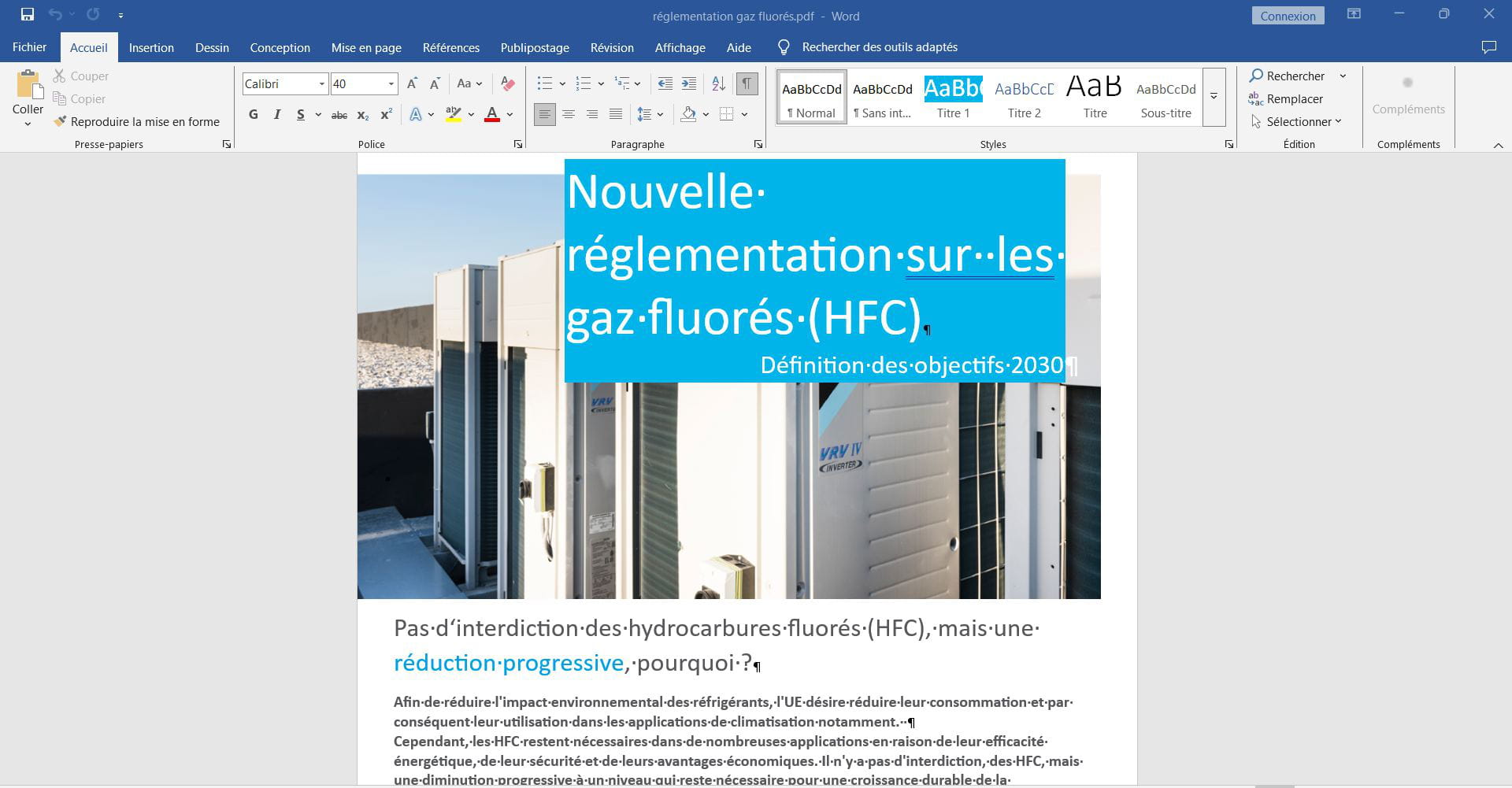
Now let's open it with Word, it’s much better right away:
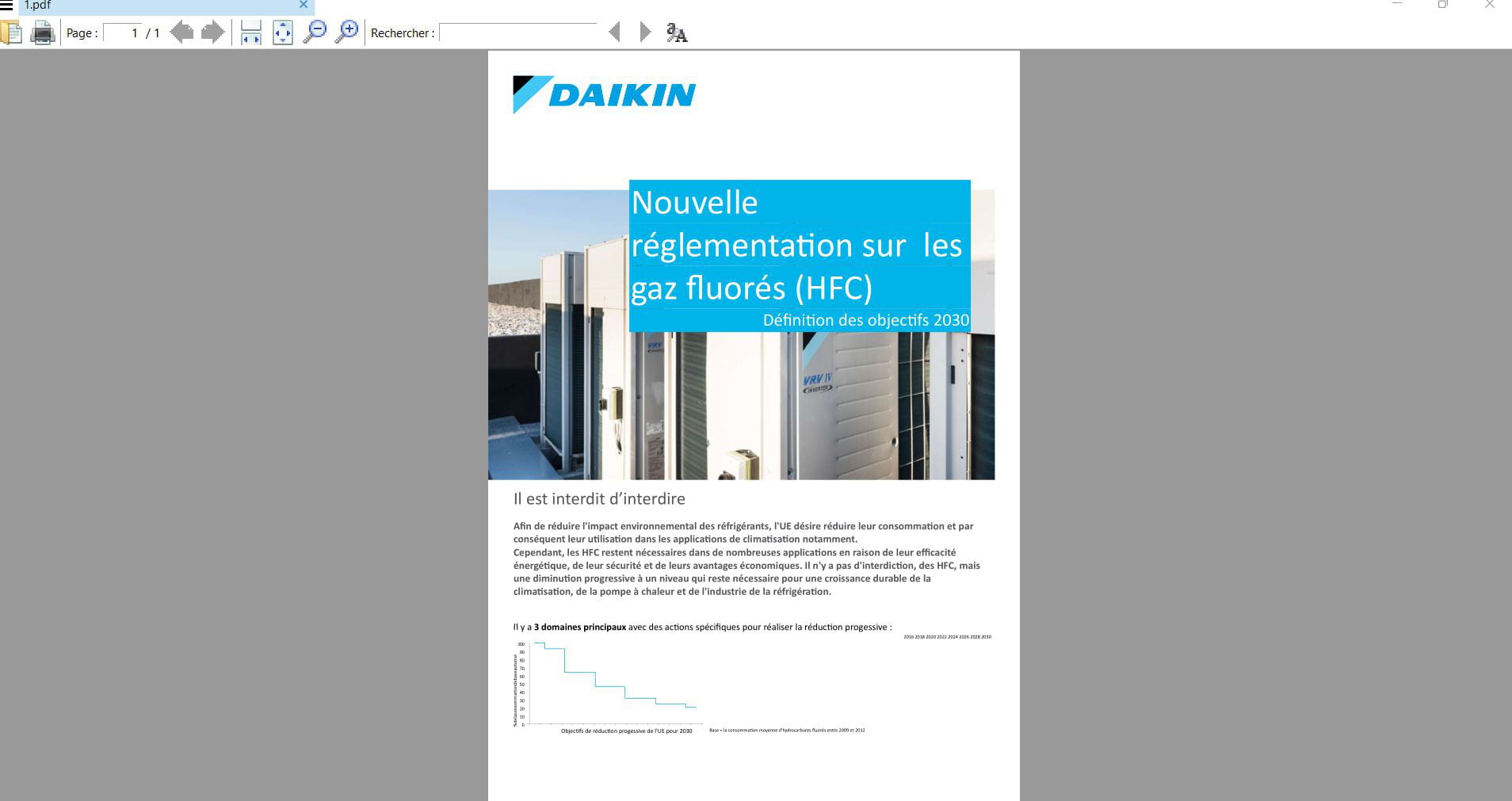
Now, it occurs to me, why not, to modify the first sentence in Word; once that's done, I hit Print, Microsoft Print to PDF, and that's that:
Wordpad has been removed from the recent versions of Windows 11 and possibly even Windows 10, I can't remember, but it's easy to reinstall it, as demonstrated by the absurdity in my screenshot (in fact, we're not reinstalling anything, we just copy the files to the designated location).
Wordpad is not Word, it was never designed to open PDFs and hasn't been able to do so for at least 15 years.
Word itself only opens PDFs without a third-party plugin since Word 2013 included, but we still go back to the Greek calends even though Word 2007 works fine on Windows 10; I haven't tried it on Windows 11.
This is what I mentioned, given the document provided in post 13, to suppose that the file could in no way be used to make modifications.
We know very little about the applicant's environment, apart from a recent installation of the effective LibreOffice, apparently abandoned in the middle of nowhere.
Redbart's proposal, which I commend, does not seem appropriate to me (as you pointed out) since reading, possible in any browser, does not allow for altering the content, nor do free PDF readers (Foxit PDF Reader, PDF Xchange Viewer among about twenty others with annotation tools, but not designed for composing documents).

Hello
PDFs are readable in Edge if you do not specifically assign a software for that purpose in "default applications".
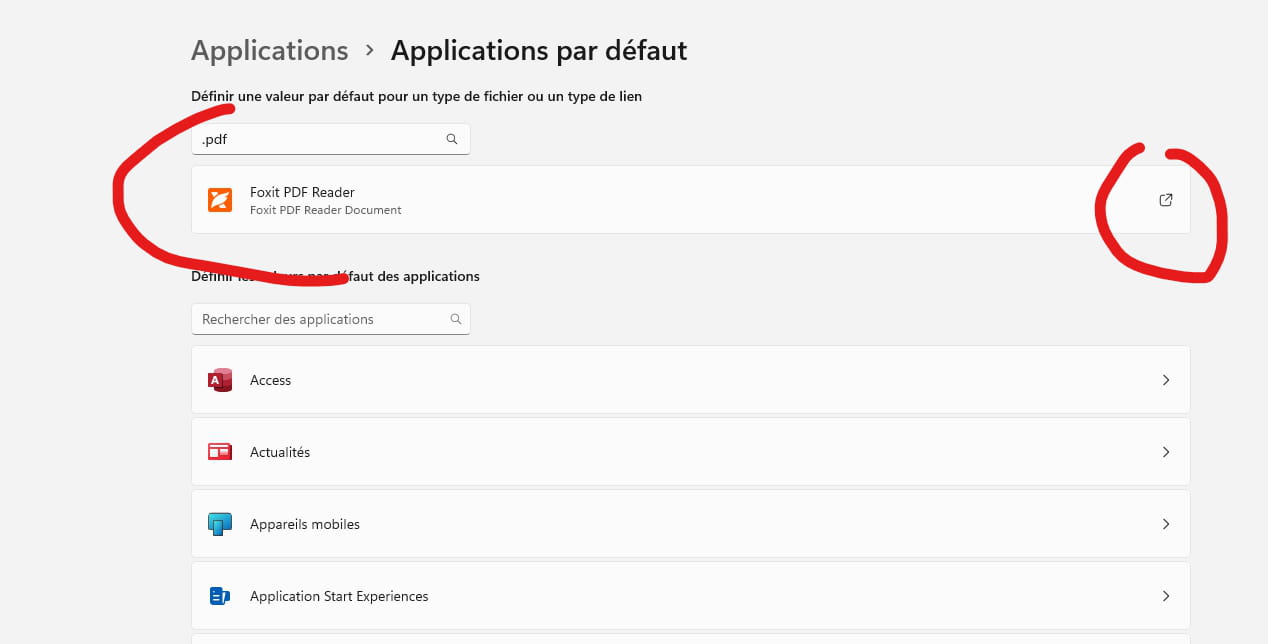
But I absolutely wasn't asking you to contravene or violate the rules of this forum!! Just if there is someone who would know of an "external" possibility to any forum to help me, to provide me with the contact.
The problem, and thank you Brucine, is that I can't find anywhere on my PC written Word, the only thing I saw was WordPad, so I clicked on it. If I go to my applications, I see Libre Office 25.2.3.2 (if I remember correctly) and a whole series of versions but not Word.
So what to do? indeed my concern is to modify a digitized document.
Sorry for all the inconvenience.
The procedure with LibreOffice has been indicated to you, I don't use it, I don't know more about it, but you can ask for clarification on what is failing there.
If you can't manage it or find it simpler to go through Word (still for text, not images), we can find Office 2019 or 2021 licenses online for a few cents.
Hooray!
Thank you all, I made it with a 2-day delay but it's done...
LibreOffice Draw, but I struggled like crazy...... I uninstalled everything, then reinstalled everything, but what I probably didn't understand is that modifications need to be made on the small text (or maybe I still haven't figured out if it could be done another way)! Anyway, it's done, the only thing I got stuck on was the removal of numbers. So I covered over the original with white and rescanned it and I was able to modify it afterwards.
There you go. My apologies again for the slowness of my self-taught computer neurons and my 80 years that only learned to use this THING at 65.
Can I get back to you if I have other hiccups?
A big thank you once again to all.
Hello,
Thank you for your feedback. Of course, the speakers are available for any new questions, according to their specialty or experience.
However, please ensure that you ask only one question per issue, even if it means exchanging in multiple posts with different interlocutors if necessary, using "reply" and not "ask your question" to stay on a single thread.
Additionally, do not rush through the steps; for example, trying to make changes in this or that module of Draw before even discovering and experimenting with the basic functions of the software is the reason for your difficulties. Solving a problem sometimes requires using multiple software programs, and it’s impossible to master the hundreds of functions like you would for Libre Office.
Slow and steady wins the race ..
-
Epson printer prints unexpectedly
le 26 May -
Texture issues in enshrouded
le 25 May -
Announcement: online source code archive
le 25 May -
Samsung tv music on startup
le 24 May -
Écrire o barré avec un clavier azerty
le 24 May -
Application extension issue on ps4
le 24 May -
Orange unlimited numbers
le 24 May -
Text messages from 36111
le 24 May -
Tomb raider anniversary on wii
le 24 May -
Notice shows wr30 m
le 24 May