Search drivers for thomson neo14A-4WH64
Solvedkaneagle Posted messages 86289 Registration date Status Moderator Last intervention -
Hello,
I'm looking for all the drivers for my Thomson Neo14A-4WH64 after reinstalling Windows 10.
I tried to find them on different forums but with no success.
Could you please tell me which drivers to use?
Thank you in advance
13 answers
-
Hello, personally I use 3 methods, the first one usually solves all my driver problems. This method consists of using "driver booster," it's a software that has a database of over 8 million drivers, it does the job in 80% of cases (when installing, make sure to uncheck all the boxes) the big advantage is that this software does all the downloading and installation work. My second method if the first one hasn't worked is to go to the manufacturer's website, to access it just type "thomson support" in your search engine and go to the official site, once there you need to enter your PC information to access your drivers. This method is much longer because you have to download each driver one by one. The last method I use is driver identifier; this method is my last resort, as their interface is really not user-friendly, but so far it has always allowed me to achieve 100% success in my driver searches. There you go, I hope I helped you.
-
Hello,
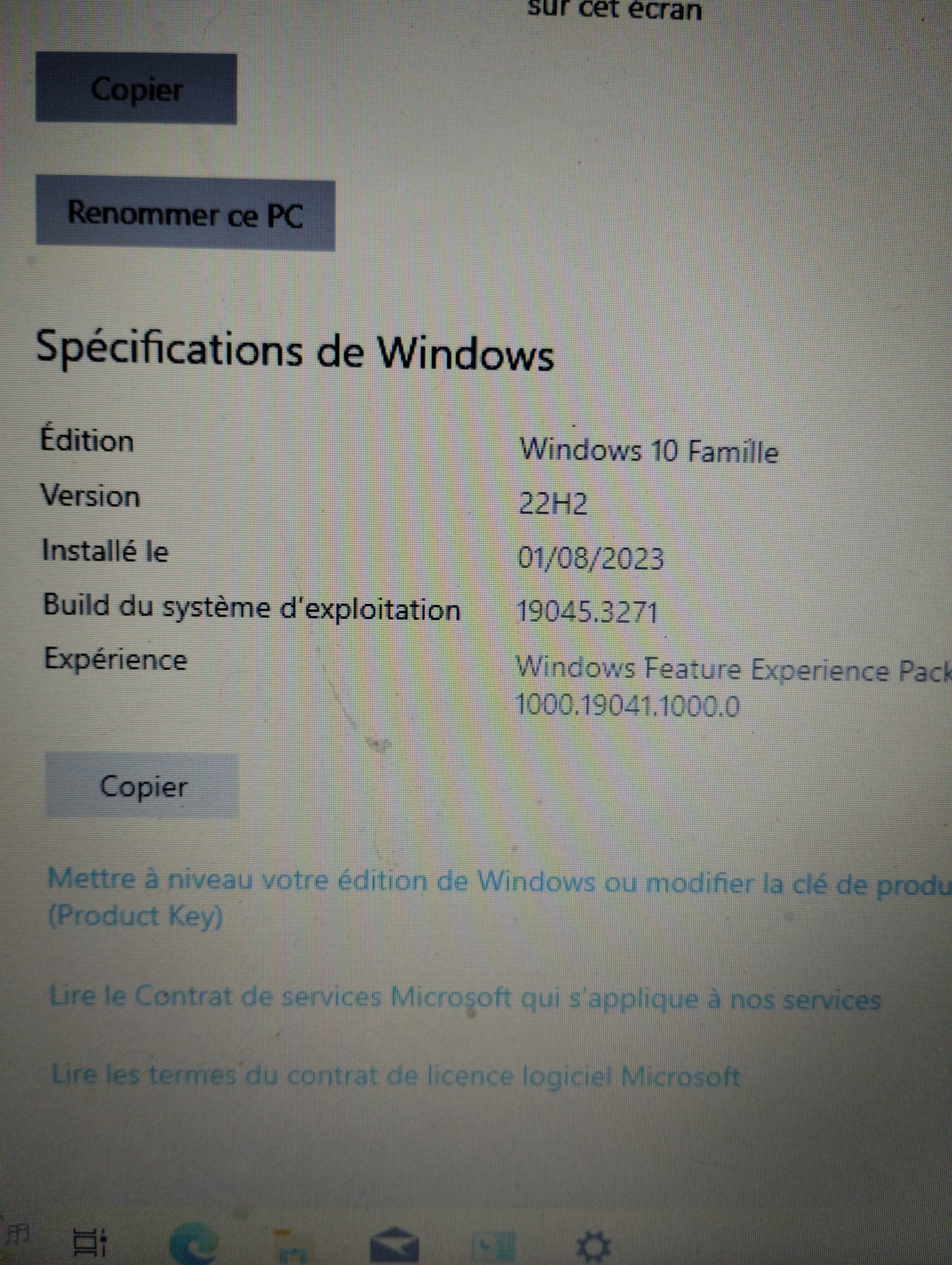
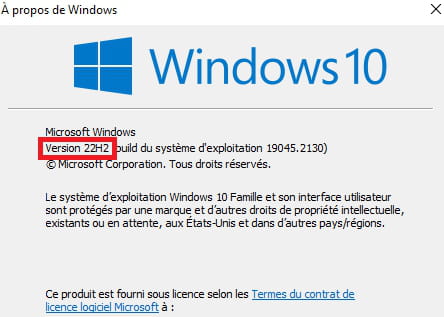
after reinstalling windows 10Is Windows up to date?
Press Windows + R
Type --> winver and OKWhat is the version?
Example image:
-
-
-
I bought a USB to RJ45 adapter which allowed me to update Windows. When I request a driver update via Windows Update, there are no results.
-
Hello
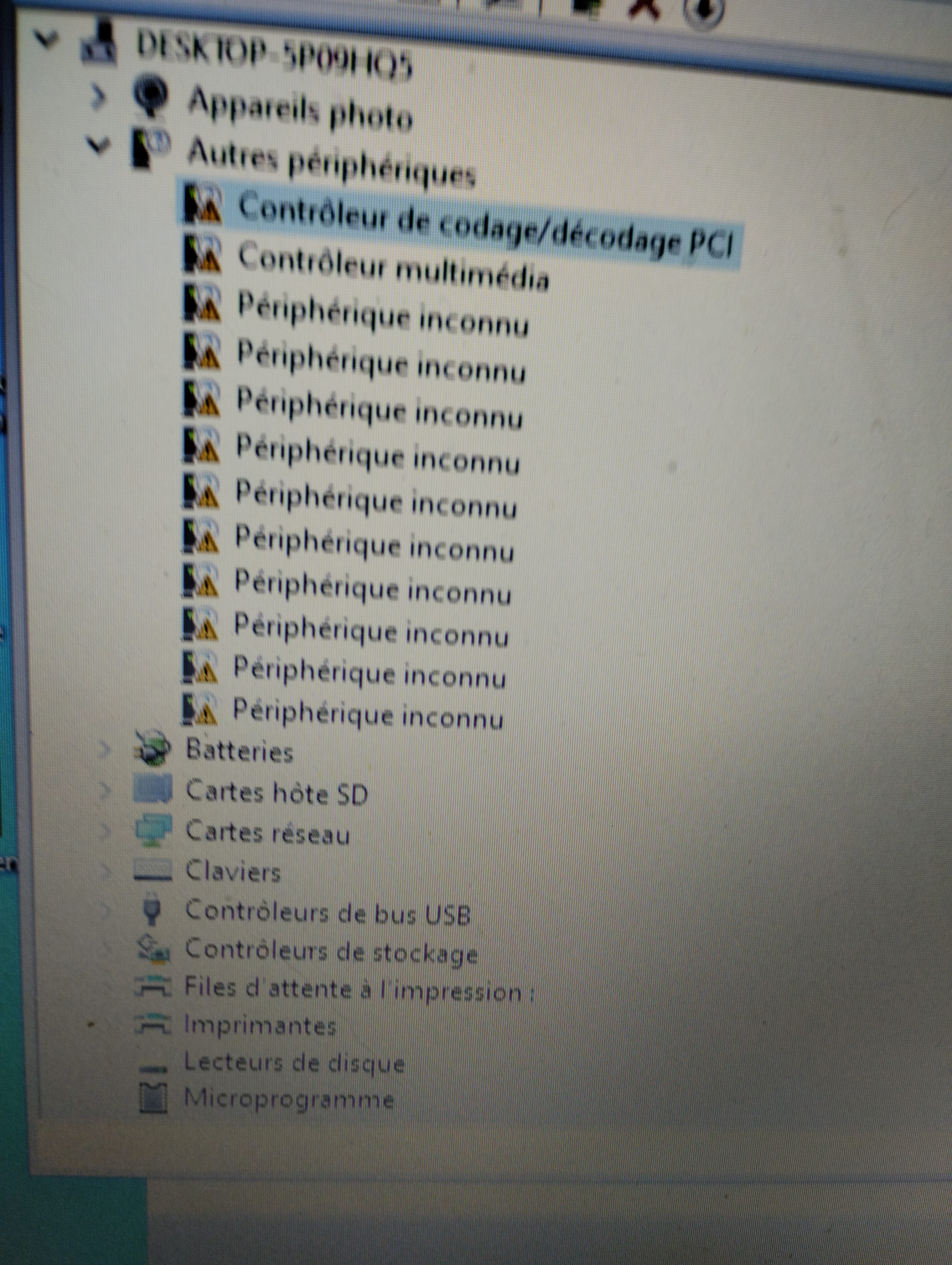
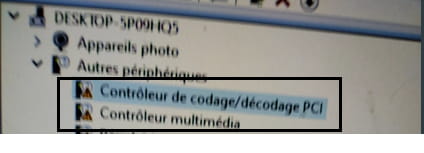
To move the topic forward, provide the identifiers of the 2 devices by naming them
-
All the drivers are okay except for the sound with a small red cross. I don't know what to put as drivers.
-
I don't know what drivers to useLook at message 5
Request made for the hardware identification numbers
Give the one for the multimedia controller
Check this --> Find the device identification number
Post the number in your next message.Also check if there is a device alert in --> System devices
Sample image: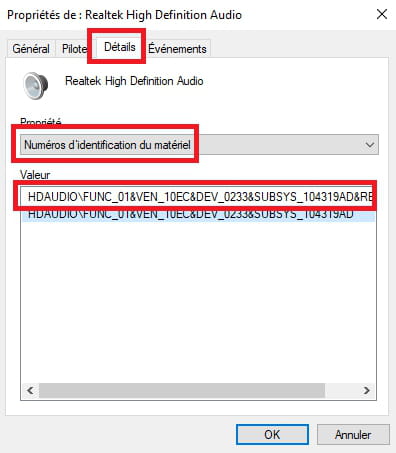
-
Still no sound even though the red cross is gone. I can't find the right drivers. Can you help me? ACPI\VEN_INT&DEV_33F4&REV_0003 ACPI\VEN_INT&DEV_33F4 ACPI\INT33F4 *INT33F4 ACPI\VEN_ESSX&DEV_8316 ACPI\ESSX8316 *ESSX8316 Thank you
-
Hello, ACPI\VEN_ESSX&DEV_8316 ACPI\ESSX8316 *ESSX8316 and ACPI\VEN_INT&DEV_33F4&REV_0003 ACPI\VEN_INT&DEV_33F4 ACPI\INT33F4 *INT33F4
-
Download and install --> 7Zip 64 bits
For the ACPI\VEN_INT&DEV_33F4, download this driver --> Intel
Right-click on the driver --> SOCPackage_CHT_Intel_Win10_64_VER104.zip
Select --> 7Zip
Choose --> extract to "SOCPackage_CHT_Intel_Win10_64_VER104\"Go to Device Manager
Right-click on the device corresponding to --> ACPI\VEN_INT&DEV_33F4
Update driver
Browse my computer for drivers
Browse
Select the extracted driver folder --> SOCPackage_CHT_Intel_Win10_64_VER104
OK, next
---------------------------------------------------------------------------------------------------For the ACPI\ESSX8316, download this driver --> ES8316AuDriver
Right-click on the driver --> es8316_......cab
Select --> 7Zip
Choose --> extract to "es8316_.....\"Go to Device Manager
Right-click on the device corresponding to the ACPI\ESSX8316
Update driver
Browse my computer for drivers
Browse
Select the extracted driver folder --> es8316_.....
OK, next
Restart. -
-
You're welcome.
Have a great day.