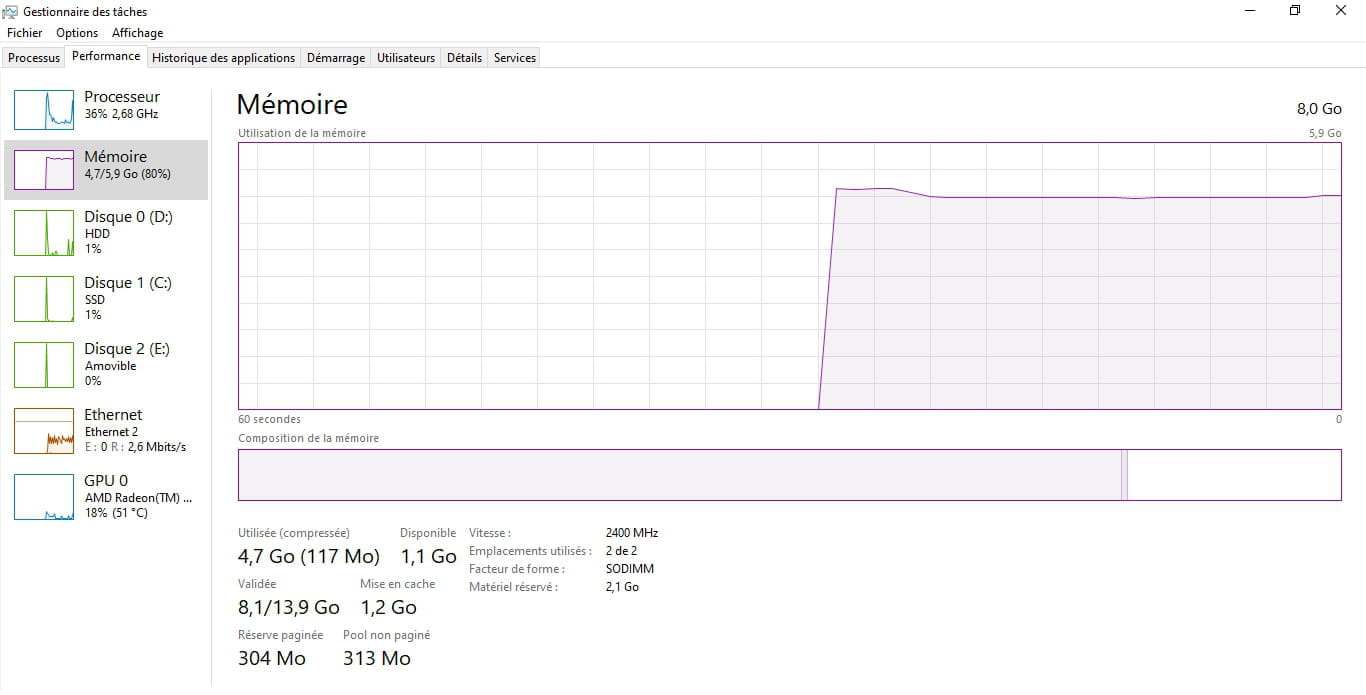
ReadyBoost is not enabled because the computer is too fast...
Solved
paul -


6 answers
-
Hello
ready boost was useful on older PCs that were slow
on recent PCs with an SSD, it is useless
-
Hello
No, it’s not going to work. It can’t make the computer faster. Windows no longer supports this function as it used to.
The function is actually no longer available but has been replaced by others. Without a USB key.
Fetch, superfetch, indexing services, sysmain, Windows fast startup, background operations, SSDs, caching systems in Windows and programs have taken over, hybrids or caching memory with integrated flash memory in hard drives as well, Amd and Intel use SSDs as "HDD accelerators" by automatically selecting and preloading the most used files from the hard drive on the fly.
You can still find tutorials, but they explain that it is possible to "fool Windows," but it’s useless; in the end, we rely on the HDD for speed.
https://elsefix.com/fr/how-to-enable-readyboost-in-windows-11-10.html
-