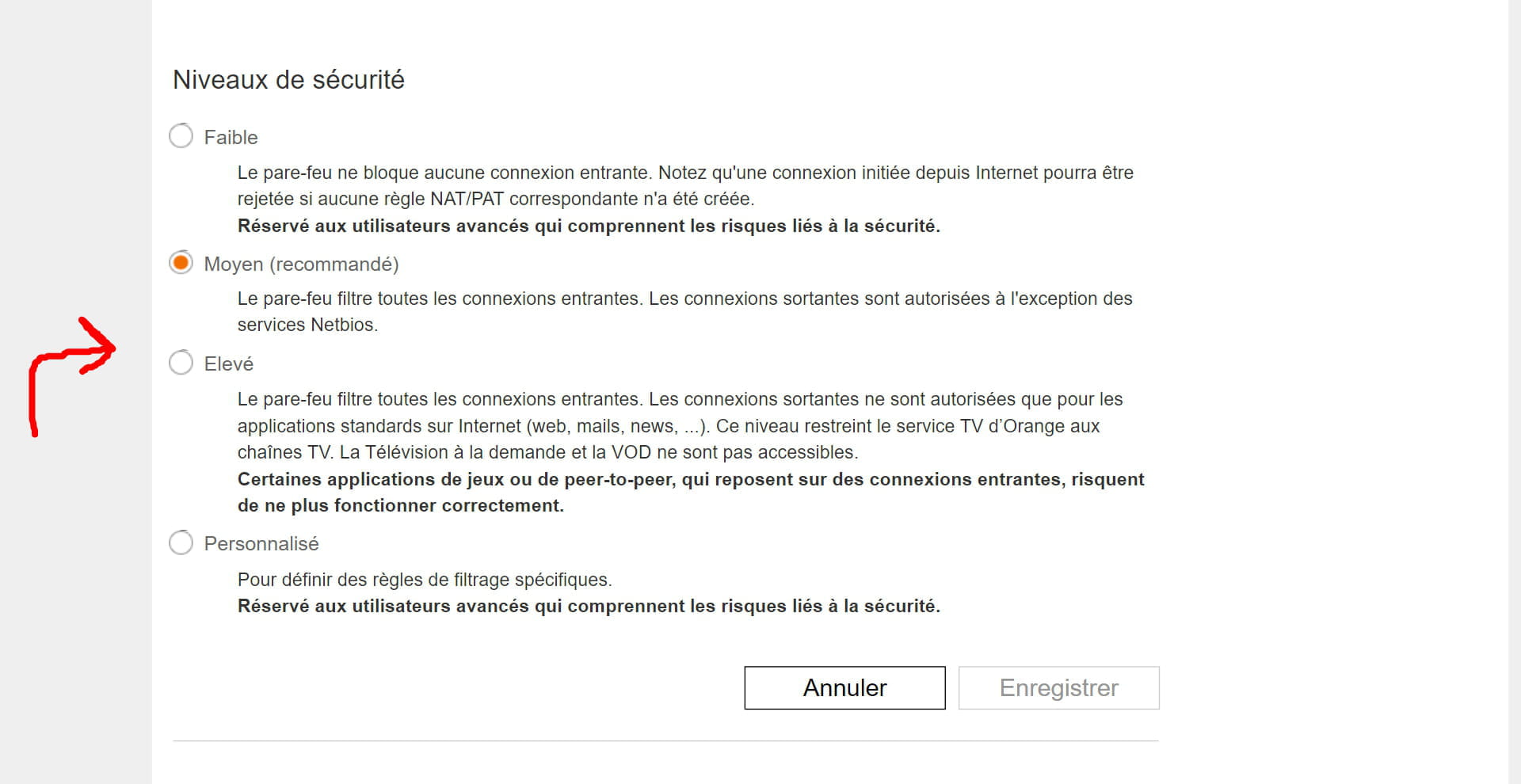
Suspicious incoming connections blocked
Joseph_Breaudy
Posted messages
7
Status
Member
-
Joseph_Breaudy Posted messages 7 Status Member -
Joseph_Breaudy Posted messages 7 Status Member -
Hello,
I have been a victim of an attack for a week. Indeed, I found myself with over 4000 suspicious incoming connections blocked in 4 days, which greatly slowed my bandwidth to the point where I could only use Gmail and YouTube in low quality. I have therefore undertaken all the techniques I know, replacing my local IP, resetting the Livebox, resetting Windows + the entire PC. I am starting to despair. Currently, the bandwidth is not as impacted as before, but I have been a victim of over 1200 suspected incoming connections blocked in 8 hours. I don’t know what to do anymore.

Thank you very much.
I have been a victim of an attack for a week. Indeed, I found myself with over 4000 suspicious incoming connections blocked in 4 days, which greatly slowed my bandwidth to the point where I could only use Gmail and YouTube in low quality. I have therefore undertaken all the techniques I know, replacing my local IP, resetting the Livebox, resetting Windows + the entire PC. I am starting to despair. Currently, the bandwidth is not as impacted as before, but I have been a victim of over 1200 suspected incoming connections blocked in 8 hours. I don’t know what to do anymore.

Thank you very much.