B200 Error on Canon MG6350
Marcel-0369
Posted messages
4
Status
Member
-
Pierr10 Posted messages 13838 Registration date Status Moderator Last intervention -
Pierr10 Posted messages 13838 Registration date Status Moderator Last intervention -
Hello,
how to remove the B200 error on Canon Pixma MG6350 printer, ink absorber changed, but I can't enter service mode.
thanks for your help
marcel
how to remove the B200 error on Canon Pixma MG6350 printer, ink absorber changed, but I can't enter service mode.
thanks for your help
marcel
1 answer
-
Good evening,
You need to contact Canon.
I think there may be an usage counter or cleaning cycles that need to be reset.
Replacing the absorbent pads is not enough to bring the printer back into service:
You must replace the pads AND reset the counter. There is no tutorial on the Internet to reset the counter on recent printers.
What is conceived well is expressed clearly,
And the words to say it come easily.
(Boileau)-
Hello,
Yes, that's exactly what I want to do, reset the counter.
I've already created a mail at Canon, they sent me a questionnaire where I must indicate my company's name, and I can't validate without filling this field.
Apparently they only want to deal with professionals.
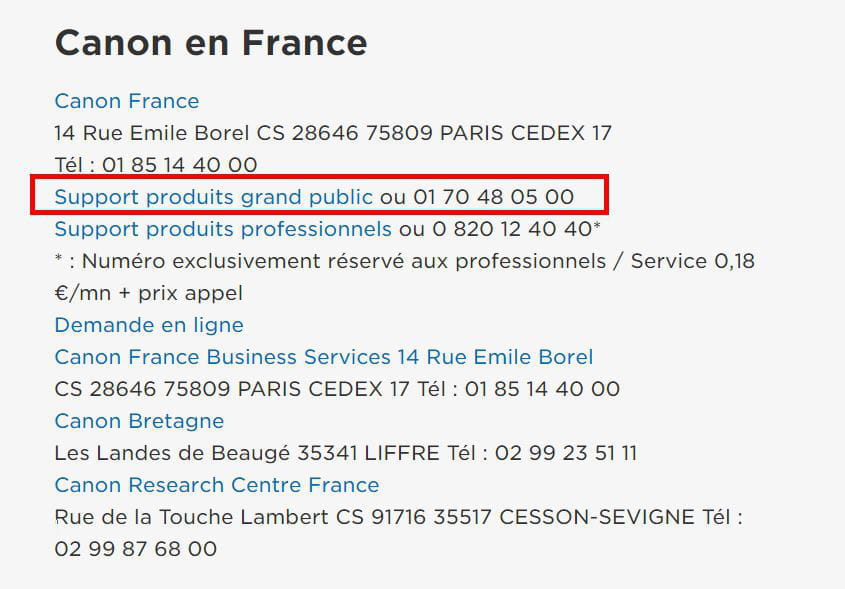
Do you have a way to contact them?
Thank you
Marcel- Here is Canon's reply: lamentable.
Date: 05/10/2020
Ticket number: 1-88967698843
Dear Mr. Ramus,
Thank you for contacting Canon Customer Service.
We are sorry to hear that you are experiencing a malfunction with your Canon PIXMA MG6350.
If the error code B200 continues to appear, we regret to inform you that this error indicates a failure within the printer's internal system.
To make this error disappear, we would have invited you to send your printer in for repair.
However, due to the end of marketing of your device dated 28/02/2014
, we regret to inform you that we no longer have spare parts for this device since 30/06/2019, and our technicians cannot intervene to repair it.
If your device was purchased after the end-of-marketing date, we invite you to contact your retailer for any possible coverage.
Finally, as an exception, you have the possibility to benefit from a 20% discount voucher on the purchase of a new PIXMA or MAXIFY printer on our online store. Please reply to this email and confirm the serial number of your printer in order to receive the discount code.
We apologize for the inconvenience and we count on your understanding and patience. Do not hesitate to contact us again if you have any questions. We remain at your disposal for any other requests and we thank you again for getting in touch with Canon.
Best regards,
C.Kharrouf
Canon Services & Support
Phone:
01.70.48.05.00
Hours:
08:00 to 20:00 (Monday to Friday)
-