
Layout Shift - Footnotes - Office 365
Solved
Hello everyone (and ladies too!),
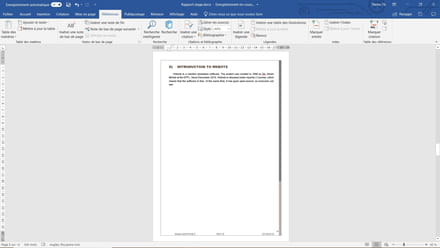
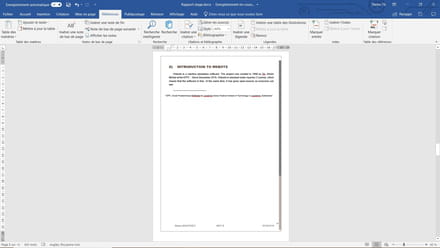
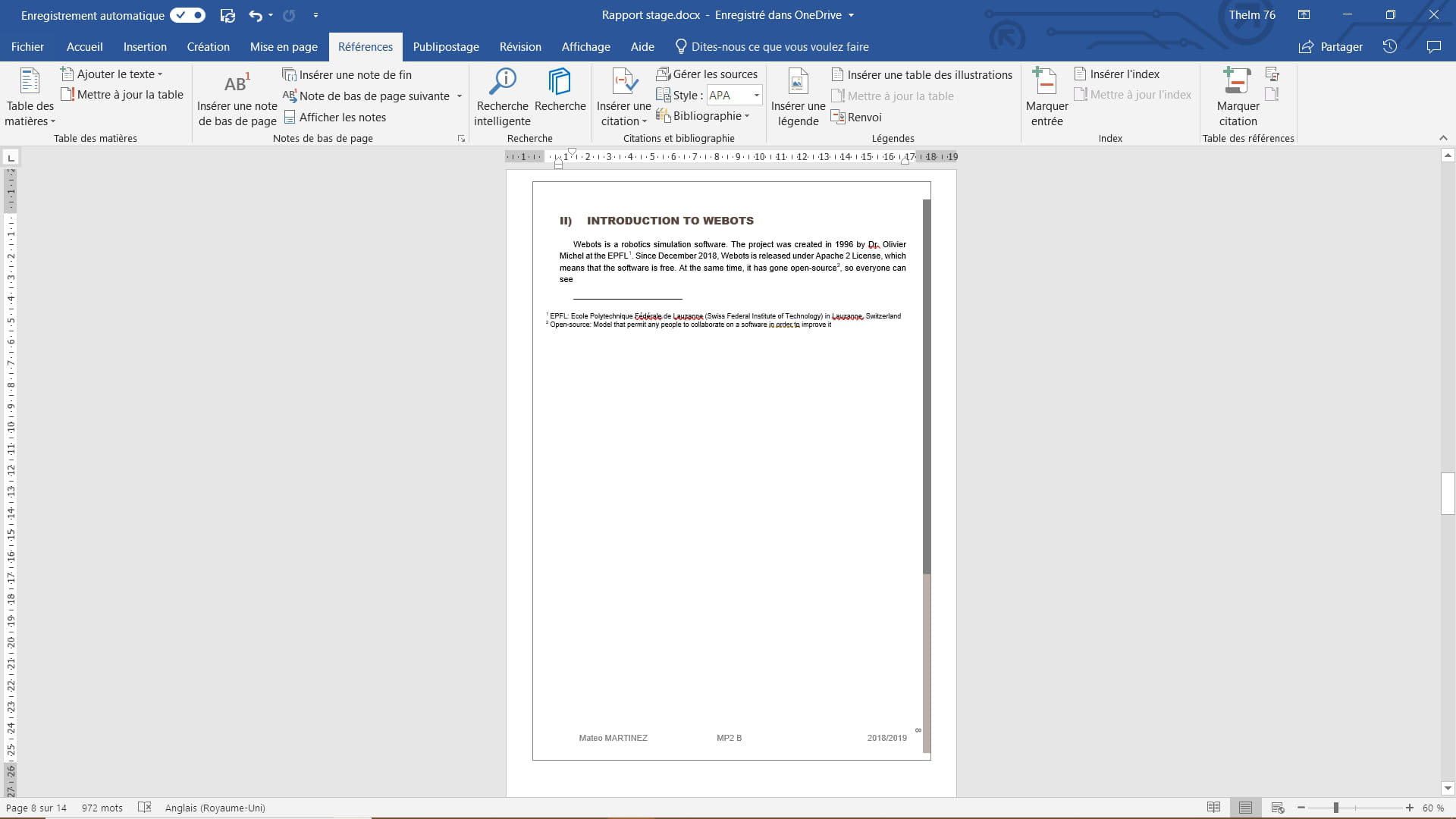
When I insert footnotes into my Word document, a vertical shift occurs at the footer and decorative elements even when they follow the text (it's easier to see in the images ;) )
If a kind soul knows how to fix the problem, I’m all ears :D
Thank you in advance for your help!
normal layout:
shifted layout due to footnotes:
When I insert footnotes into my Word document, a vertical shift occurs at the footer and decorative elements even when they follow the text (it's easier to see in the images ;) )
If a kind soul knows how to fix the problem, I’m all ears :D
Thank you in advance for your help!
normal layout:

shifted layout due to footnotes:

2 answers
-
ContributorGood evening.
Charitable? Charitable! Charitable...- In FILE / Layout click on the small arrow at the bottom right.
- Go to Layout / Page.
- Choose Vertical alignment Top, if Centered is currently selected.
If not, I give up. If so, we need to thank m@rina!
--
Retirement is nice! Especially in the Caribbean...
Raymond (INSA, AFPA)-
Thank you for your quick response :D
Sorry, the vertical alignment was indeed set to top...
However, since the black rectangle is supposed to be an automatic frame, I just thought it looked like offset margins, and I managed to solve my problem by going to Page Layout, and in the drop-down menu Margins I selected Narrow, go figure, it's the only mode where my issue disappears (probably an overlap issue with the footer and the footnotes that disappears with narrow margins...)
Hoping to help the next people who have the same problem as me! -
Actually, it's just that I used a theme I found nice instead of creating my own, and I've just realized that the borders and the bars on the side are elements that were hastily drawn in the footer -_-
so with the references trying to position themselves at the bottom, it shifts the footer and therefore shifts the entire messed-up layout...
-
ContributorIndeed, thelm76, unpleasant surprises often occur with ready-made or recycled stuff ...
I advise you to simply take inspiration from the design of documents found elsewhere, but to create your own; that way you know what you have put in and where you have put it.
In any case, that's how I do it ...
Glad you solved your problem!
--
Retirement is great! Especially in the Caribbean ...
Raymond (INSA, AFPA)

