Get the tilde character only
Solved
bijuzinho
Posted messages
7
Status
Member
-
baladur13 Posted messages 47348 Registration date Status Moderator Last intervention -
baladur13 Posted messages 47348 Registration date Status Moderator Last intervention -
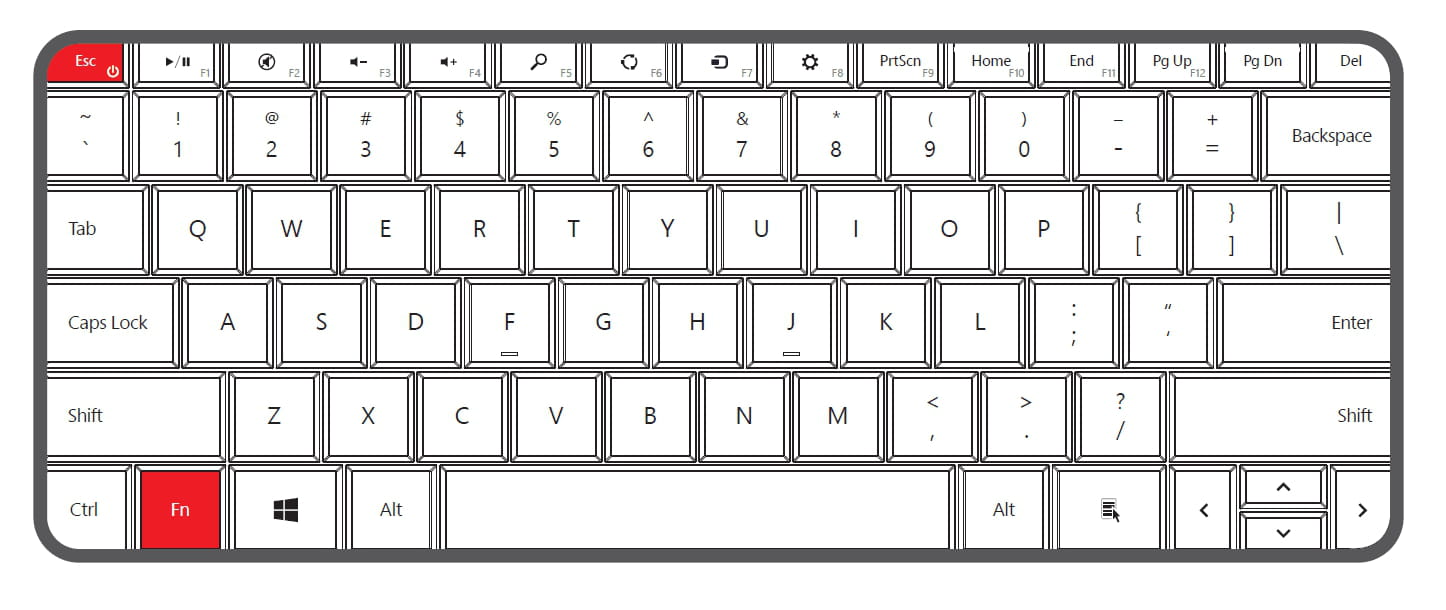
I want to get the tilde character by itself. I don't want to join it with other characters.
I use a QWERTY keyboard, with the French Canadian layout (Canadian Multilingual Standard).
I know I could have used a Portuguese keyboard, but I want to have this accent on the Canadian keyboard.
Has anyone ever found a solution to this?
Thanks in advance!
I use a QWERTY keyboard, with the French Canadian layout (Canadian Multilingual Standard).
I know I could have used a Portuguese keyboard, but I want to have this accent on the Canadian keyboard.
Has anyone ever found a solution to this?
Thanks in advance!