Unable to restart Windows Defender
thomaseight
Posted messages
158
Status
Member
-
MisteryBean Posted messages 8950 Registration date Status Moderator Last intervention -
MisteryBean Posted messages 8950 Registration date Status Moderator Last intervention -
Hello,
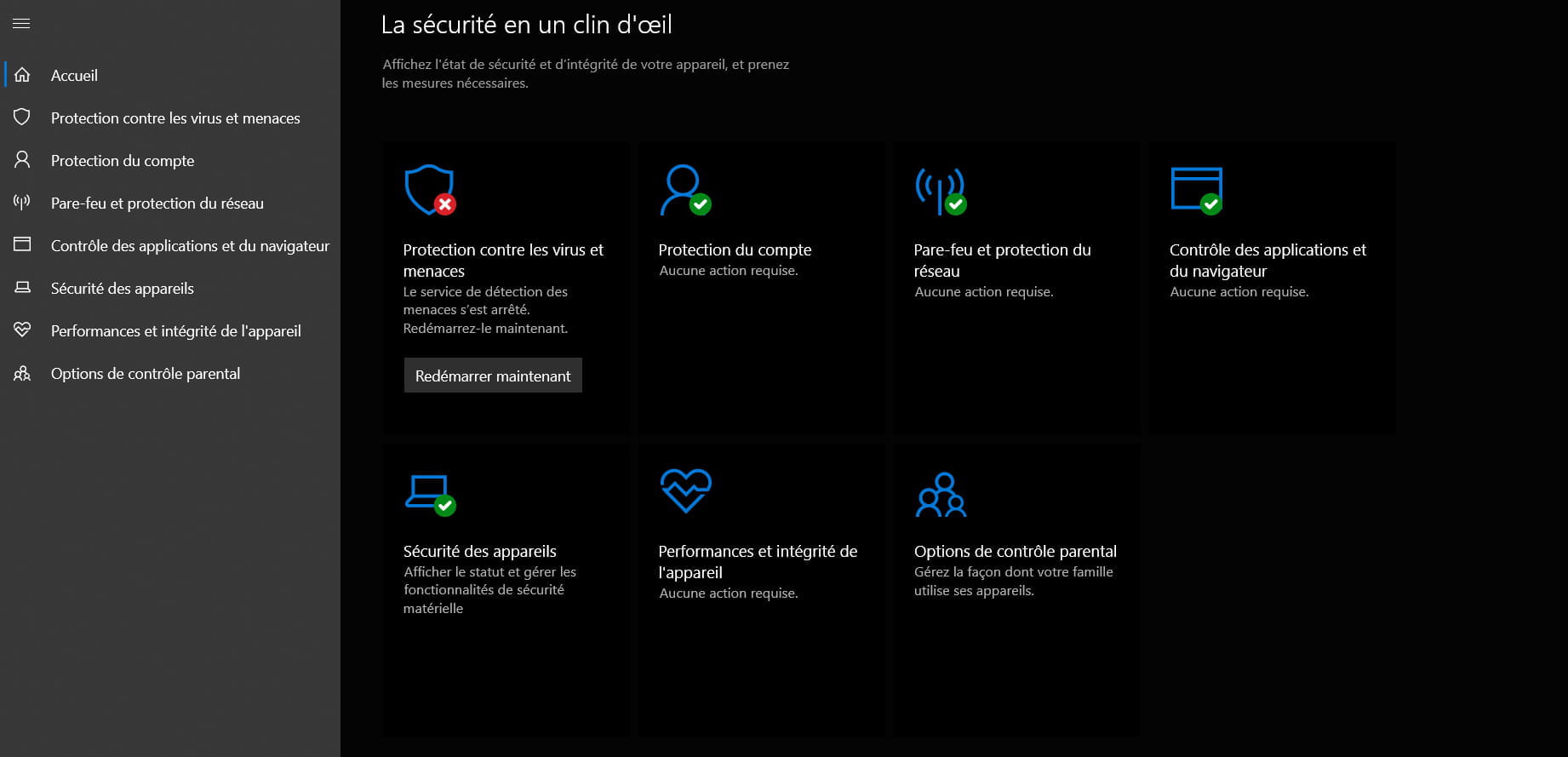
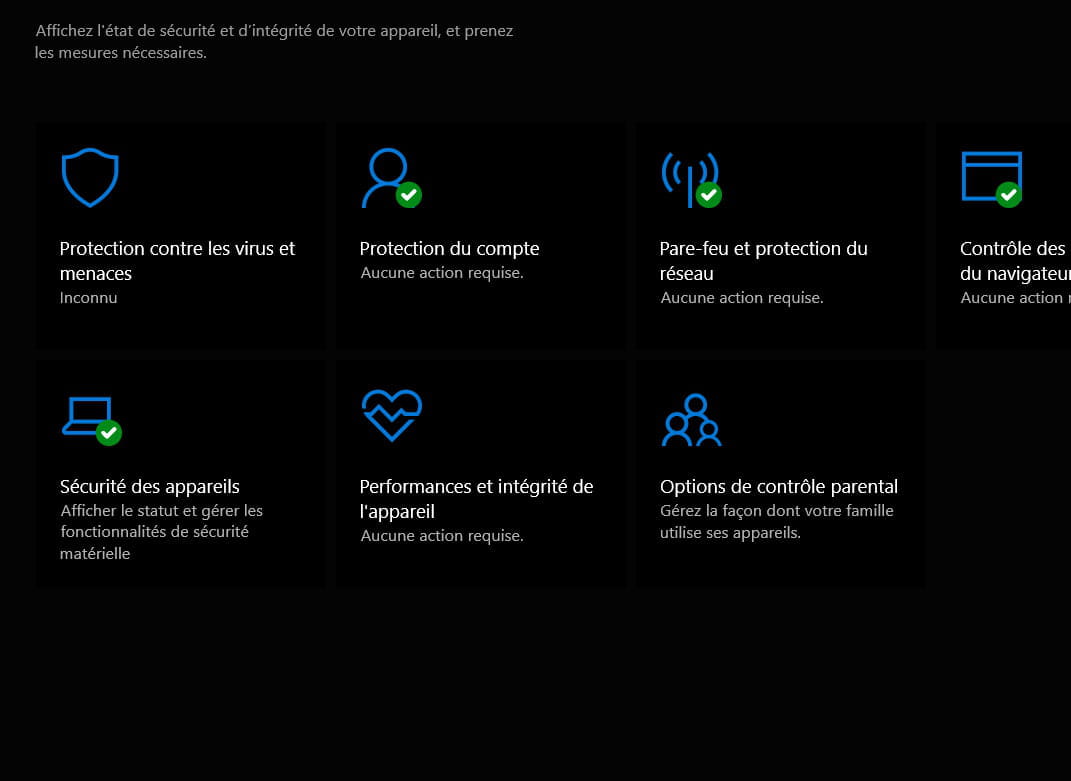
I have a little problem. Windows Defender is telling me that there are actions required. When I go to the settings, it says: "The detection service has stopped. Restart it." However, when I restart it, I get an error: "Unexpected error. Sorry, we encountered a problem. Please try again."
Can you help me? Thank you.
I have a little problem. Windows Defender is telling me that there are actions required. When I go to the settings, it says: "The detection service has stopped. Restart it." However, when I restart it, I get an error: "Unexpected error. Sorry, we encountered a problem. Please try again."
Can you help me? Thank you.
5 answers
-
Hello
You can first try resetting Windows Defender.
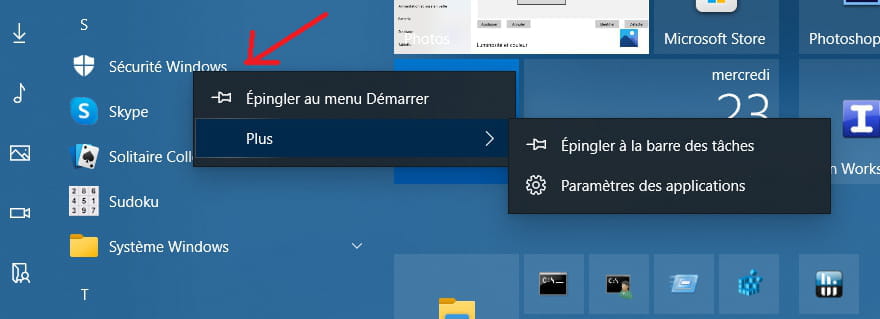
Open the Start menu, search for Windows Security, right-click on it, then go to More > App Settings.
Then in the "Windows Security" app settings, click on "Reset" and again on "Reset"
Don’t forget to run an update to ensure that the "definitions" of Windows Defender are up to date...
Restart the machine
See you later
___________
If this answer helped you, a little click on the thumbs up would be great... If resolved, that’s perfect.
Let him who has never opened a user manual throw the first mouse ;-) -
-
By the way, when I try to run a quick analysis I get an error: "Your IT administrator has restricted access..."
-
Hello,
We will check if it's infectious by performing a PC diagnosis:Read the entire procedure before posting the reports
The reports FRST.txt and Addition.txt are expected
Do not post them directly in the messages as they are unreadable and incomplete
All reports must be hosted on https://security-x.fr/up/ and you indicate the obtained links in your reply
---------------------------------------------------------------------------------------------
--> The SmartScreen filter may trigger an alert. Click on Actions or More information then on Run anyway
---------------------------------------------------------------------------------------------
--> Download the FRST version of Farbar, compatible with your system and save the file on your Desktop
--> For a 32-bit system
--> For a 64-bit system
How to know which version 32-bit or 64-bit is running on my system?
--> Wait until your browser offers you the download to save, without clicking anywhere, especially not on the sponsors of the page.
--> Close all applications, including your browser
--> Double-click on FRST.exe and click Yes to accept the Disclaimer
--> On Vista, Windows 7 / 8 and 10, you need to launch the file by right-clicking -> Run as administrator
--> Wait until it indicates The tool is ready to run
--> On the main menu, click on Scan and wait for the analysis to complete
--> At the end of the scan, the reports FRST.txt and Addition.txt are created. Post these reports in your next reply.
--> The reports are saved in the same location as the tool and under C:\FRST\Logs
--
Security contributor. -
RE_
Did the Macintosh method work?
In the reports, you have remnants of McAfee, when did you uninstall it?
There is also a restriction on Windows Defender as well as outdated tasks to clean up.
I am preparing a patch to clean all that up.
--
Security contributor.