Installing El Capitan on my 2007 iMac
Solved
Sky
-
_Ritchi_ Posted messages 21130 Registration date Status Contributor Last intervention -
_Ritchi_ Posted messages 21130 Registration date Status Contributor Last intervention -
Hello,
I am reaching out to you because I am desperate
I have followed all the possible tutorials but none that meet my request
I bought a used iMac from 2007
When I tried it, it was working very well
I reset it and since then I have been trying to reinstall OS X El Capitan but without success
The seller even gave me a USB stick with the old operating system but when I press the Alt key and select the USB stick, it gets stuck on the Apple logo without the loading bar (I left it overnight)
I am completely lost because I can't find a solution to use the iMac
Moreover, when I go to Disk Utility, it's a mess
On the internal disk, I have 3 disks all named Macintosh that I can't partition
I have resolved to get closer to the nearest Apple center to my home, however, with the health restrictions...
I am open to any help from anyone who is in a similar situation.
I am reaching out to you because I am desperate
I have followed all the possible tutorials but none that meet my request
I bought a used iMac from 2007
When I tried it, it was working very well
I reset it and since then I have been trying to reinstall OS X El Capitan but without success
The seller even gave me a USB stick with the old operating system but when I press the Alt key and select the USB stick, it gets stuck on the Apple logo without the loading bar (I left it overnight)
I am completely lost because I can't find a solution to use the iMac
Moreover, when I go to Disk Utility, it's a mess
On the internal disk, I have 3 disks all named Macintosh that I can't partition
I have resolved to get closer to the nearest Apple center to my home, however, with the health restrictions...
I am open to any help from anyone who is in a similar situation.
2 answers
-
Hello,
- We need to know if this Mac is from early 2007, in which case it can't run anything higher than Mac OS X 10.7 (Lion), or from mid-2007, in which case it can indeed run El Capitan.
- Next :Moreover, when I go to Disk Utility, it's a real mess
We understand that you managed to launch Disk Utility, but we don't understand how, since you say you have reset this Mac.
So, the question is: what is the current situation of this Mac, capable of starting? Under what version?
Next,
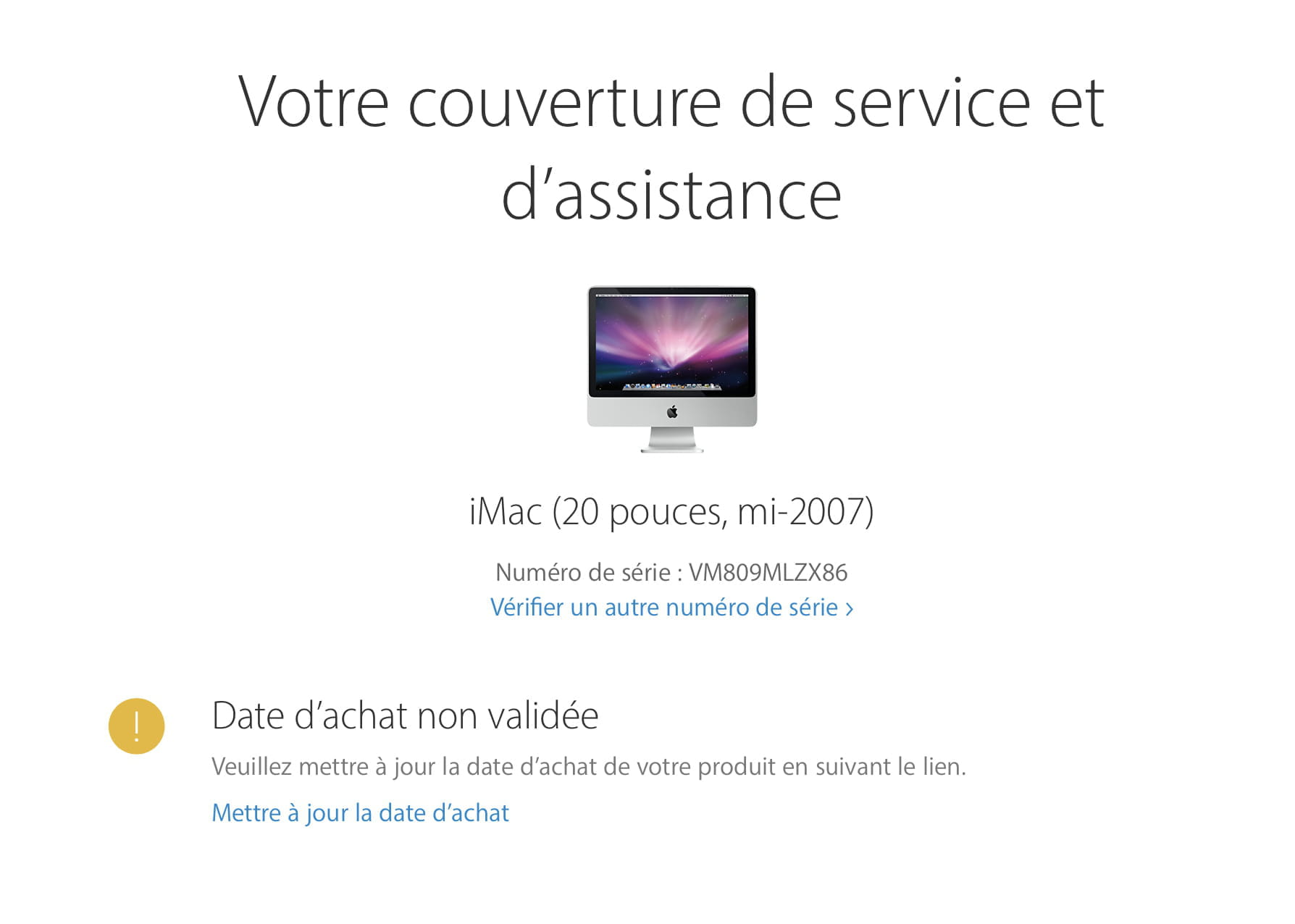
- what is the exact model? late 2006 to early 2007 or mid 2007?
- What is its serial number?
https://www.commentcamarche.net/informatique/macos/1463-informations-systeme-mac/
Best regards.-
I asked the seller and it's a mid-2007 model
When I turn it on and press command + R, I can access the following functions
- Restore from a Time Machine backup
- Reinstall OS X
- Get online help
- Disk Utility
So yes, the MAC is capable of starting up; the issue is that I can't install OS X El Capitan or the previous version I have on a USB key (macOS High Sierra)
The serial number is VM809MLZX86
-
-
If this is indeed an iMac from mid-2007, it cannot run High Sierra. Its limit is El Capitan.
https://support.apple.com/fr-fr/HT211683
If your seller agrees, and if he still has a Mac, the ideal solution would be to create a USB installation drive for El Capitan by following this method:
https://www.commentcamarche.net/faq/44770-creer-une-cle-usb-d-installation-os-x-10-11-alias-el-capitan
Otherwise, since you can boot from your recovery partition by holding down the cmd R keys during startup, you should be able to install macOS from Apple's servers. For this, the Mac needs to be connected to the internet, preferably via a wired connection. Just select "Reinstall OS X"... but as mentioned, the Mac must have a good quality internet connection, so preferably via Ethernet.
https://support.apple.com/fr-fr/HT204904-
-
-
Regarding the second alternative, I feel like I can't do it because of the multiple disks on the internal disk
This thing is not a problem. You still need to reformat/delete the hard drive from Disk Utility just before launching the Mac OS installation. In the "View" menu, make sure all devices are displayed so you can physically select the hard drive for deletion. I don't quite remember how it looks under the recovery partition of Lion or El Capitan, but you need to delete all those volumes anyway before reinstallation. -
Hello
I would like to get back to you regarding my issue
I successfully created a USB drive with the OS El Capitan version
I have erased the hard drive
However, when I start the installation, after a few minutes, I get a message indicating that I could not install OS X on the computer
I found some information online stating that I needed to change the date and time, which I did, but still nothing
Do you have one or more solutions? -
-