
Disabled overlay features on my telep
SolvedHelpiOS Posted messages 8473 Registration date Status Moderator Last intervention -
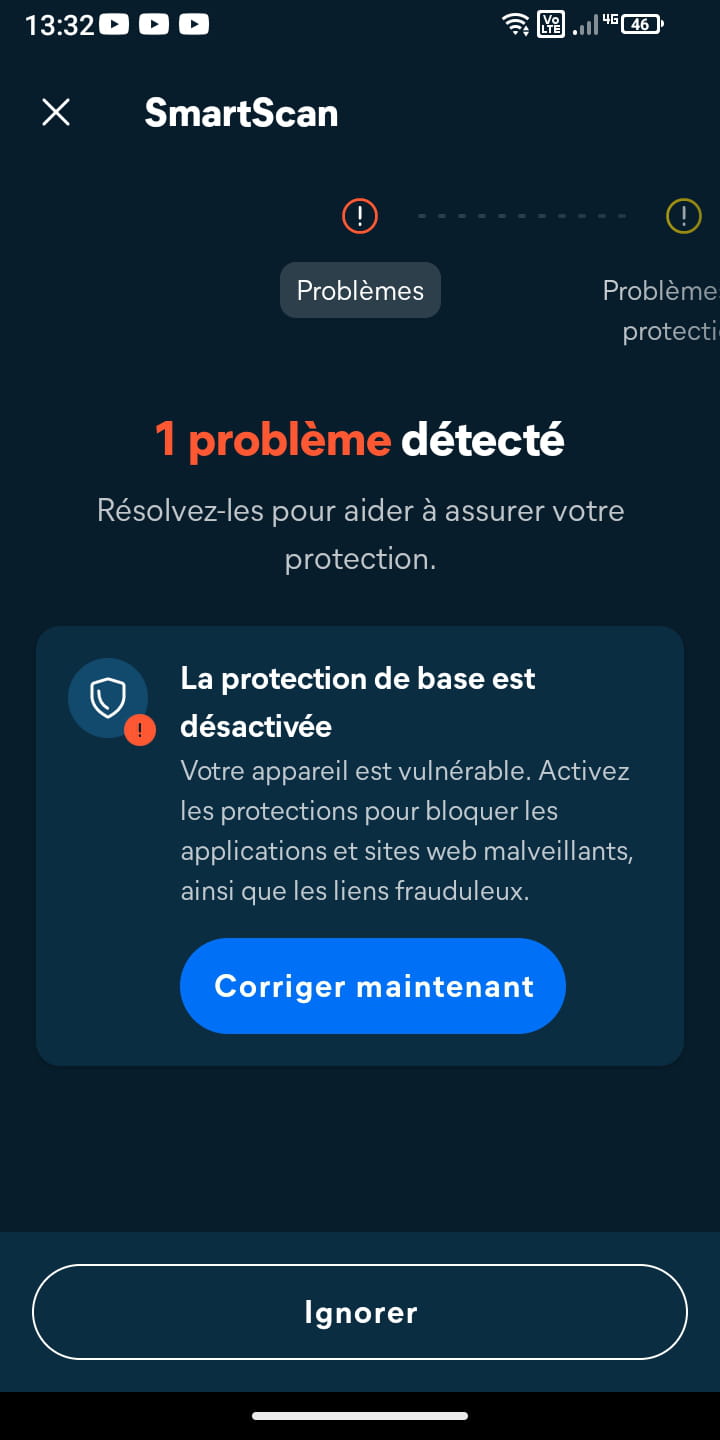
Hello, I’m using a Ulefone Armor X12. I’m trying to enable Avast One’s basic protection, but when I go to “Overlay on top of other apps,” I get the message: “Feature not available. This feature has been disabled because it slows down your phone.” Even after granting overlays, Avast still indicates that the basic protection is disabled. My phone is supervised by my parents. Is this a limitation of the phone, the supervision, or is there a solution?
2 answers
-
Hello,
This is caused by a limitation coming from the phone. The overlay is disabled on Android Go and on phones with low RAM.
The good news is that it is still possible to allow an application to use the overlay by running an ADB command from a computer. You will also need to enable Developer options and USB debugging on the phone.
On your phone, go to Settings > About phone. Tap 7 times on Build number and once you see a message indicating that Developer mode has been enabled, go to the System > Developer options to enable USB debugging.
Connect your phone to your computer.
On your computer, download the SDK Platform Tools. In the platform-tools folder, right-click in an empty space while holding down the SHIFT key. Then select Open command window here.
In the command window, type adb devices and press Enter. Your phone should appear in the list.
To enable the overlay for Avast One, type :
adb shell pm grant com.avast.android.mobilesecurity android.permission.SYSTEM_ALERT_WINDOW
Avast should now work.
-
Thanks, Avast says nothing more, it worked.
