Paper Error Empty or Open - HP Officejet Pro 8720
Solved
Nox57
Posted messages
15
Registration date
Status
Member
Last intervention
-
invite -
invite -
Hello,
Since this morning, after printing 2 documents without issues, I haven't been able to print the 3rd one. I received an error message "TRAY EMPTY OR OPEN" even though the tray was closed and had paper in it.
I found online that I need to clean the rollers that feed the paper with distilled water and cotton swabs, but nothing seems to work.
I also reset the printer to factory settings, but I still have the same error.


The printer is from October 2018, and I have changed the cartridges twice. During this lockdown period, this object is very important for parents' work and children's homework.
Thank you for your help.
Configuration: Windows / Firefox 74.0
Since this morning, after printing 2 documents without issues, I haven't been able to print the 3rd one. I received an error message "TRAY EMPTY OR OPEN" even though the tray was closed and had paper in it.
I found online that I need to clean the rollers that feed the paper with distilled water and cotton swabs, but nothing seems to work.
I also reset the printer to factory settings, but I still have the same error.


The printer is from October 2018, and I have changed the cartridges twice. During this lockdown period, this object is very important for parents' work and children's homework.
Thank you for your help.
Configuration: Windows / Firefox 74.0
19 answers
-
To determine which side the light comes from, a cover must be placed to find out.
If you have a multimeter, measure the voltage (in DC):
between the black and red wires
between the black and gray wires
See if it changes by introducing a cover into the U
Very difficult to catch a black cat in a dark room.
Especially when it isn't there... -
Hello,
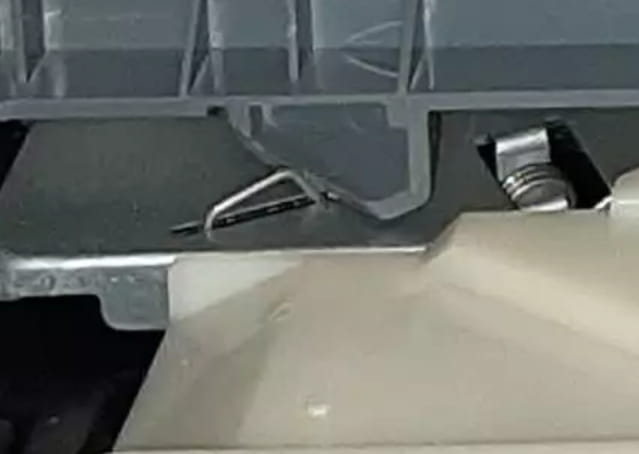
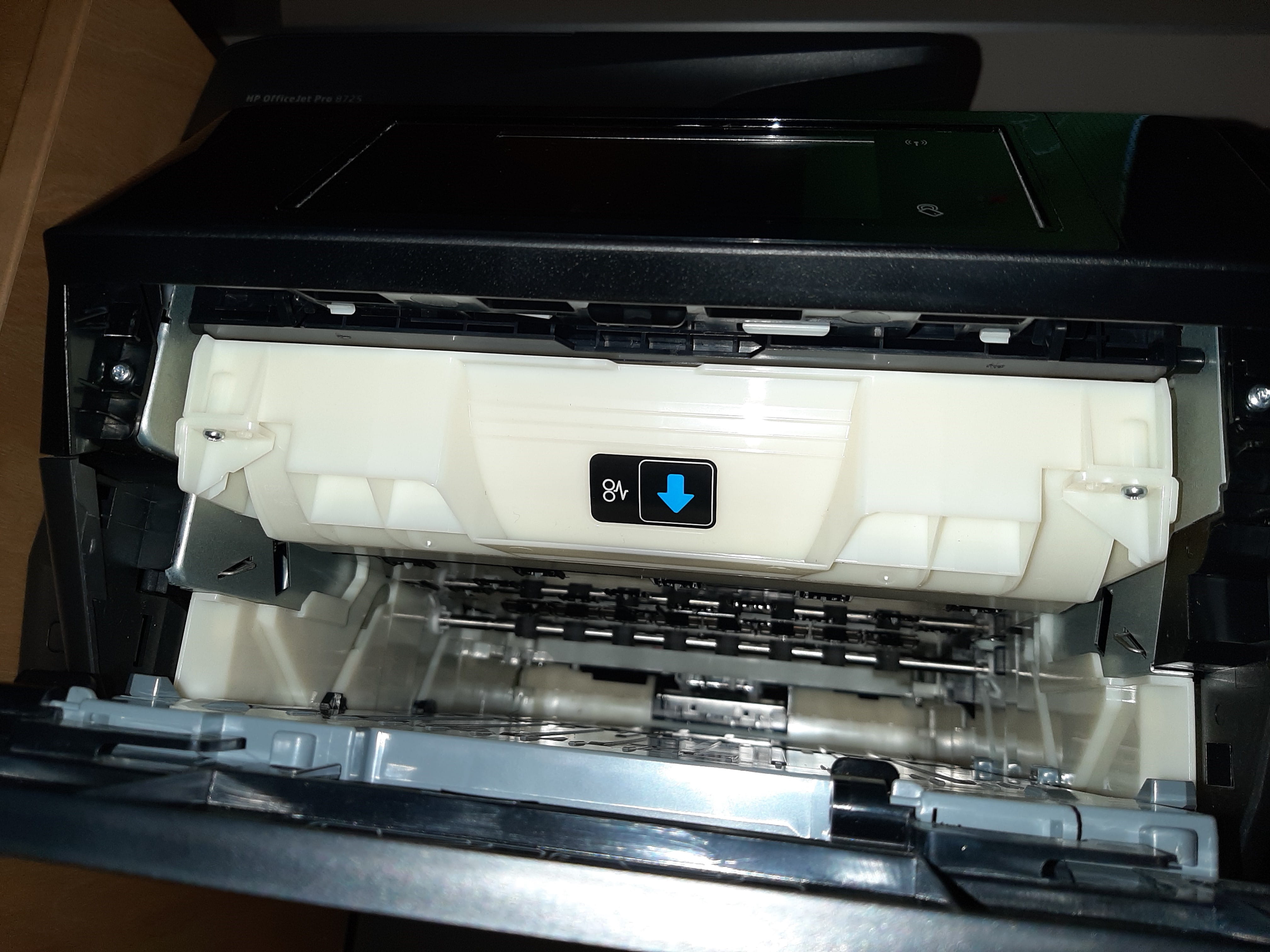
In the printer, there are switches that detect the position of the trays or doors.
Try to see if one of these switches that detects the open tray door is not misaligned or if a tab in the door has not been damaged.
Is there not a connector with 4 wires that connects to this detector? If so, try simply unplugging it.
It's very difficult to catch a black cat in a dark room.
Especially when it's not there... -
Nothing is broken there

--
Very difficult to catch a black cat in a dark room.
Especially when it's not there... -
Does the paper bin not push this metal tab down when it is in place?
--
Very difficult to catch a black cat in a dark room.
Especially when it's not there... -
Alright...
we need to try to see if there is something that the tray could activate when we set it up.
No magnets under the tray that, for example, could trigger a hidden contact somewhere along its path.
--
Very difficult to catch a black cat in a dark room.
Especially when it's not there... -
Rhom is indeed a manufacturer of components
but I can't find the 720N.
Tests to do...
disconnect the gray wire
disconnect the red wire (be careful as it may carry the power supply - avoid letting it touch any metal or other items
or if you can, disconnect the possible connector that might exist at the other end of these 3 wires
--
Very difficult to catch a black cat in a dark room.
Especially when it's not there...-
- not at all... no echo on the web and on the RHOM site
either we need a positive signal (presence of tension) or no signal at all, I can't say.
That's why disconnecting could provide the solution.
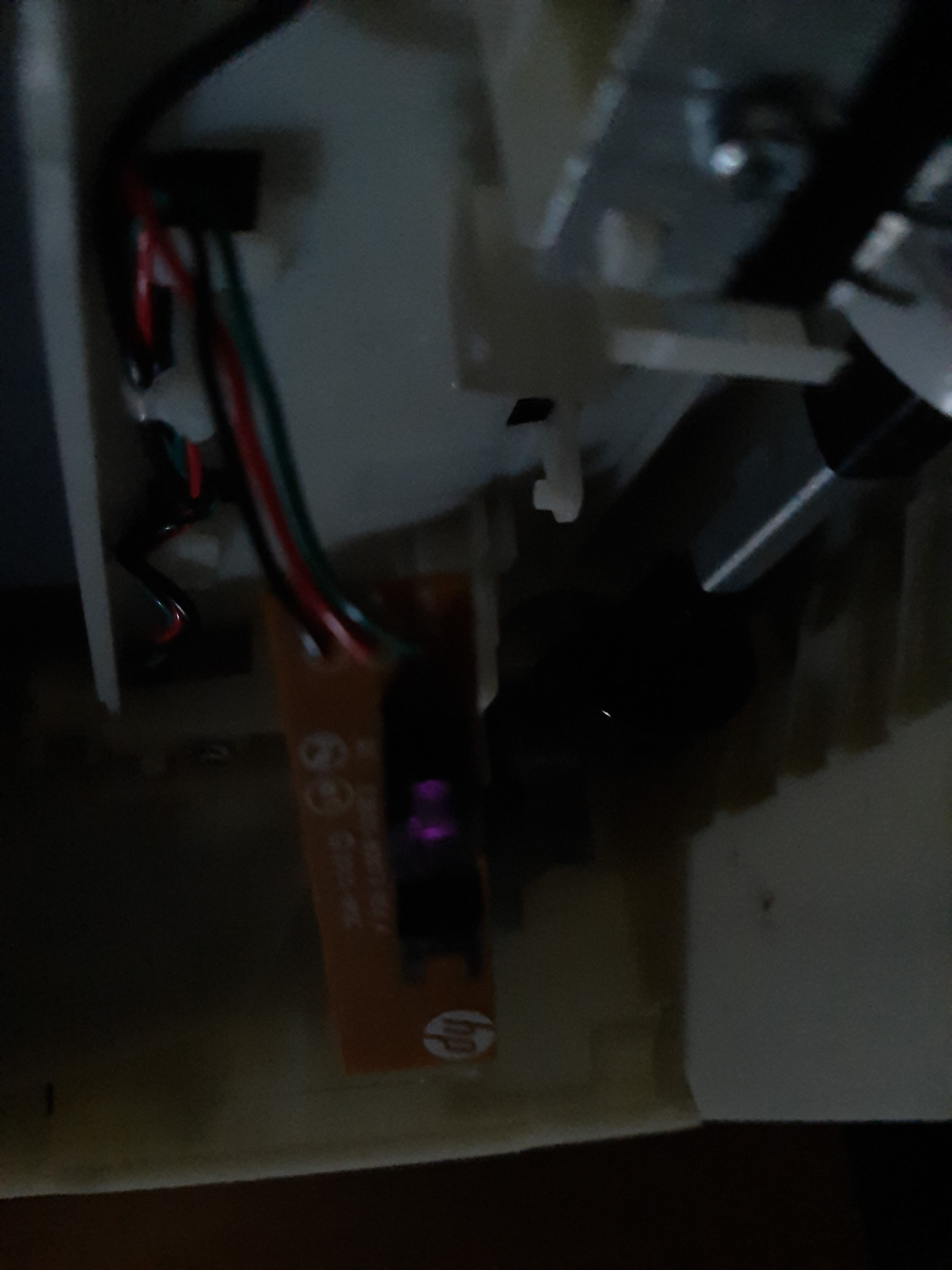
With the printer on, a photo in a dark room could probably reveal whether the infrared diode of this component emits light or not (the camera is sensitive to infrared, not our eye), and tell us which side the emitting part is on. - Thank you, you are really helping me, we are making progress.
Indeed, I can't find anything about this component online either.
I was able to take two photos, one a bit dark and the other less so, and you can clearly see the infrared light, but I have the impression that this light is coming from both sides, which is strange!
So it seems that the component is powered and maybe functional? I have a multimeter; I could possibly take some readings?
To disconnect the wires, a soldering iron is needed, and I don’t have that.


-
-
Ok, receiver on the son side then...
From the point of view of voltage measurements?
--
Very difficult to catch a black cat in a dark room.
Especially when it's not there... -
So if we disconnect the green wire... that should change...
the wires seem to be long enough
Cutting (with the printer unplugged) the green wire should be the solution.
--
Very difficult to catch a black cat in a dark room.
Especially when it's not there... -
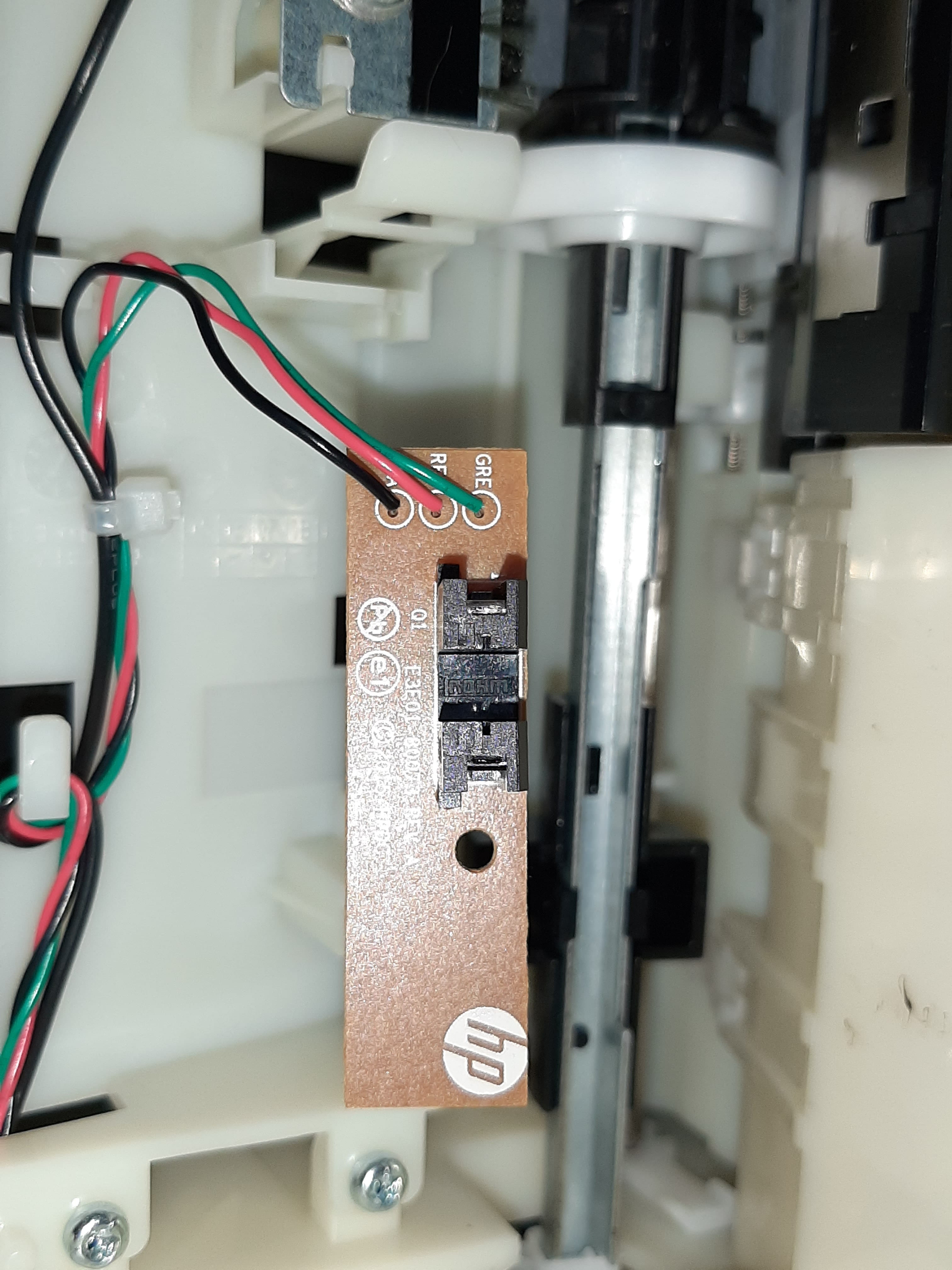
What tensions between the welds on the left (image below)

and between the bottom left weld and the bottom right weld (black wire if I'm not mistaken)
It's very hard to catch a black cat in a dark room.
Especially when it's not there... -
Thank you very much for the response.
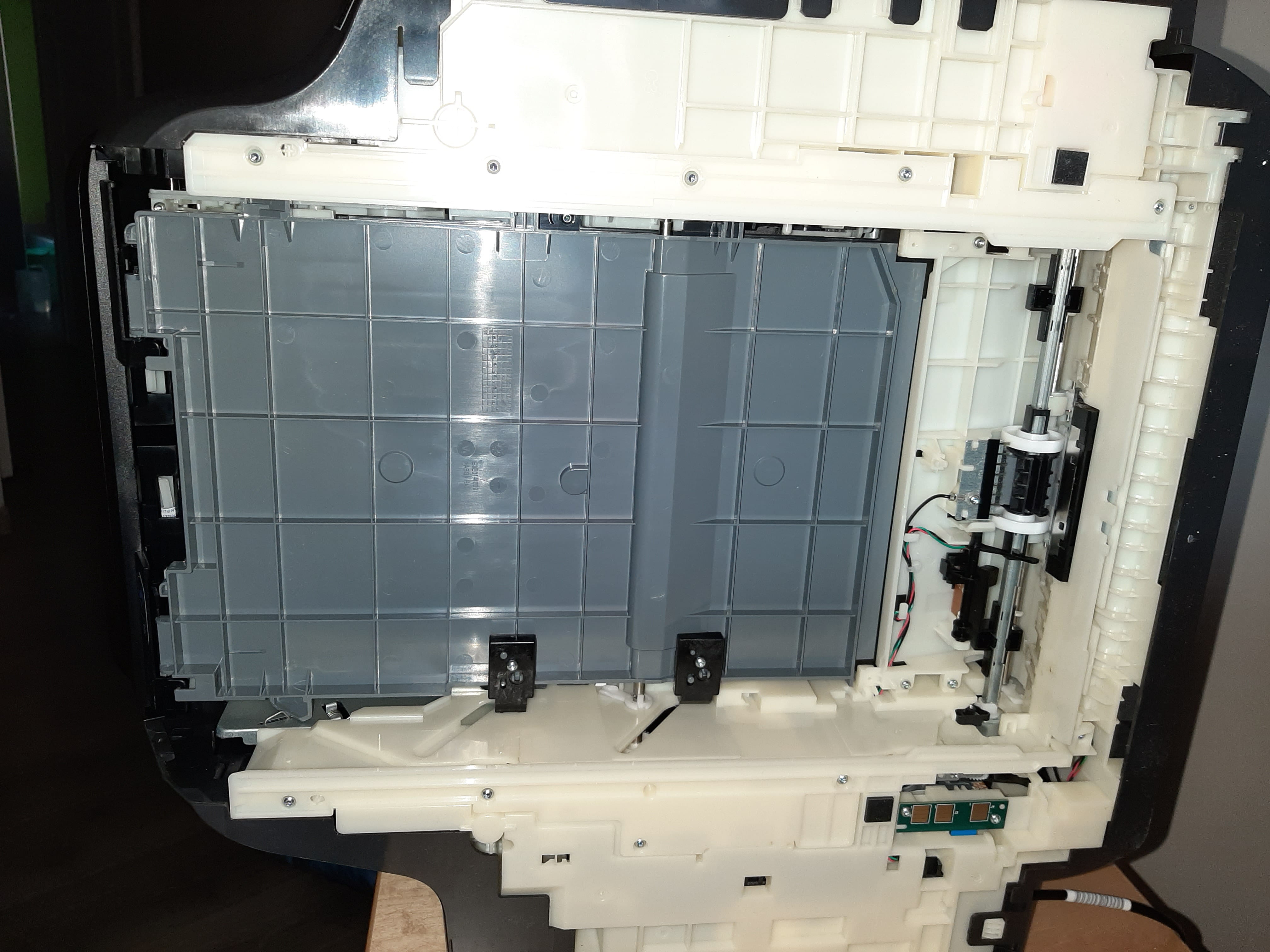
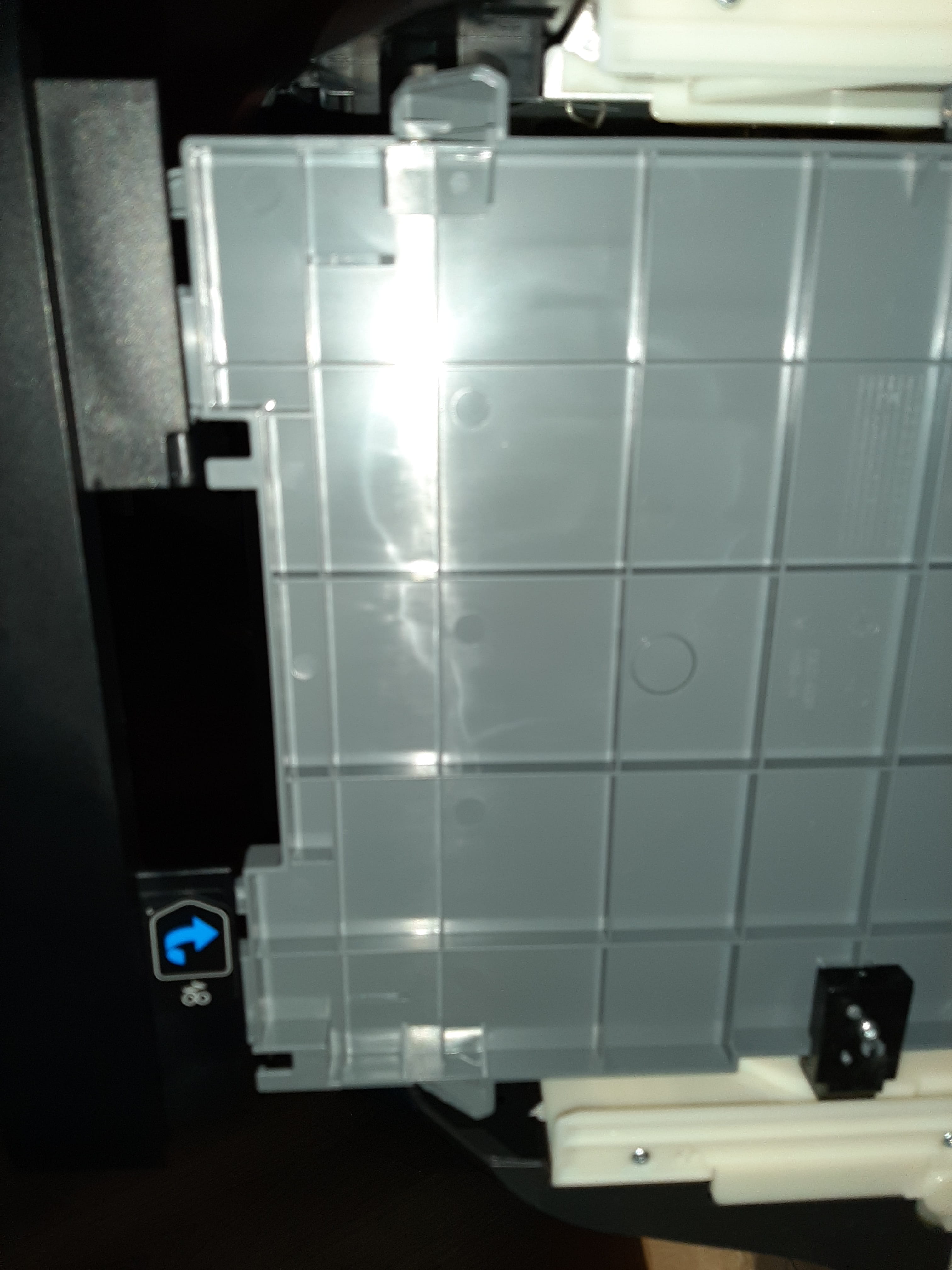
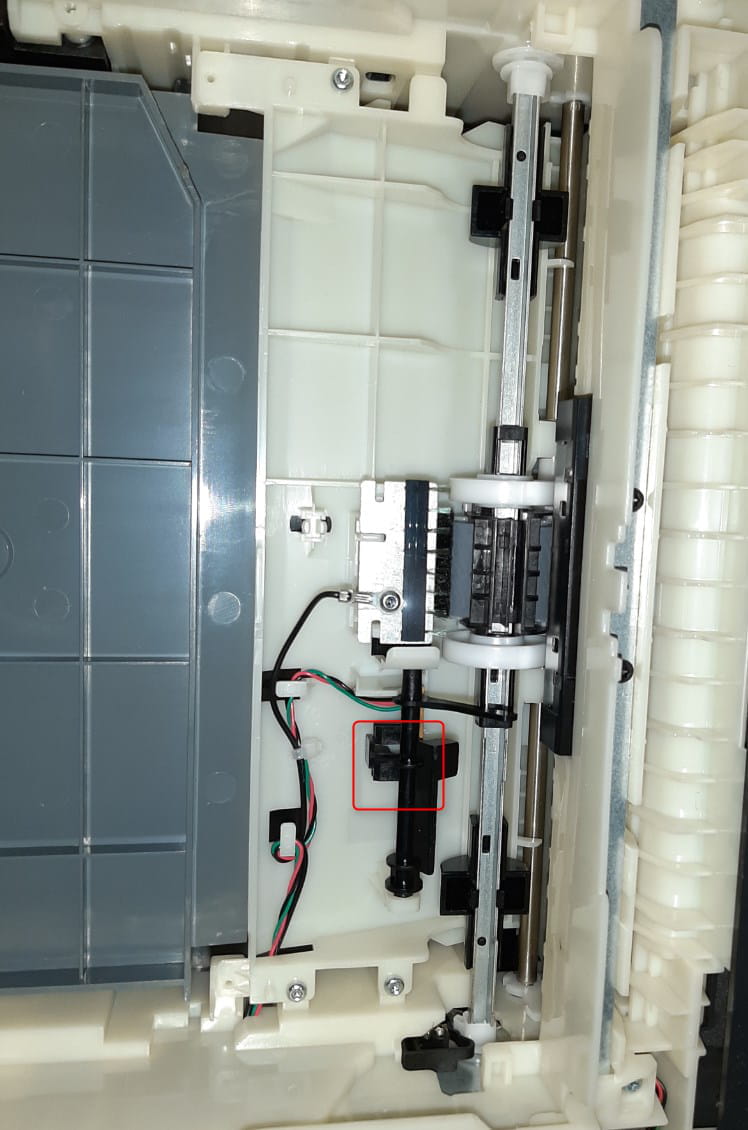
I can't find these switches or sensors.
Here are 2 photos:


-
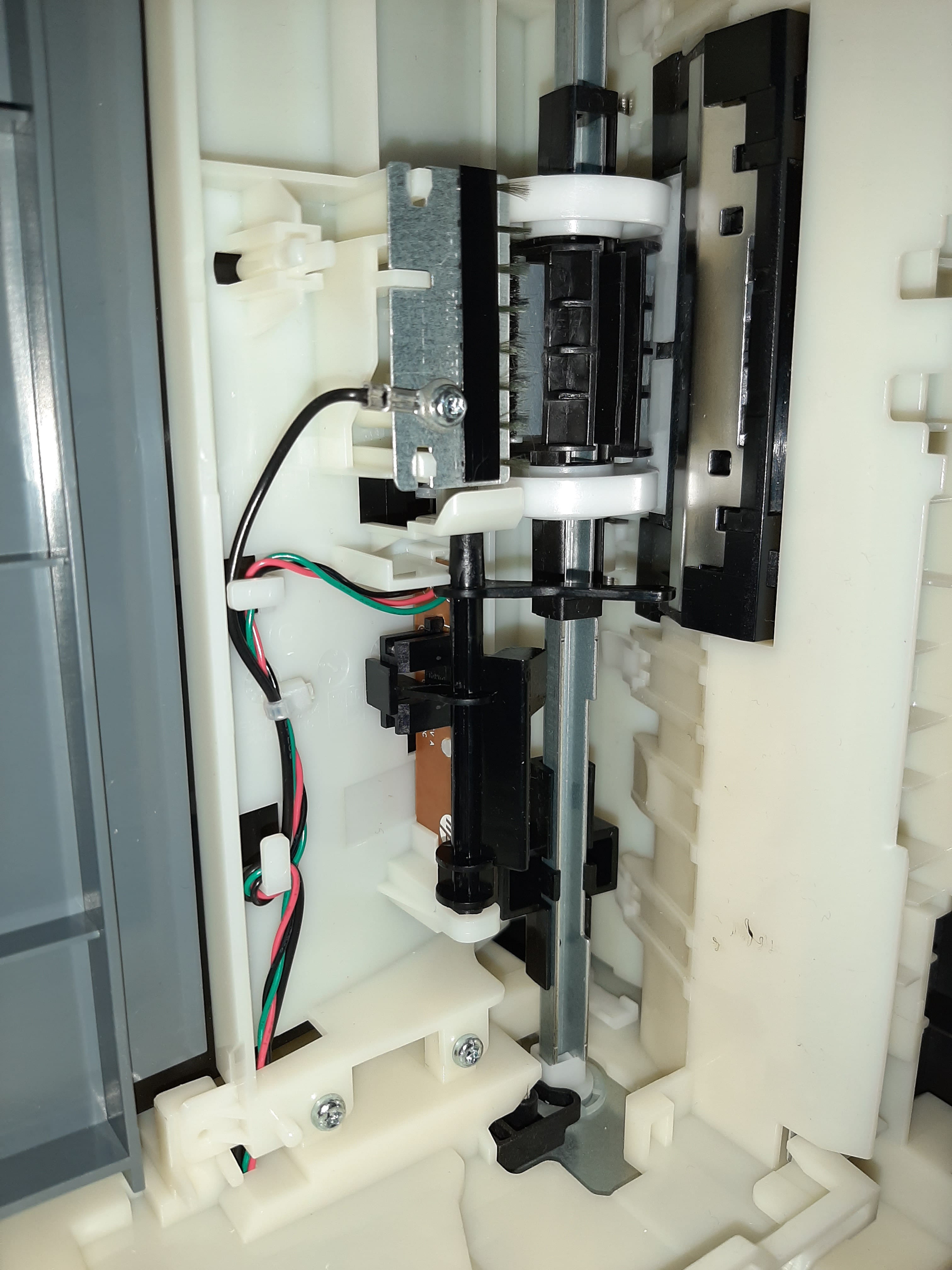
No, it's not broken. The large gray piece can slide down. I imagine in case of a jam.


-
the paper tray does not touch these metal tabs. Only the gray part touches them.
In the bottom photo, the gray part is not in position; it is lowered to remove paper in case of a jam (I suppose). When in normal position, it is raised up and the paper tray comes in from below. -
For me, there is this black piece that pivots:

When you insert the tray, at the end when closing, the sheets rise and I assume they touch this black tab that pivots it in an electronic component. But I've tried to activate this tab in both states and I always get the error message. Maybe the component is dead. Once again, I was able to print two documents but not the third. Without having touched the tray.-
In the hole, under the part outlined in red, there isn't a push button... which could be partially blocked by dust or a piece of paper or some other foreign object.
By increasing the number of sheets in the tray, does that change anything? -
-
-
-
This electronic component must be dead...
When the tray is in place, does the pallet come into the U or out of it?
Can you read the reference of this component?
Is it connected to a printed circuit or to wires?
We need to find out which control wire it is and whether we should connect it to the + or to ground to simulate the tray in place... but this without causing any further damage.
-
-
There is only one connector and it is soldered.
Here are photos with the tab still mounted:
This one, I suppose, closed tray so nothing in U (the tray pushes the tab):
This one I suppose, open tray so something in U (the tab falls when the tray is open):
Now, photo of the black tab removed :
:
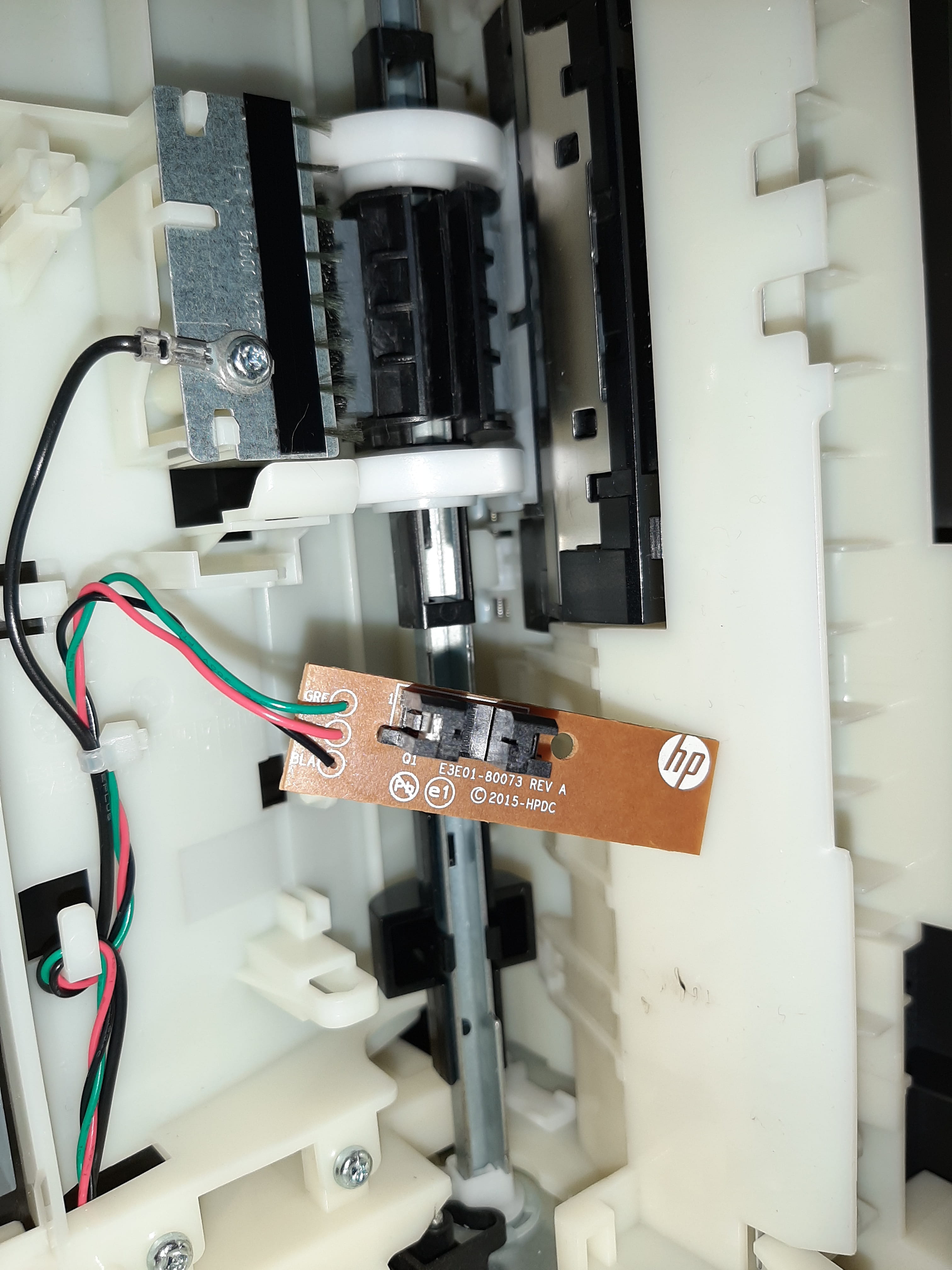
Photo of the board removed from its housing:

The back of the board:

We can read on the component "762N":

Finally, in the U of the component, it looks like it says "ROHM", not sure if that is an "R" at the start:

-
I just took some new photos, and it's definitely the right side of the next photo that is the most powerful. So I assume the left side is the receiver:


-
If nothing is in U:
Between black and red: 3V
Between black and green: 3V
If something is in U:
Between black and red: 3V
Between black and green: 3V
So we have the same in both cases! -
Indeed, I need to get started.
I have taken new photos with the covers on the component, I think it's the opposite of what I said above, I put the cover on the right side of the component and we can see the light coming out from the left:


whereas putting the cover on the left side shows nothing! -
I think I may have done something with my earlier paper, because it's working again!!!
Now, if there's nothing in the U, like a closed tank:
Between black and red: 3V
Between black and green: 0V
If there's something in U, like an open tank:
Between black and red: 3V
Between black and green 3V
So I suppose I have a loose connection in the component. Because I blew it out yesterday with a can of compressed air. I can print again.
A big thank you to Baladur13 for your help, I hope this topic will help others.-
Yes....
I don't think it's a bad connection... the soldering looks quite solid
However, a foreign object in the holes where the infrared beam enters or exits seems more suspicious...
The air bomb only confirmed the problem at first by pushing it a little further; the friction from the paper dislodged it...
The explanation doesn't matter, only the result counts... it's working and that's great..
Best of luck.
-
-
Indeed, I had tried putting that black rod in the U of the component, but it always said "tray open," and only by covering it with paper to see where the light was coming from (and that was your idea to do this test!!) did I hear a noise from behind; it was the printer asking to confirm the paper size in the tray, and that removed the "tray open" error message!!
So I redid my measurements, and there I had 0V between black and green if nothing was in the U! Otherwise, 3V!
In short, if I have component problems again, can I just do without them? For that, do I just need to have the green wire in the air or at 0V with the black?
I am really happy to be helped during this confinement period. My partner (who is a teacher) is taking the opportunity to print all her backlog and my children's assignments, just in case it eases up :)
Thanks again for guiding me and being so responsive baladur13 :)