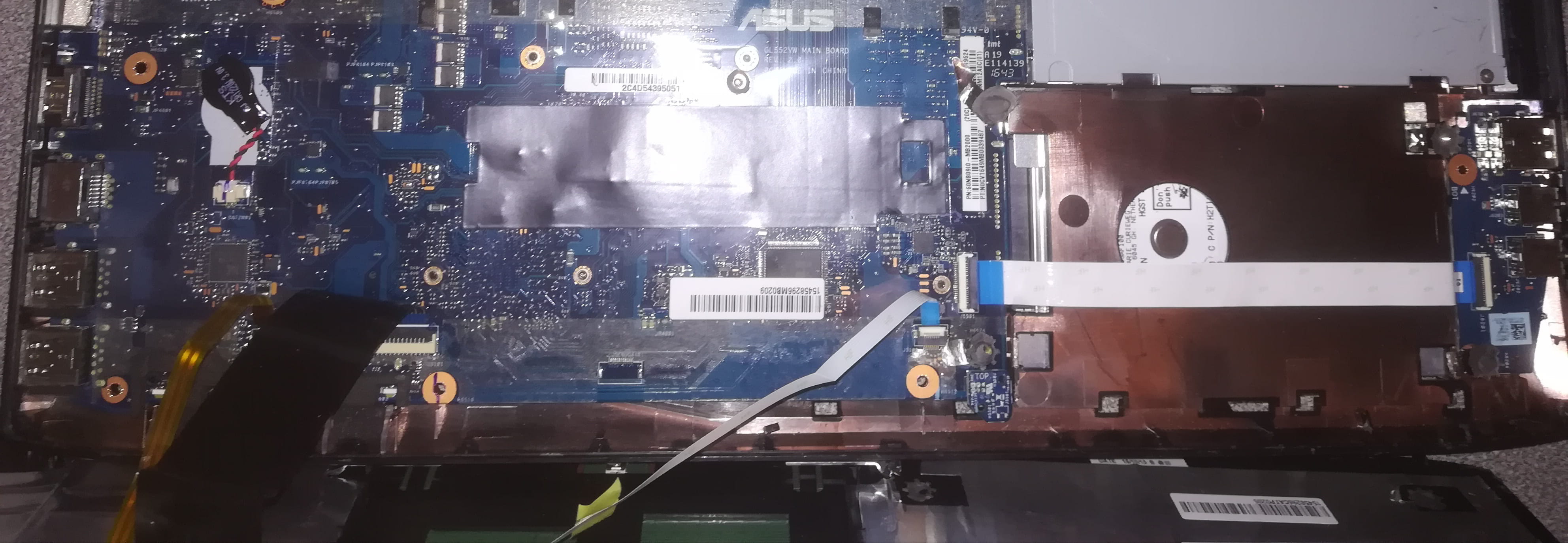
Motherboard jump start.
Nico Darko
Posted messages
84
Status
Member
-
Nico Darko Posted messages 84 Status Member -
Nico Darko Posted messages 84 Status Member -
Hello,
The power button of my ASUS ROG G552VW-DM934T laptop is dead, and I would like to force it to turn on from the motherboard. The inside of my laptop looks like this; could you tell me how to jumper the pins on the motherboard?
Thank you.
Configuration: Android / Chrome 78.0.3904.108
The power button of my ASUS ROG G552VW-DM934T laptop is dead, and I would like to force it to turn on from the motherboard. The inside of my laptop looks like this; could you tell me how to jumper the pins on the motherboard?
Thank you.
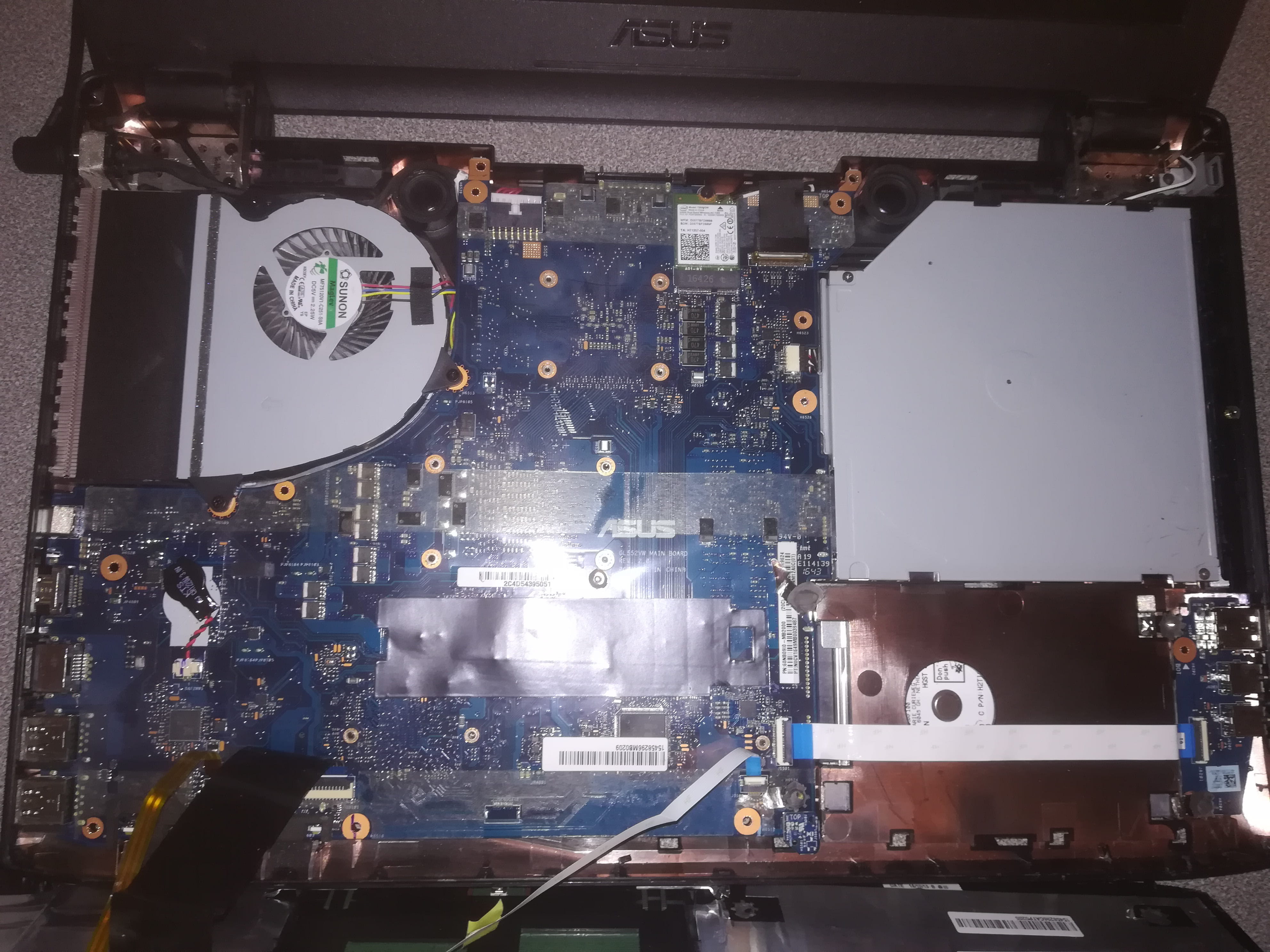
Configuration: Android / Chrome 78.0.3904.108
2 answers
-
Hi,
On a laptop, it's not standard pins but a specific connector in general. We would first need to find out how far the cable from your button goes... And see what it looks like on the other end.
--
~ To know how to listen is to possess, in addition to one's own, the minds of others... said Leonardo da Vinci.
~ “The art of writing is primarily about making oneself understood” — Eugène Delacroix -
Given the spills, if my eyes don't deceive me... You're going to struggle to get it started :-)
Are you sure it's the "power" button that's dead? And not the connector or the machine that's causing the problem?
Because, given the type of button embedded in the keyboard... It's hard for it to be "dead" unless the key itself is broken...
--
~ To know how to listen is to possess, besides one's own, the minds of others... said Leonardo da Vinci.
~ “The art of writing is primarily about making oneself understood” — Eugène Delacroix