Find Safe Mode in MSI BIOS
Solved
Fabmouth68
Posted messages
8
Status
Member
-
Fabmouth68 Posted messages 8 Status Member -
Fabmouth68 Posted messages 8 Status Member -
Hello,
My PC is on the fritz, it's stuck on the Windows startup screen (screenshot below).

So I managed to access the BIOS by tapping the delete key, and then I accessed these menus:

And there I've navigated everywhere and I haven't found anything titled "safe mode" or anything like that.
Does anyone have any idea?
Thanks in advance.
My PC is on the fritz, it's stuck on the Windows startup screen (screenshot below).
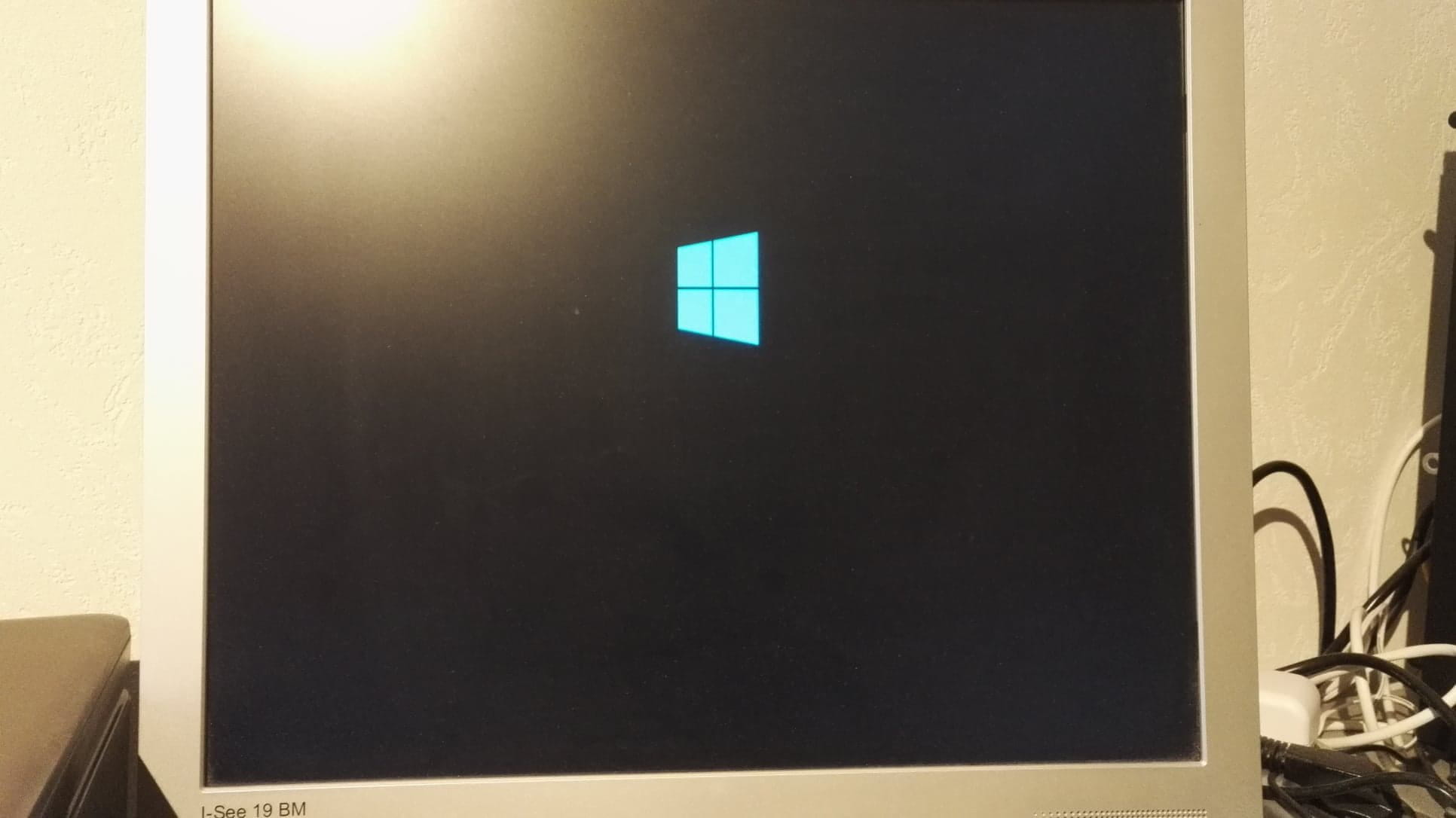
So I managed to access the BIOS by tapping the delete key, and then I accessed these menus:

And there I've navigated everywhere and I haven't found anything titled "safe mode" or anything like that.
Does anyone have any idea?
Thanks in advance.
3 answers
-
Hello,
Safe mode is not accessible from there.
Boot into the advanced recovery options using method 1 on this page: Windows Advanced Recovery Options.
The principle is to restart on the page where you're asked for the password, with the icon at the bottom right and holding the shift key.
If you cannot reach the window where Windows asks for passwords, due to a freeze or crash beforehand...
Turn off the computer twice during the Windows loading.
It will enter repair mode which will also give access to the advanced recovery options.
(If booting into the advanced recovery options is not possible, you need to create a USB drive to boot from, you have a link on the previous page for that).
More help:- This tutorial that gives all the methods: Boot into Windows 10 Troubleshooting and Recovery Options
- And also this video: https://www.youtube.com/watch?v=2Z34STeNSCs
Once you're there, go to Troubleshoot, you can then try:
From the settings menu, restart Windows and go into safe mode, from there you can uninstall a problematic application such as your antivirus.
Create a new administrator user, see: How to create a new administrator user on Windows
Check if it behaves the same way there.
If not better, try uninstalling the latest update if a recent one has been installed that may be causing the issue, see: Uninstall Windows Updates
Lastly, go back to the troubleshooting options and then:- run a system restore to revert to a previous configuration of Windows. This is the option Reset this PC.
- Reset Windows 10 (this keeps the data but removes the applications).
--
Please press any key to continue the disinfection...