Wi-Fi issues on Desktop PC
Benjaminfofoccm
Posted messages
25
Status
Member
-
Benjaminfofoccm Posted messages 25 Status Member -
Benjaminfofoccm Posted messages 25 Status Member -
Hello,
Let me explain my problem, I bought an Hp Pavilion desktop that I am trying to connect to WiFi, but the network is very poor... I experience disconnections and an overall mediocre connection on this computer while my laptop, which I use in the same spot, works perfectly fine...
The PC is equipped with a WiFi network card that is indeed connected and recognized, and it has even been updated...
Could you please help me?
Let me explain my problem, I bought an Hp Pavilion desktop that I am trying to connect to WiFi, but the network is very poor... I experience disconnections and an overall mediocre connection on this computer while my laptop, which I use in the same spot, works perfectly fine...
The PC is equipped with a WiFi network card that is indeed connected and recognized, and it has even been updated...
Could you please help me?
11 answers
-
give the reference of your wifi card
--
the druid without the potion. -
Try to install these drivers > https://www.touslesdrivers.com/index.php?v_page=23&v_code=53949
--
the druid without the potion. -
Right click on it and then Extract All, after that in the folder there should be a setup or exe file to start the installation of the drivers.
-
Restart your computer and let me know if the problem is fixed.
--
the druid without the potion. -
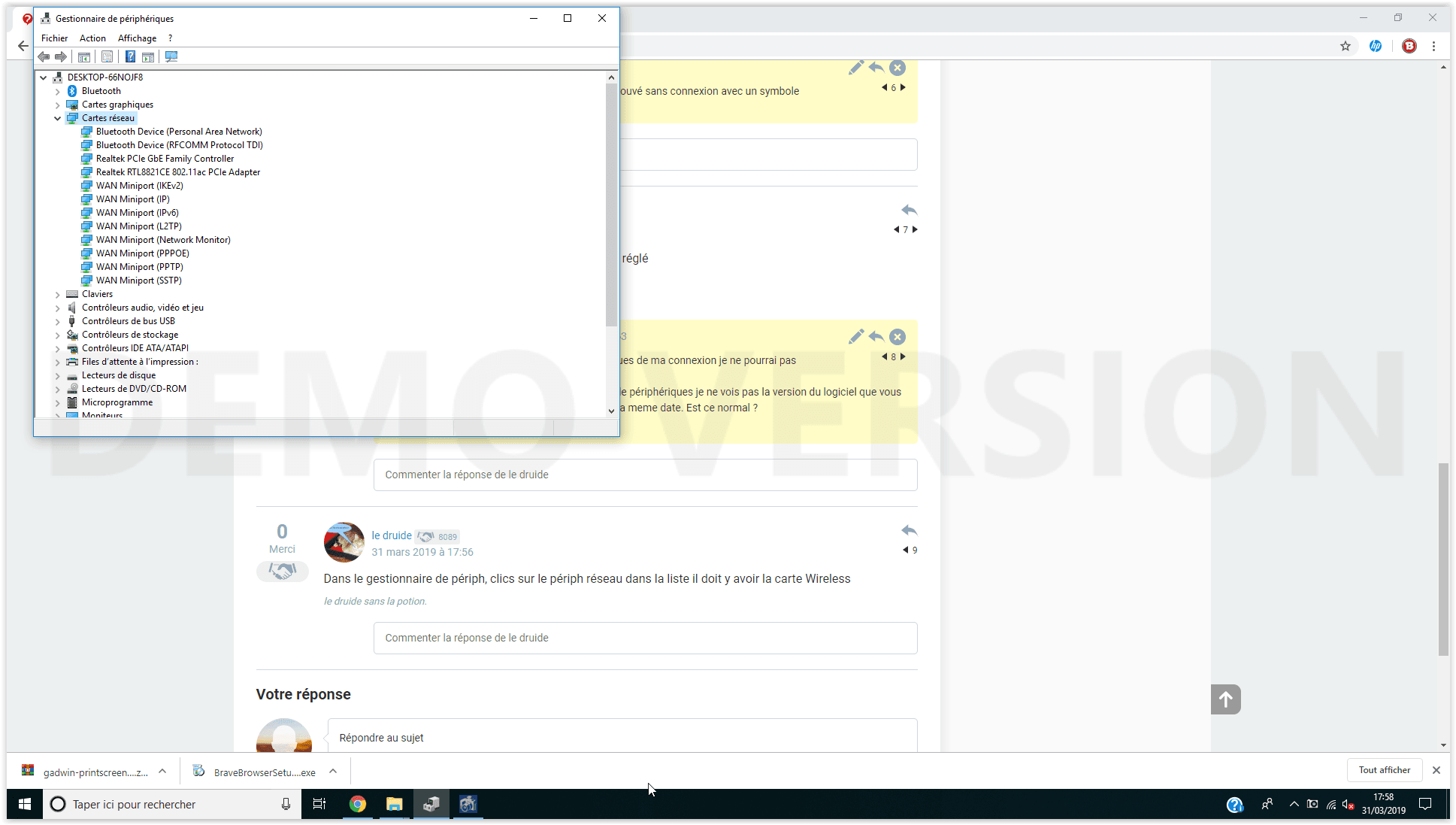
In the device manager, click on the network device in the list; there should be the Wireless card.
--
the druid without the potion. -
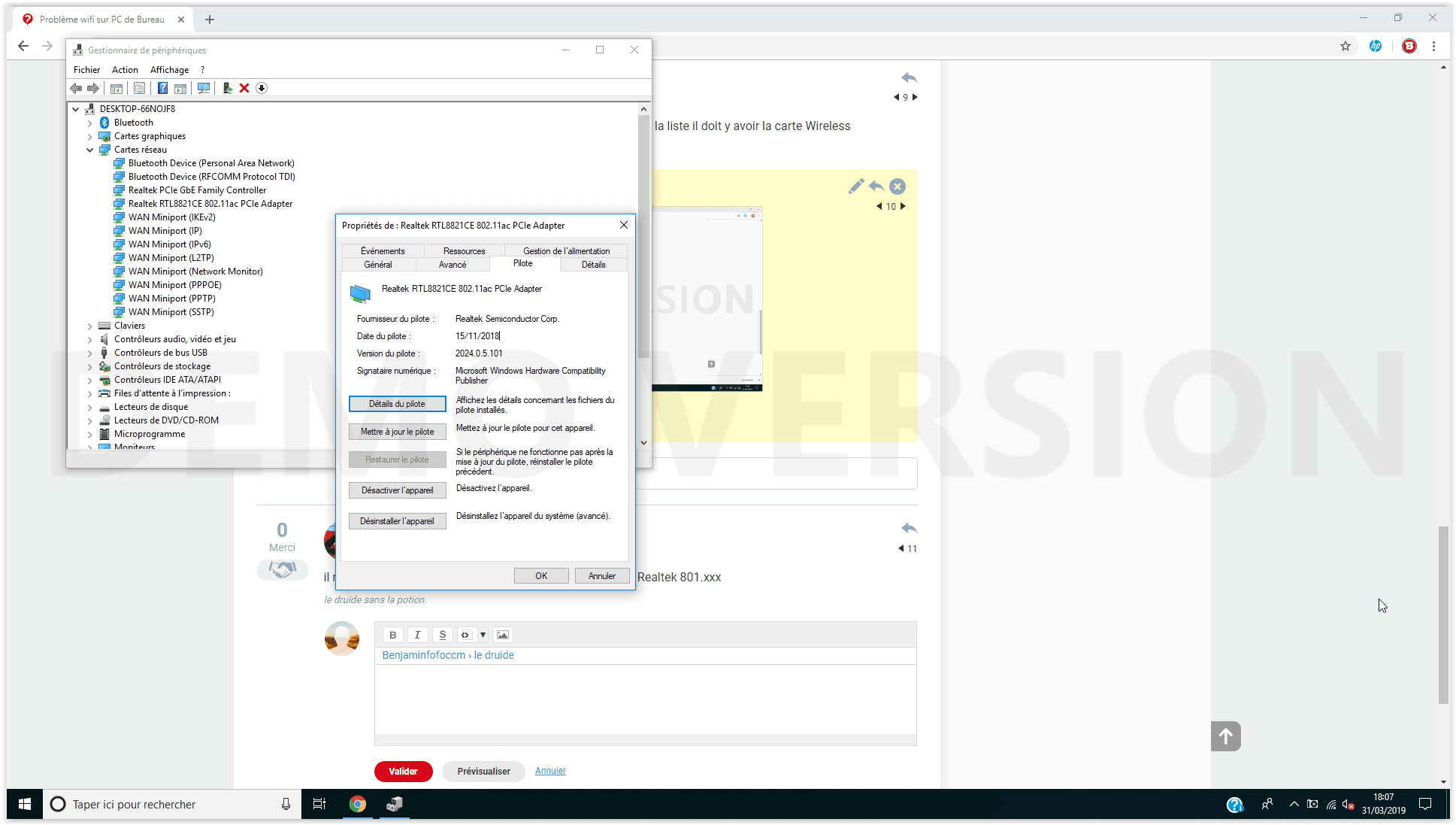
It seems to me that she is well installed, look on the Realtek line 801.xxx or 802.xxx
-
launch the driver update
--
the druid without the potion. -
Well, we need to see if your connection is stable. It's indeed a Wi-Fi card inserted into a PCI slot on the motherboard with an external antenna?
--
the druid without the potion. -
Give me the reference for this desktop PC, I'll check its configuration.
--
the druid without the potion. -
You try the drivers on the HP site https://support.hp.com/lv-en/drivers/selfservice/hp-pavilion-gaming-690-0000-pc-series/19769765/model/23237170
It is located under: Realtek RTL8000 Series Wireless LAN Driver (Windows 10)
Now we just have to see if it's better or not. One last question: have you always had connection issues with this HP PC, or is it recent?
--
the druid without the potion. -
In this case, you can try a system restore, either from the HP recovery program or from the advanced startup mode to repair without data loss.
--
the druid without the potion.-
For now, I will try to overcome these episodes of connection drop because it is hard to say whether I have fixed the problem or not until I experience new latency periods. I have tried some tips that were suggested in other discussions, combined with yours, and I'll just have to wait and see.
Thank you for your help anyway, hoping that my issues will be resolved.
-