
How to connect Epson xp-205 to Wi-Fi?
Solved
karim
-
VincentVoltaCCM Posted messages 5000 Status Member -
VincentVoltaCCM Posted messages 5000 Status Member -
Hello, I have an Epson XP-205 printer with a USB cable and I can print, but I can't find it via Wi-Fi from my phone (iPhone) using the iprint app! Please, can someone help me? Thanks in advance
Configuration: Windows / Chrome 65.0.3325.181
Configuration: Windows / Chrome 65.0.3325.181
1 answer
-
Hello,
If the exact model does not appear
=> the printer cannot start a remote print
It should work with the USB cable!
Have you unplugged and blown into both connectors of the USB cable (to eliminate any dust that may have potentially accumulated)?
Has the USB cable been used before?
Has the printer been used before?
If this is indeed the complete reference, it's good without going through a computer!
https://www.epson.fr/products/printers/inkjet-printers/consumer/epson-expression-home-xp-205


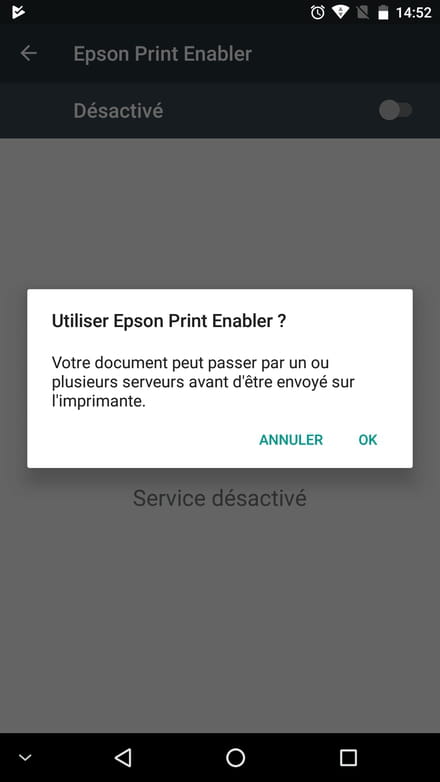
Or another application (its icon has a white background) and it needs to be activated:
Thank you for keeping me updated => “Still stuck” “It’s resolved thanks to/I found out that I needed to”
because I often have several steps and always a trick up my sleeve!


