
Vertical stripes on the screen
Solved
canvaz
Posted messages
5
Status
Member
-
canvaz Posted messages 5 Status Member -
canvaz Posted messages 5 Status Member -
Hello,
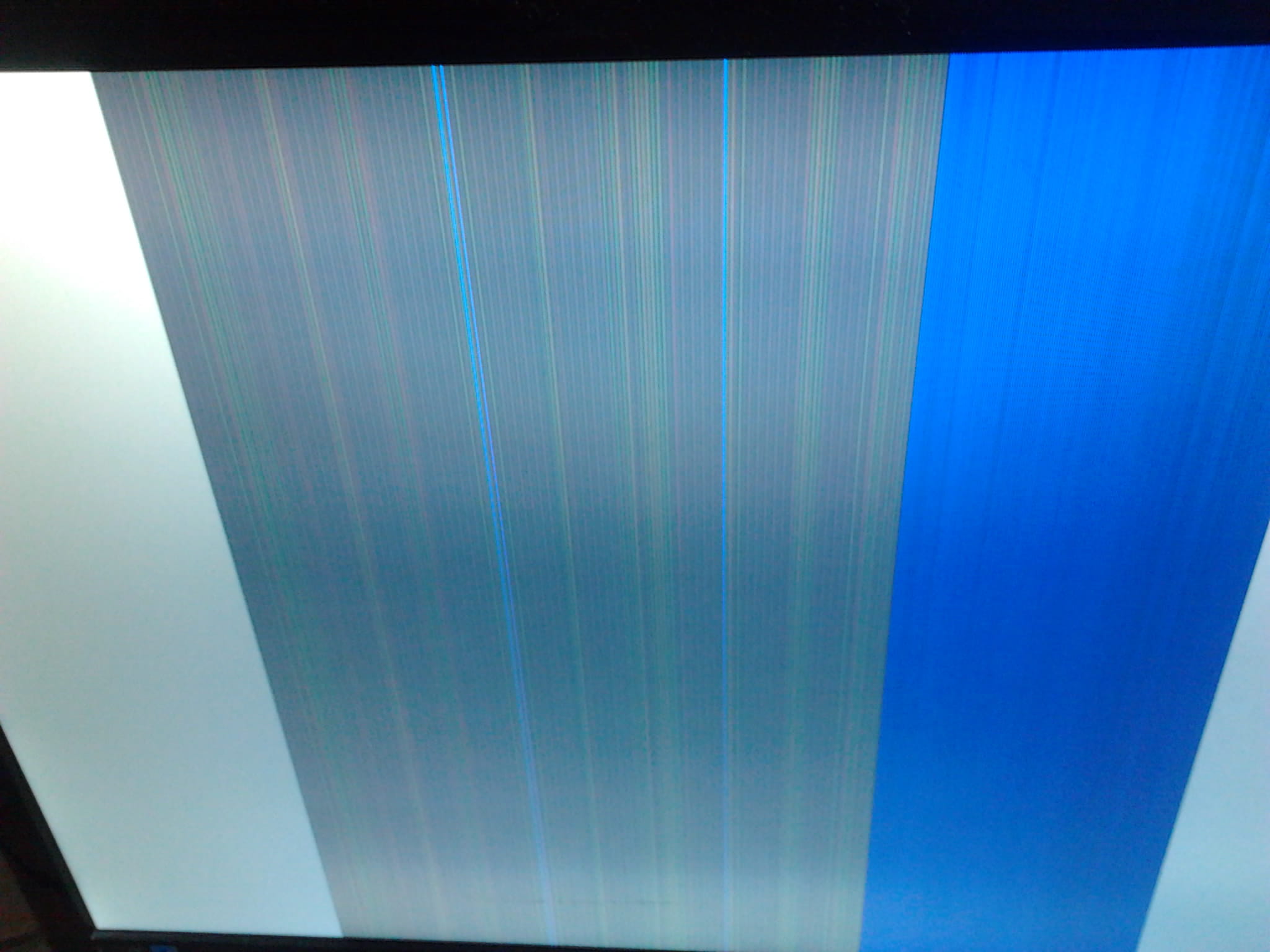
I have a problem with vertical stripes on my screen.
When I turn on the computer, everything usually works fine (it’s rare that it happens the first time) but if I have to restart it, then when it restarts, I find myself with vertical stripes on the screen and there's no way to get out of it, even turning it off and on several times in a row.
I tried connecting it via HDMI and RGB, it's the same.
It's a Samsung S24B350H screen.
I'm attaching a photo of the screen; it's much more illustrative.
Does anyone have an idea of what the problem might be?
Thanks for your responses.

I have a problem with vertical stripes on my screen.
When I turn on the computer, everything usually works fine (it’s rare that it happens the first time) but if I have to restart it, then when it restarts, I find myself with vertical stripes on the screen and there's no way to get out of it, even turning it off and on several times in a row.
I tried connecting it via HDMI and RGB, it's the same.
It's a Samsung S24B350H screen.
I'm attaching a photo of the screen; it's much more illustrative.
Does anyone have an idea of what the problem might be?
Thanks for your responses.
2 answers
-
jeannets Posted messages 28404 Registration date Status Contributor Last intervention Ambassadeur 6 603
Hello,
In my opinion, the display has a defect in its internal electronics...
The graphics card of the PC could also be the cause... it would be easy to eliminate this doubt by using another screen...
If the defect does not recur, then it is indeed the display that is at fault... If the defect does recur, the display is not to blame, but the graphics card is.
Here is a first point that deserves systematic verification.
