Record macro in PDF
Solved
tooney05
Posted messages
41
Status
Member
-
Laloue -
Laloue -
Hello
I have a template document that I use as an order form.
I would like to add a button to this template that saves this document in PDF format to a specific folder with a specific file name (corresponding to an Excel cell).
If you have a solution...
Thank you
I have a template document that I use as an order form.
I would like to add a button to this template that saves this document in PDF format to a specific folder with a specific file name (corresponding to an Excel cell).
If you have a solution...
Thank you
12 answers
-
Re,
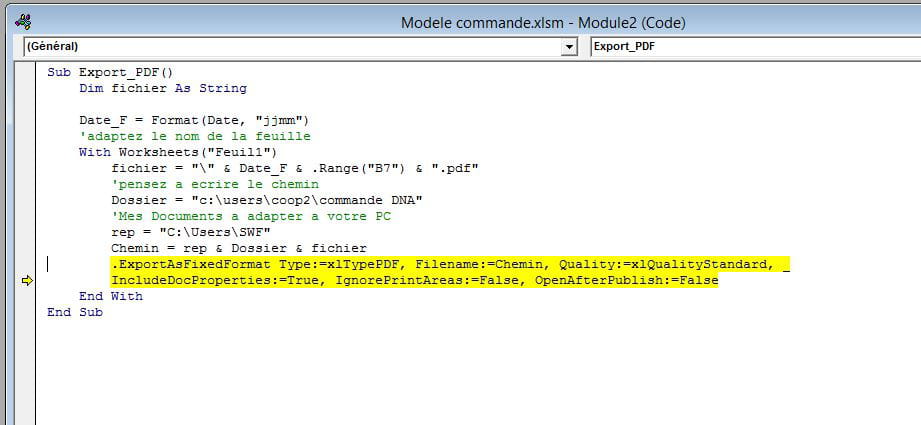
Sub Export_PDF()
 Dim fichier As String

 Date_F = Format(Date, "ddmmmm_")
 'adapt the name of the sheet
 With Worksheets("Feuil1")
 fichier = "\" & Date_F & .Range("B7") & ".pdf"
 Dossier = "C:\Users\Vincent\Documents\Commande DNA"
 Chemin = Dossier & fichier
 .ExportAsFixedFormat Type:=xlTypePDF, Filename:=Chemin, Quality:=xlQualityStandard, _
 IncludeDocProperties:=True, IgnorePrintAreas:=False, OpenAfterPublish:=False
 End With
End Sub
It remains to know which sheet you want to save as PDF.