Bodhi Linux network connection can't find any Wi-Fi networks anymore.
Solved
jaystarx
Posted messages
239
Status
Member
-
nokiahelp Posted messages 1218 Status Member -
nokiahelp Posted messages 1218 Status Member -
Hello,
I just installed Bodhi Linux 2.4.0 on a small Acer Aspire One ZG5. In live CD mode, the network connection found my Wi-Fi network so I was able to connect to it, and then I installed it on the SSD. During the installation and configuration, it detected my network card perfectly!
However, once the installation was complete and I restarted the PC, it couldn't find any Wi-Fi networks at all... nothing at all... yet the network connection is working fine. Do you have any idea what the problem might be???
Thank you.
Configuration: Windows 7 / Firefox 28.0
I just installed Bodhi Linux 2.4.0 on a small Acer Aspire One ZG5. In live CD mode, the network connection found my Wi-Fi network so I was able to connect to it, and then I installed it on the SSD. During the installation and configuration, it detected my network card perfectly!
However, once the installation was complete and I restarted the PC, it couldn't find any Wi-Fi networks at all... nothing at all... yet the network connection is working fine. Do you have any idea what the problem might be???
Thank you.
Configuration: Windows 7 / Firefox 28.0
2 answers
-
Hello,
Weird... Did you configure the Wi-Fi (entered the WPA key) for the installation or did you install with a wired connection? Normally, it retains the key entered during installation and connects automatically to the Wi-Fi upon restart.
What does the commandiwconfig
return when typed in terminology?
Are you sure that network-manager is running? -
Good evening,
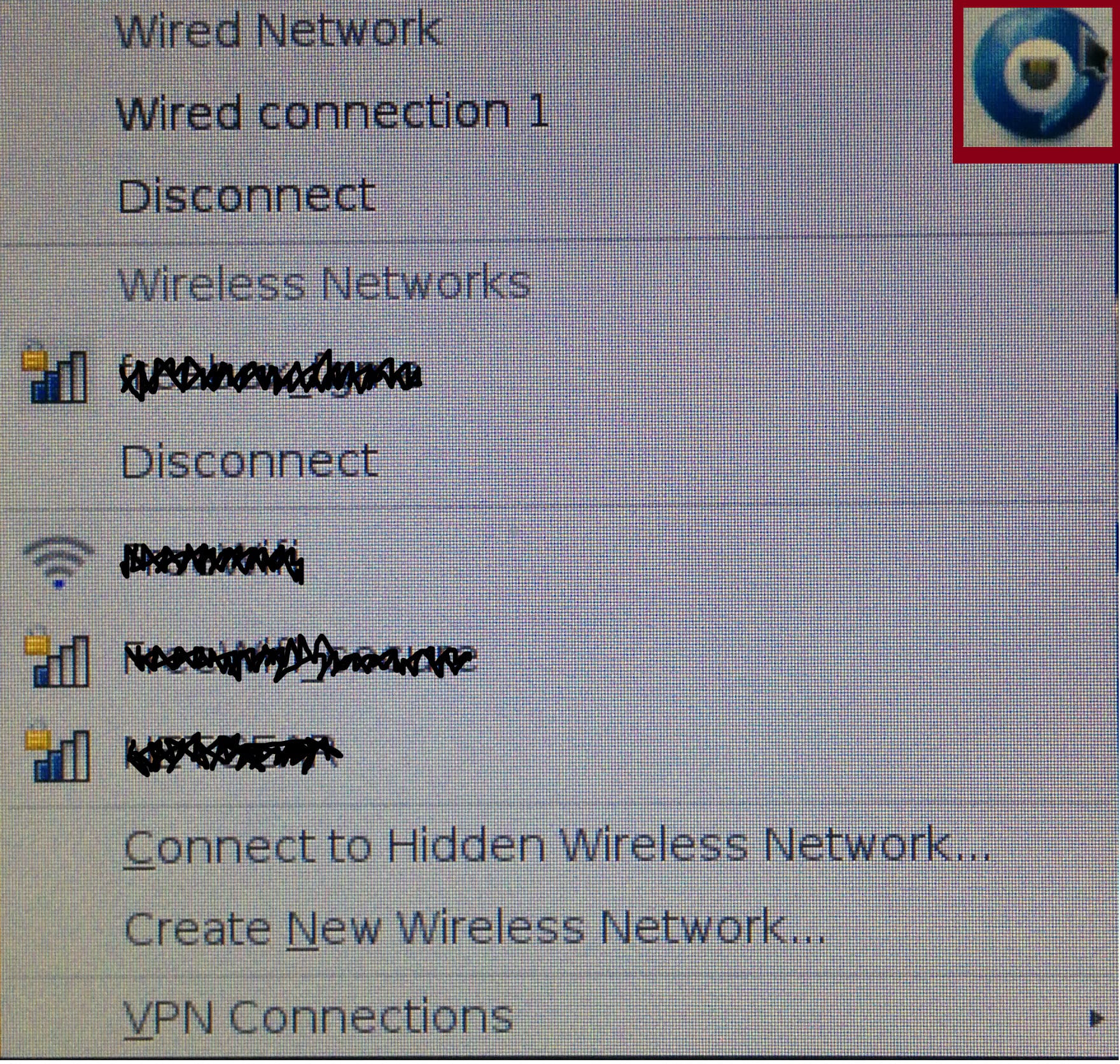
although the issue has been resolved and while staying on the theme of "wifi and network," I would like to know how we can see the active wifi networks in Bodhi Linux when we are in "Networks Connections":
Actually, we can see them in the shortcut in the "taskbar," but I would still like to see them in "Networks Connections":
And if it's not in "Networks Connections" that we can see them (other than from the shortcut in the "taskbar")?
Thank you for your help
PS: For jns55: I don't know if you remember me, but you really helped me a lot with my reinstallation of my Asus EeePC 8GB