TECHFIVE TC1231 cash register problem
Redman79
Posted messages
1
Registration date
Status
Member
Last intervention
-
Kori-Kori Posted messages 2508 Registration date Status Member Last intervention -
Kori-Kori Posted messages 2508 Registration date Status Member Last intervention -
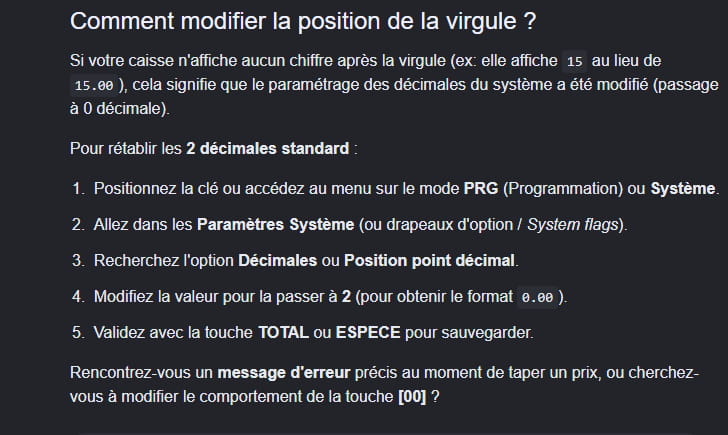
I have a TECHFIVE TC123 cash register and I can’t find how to change the decimal number, that is, I want to change the two zeros after the decimal point to 3 zero, or if someone can send me the user manual if possible, and thank you in advance ❤️
2 answers
-
Hello,
Generally, this is done by going to the Manager interface, then Settings, go to Full Scheduling, and finally Price Format, but the TC1231 user manual contains the exact procedure.
So:
0 decimals then whole price
1 decimal goes to a format X,X
2 """""""""""""""""""""""""""""""""" X,XX the most common
etc... .
In any case, it only allows up to 4 decimals.
If everything is greyed out, you may need to activate the Manager code (often:
0000, 1234, 9999 depending on the person who installed it).
-