Google Chrome Password Save (Password Manager)

Solved
fabnanou19850606 Posted messages 90 Registration date   Status Member Last intervention   -  
fabnanou19850606 Posted messages 90 Registration date   Status Member Last intervention   -
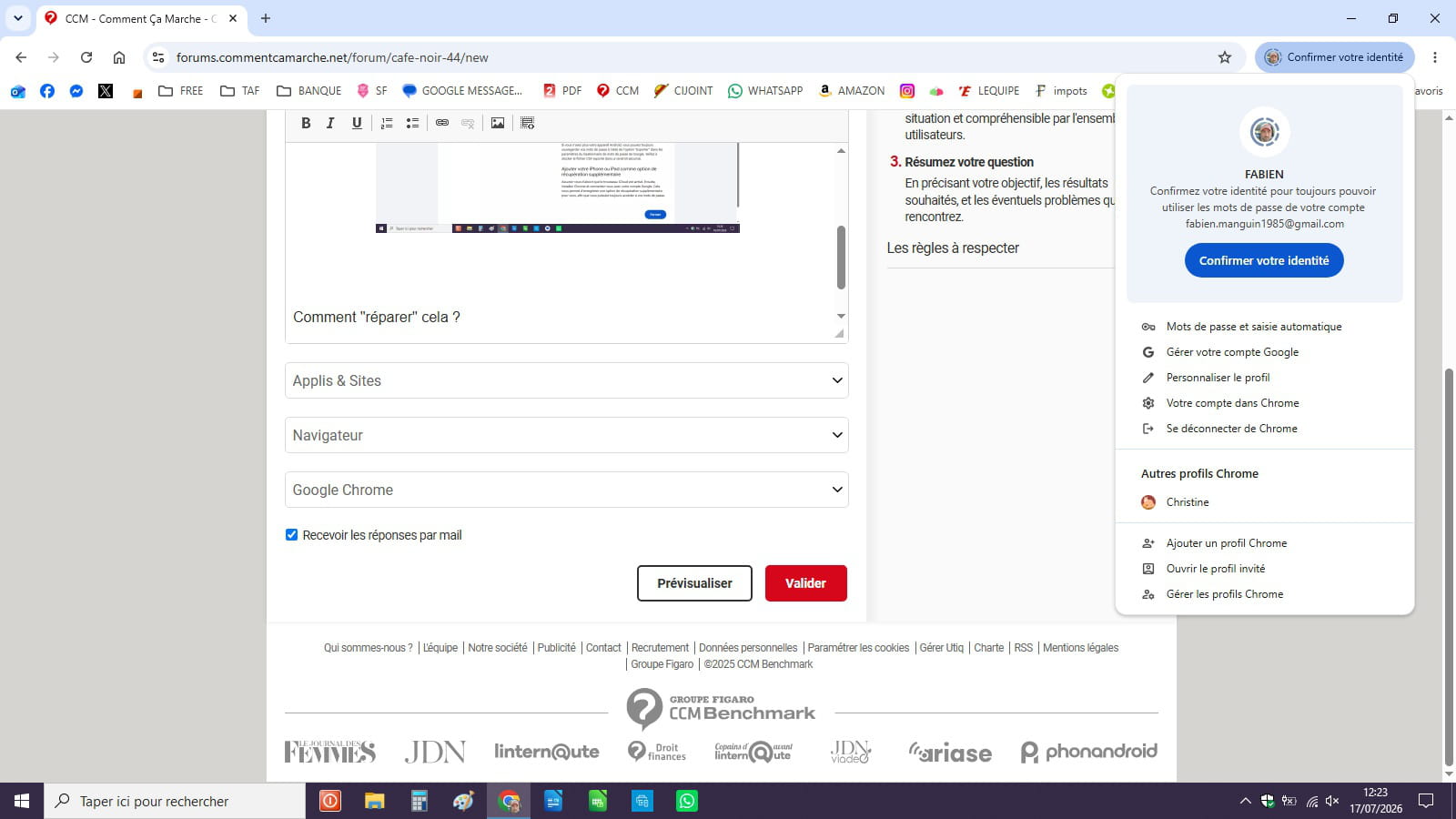
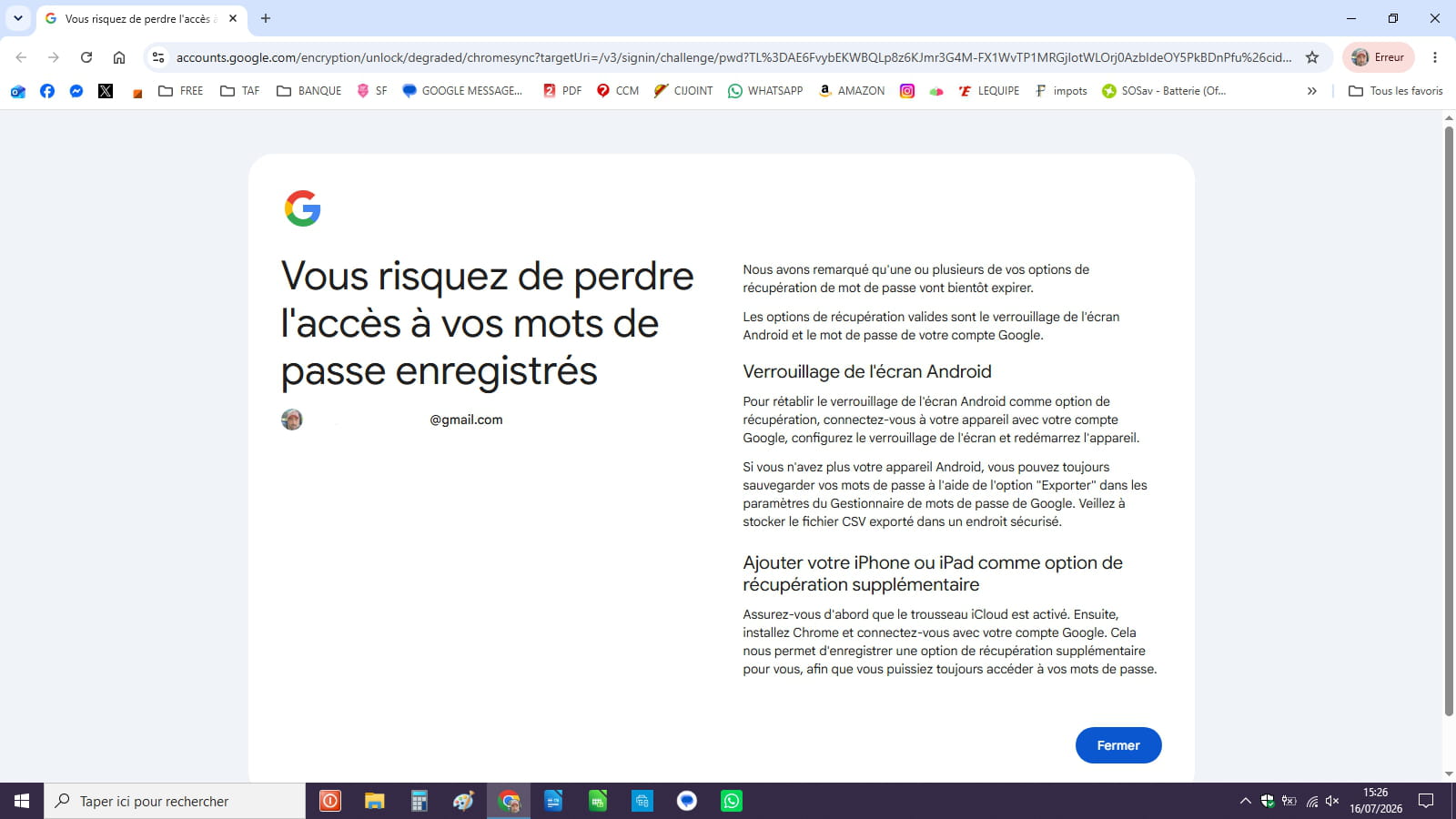
Hello, for several days now I have this message on my browser instead of my head where my Google account icon is top right next to the address bar.

How to "fix" this?

Thanks.

1 answer

  1. brucine Posted messages 24967 Registration date   Status Member Last intervention   4 179
     

    Hello,

    We don’t see why the password for the Google account would expire if the Google account still exists.

    The message complains about a possible recovery issue not from the computer, but from the phone on which the lock screen would not be activated.

    1
    1. fabnanou19850606 Posted messages 90 Registration date   Status Member Last intervention   5
       

      never put a lock on it so I don’t know why I would have this message now

      0
      1. brucine Posted messages 24967 Registration date   Status Member Last intervention   4 179 > fabnanou19850606 Posted messages 90 Registration date   Status Member Last intervention  
         

        Maybe because there’s an update.

        I don’t have one either, and it’s my phone that spends its time scolding me about it; I don’t use Chrome, barely ever Google, and I don’t synchronize anything on it, which perhaps explains why I’ve dodged it.

        But you just need to have one to see if it calms things down.

        0
      2. fabnanou19850606 Posted messages 90 Registration date   Status Member Last intervention   5 > brucine Posted messages 24967 Registration date   Status Member Last intervention  
         

        Apparently I found a story about encryption
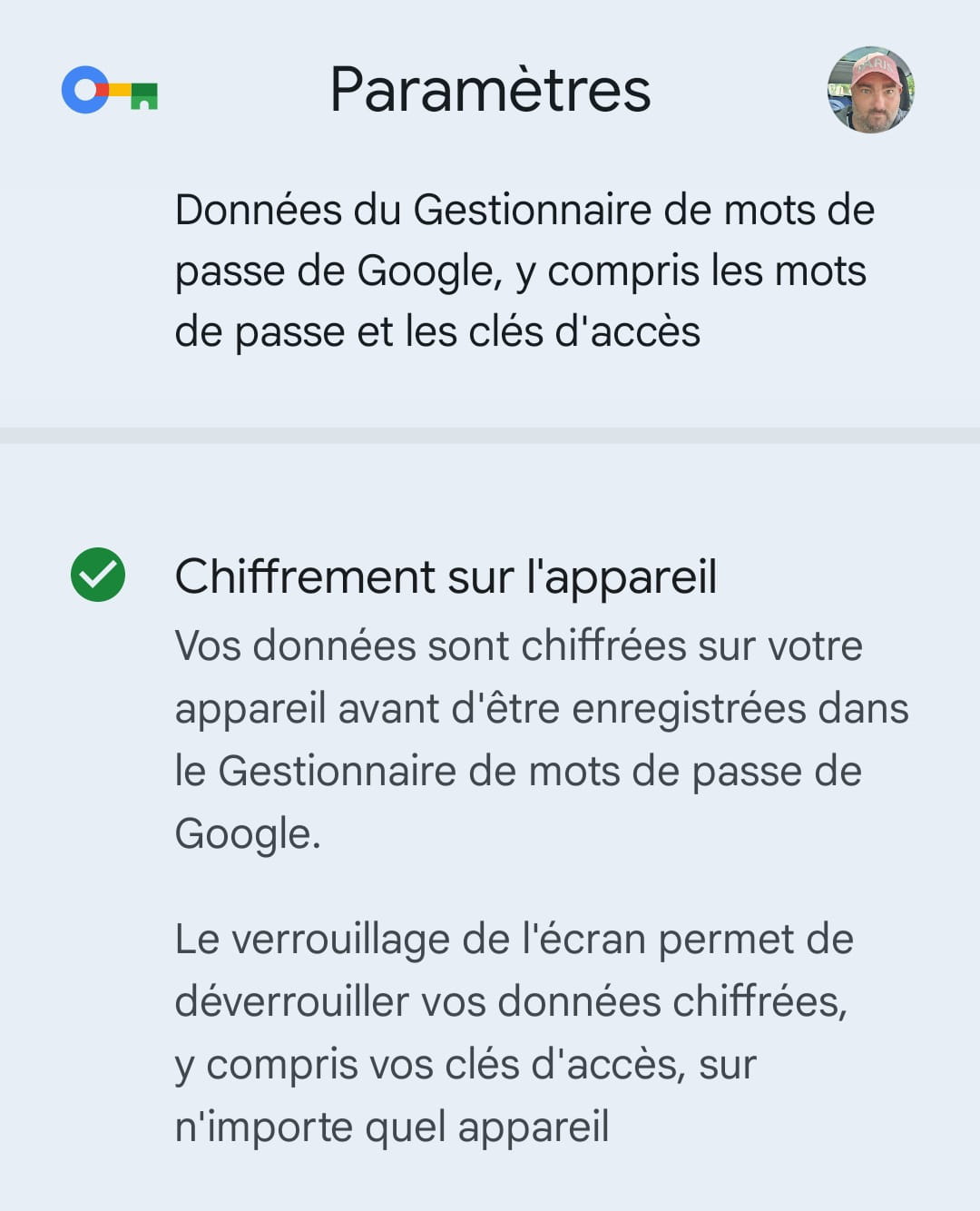
        However, the message was still present on the PC but after restarting Chrome and the PC it apparently returned to normal. Great.

        1