
Change the background color of the Firefox sidebar

Mots croisés Posted messages 3059 Registration date Status Membre Last intervention -
Hello.
Following a Firefox update, the sidebar has turned dark grey.
How can I get a white sidebar back like it was before?
If anyone knows the answer, I would be delighted.
Thank you
4 réponses

Hello,
There seem to be several solutions depending on the parameters and extensions we use on Firefox: https://www.reddit.com/r/firefox/comments/1pjv8xa/firefox_146_changed_sidebars_background_color_to/?tl=fr
If I set the System Theme to Auto, the left sidebar becomes light again, but I lose my custom theme.
One of the suggested solutions works for me.
In the Firefox profile, at the same level as the cache2 directory, create a new folder named chrome if it doesn't exist. In this folder, use Notepad to create a text file named userChrome.css and add the following line to this file:
#sidebar { background: white !important; } Close and restart Firefox.
I use this file for many other Firefox settings. It can quickly become complicated. And a new version of Firefox can change the names of objects, causing the setting to no longer work.

Hello,
Simply put, we need to hope that Mozilla corrects the issue in a future update.
With or without the userChrome.css file.
As soon as possible (Fix = Update), because there are quite a few complaints, not just on CCM and Reddit.
I’ve tested different procedures without success for this "gray" background, except for one .CSS option that probably won't help, because it depends on the theme used (Light/Dark) or with a Firefox Themes extension.
1) Firefox color:
https://addons.mozilla.org/fr/firefox/addon/firefox-color/
Nice, but it only uses its own theme (mentioned in message 2).
What a shame...
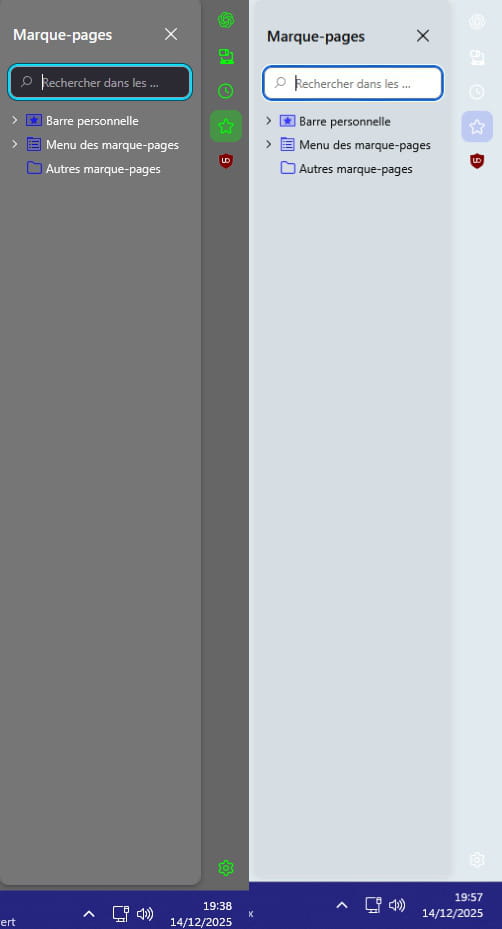
2) User themes:
Same, regardless of the chosen theme, it's an extension for example.
Such a shame.


3 Code userChrome.css:
It’s possible, but there's still work to be done, a more or less compatible compromise with the user theme.
That’s why it’s not worth editing it for now, unless a .css code is compatible with its own theme.
Example below:
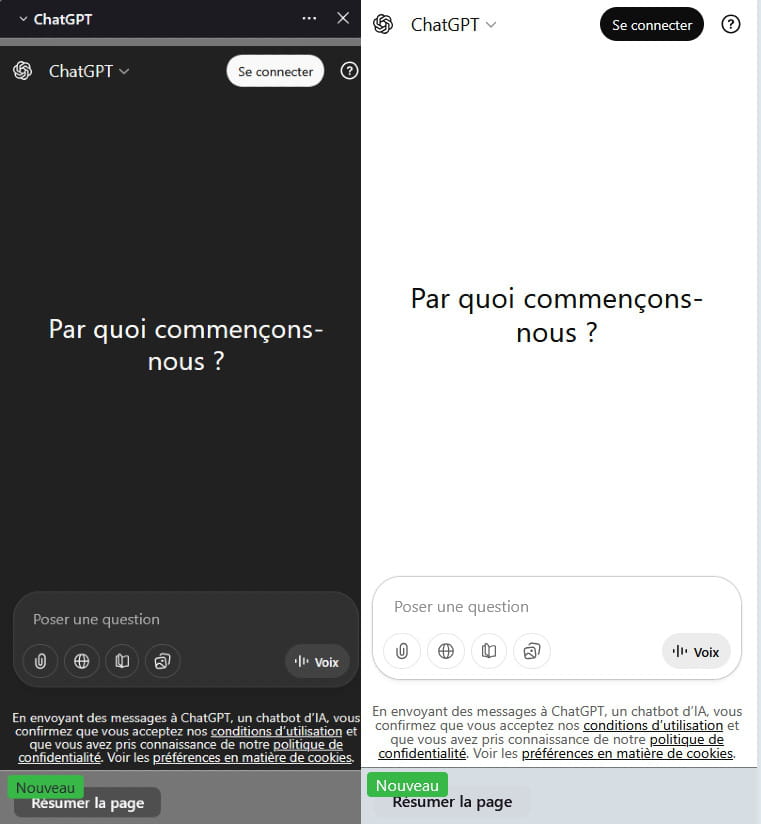
Desired objective:
A Mozilla Firefox fix (Update).
Hello,
I don't use the sidebar as I don't see its purpose, but to each their own.
This is not a "correction" since this change in Firefox is probably intentional; it's the same story as the annoying spacing of bookmarks for quite a few versions now.
That being said, there's no reason to make a big deal out of it, the CSS modification suggested by jee pee is simple and it works except that the title remains gray (I know, the first time you have to create and activate this CSS, which takes a little longer).
Aside from any possible extensions, many of us are in the same mindset of tweaking the config file to our liking.
Indeed, during certain updates or simply if you reinstall for one reason or another, there are losses and gains: that's why I have a copy of this file in an external folder.
Hello,
The issue ''' grayed-out side panel ''' has already been reported to Mozilla several times before this post, and it will be fixed (as soon as possible) for those who use it with a patch.
In the meantime, it’s annoying (display issue--►Gray background), and this is the case even with temporary workarounds here.
Firefox Configuration Editor:
Apart from any potential extensions, many of us are in the same mindset of tweaking the config file to our liking. What for example?
I haven't found anything on my side.
Mozilla will probably provide a solution (update)
Sorry for the previous message:
Note:
This is addressed to the CCM team. (The spaces that are messing up).
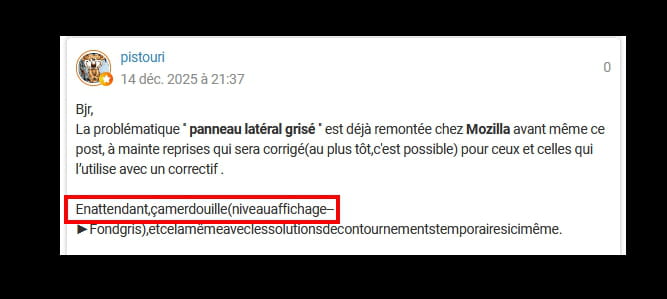
No matter how much I tried to correct it, nothing works..... !!!!!!
This reminds me of the same bug where ''' Hello'' was missing from one of my recent posts on CCM after a remark from a member, at about the same time.
On my side, I can't do anything to fix it, too bad--► A maintenance?
Changing the browser is not the expected answer, it was working before.
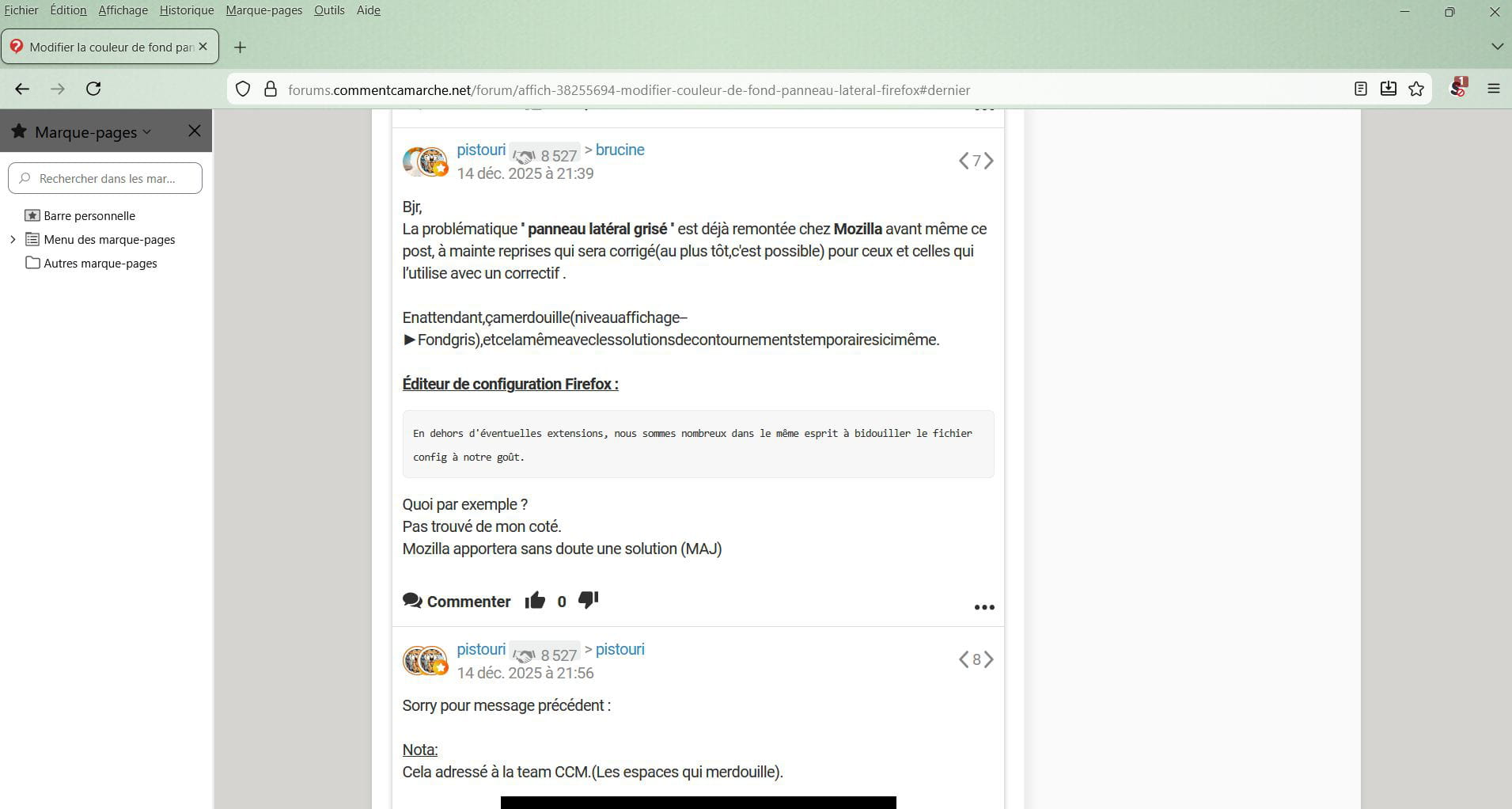

Oops, I hadn't come back to check the responses because I thought I wouldn't receive any more.
Anyway.
I'm going to wait for a possible Firefox update on this topic, as I don't have the energy to delve into these tweaks, especially if I need to go back and delete a tweak because it doesn't suit me, or it messes up my current Firefox.
Thank you for your input.
Happy holiday season!
Apparently there are no solutions
Indeed, as "Adidax" says, it messes things up in the theme, grrrrrrr