
Issue with "Link with Windows"/"Connected Mobile"
Solvedthev Posted messages 2013 Registration date Status Member Last intervention -
Hello everyone,
I use the software mentioned in the title for various tasks: transferring files from my phone to my computer (and vice versa) or copying text from one device and pasting it immediately on the other device.
However, for some time now, this last functionality has not been active, for a reason unknown to me.
From my computer, I can open my phone. I can see pending notifications, I can navigate on it, I can listen to music, etc. But the copy/paste function is no longer available. I've looked around in the settings, but nothing seems suspicious.
If you have any ideas or want to know more, I'm at your disposal.
Thank you for your help.
PS: I'm running Win10 and Android.
3 answers
-
Hello,
The name Software speaks for itself: it is undoubtedly a software that has been assigned to you with the brand of your PC under 10 or your Android Phone.
Look into this and come back to tell us what they responded,
thank you in advance.
Have a nice day.
-
Hello,
I don't have the solution because I am using a USB connection for at least some of these tasks and I'm not using it, but Mobile Connected is a feature included in Windows since at least Windows 10.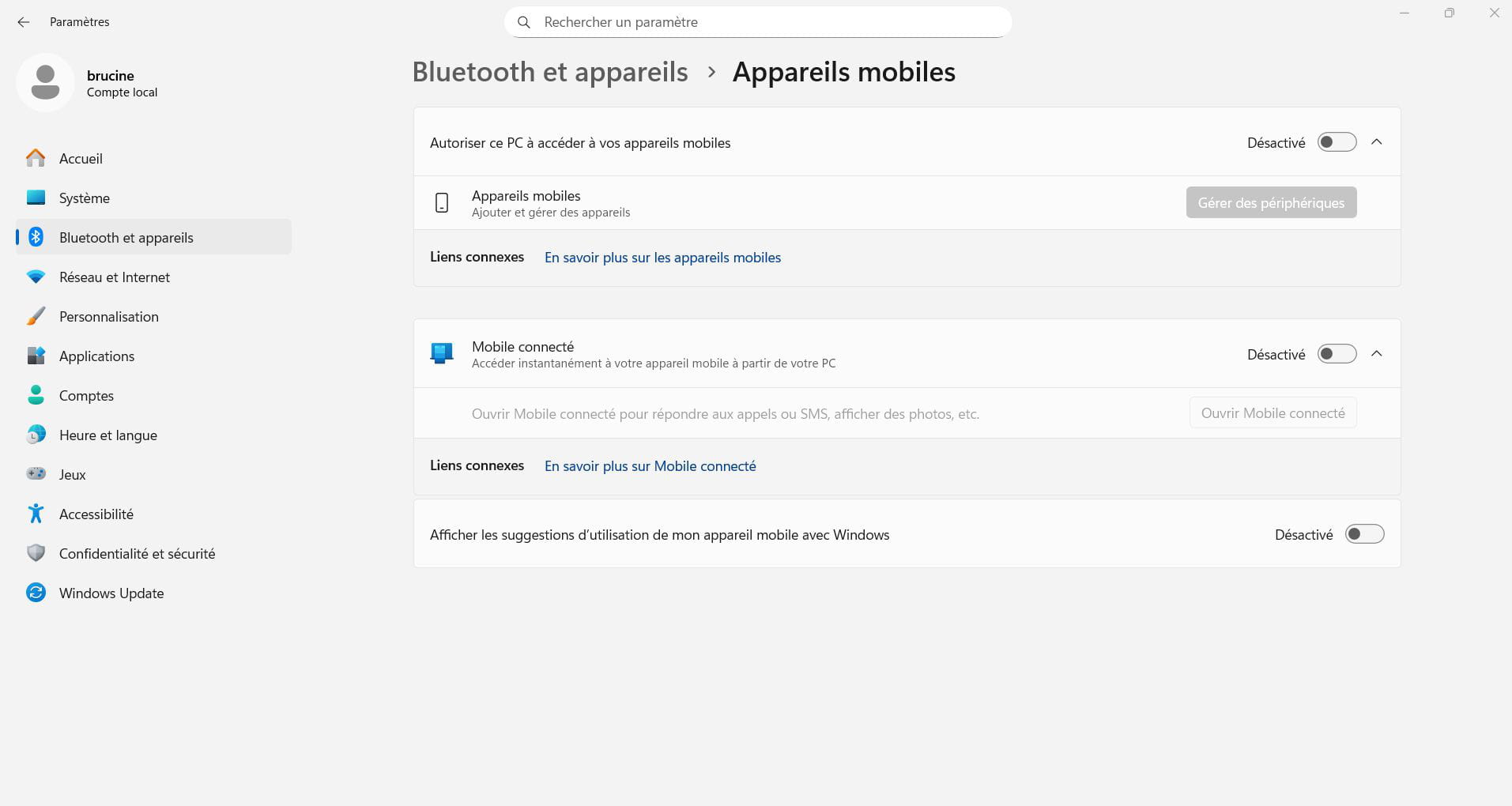
Hello,
I have Microsoft software, so I went to check on the Windows forum, but I didn't find anything. And I didn't want to ask the question because every time I do, I get no response, not even from MS themselves. Here, people are much more helpful.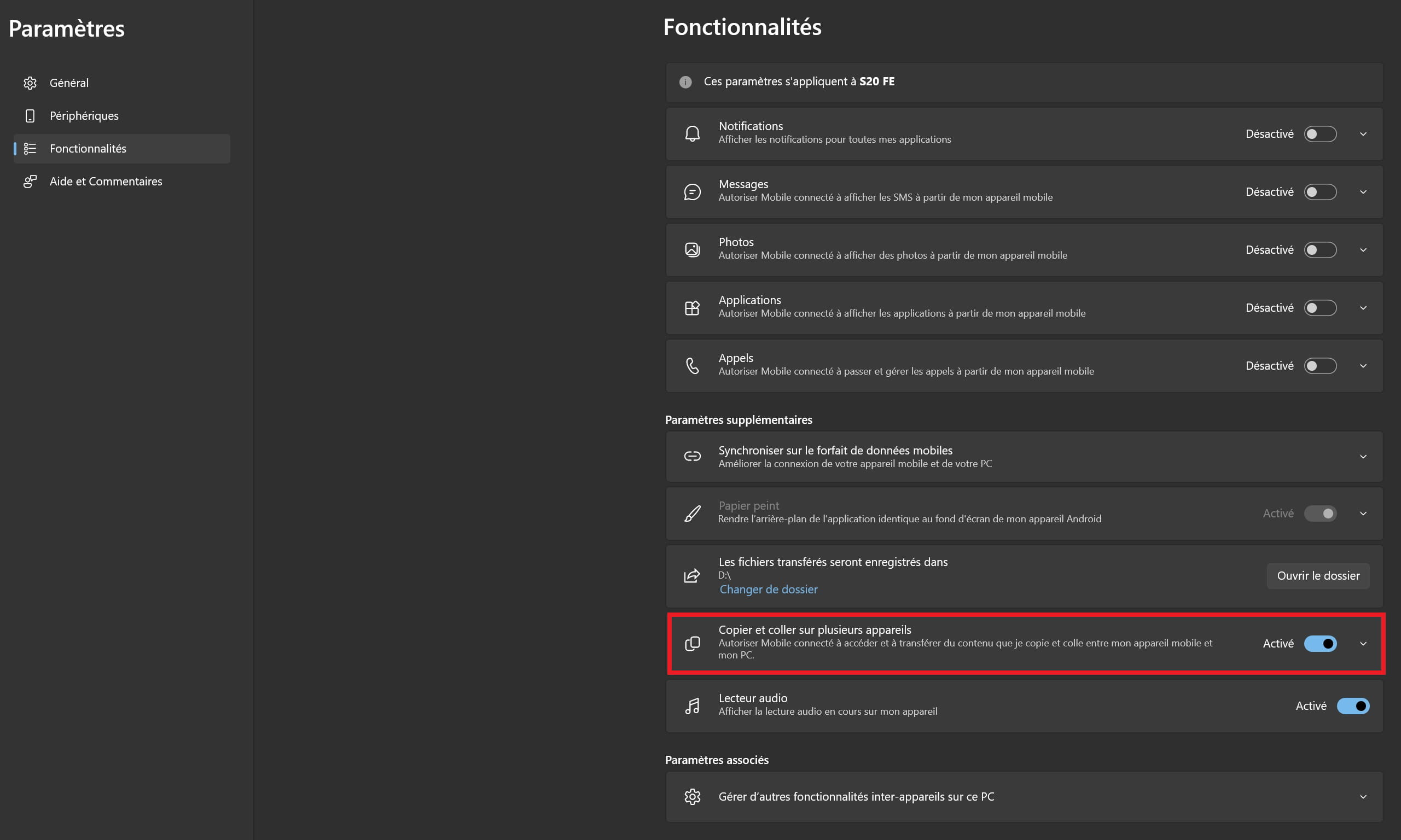
Finally, I found the place in the settings; I don’t know how I could have missed it. I especially don’t know why it got disabled by itself. A software update must have caused it.
Thanks anyway, folks.Hello,
You do not need "Connected Mobile" to access the files/folders on your Android.
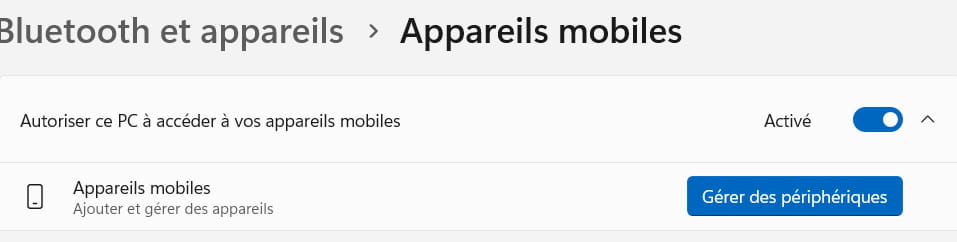
If you have allowed your PC to access your mobile via the Microsoft account used in the "Link to Windows" app on your smartphone, then your mobile should appear in Windows Explorer, just as if you had connected it via cable, except that the connection is made via Wifi.
-
Hello and thank you for your response.
Ah, I wasn't aware of this method, thank you for bringing it to my attention. Using "Connected Mobile" is sufficient for me, but your method might be better, worth trying.
I find the page shown in your screenshot well, the permission is activated, but when I click on "manage devices," I get a loading circle on the cursor, but two seconds later it disappears and nothing else happens on the screen. So, I can't open the management menu. :-/
But I can still send files from the PC to the phone and from the phone to the PC by using "Share." However, I don't really like this because the files only go to the specified paths, and if I have to change destinations every time to avoid everything going to the same place, it will quickly become annoying. At least with "Connected Mobile," I can browse my phone through a window on my computer screen and choose the reception location for the files.
Hello,
I find the page shown in your screenshot to be fine, the permission is enabled, but when I click on "manage devices", I get a spinning circle on the cursor, but two seconds later it disappears and nothing else happens on the screen. So, I can't access the management menu. :-/
Actually, I think I was mistaken. If the PC - Mobile connection is made via Wi-Fi in Connected Mobile, the one I mentioned should be done via Bluetooth. So you need to first add your mobile via Bluetooth:
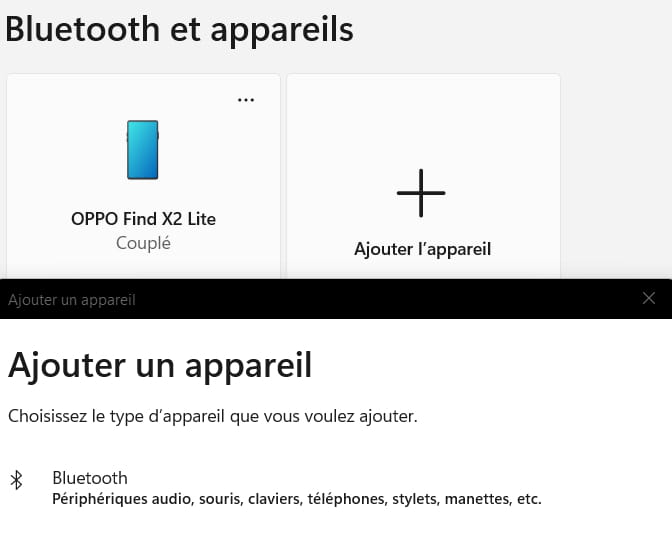
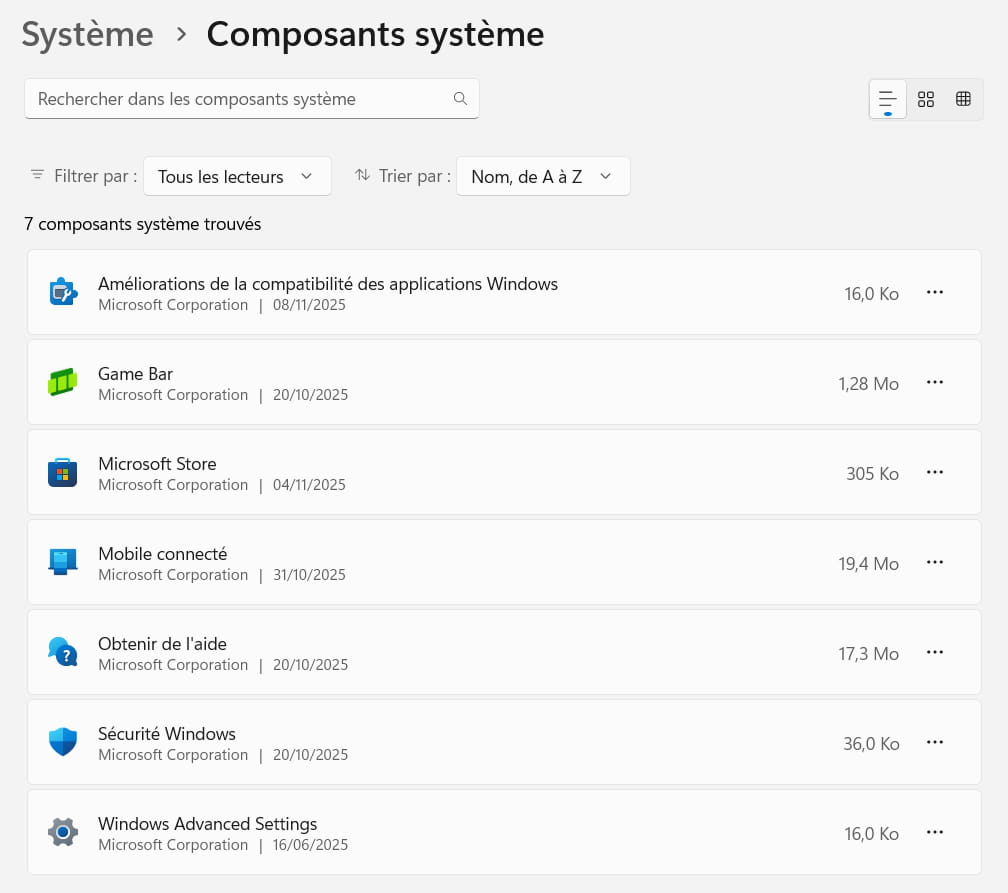
Moreover, regarding the anomaly in your "Connected Mobile" component, you can try a repair or even a reset via the menu: system components
-

