
New version of Linux Mint: shake everything up?
SolvedEglantier3333 Posted messages 355 Registration date Status Membre Last intervention -
Good evening,
I previously mentioned some issues regarding Linux Mint Cinnamon that I have installed.
This evening, I just saw that a new version of Linux Mint is being offered to me, sweetly named Linux Mint 22.2 Zara (which is the name of a clothing store).
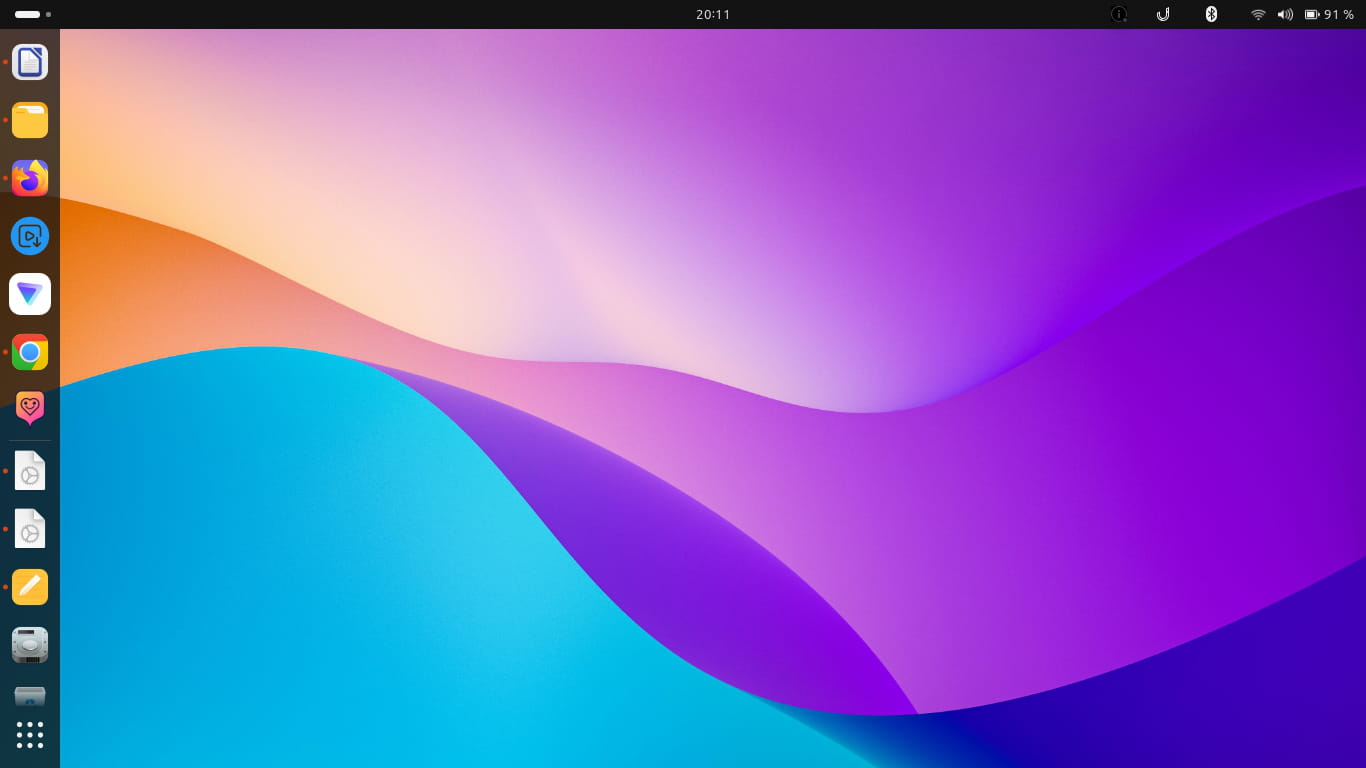
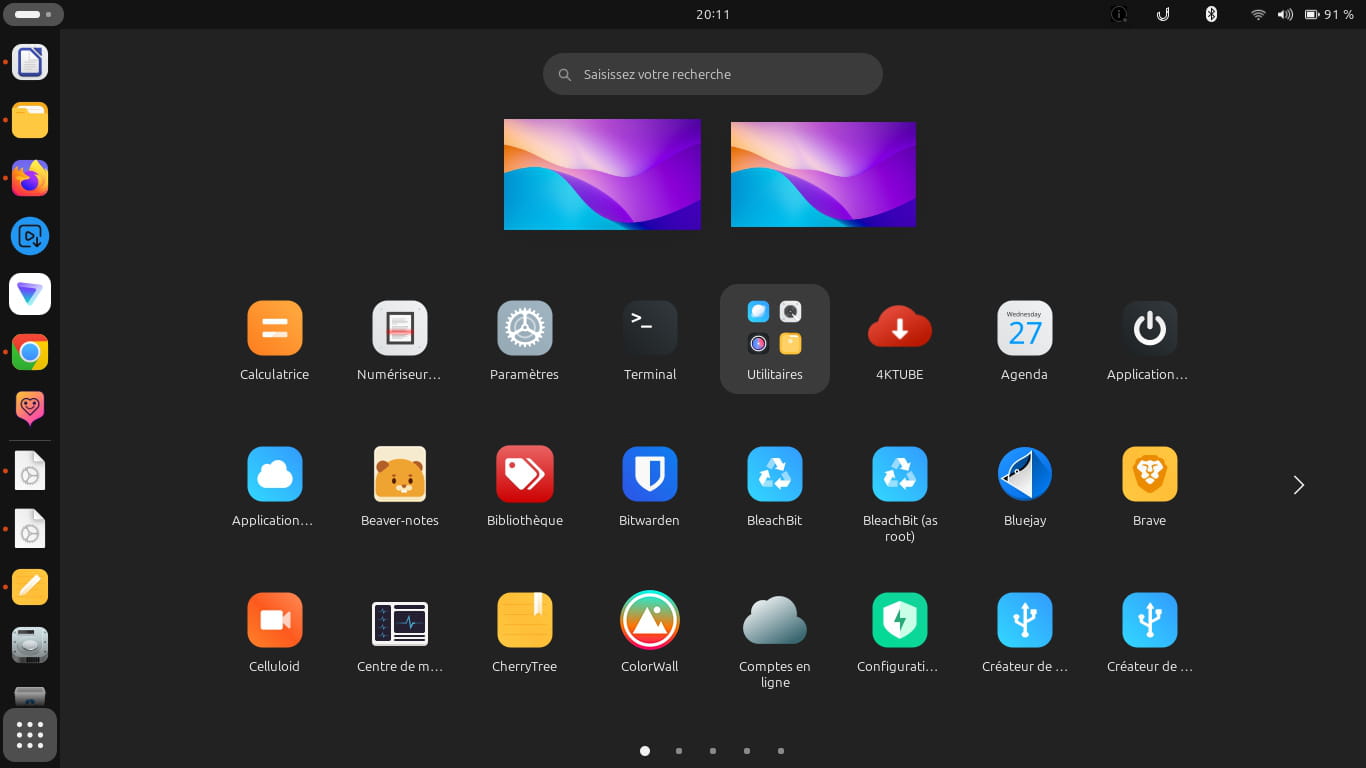
However, I have customized Linux Mint after its installation, by adding the Gnome desktop, customizing the icons with an icon pack, and installing other applications.
If I install the new version of Linux Mint, will everything be disrupted and will I have to redo the customization again? Knowing that I had a bit of difficulty and it took me some time.
I am sending two screenshots to show you what it looks like.
Thank you in advance for your responses.
Sincerely.
Eglantier
5 réponses

Hello
A description to know what changes. But we don't know if the installed mint is not already the latest, the ISO had already been accessible for some time, and moreover, it is not mandatory to always install a new version with Linux; they often provide security updates for older versions on their servers called repositories.
https://tecnobits.com/en/Linux-Mint-22-Zara%C2%A0%3A-all-the-latest-features--download-and-upgrade-guide/
Ps: Zara was the Italian name for the city of Zadar in Croatia, this name has therefore preceded the clothing brand that took it up somewhat by chance the day they wanted to settle in a city where their old name was already used by another business...
Zara Baté was also a fashion designer born in Australia in 1909.
And Linux also gives names to its versions, Noble came before.
The number only comes later when the version officially becomes the current stable version.

Hello,
In terms of the format, at least Cinnamon, as soon as it is launched, offers package and possibly version updates without needing to search for them in the command line, I just did it.
Regarding this update, it's a minor update from 22.1 to 22.2 and not a full new version, in which Windows seems to influence by mainly bringing in gadgets that aren't strictly necessary.
All of this doesn't answer the question to which I'm also unable to respond, depending on the nature of these customizations, I suppose no one knows to what extent they are overridden by the update or not until they've tried.
Regarding the naming, consistent sources indicate that each version is assigned a female first name in alphabetical order ending with "a," except apparently for W and Y, which have been skipped for an unknown reason.
It is also unclear why Zara was chosen instead of Zia or Zelda and what will happen when we restart from A.
Good evening,
Thank you very much for your responses and for coming in large numbers to reply to me.
Eric,
Thank you for your explanations and for the little story about Zara that I didn't know.
Redbart,
I don't update and upgrade very often, no. I sometimes go through the update manager.
For a while, I neglected updates so much that when I relaunched the update manager, there were 49 to install... I know, it's not good...
Brucine,
Thank you for your explanations. So, would it be wiser not to install the new version?
Sincerely.
Eglantier
Hello,
Timeshift is installed by default on Mint (it's not the case for Ubuntu) and it works perfectly, I've used it several times without any problems.
It's the equivalent of restore points for Windows.
However, be careful about what you back up in the snapshots (check the timeshift settings), if important files are missing, it's normal for it to get stuck.

Hello
Will installing the new version of Linux Mint disrupt everything and will I have to redo my customization again? Given that I had a bit of trouble, and it took me some time.
An update of Linux (regardless of the distribution) does not affect the user profile (where you have defined how to customize your desktop environment). You can display hidden files in your home folder to see them.
In general:
- updating Gnome shouldn't disrupt anything (the only thing that could happen is a major change in Gnome, but you would have to deal with it sooner or later)
- you should always do your updates
- the number of updates does not determine whether it's "good or bad," but in general it's better to do them regularly
- if you have installed a lot of packages, you could have many updates
- if you are on a very recent release, you will have far more updates than on an older release. In this case, Zara is an LTS, so the further you get from its release, the fewer updates there will be. There will come a time when there will be no more updates (and at that point it will be urgent to switch to a more recent release). To find out about these deadlines, you can check the lifecycle of Mint releases.
- if you haven't done updates in a long time, the number of updates doesn't significantly increase (you generally have most packages to update), but the gap between the versions widens. And that’s where the problem lies
- The greater the leap, the more likely the update is to go wrong
- The longer you wait to update, the more likely what is installed is vulnerable (security flaws should be fixed by newer versions).
- if an update involves a large number of packages, typically when moving to a newer release (migration), it’s better to be cautious and not do it at a time when you have a critical and urgent need for your computer. Note that a migration from one LTS (like Zara) to the next LTS is supposed to be well tested.
Regarding timeshift, I don't have much of an opinion, as the system will have to be updated sooner or later. However, I recommend regularly backing up your documents (home folder) to deal with a major hardware or software failure or during critical moments (typically a migration). Thus, if things go wrong, instead of using timeshift, we directly reinstall the system in its modern version and then restore the documents that were backed up.
Good luck
Good luck
Hello,
Timeshift is essentially a safety net in the event of an upgrade: if an issue arises during reboot and there's no immediate solution, reverting to the previous version only takes a few minutes and allows you to get back to a fully operational machine without having to reinstall. The cause of the problem and its solution can be investigated later through support forums.
Good evening Mamiemando,
Sorry for only replying now, I just saw your responses, I'm completely out of it... XD
Thank you for your response and your relevant explanations.
Good evening Jns55,
Understood. I opened Timeshift, and I saw that it was making backups regularly. Thank you.
By the way, I received an email about a new version of Zorin OS, version 18, and it's true that it is becoming more and more interesting, it is getting more refined.
Back then, I stopped using it, mainly because it was causing my Brother laser printer to crash.
Best regards.
Thank you for your feedback :-) Do you have all your answers? If so, please mark the topic as resolved, and if not, please let us know how we can help you.
Hello
In any case, the end of LTS support is the same: April 2029, so security updates will be made for the 3 versions (this is just an example) Wilma 22LTS, Xia 22.1LTS, Zara 22.2LTS... and we'll see what happens next later.
If we don’t need, for example, the latest Linux kernel, and if we have already partially customized, why reinstall Zara completely over it?
For those who don’t have it yet, we suggest installing Zara because it's the latest, currently available for download. But on some older PCs, it might be better to install a Mint version prior to 20 because 19.3 is the last to still offer a 32-bit version; on the Mint forums, they will likely guide for the most reliable downloads for security.