
PS4 update not working
SolvedHelpiOS Posted messages 8473 Registration date Status Moderator Last intervention -
Hello,
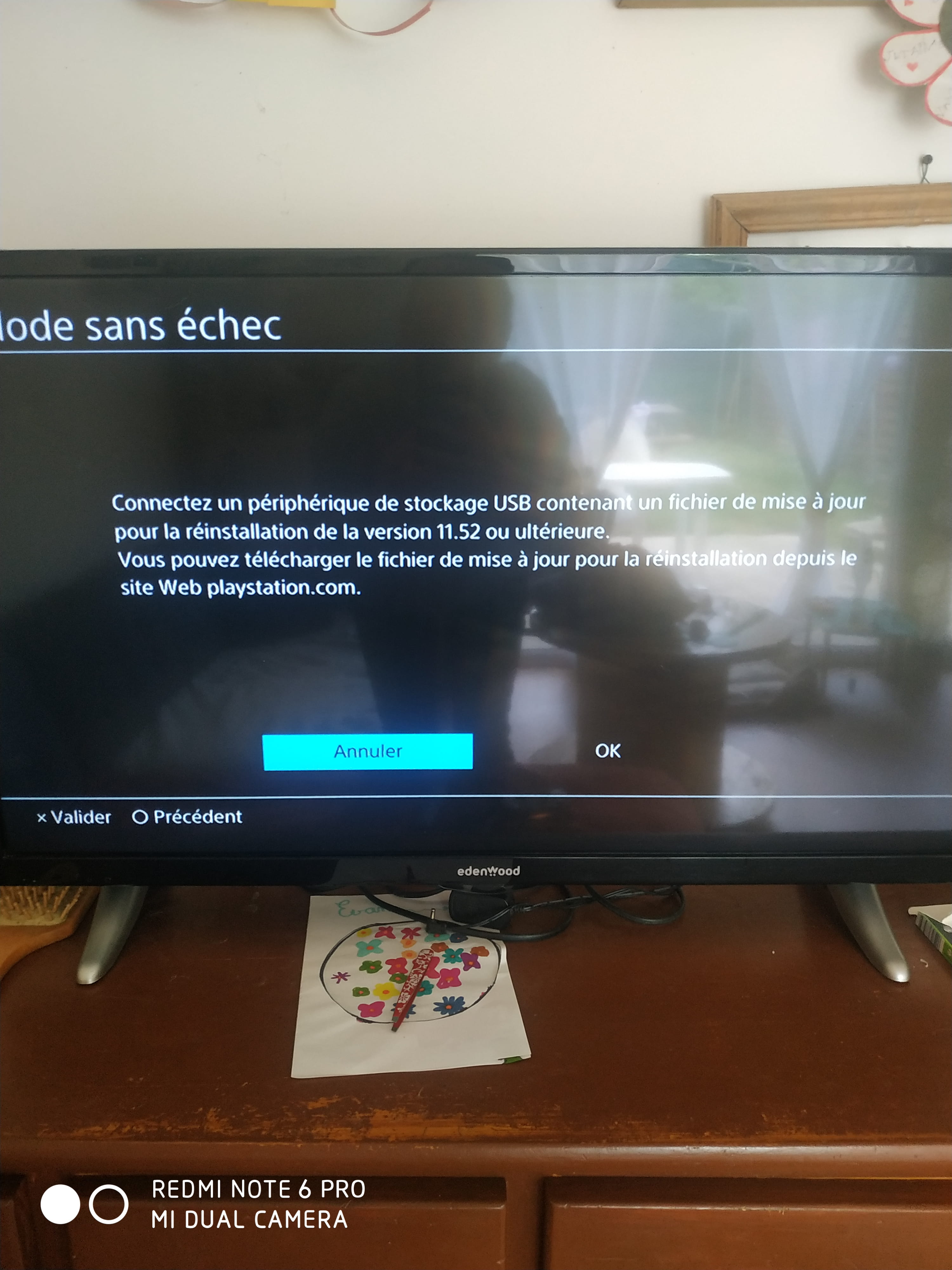
When I turn on my PS4, an update starts but does not complete. Afterwards, I get this message. I don't know anything about it, so if someone could explain it to me as clearly and simply as possible please????
4 answers
-
Hello,
It seems that the update is corrupted, which is why your PS4 needs to reinstall it via a USB drive that contains the update file.
To proceed with the reinstallation, follow these steps in the section "Update PS4 system software using a PC or Mac".
You will also need to download the update file available on the page by clicking the "Update file for PS4 console" button.
Here are the steps to follow:
-
From a PC or Mac, create a folder named "PS4" on a USB drive formatted in FAT32 or exFAT. Within this folder, create a subfolder named "UPDATE".
-
Download the update file [from the PlayStation site] and save it in the "UPDATE" folder. Save the file as "PS4UPDATE.PUP".
-
Plug the USB drive containing the file into your PS4 console.
-
Start the PS4 console in Safe Mode: press and hold the power button, then release it when you hear the second beep.
-
Select Update System Software.
-
Select Update from USB Storage Device > OK.
If your PS4 console does not recognize the update file, ensure that the folders and the file are correctly named. Enter the names of the folders and the file in uppercase letters.
Please make sure to download the update file. The console data will not be erased.
-
-
Don’t worry, that’s normal. Your PS4 has detected that the latest version is 12.50 thanks to the update file you downloaded from the PlayStation website.
Now, the problem is that it indicates that the update file cannot be used, which means the system is unfortunately damaged...
The update file simply allows you to update the system to the latest available version. However, if the system no longer works, this file will not be able to function as it cannot repair it. In this case, it will be necessary to reinstall a new copy of the PS4 system, which involves a total reinstallation - hence data loss...
The only way to recover your data after reinstallation is to restore an existing backup (stored on a USB stick) or from the PlayStation Plus online storage.
To reinstall the system, the steps are the same. As the USB support is already created, delete the update file "PS4UPDATE.PUP" from the "UPDATE" folder and replace it with the reinstallation file by downloading it from this page (section "How to reinstall the PS4 system software").
Good luck.
-
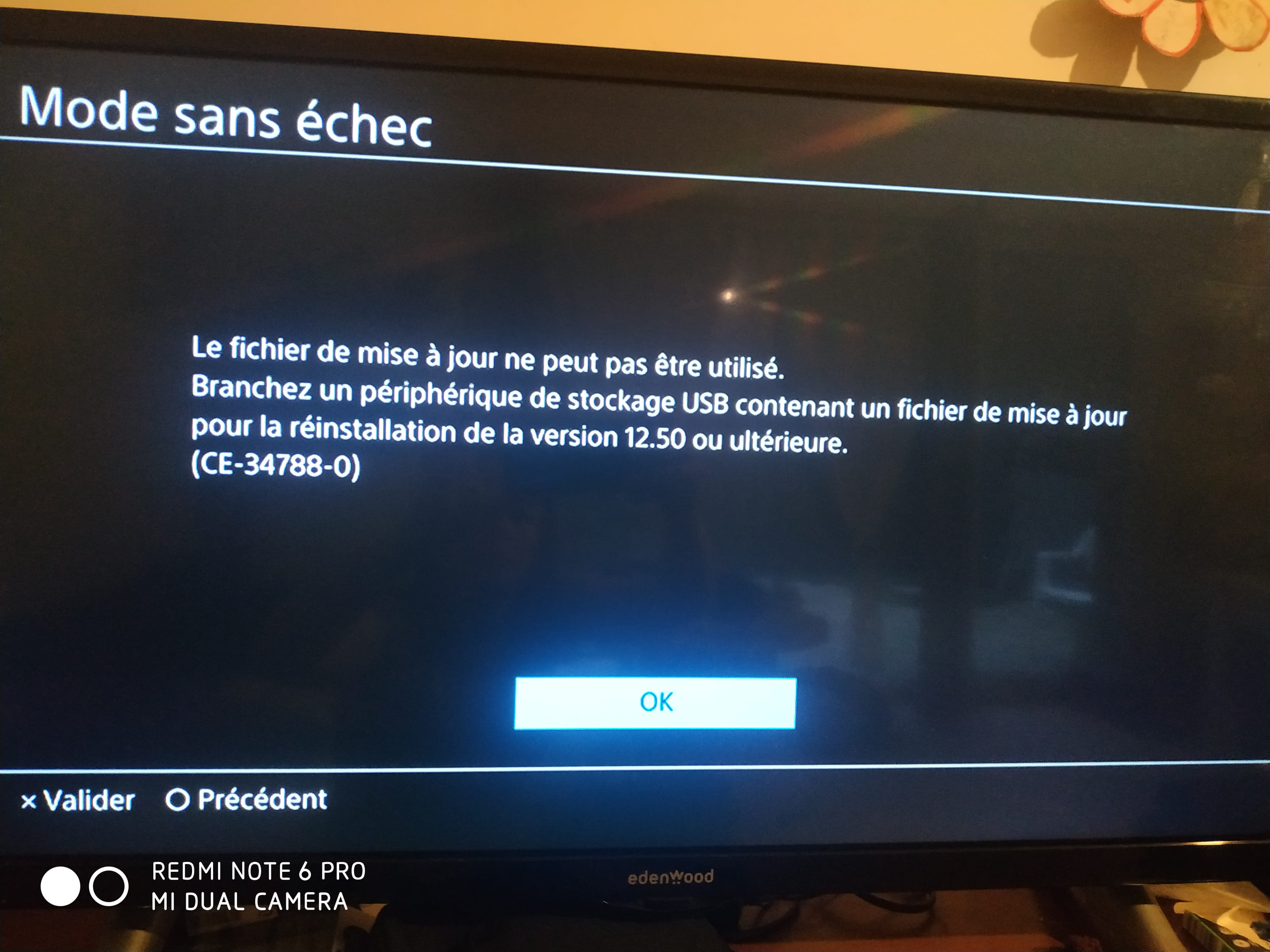
First of all, thank you for this extremely detailed response.
I followed everything that was written but now it’s asking me for another version ???? Am I ever going to succeed eventually? ????
And by the way, I can't find this latest update to download on the internet.
-
