
Connecting headphones to the TV
SolvedLiline_9597 Posted messages 5 Status Member -
Hello
I plugged a PHILIPS SHC5200 headphone into my TV via a 3.5mm jack. When I plug in the headphones, everything works well (sound off on the TV and sound in the headphones), but when I want to switch the sound back to the TV, do I have to unplug the jack from the TV every time? Thanks in advance for your answers.
- Plugging headphones into LG TV
- Connecting Sennheiser headphones to Samsung TV
- connecting wireless headphones to Edison TV without a scart socket
- How to connect headphones without muting the TV sound?
- Connecting a headset and microphone with Realtek audio
- Connecting headphones to Schneider TV SC50 200PL
5 answers
-
Hello,
Using the headphone jack to cut off the TV's speakers is normal.
Apparently, nothing in the manual shows that there is a way to enable the TV speakers in the "SOUND" menu if the headphone jack is being used.
The manual: https://boulanger.scene7.com/is/content/Boulanger/3497674144869_n_0
If you need to use the headphones at the same time as the speakers, you will have to acquire a coaxial digital to analog converter.
What provides the image to the TV: an antenna, a decoder, or a TV box?
This is to see if we can use an audio output on that external device.
It's very hard to catch a black cat in a dark room.
Especially when it's not there... -
Here's the type of converter to install
https://www.amazon.fr/Ohrweh-Aluminium-Convertisseur-Num%C3%A9rique-Analogique/dp/B09CPXDR2R
To be connected to the yellow socket (Coaxial) of the television and the Coaxial input (yellow) of the converter (coaxial cable provided)... The base of the headset connects to the headphone jack. The converter is powered with the USB cable to be connected to the USB port (under the headphone jack) of the television (power cable via USB provided).
Note: In the "SOUND" menu of the television, the "Digital output" must be set to PCM.
It's very difficult to catch a black cat in a dark room.
Especially when it's not there... -
Hello,
Specify what kind of TV you have?
-

Here's where I plug in my headset.
The other connections:
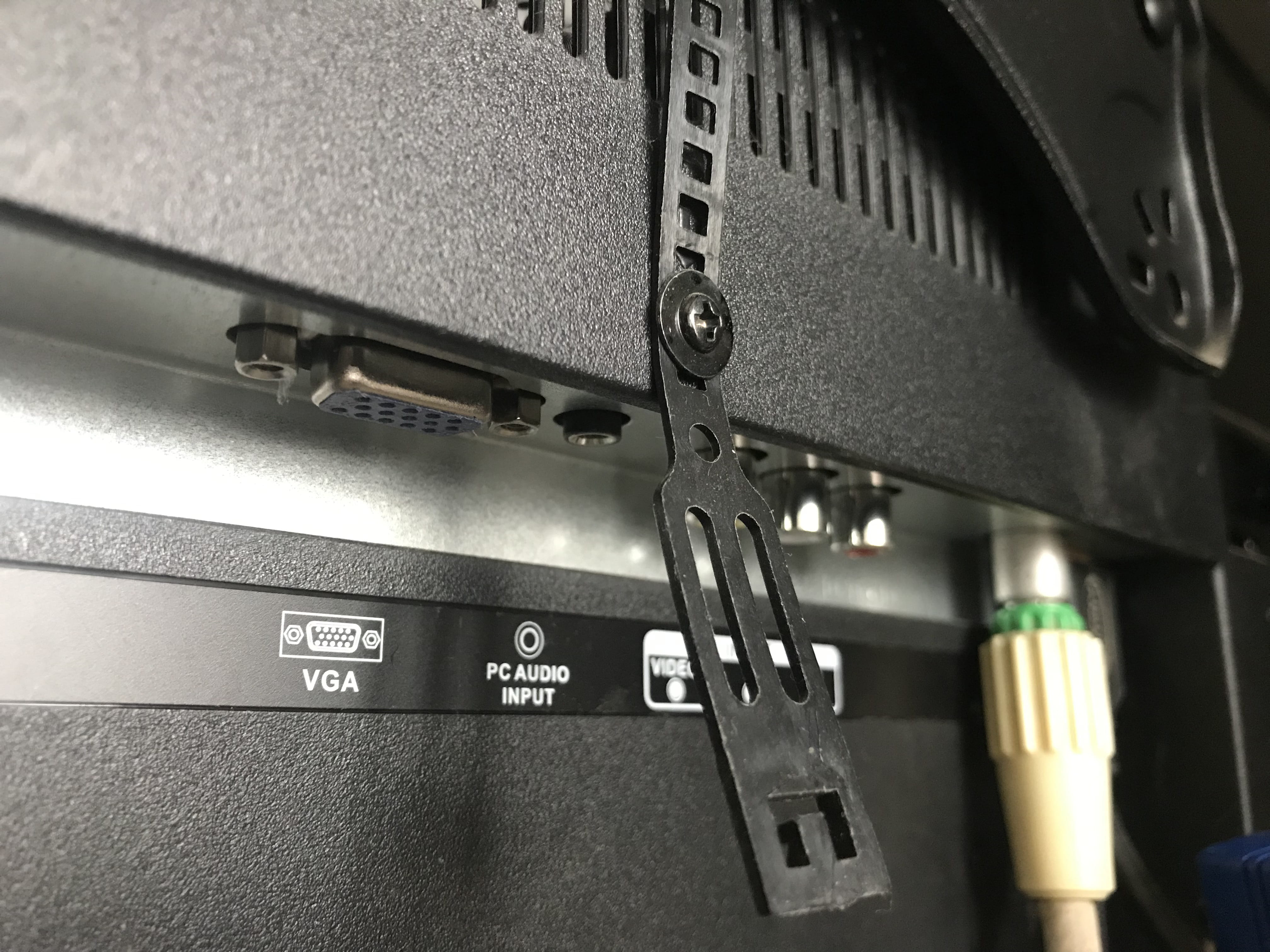
I only have a TV antenna, so there's no external device. It's not essential to have sound from both sides at the same time, so the fact that the headphones mute the TV sound is not really an issue. The problem is that my TV is mounted high up, and I can’t see myself getting on my step stool every time I want to turn the sound back on the TV ;-)
-

