Run an application when launching another app

brucine Posted messages 25262 Registration date Status Member Last intervention -
Hello,
my problem is very specific. I would like to automate a task: I would like another application to launch automatically when I start a specific application without any action on my part. I tried using the task scheduler but I don't know how to use it well enough...
Thank you in advance
- Problem launching EBP association
- When exporting from Sage Compta, Microsoft Excel is not installed.
- practical guide to using Hexalis software in the laboratory for secretarial purposes
- issue with the visual budget app
- Request for feedback on BailFacile software.
- Error message when reopening exercise in SAGE COMPTA 50
4 answers
-
Hello,
You put this in the notepad:
@echo off
start « full path of the executable«
start « full path of the other executable«
exit
You change the extension from: ".txt" to--->: ".bat"
You right-click on the file and: "run as administrator".
And that's it. -
Hello,
What's the relation with accounting?
The task scheduler cannot do that; it would require executing the task "on an event," which only exists for certain Windows services and provided that you know the identifier of the concerned event.
However, it can be easily obtained indirectly by a batch that will contain 2 start lines (the path of my application), and then we will launch both applications by running this batch instead of launching the applications directly. -
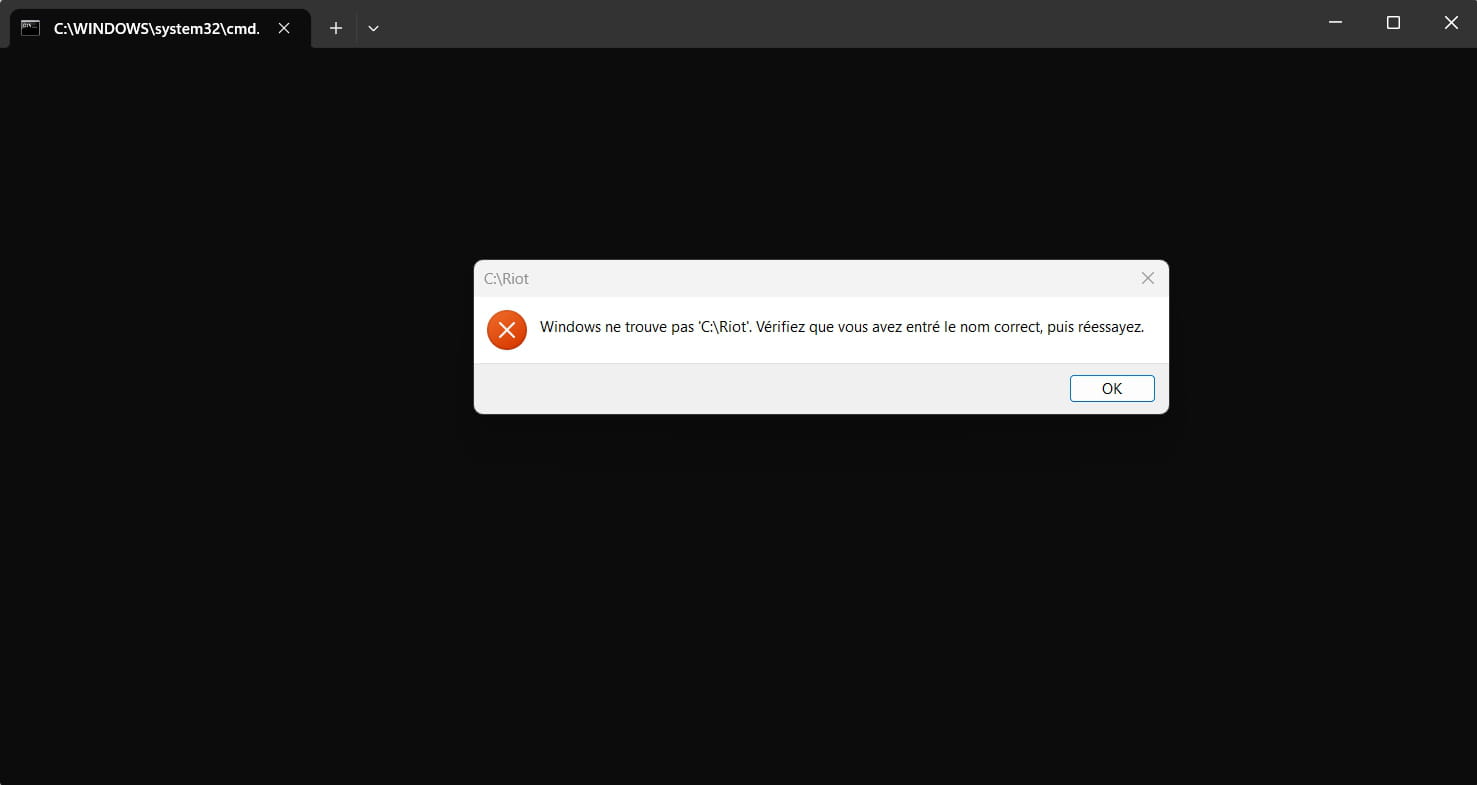
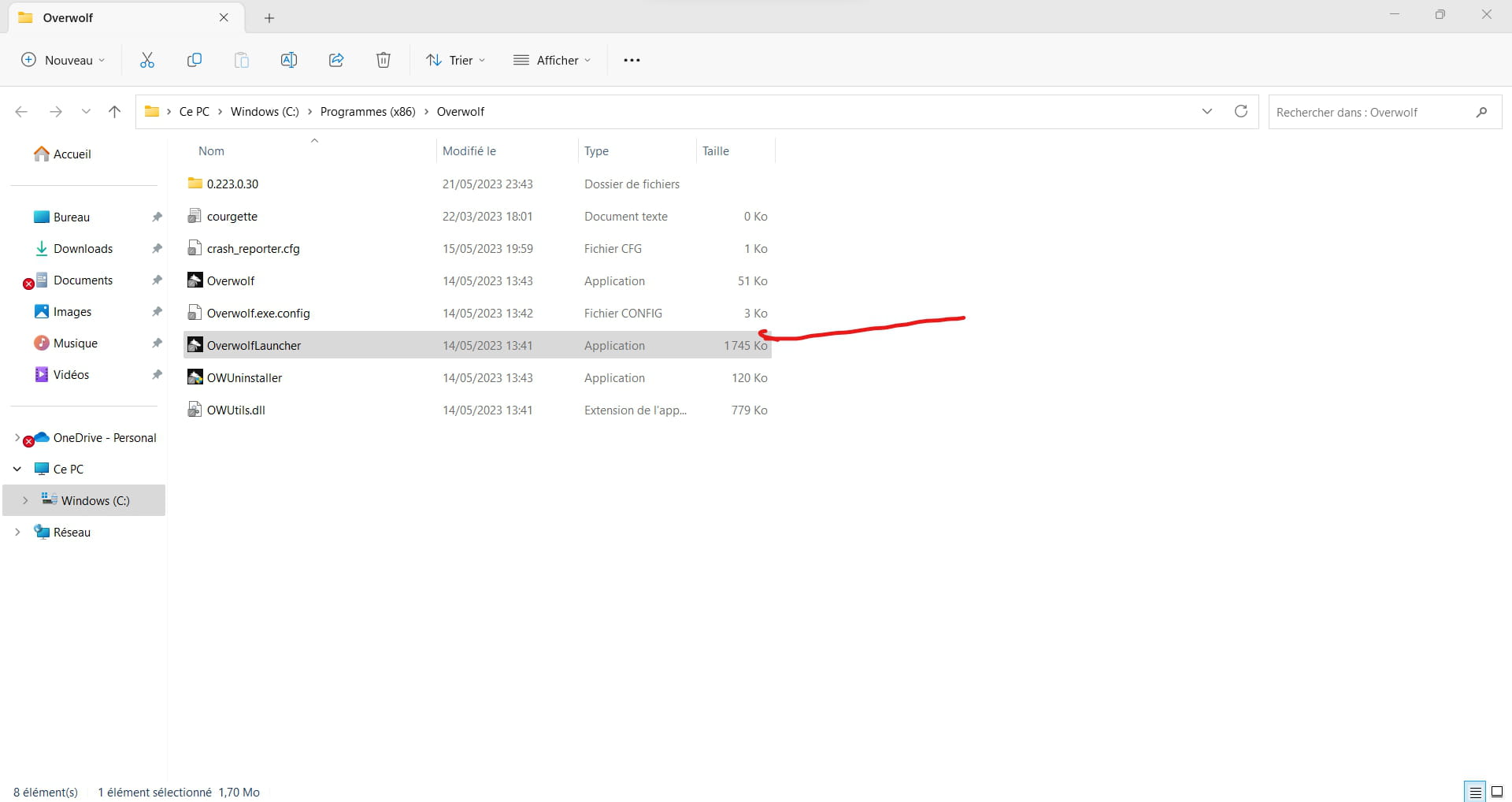
Hello, thank you for your response. Here is the location of my 2 files: does this give that?
@echo off
start C:\Riot Games\League of Legends\LeagueClient
start C:\Program Files (x86)\Overwolf\OverwolfLauncher
exit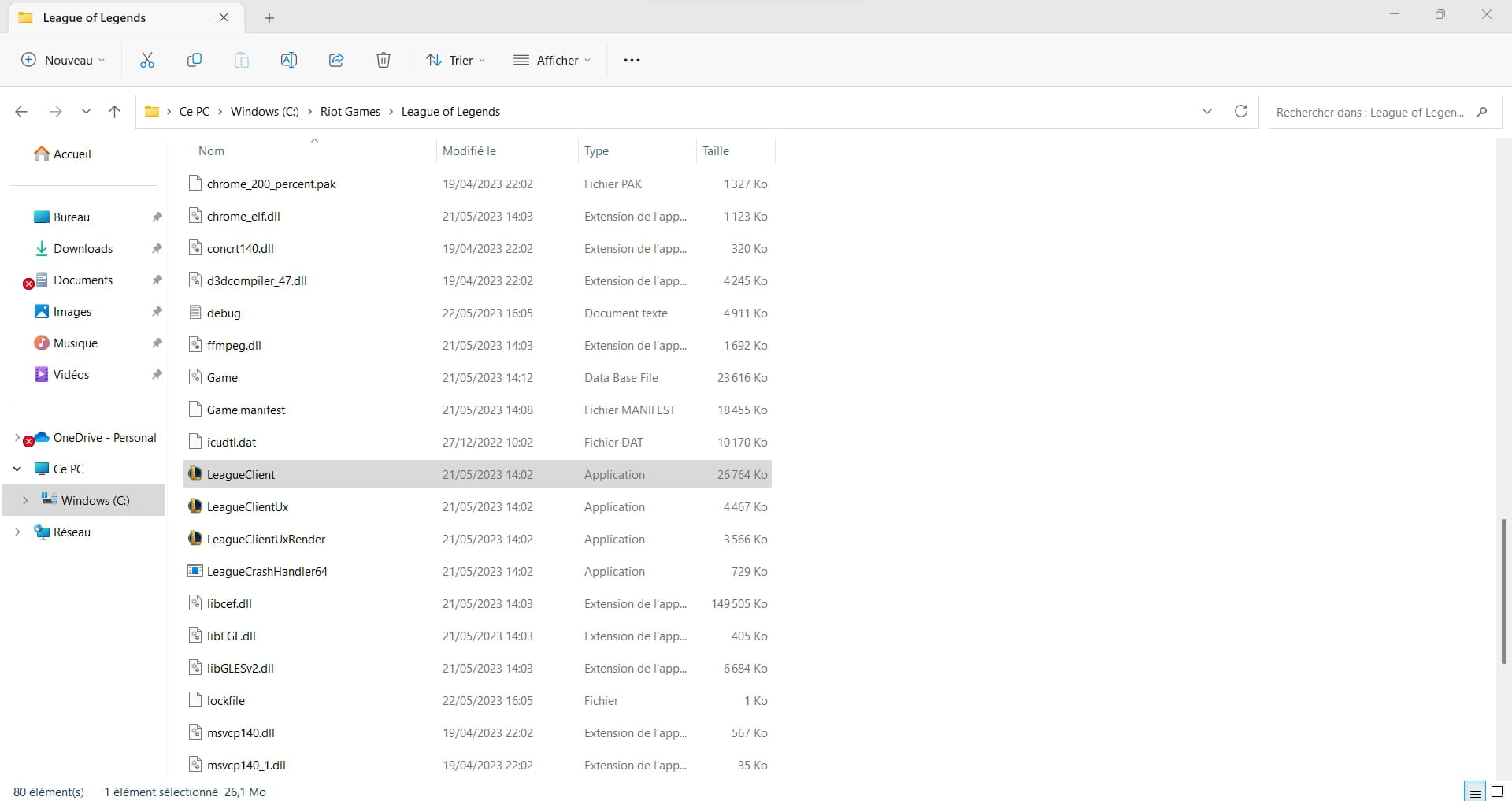
-
No.
You need to run the perfectly designated executable, I suppose that's exe: LeagueClient.exe
As soon as there's a special character in the path (here the space), this path must be in quotes:
start "C:\Program Files (x86)\Overwolf\OverwolfLauncher.exe"
exit is not necessary, it can be replaced by nothing or by :eof
.bat is not harmful but is a remnant of Win9X, currently we save as toto.cmd
I don't understand anything about games and I do everything to make it last, but assuming that one of the programs needs to be launched and executed for the other to work, you need to allow it some delay.
So I will intersperse after the first line:
TIMEOUT /T 30 (so 30 seconds in the chosen example).
Next time, please kindly put your question in the dedicated section, and not randomly anywhere...
-