Wifi driver issue [Thomson THN14B]
Solved/Closed
RAFF
-
kaneagle Posted messages 86296 Registration date Status Moderator Last intervention -
kaneagle Posted messages 86296 Registration date Status Moderator Last intervention -
Hello,
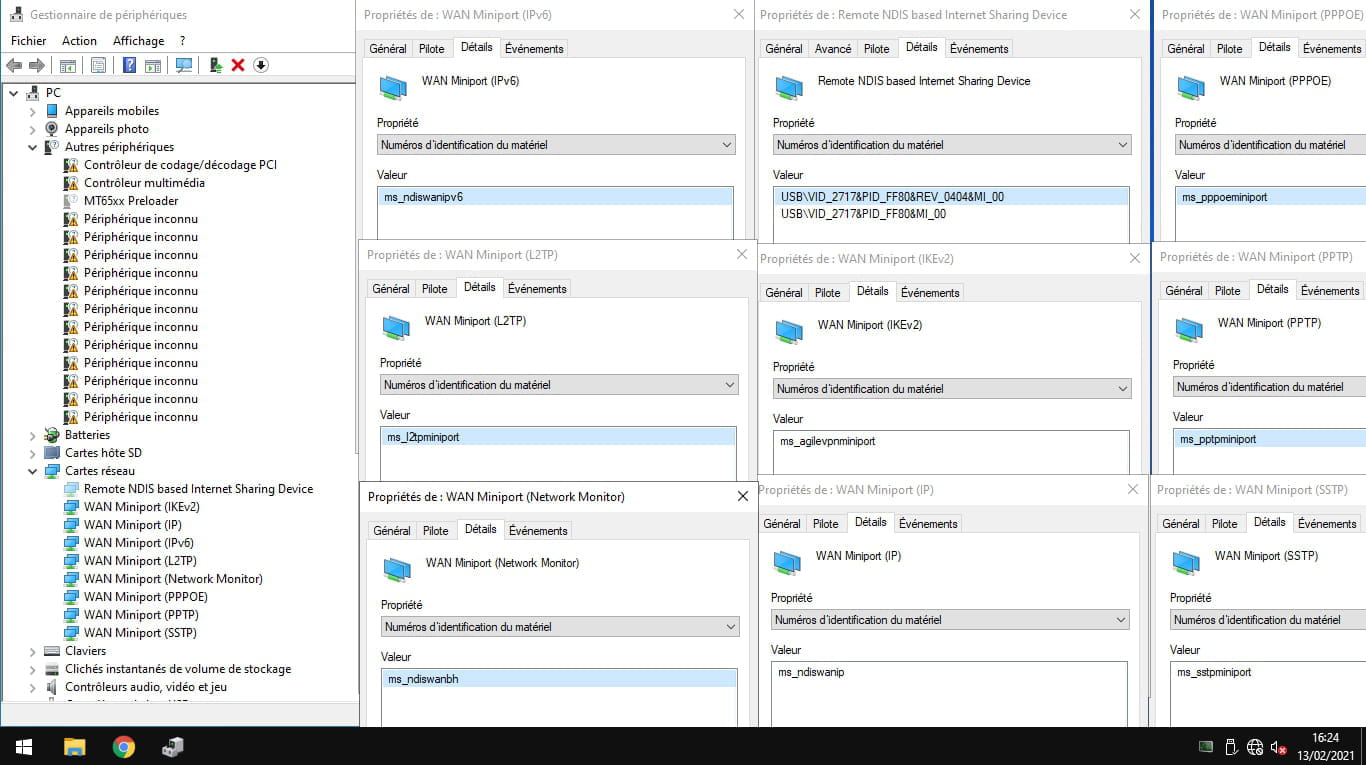
I just reinstalled Windows 10 on a Thomson THN14B laptop, but there is no Wi-Fi connection and it doesn't have an Ethernet port. I have therefore downloaded the corresponding Wi-Fi driver for the laptop model (RTL8723BS) from another computer, but every time I launch the setup.exe in the installation folder and restart the computer, I still have no Wi-Fi and no new driver in the network adapter section of the device manager. The troubleshooting utility keeps telling me that "Windows has not detected a properly installed network adapter. If you have a network adapter, you need to reinstall the driver." So if anyone could help me
Thank you
I just reinstalled Windows 10 on a Thomson THN14B laptop, but there is no Wi-Fi connection and it doesn't have an Ethernet port. I have therefore downloaded the corresponding Wi-Fi driver for the laptop model (RTL8723BS) from another computer, but every time I launch the setup.exe in the installation folder and restart the computer, I still have no Wi-Fi and no new driver in the network adapter section of the device manager. The troubleshooting utility keeps telling me that "Windows has not detected a properly installed network adapter. If you have a network adapter, you need to reinstall the driver." So if anyone could help me
Thank you
11 answers
-
Hello,
If it's a 32-bit, try this one --> Intel Soc
Unzip it
Go to the folder of the unzipped driver --> SOC_BYT_Win10_32
Folder --> PlatformInstaller
Run the setup.exe
If it still doesn’t work, you’ll have to install them manually.
--
Human beings are at their best when things are at their worst.