
Utilitaire de service SSC
Anonymous user
-
MisteryBean Posted messages 8950 Registration date Status Moderator Last intervention -
MisteryBean Posted messages 8950 Registration date Status Moderator Last intervention -
Hello,
three weeks ago I installed the SSC service utility to reset my printer. But I had to change this printer. So I uninstalled this program, but when I open my PC in the morning, I systematically get these three windows popping up.


How can I fix this problem? I'm not very good with this, could I have explanations that are easy to understand?
Thank you very much in advance. Best regards.
three weeks ago I installed the SSC service utility to reset my printer. But I had to change this printer. So I uninstalled this program, but when I open my PC in the morning, I systematically get these three windows popping up.
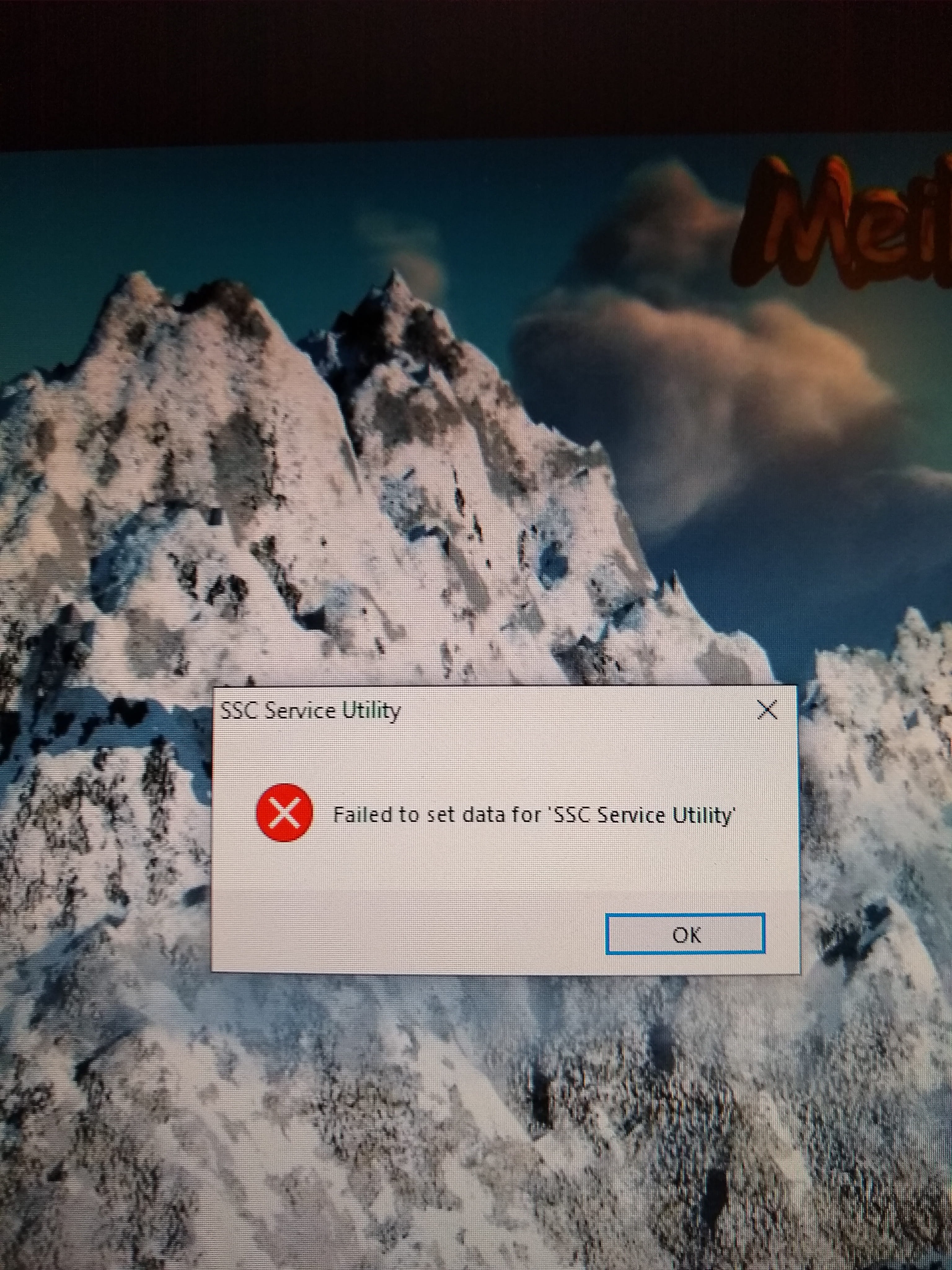


How can I fix this problem? I'm not very good with this, could I have explanations that are easy to understand?
Thank you very much in advance. Best regards.
5 answers
-
-
Hello,
Let's take a closer look:Carefully read the entire procedure before posting the reports
--> Download the FRST version of Farbar, compatible with your system, and save the file to your Desktop
--> For a 32-bit system
--> For a 64-bit system
How to find out which version, 32-bit or 64-bit, is running on my system?
--> Wait for your browser to prompt you to save the download, without clicking anywhere, especially not on the page sponsors.
--> Close all applications, including your browser
--> Double-click on FRST.exe and click Yes to accept the Disclaimer
--> Under Vista, Windows 7 / 8 and 10, you need to run the file by right-clicking -> Run as administrator
--> Wait until it indicates The tool is ready to use
--> In the main menu, click on Scan and wait for the analysis to complete
--> At the end of the scan, the FRST.txt and Addition.txt reports are created. Post these reports in your next response.
--> The reports are saved in the same location as the tool and under C:\FRST\Logs
--> The SmartScreen filter may trigger an alert. Click on Actions or More info then Run anyway
---------------------------------------------------------------------------------------------
The reports FRST.txt and Addition.txt are expected
All reports must be hosted on https://security-x.fr/up/ and you indicate the links obtained in your response
--
Security Contributor. -
Hello,
I’m sorry, but there is no result. SSC service security is no longer visible in my list of programs. These boxes still appear when I start my computer and do not show up when I wake it up from sleep.
So the problem is still unresolved! Thank you anyway for your help. Best regards
-- -
Hello
My issue is resolved. I was able to disable the SSC security service in the task manager, as recommended on this site. Thank you again. Best regards
-- -
RE_
I was able to disable the SSC security service in the task manager
As you said, it is just disabled, but there are still traces left. It's up to you to decide if you want to perform the diagnosis suggested above
--
Security contributor.
