How to Fix - You Will Need a New App
Solved
Latifa
-
pistouri Posted messages 19010 Registration date Status Contributor Last intervention -
pistouri Posted messages 19010 Registration date Status Contributor Last intervention -
Hello,
I have a question: when I install a software
for example Internet Download Manager, which installed correctly by the way
But Microsoft opens a message saying that
You will need a new application to open this item ms-windows-store
However, I don't use the Store
I use a Windows 10 Enterprise LTSC 1809 version
Windows is up to date and functioning normally
How can I remove or disable this message
Thank you all
Configuration: Windows / Firefox 81.0
I have a question: when I install a software
for example Internet Download Manager, which installed correctly by the way
But Microsoft opens a message saying that
You will need a new application to open this item ms-windows-store
However, I don't use the Store
I use a Windows 10 Enterprise LTSC 1809 version
Windows is up to date and functioning normally
How can I remove or disable this message
Thank you all
Configuration: Windows / Firefox 81.0
3 answers
-
pistouri Posted messages 19010 Registration date Status Contributor Last intervention Ambassador 8 732
Here comes another idea, perhaps closer than the tutorial on the IDM extension:
If after the # 3 you still have ►VYou will need a new application to open this ms-windows-store item
'' Yet I do not use the Store ''
Sometimes it is indeed the Windows Store that triggers this message even if you are not using it.
Workarounds:
-Temporary files that are sometimes corrupted cause this problem, restart the PC
Clean and delete temporary files
-Check if a Windows update is in progress or not.
If no updates are pending for Windows, follow the steps below:
1- Reset the Microsoft Store cache.
In the search field on the taskbar or in Cortana, type --► cmd
Right-click on -► Command Prompt
Then -► Run as administrator
Copy/paste or type --► WSreset.exe
Then press the Enter key.
You won’t see anything, leave the window for 30 seconds (10 seconds is also sufficient).
Close the black Command Prompt (CMD) window.
Restart the PC.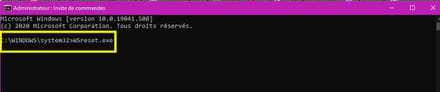
2- Re-register the Microsoft Store.
In the search field on the taskbar or in Cortana, type --► powerShell
Right-click on --► Windows PowerShell
Copy/paste:
Get-AppxPackage -allusers *WindowsStore* | Foreach {Add-AppxPackage -DisableDevelopmentMode -Register “$($_.InstallLocation)\AppXManifest.xml”}
Then press the Enter key.
Close the Windows PowerShell window
Restart the PC.
3- Reset the Microsoft Store.
Go to Settings --►Apps--► Apps and features
This may have another similar name on Windows 10 Enterprise LTSC, but it is indeed in Settings, Keyboard shortcut (Windows + i ) if you prefer.
In the list, scroll down to --► Microsoft Store
Click on Microsoft Store and then on --►Advanced options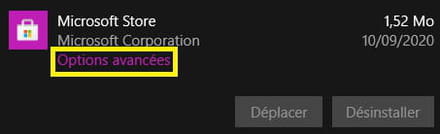
Click on --► Reset
You will receive a confirmation request, click on --► Reset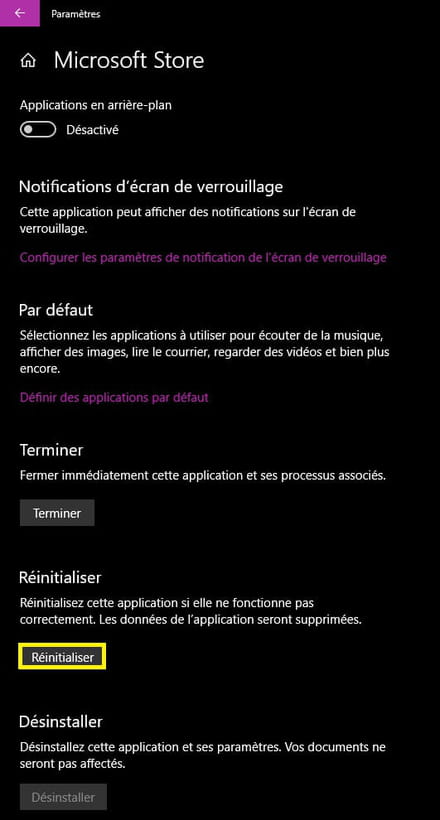
Restart the PC
A+
--
pistouri-
@pistouri You are a Chef
Hello,
You solved my problem.
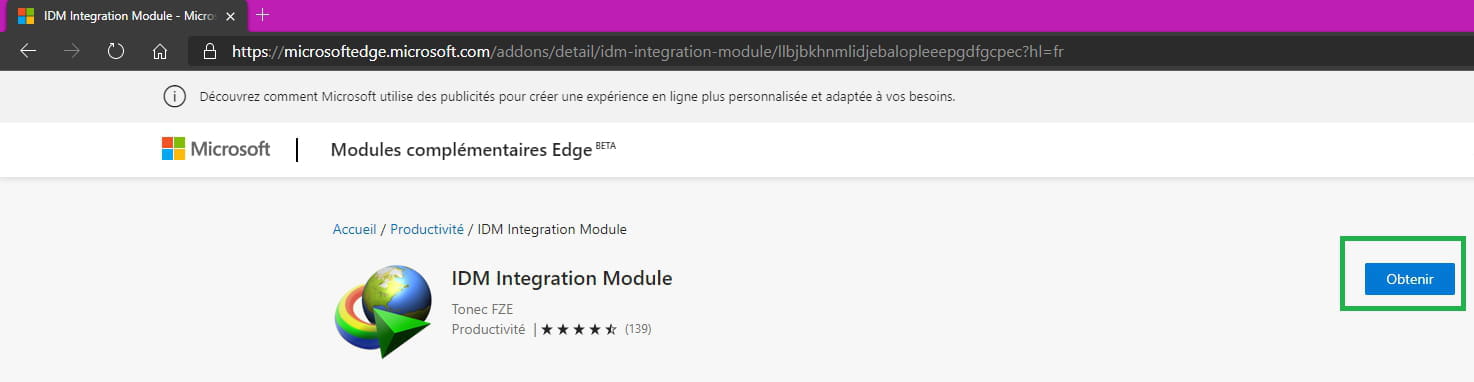
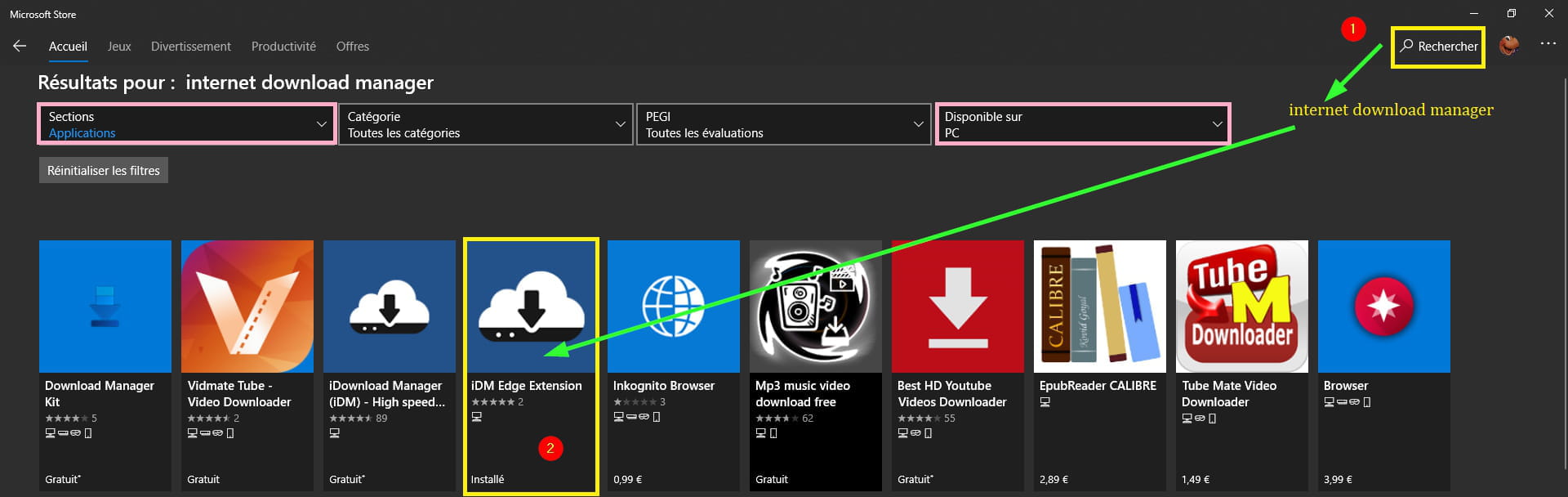
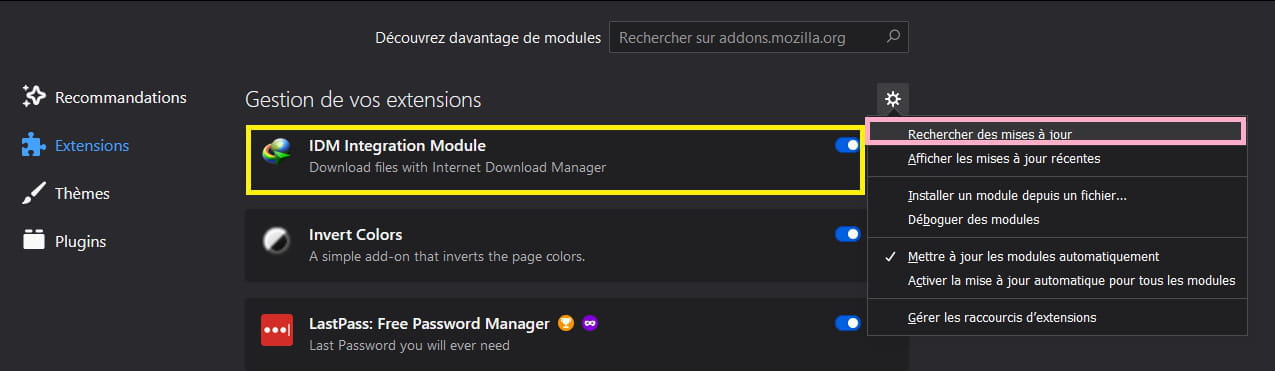
Yes, it is indeed the IDM extension that did not install on Firefox.
After checking and installing the IDM plugin, the message has disappeared.
I encountered this problem following the IDM update; usually it goes well, and after the update, I did not launch IDM, so I did not think that it would cause this message. You will need a new application to open this item ms-windows-store.
Firefox is the only browser I use; all the rest is uninstalled or disabled.
On my LTSC version, everything is uninstalled or disabled by default. No store, no Edge, no Defender, etc.... and it runs wonderfully; it is stable and efficient.
Thank you for the very detailed and complete response.
Really, thank you and congratulations to you @pistouri.
-