Connecting phone / TV via HDMI

Ameslaria
Posted messages
4
Status
Member
-
Nd -
Nd -
Good evening,
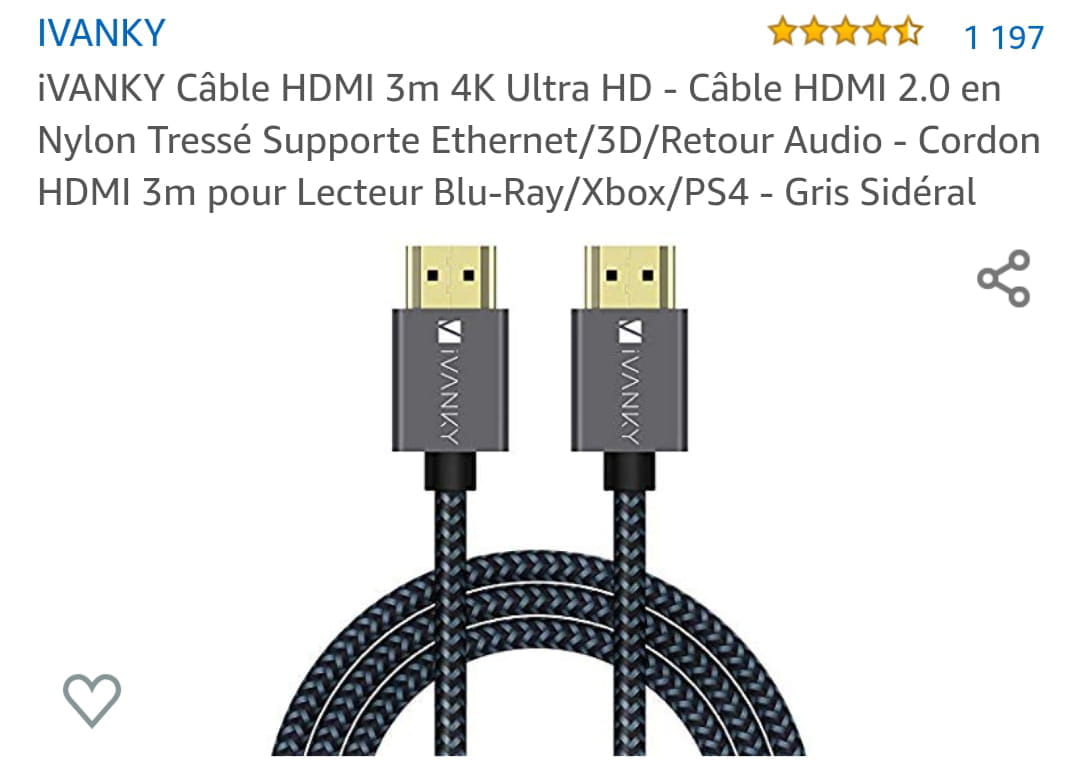
I bought an HDMI connection to connect my Samsung Galaxy A50 phone to my Grandin TV.
When I make the connection, my TV doesn't respond.
However, I receive a notification on my phone saying that the USB is connected and that I can access other options (photo1).
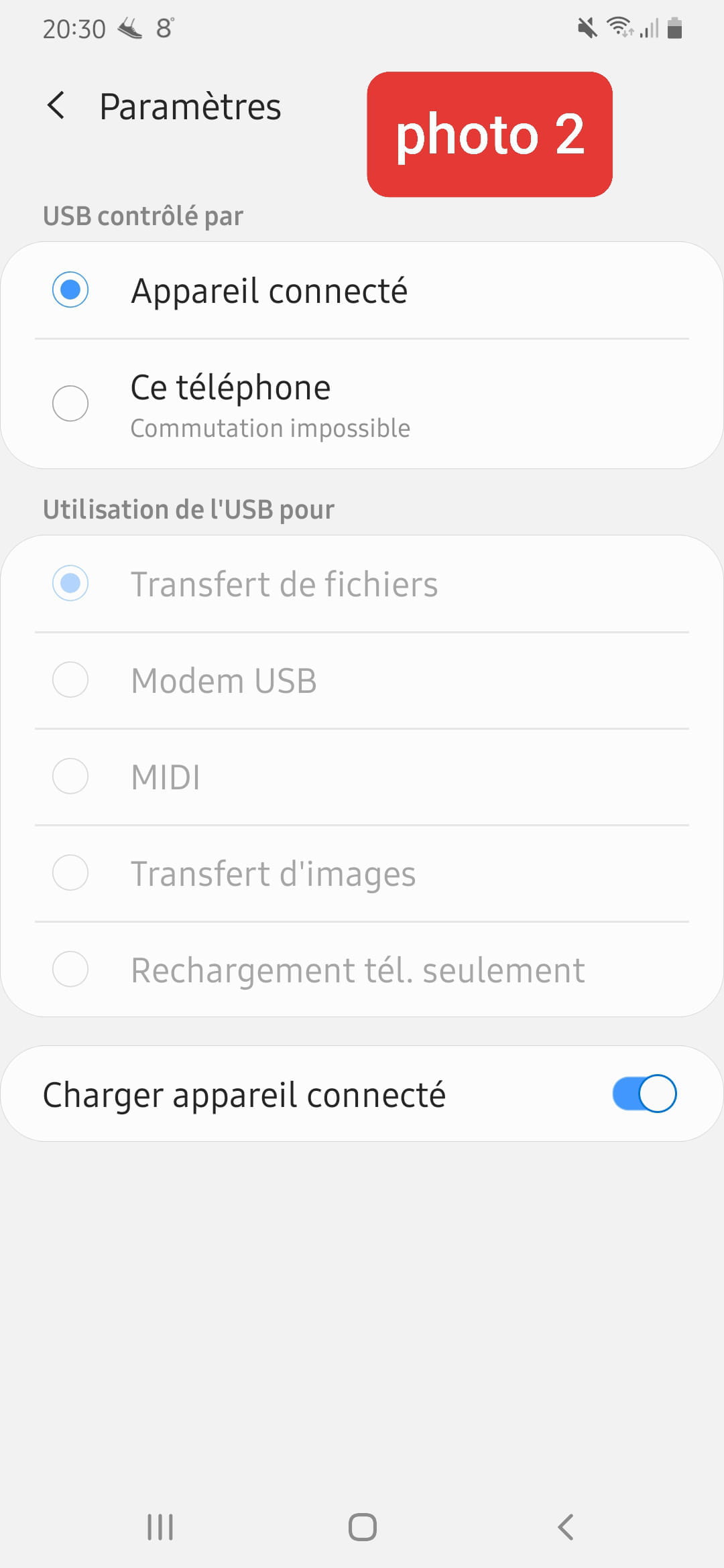
Only when I click on it and want to switch USB control, it tells me "switching impossible." (Photo2)
I don't understand why it doesn't work...
If anyone can help me or has an idea, it would be nice, thanks in advance.


I bought an HDMI connection to connect my Samsung Galaxy A50 phone to my Grandin TV.
When I make the connection, my TV doesn't respond.
However, I receive a notification on my phone saying that the USB is connected and that I can access other options (photo1).
Only when I click on it and want to switch USB control, it tells me "switching impossible." (Photo2)
I don't understand why it doesn't work...
If anyone can help me or has an idea, it would be nice, thanks in advance.

3 answers
-
Hello, yes, but what is the basic idea for connecting to your TV? If it's to display your mobile's desktop on your TV, or to watch a video, your mobile needs to be MHL compatible. If and only if your mobile is MHL compatible, a micro USB to HDMI converter works automatically if it's powered by the mobile's charger. There is no function to activate on the mobile except for it to be open to have the screen displayed on the TV or monitor via HDMI. However, on your TV, you need to select the correct HDMI input using the remote.