Photoshop black screen issue
jonathanmatthieuw
Posted messages
2
Status
Member
-
mehdi2008 Posted messages 368 Status Member -
mehdi2008 Posted messages 368 Status Member -

Hello,
I have a little problem with Photoshop; when I open a file (new or old), my workspace stays black...
If you have any ideas, I'm all ears, I'm losing it, haha.
Configuration: Macintosh / Safari 13.0
2 answers
-
Hello,
Make sure you have the latest update for your GPU.
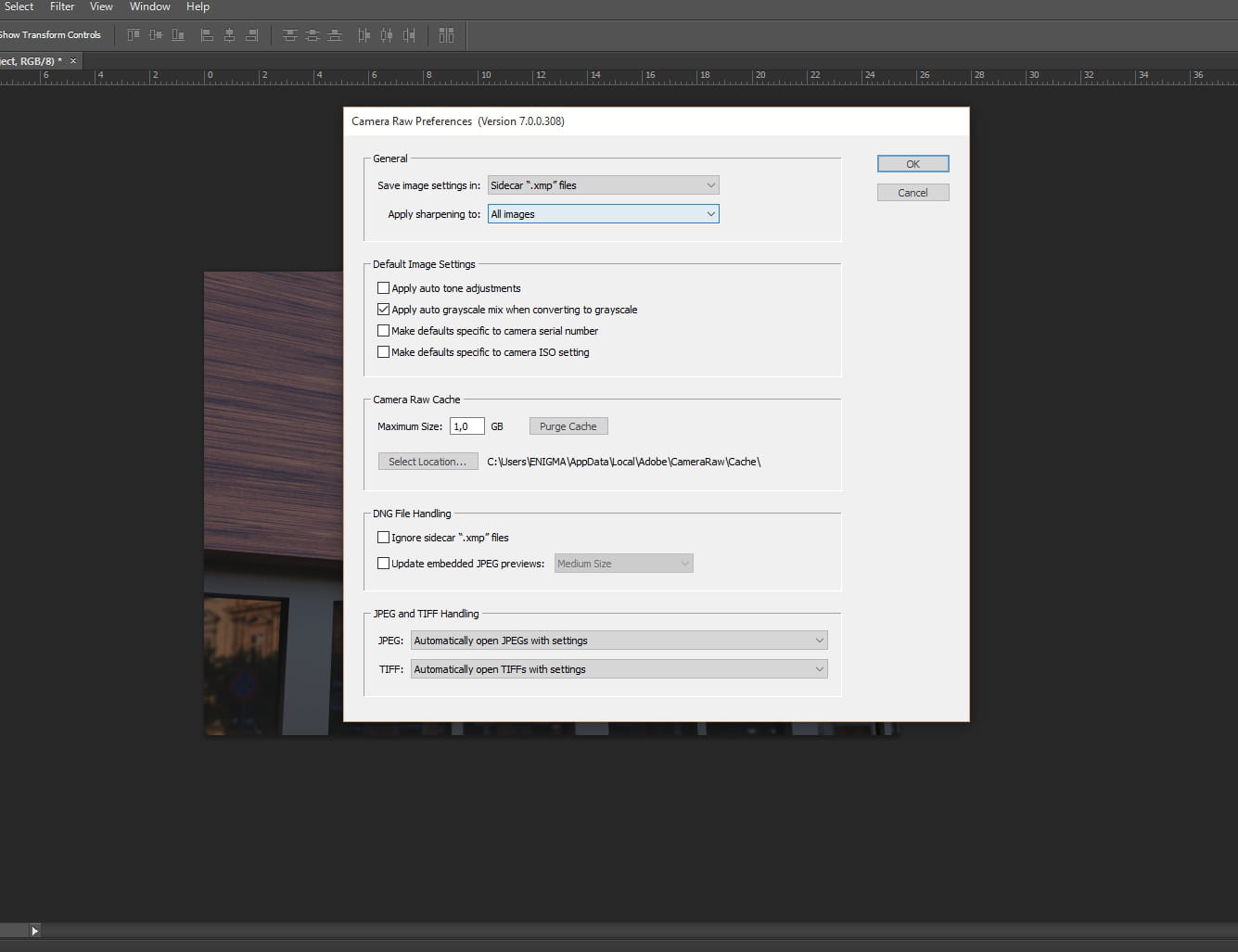
If it still doesn't work, go to Preferences > Camera Raw. And, at the very bottom under Performance, uncheck Use Graphics Processor.
Restart PS, and let me know if it works. -
Hello,
How can I check the update for my GPU?
So I just reopened Photoshop and now it's working without having changed anything..
Super weird.-
Ah... That's good. Otherwise, for the update, here's a link that explains the steps:
https://fr.wikihow.com/mettre-%C3%A0-jour-les-pilotes-de-sa-carte-graphique
-