Unable to back up on Time Machine
Solved
topemeraude
Posted messages
1016
Registration date
Status
Member
Last intervention
-
topemeraude Posted messages 1016 Registration date Status Member Last intervention -
topemeraude Posted messages 1016 Registration date Status Member Last intervention -
Hello,
I wanted to make a Time Machine backup, but it's impossible because the following message appears:
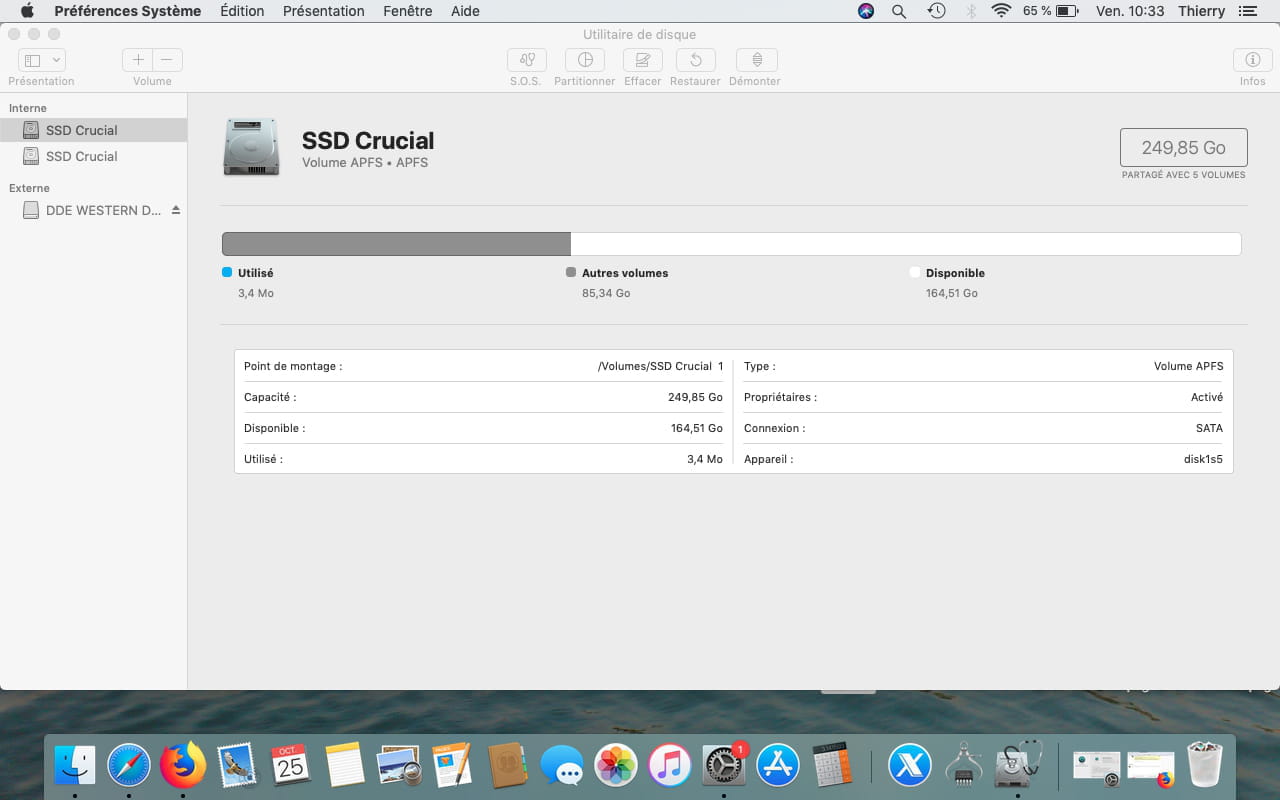
"Two of the disks to be backed up have the same name: 'SSD Crucial'. Please rename one of the two."
However, this problem did not exist until now.
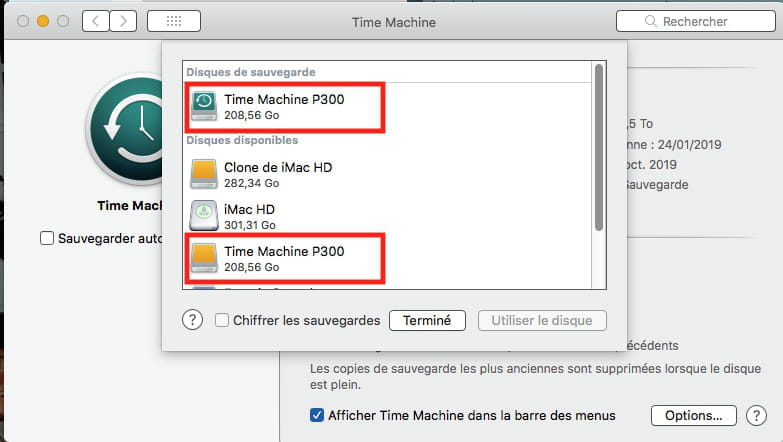
Nevertheless, when I connect the external hard drive and go to Time Machine, two disks appeared, and this worked fine until today. I don't know how to rename one of the disks; if I change the name, it changes the name of both disks.
Do you have any ideas?
Thank you.
Configuration: Macintosh / Firefox 69.0
I wanted to make a Time Machine backup, but it's impossible because the following message appears:
"Two of the disks to be backed up have the same name: 'SSD Crucial'. Please rename one of the two."
However, this problem did not exist until now.
Nevertheless, when I connect the external hard drive and go to Time Machine, two disks appeared, and this worked fine until today. I don't know how to rename one of the disks; if I change the name, it changes the name of both disks.
Do you have any ideas?
Thank you.
Configuration: Macintosh / Firefox 69.0
11 answers
-
EDIT :
If in reality there is only one disk assigned to Time Machine, but the Mac is "seeing double," the solution would be to remove the disk(s) in System Preferences / Time Machine and then reassign it...
To do this:
- Disconnect your disk from the Mac.
- Open System Preferences / Time Machine
- Open Options, the button in the bottom right,
- Select the disk or disks that are supposed to be affected, and choose "Remove"... confirm...
At this point, there should normally be no Time Machine disk assigned.
We will now reassign the existing backup on the disk, and thus the Time Machine disk to the Mac...
The procedure:
- Connect your Time Machine disk to the Mac
- Open System Preferences,
- Designate the disk as your Time Machine disk, but disable automatic backups for now
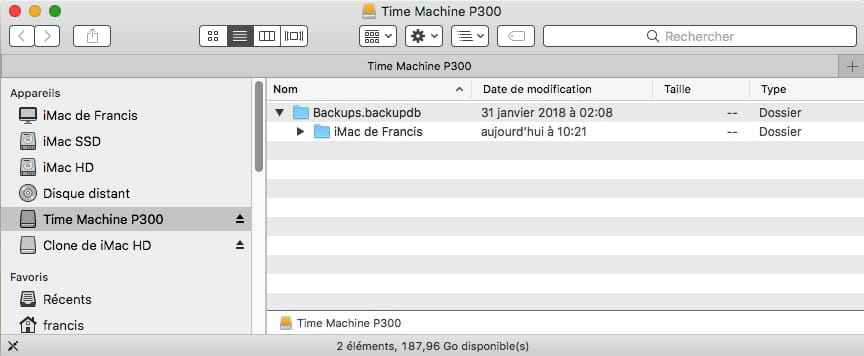
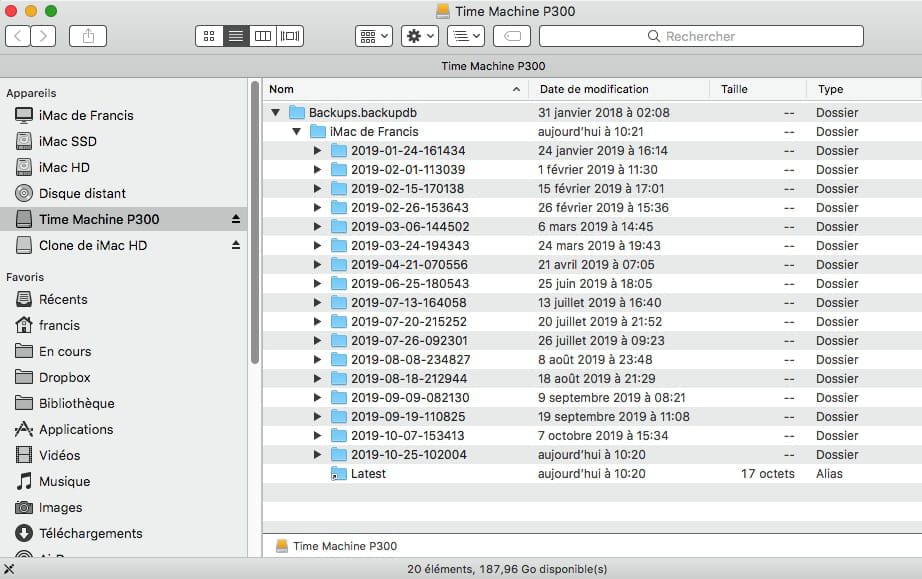
- Open the Backup.backupsdb file located on the Time Machine backup
- You should see a folder named after your Mac
- Launch Terminal located in Applications / Utilities
- In the Terminal window, paste this command
sudo tmutil inheritbackup
- type a space
- Drag and drop into the Terminal window, the folder named after your Mac found in the Backup.backupsdb folder of the Time Machine disk
- Confirm.
Normally, at this point, it should be fine.
In the Finder's menu bar, from the Time Machine icon, you should now have the option to "Back Up Now" or "Enter Time Machine" to restore folders, or the option to put Time Machine in automatic backup mode.
Note: Before carrying out this procedure, first try a repair by starting the Mac from the recovery partition... that may be enough to resolve the issue...
https://forums.commentcamarche.net/forum/affich-37641569-entretenir-et-reparer-macos-x-10-12-10-13-et-suivants
or depending on the version of the OS
https://www.commentcamarche.net/faq/36405-entretenir-et-reparer-mac-os-x-10-7-os-x-10-8-os-x-10-9-os-x-10-10-lion-mountain-lion-mavericks-et-yosemite