Microphone access with Firefox
Groufine Posted messages 4 Registration date Status Member Last intervention -
Hello
How to access the microphone with Firefox on Linux?
Thank you
4 answers
-
Hello,
I'm not sure I understand the request, what are you trying to do?
Normally when a website needs the microphone, it asks the browser and then the browser displays a prompt to the user to the left of the address bar.
-
Hello
Thank you for your diligence
As part of a language workshop, I use Firefox to browse a translator (Google). There is no privacy icon to the left of the address bar. Moreover, when I click the grey mic, a notification appears "the microphone is not accessible with this browser." Could this configuration have been installed by the administrator? The administrator is difficult to reach, which is why I prefer to search elsewhere. How do you see the situation?
-
Hello,
There are several possible directions.
If the browser’s system settings have been modified from an external utility or its configuration files, it typically displays a message "Firefox is managed by your administrator" (although, for example, this is the case under Linux Mint that automatically installs a specific version and no longer shows it).
If it is inside the browser that blocks the microphone, you will find it under
Edit - Settings - Privacy - Permissions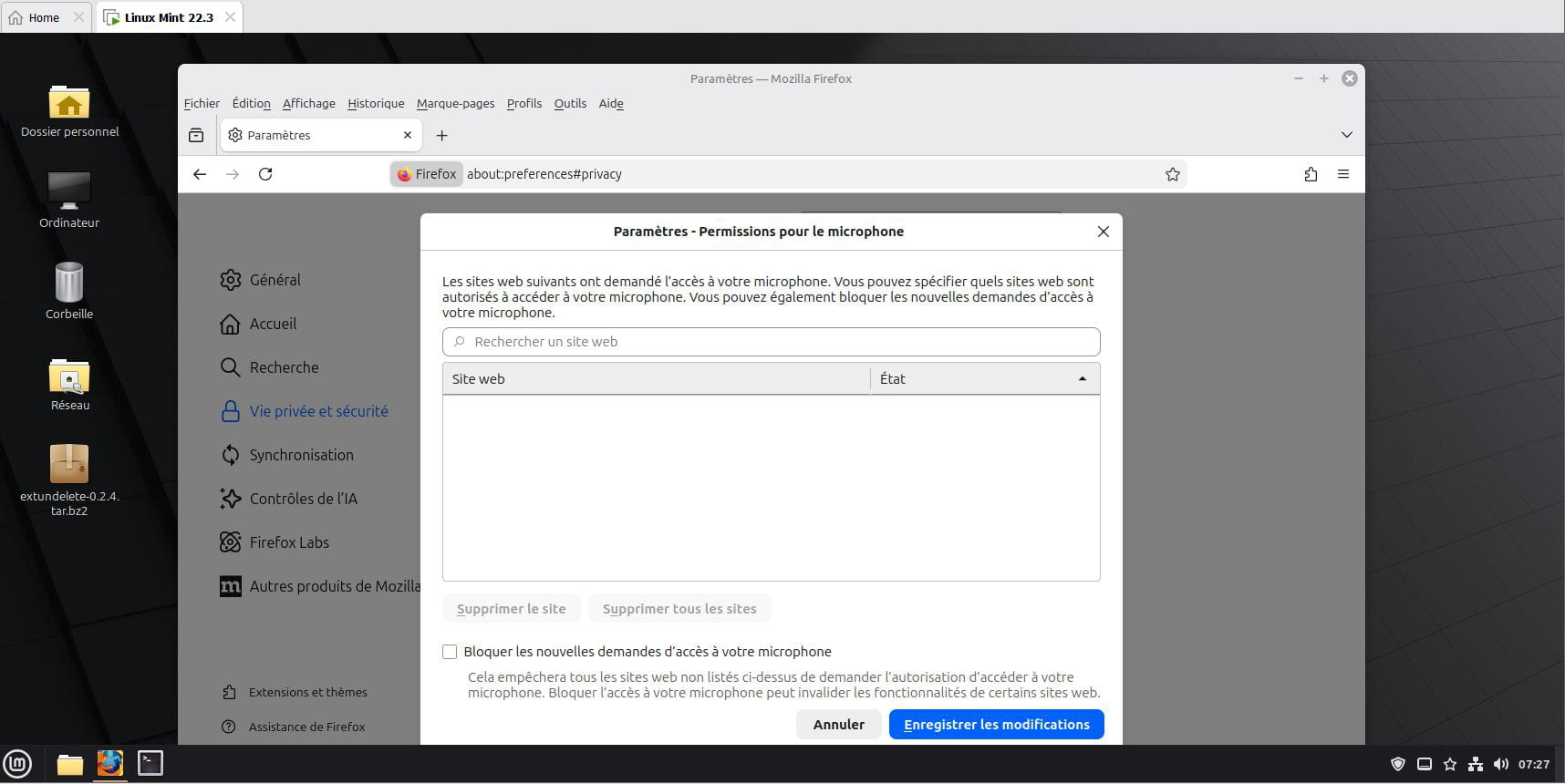
And of course, we won’t have the problem with another browser if there is another installed or if administrator rights do not prevent doing so.
There are a number of other methods to block sound, but most rely on command-line access in administrator mode (sudo), which means we won’t have access without the administrator password.
https://www.numetopia.fr/comment-desactiver-le-microphone-dans-ubuntu-ou-linux-mint/
If now on a professional PC the administrator has planned a number of restrictions including using the microphone in general or for uses that he deems non-professional, he will be the sole possible recourse.
Hello,
Perhaps check at the antivirus software level whether there is an access authorization to the microphone for the browser.
I am using Bitdefender, and microphone or webcam access can be blocked by the software.
Have a nice day.
Goldwing52
Thank you Brucine and Goldwing52, for your diligence
Given your indications, it seems to me that the solution lies in the hands of the administrator, either to lift the Firefox block or to install another browser. I can now proceed to contact the administrator
Best regards
Groufine
-