Hard drive backup: error code 0x81000033
pagrosdidier
Posted messages
135
Status
Member
-
noctambule28 Posted messages 25275 Registration date Status Member Last intervention -
noctambule28 Posted messages 25275 Registration date Status Member Last intervention -
64-bit operating system
Windows 10 1809
error code 0x81000033
Hello,
I am desperately trying to back up my hard drive: the same failure issue persists: error 0x81000033
My main drive (C:) has a capacity of 1.58 TB and only 241 GB of space used
My external hard drive (D:) NTFS D for backup is empty and has 931 GB of space
I have done a quick format of my D drive with the same problem
I have been reading forums for several days back and forth without understanding anything
They talk about partitions with software in English
Partition on the destination drive I suppose but how to know.
We did not have this issue with Windows before, curious that nothing has been done to fix this problem.
Thank you for your help...
Best regards
Pascal
Windows 10 1809
error code 0x81000033
Hello,
I am desperately trying to back up my hard drive: the same failure issue persists: error 0x81000033
My main drive (C:) has a capacity of 1.58 TB and only 241 GB of space used
My external hard drive (D:) NTFS D for backup is empty and has 931 GB of space
I have done a quick format of my D drive with the same problem
I have been reading forums for several days back and forth without understanding anything
They talk about partitions with software in English
Partition on the destination drive I suppose but how to know.
We did not have this issue with Windows before, curious that nothing has been done to fix this problem.
Thank you for your help...
Best regards
Pascal
10 answers
-
Hello,
It’s true that there are other solutions like Acronis, Macrium Reflect, etc.
You will find tutorials on this page: https://www.malekal.com/windows/sauvegarde-windows/
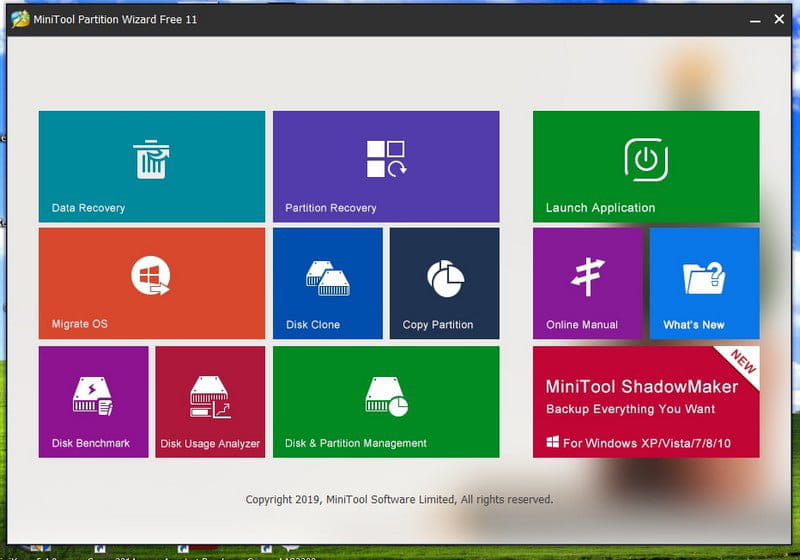
Install Minitool Partition Wizard and provide a screenshot.
--
Please press any key to continue the disinfection... -
Good evening,
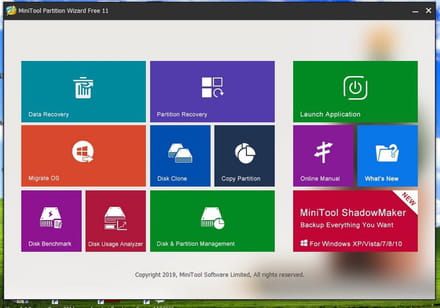
I’ve installed the software, but it’s in English
which box should I click on?
-
Hello,
Try "Macrium Reflect" for free!
--
“Take your chance, hold on to your happiness and go toward your risk. By watching you, they will get used to it.” René Char -
Good evening Quentin and Malekal,
Before following your advice, I wanted to clarify 2 concerns regarding the issue.
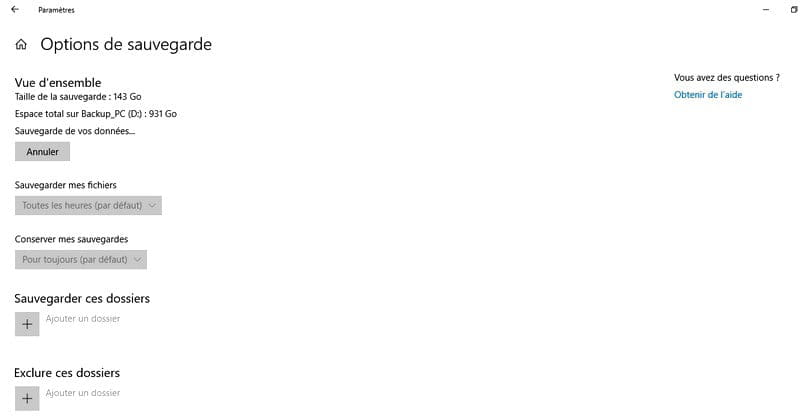
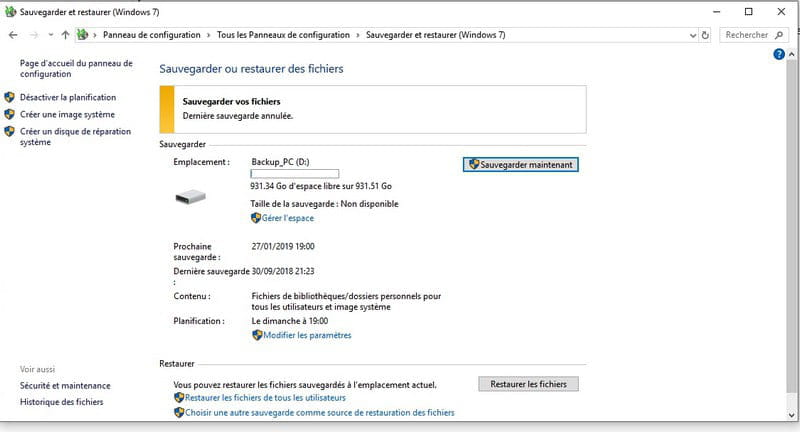
For my backups, I have 2 options in the control panel on my PC
Backup your data: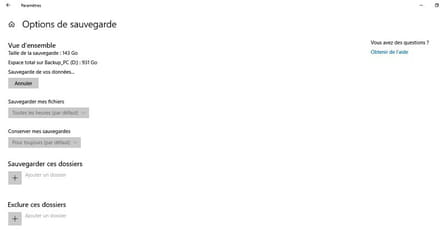
and
Windows 7 Backup:
For both I chose the same destination drive (D:)
I often received a message saying that the drive was disconnected..
So, I’m confused: does this message come from my request to back up my data or from the Windows backup?
Here’s the screenshot of disk management: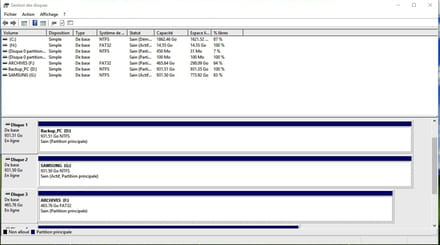
Pascal-
Both are the same thing
simply that Windows 10 is gradually replacing the Control Panel with the Windows 10 Settings.
Sometimes you don't have everything in the Windows 10 Settings, so it redirects you to the old Control Panel.
Otherwise, data backup saves documents and can create a system image if you have enabled it.
It's in the settings where you choose what to back up.
See: https://www.malekal.com/sauvegarde-de-fichiers-windows-7/
There you have taken both libraries + system image.
As for the error, you can find information in the Event Viewer.
-
-
-
I didn't understand where my question was coming from either.
If I use another software, will I have to always use that other software to restore my hard drive, just in case?
Thank you for reading my problem.
Have a good Sunday.
Pascal -
Hello
I am still submitting the error message regarding the attempt to create a system image
Pascal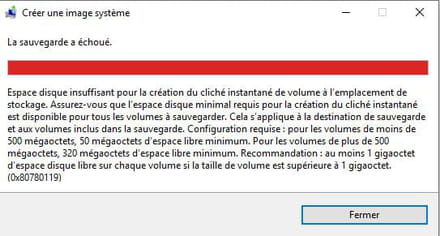
-
Good evening,
I was wondering, what if there was a virus or something?
Pascal -
-
You will be able to tell us right away if you receive it by email.
--
___________________________________________________________________
Community Manager CCMBenchmark
Humor is the keystone of consciousness.