Connecting an additional hard drive
Solved
Allex01
Posted messages
12
Status
Member
-
jeannets Posted messages 28445 Registration date Status Contributor Last intervention -
jeannets Posted messages 28445 Registration date Status Contributor Last intervention -
Hello, quick question, I want to add a second hard drive to my computer. I've found the location, I see where to connect the SATA power, but I can't find where to connect the hard drive power on my PC. I bought a new power cable.

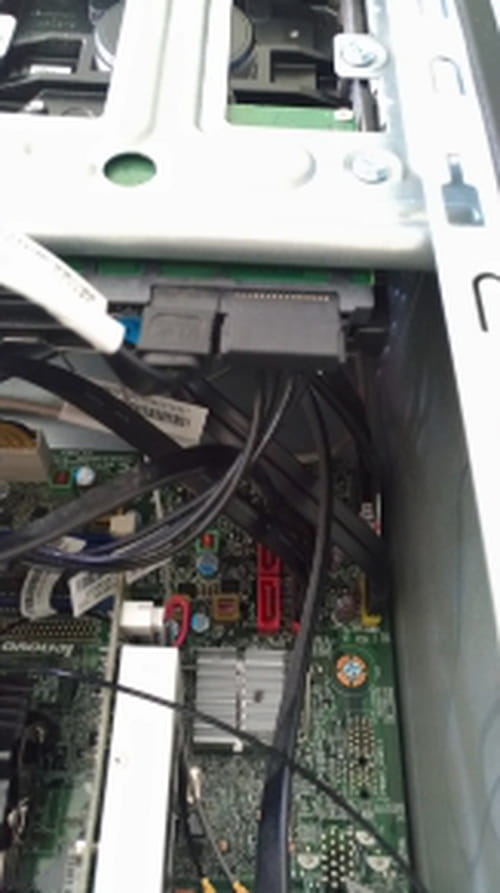
 As for the power for the hard drive, I think about the second image since my current hard drive is already connected there, but are the connectors on the right or all the connectors on the left? I don't know, and what cable do I need?
As for the power for the hard drive, I think about the second image since my current hard drive is already connected there, but are the connectors on the right or all the connectors on the left? I don't know, and what cable do I need?
Related links:
- Hi there. My hard drive is making a clock-like ticking noise (clicking).
- Connecting a hard drive to a powered-on PC
- Connecting a laptop hard drive to a desktop - Power supply?
- Allocation Unit Size for an External SSD Drive
- Can you connect an ATA hard drive to a SATA adapter?
- Connecting an external hard drive to a PC
9 answers
-
What power supply do you have? Generally, SATA cables are not added, even in fully modular power supplies. There is a specific number of cables depending on the type of power supply you have. The same SATA cable can sometimes power up to 3 SATA devices. So if it’s a modern PC, you shouldn't have any problems powering a new hard drive.
--
To misname things is to add to the misery of the world (Albert Camus) -
jeannets Posted messages 28445 Registration date Status Contributor Last intervention Ambassador 6 616
Hello,
No, that's not it.
It must be a cable among all the wires coming out of the power supply... look closely.
If you can't find it, you need to use one of the sockets with four terminals ...(2 black wires in the middle, and one red and one yellow) but you'll need an adapter for SATA power. It's possible on an old PC.
Something like this https://www.ldlc.com/fiche/PB00046209.html -
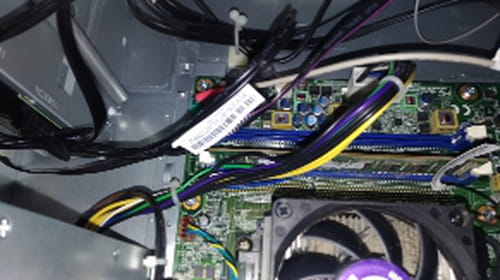
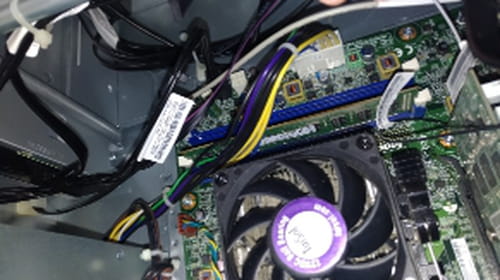
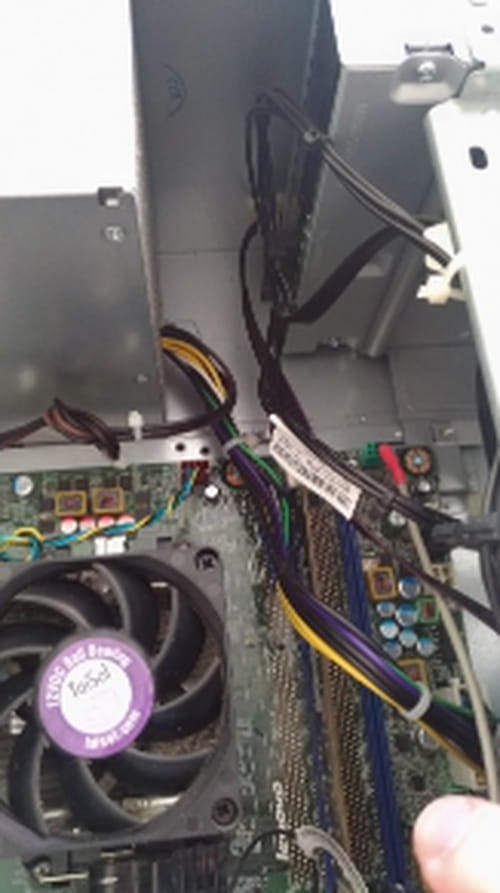
First, thank you for taking the time to help me. I will send you several photos; a video would be better, but I'm not sure I can manage it, so I will send you multiple photos from my computer to show you the cables I have. Honestly, either I'm being dumb and I'm missing some connections, or maybe I don't need them, but that would seem really weird to me.
-
-
-
-
-
I’m posting photos because I don’t know exactly what information to look for; I hope this will help you.
-
-
With the references, it's better.
There is only one power cable with two connections (one for the main hard drive and the other for the optical drive). It seems there is a four-port connector that might allow a second power cable out of the motherboard...???
Depending on the H50 model you have, there will be 2 to 4 SATA connectors on the motherboard. From page 26 of the Hardware Maintenance Manual for your model, you will find diagrams of the different H50 motherboards as well as the location of the SATA connectors. Here is a link to this manual for your reference ......
https://download.lenovo.com/consumer/desktop_pub/lenovo_h50_hmm_20140715.pdf
The simplest solution is to simply buy a SATA power cable splitter. (The four ports on the motherboard are for SATA data cables) This will allow you to take the SATA power connector from the hard drive, for example, and use it to power both hard drives. The splitter cable should be available for purchase online. Here is an example of such an offer online ....
https://www.amazon.co.uk/StarTech-Power-Splitter-Cable-Adapter/dp/B002N2EHVQ -
-
-
In my opinion, it's page 30 of the PDF and 24 of the document, it's an H50-55
Your power supply is here https://www.serversupply.com/POWER%20SUPPLY/DESKTOP%20POWER%20SUPPLY/280%20WATT/LENOVO/PS-4281-02.htm
and here https://www.amazon.com/LENOVO-PS-4281-02VA-280W-ThinkCentre-M82/dp/B016YK2XNG
You have this splitter cable on eBay https://www.ebay.fr/p/143738387?iid=263534686077&_trkparms=aid%3D222007%26algo%3DSIM.MBE%26ao%3D2%26asc%3D20170831090034%26meid%3De2626955534a448c87fd11b890119525%26pid%3D100005%26rk%3D5%26rkt%3D6%26sd%3D282136035024%26itm%3D263534686077&_trksid=p2047675.c100005.m1851
It comes from England, but you'll have it in under a week, with payment in Euro on eBay
Whereas the others come from China delivered in under a month...
Anyway, they all come from China... but they are already in Europe.
You also have this one with four connectors https://www.ebay.fr/p/166699161?iid=182904722904&_trkparms=aid%3D222007%26algo%3DSIM.MBE%26ao%3D2%26asc%3D20170831090034%26meid%3Df12177360166424a9e0e60866fd9a69b%26pid%3D100005%26rk%3D1%26rkt%3D6%26sd%3D181075108217%26itm%3D182904722904&_trksid=p2047675.c100005.m1851
There you go, sometimes there are surprises... Personally, I've never seen a PC with this kind of limitation... it's pretty stingy... -
-