Viewing pane in explorer and pdf
Solved
ggoffin
Posted messages
14
Status
Member
-
Luc -
Luc -
Hello,
Since mid-December, the PDF preview in the explorer has not been working correctly.
I had a display that automatically resized to the width of the pane, that showed me the number of pages in the document, and that allowed me to navigate from one page to another.
Since then, whether I configure Edge or AR DC as the default PDF application, I only have access to a frozen image (which does not resize with the width of the pane, making it practically unreadable most of the time) and cannot access the different pages of the document - not to mention that Edge only works very erratically....
Have you encountered this problem?
Do you have a solution?
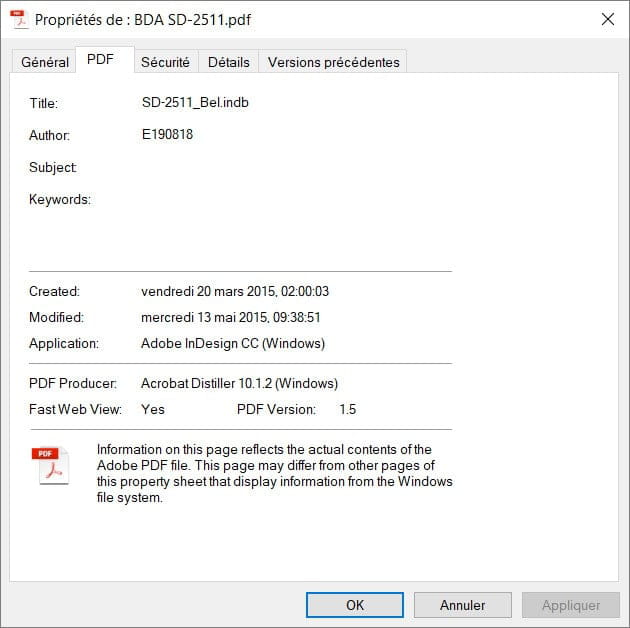
Do you recognize the application that generated the preview shown in the image below?
I even went so far as to restore a disk image from December to check that it occurred this way, but without modifying or installing anything, 10 minutes later the problem reappeared....??????
Thank you in advance

Configuration: Windows / Chrome 64.0.3282.186
Since mid-December, the PDF preview in the explorer has not been working correctly.
I had a display that automatically resized to the width of the pane, that showed me the number of pages in the document, and that allowed me to navigate from one page to another.
Since then, whether I configure Edge or AR DC as the default PDF application, I only have access to a frozen image (which does not resize with the width of the pane, making it practically unreadable most of the time) and cannot access the different pages of the document - not to mention that Edge only works very erratically....
Have you encountered this problem?
Do you have a solution?
Do you recognize the application that generated the preview shown in the image below?
I even went so far as to restore a disk image from December to check that it occurred this way, but without modifying or installing anything, 10 minutes later the problem reappeared....??????
Thank you in advance

Configuration: Windows / Chrome 64.0.3282.186
8 answers
-
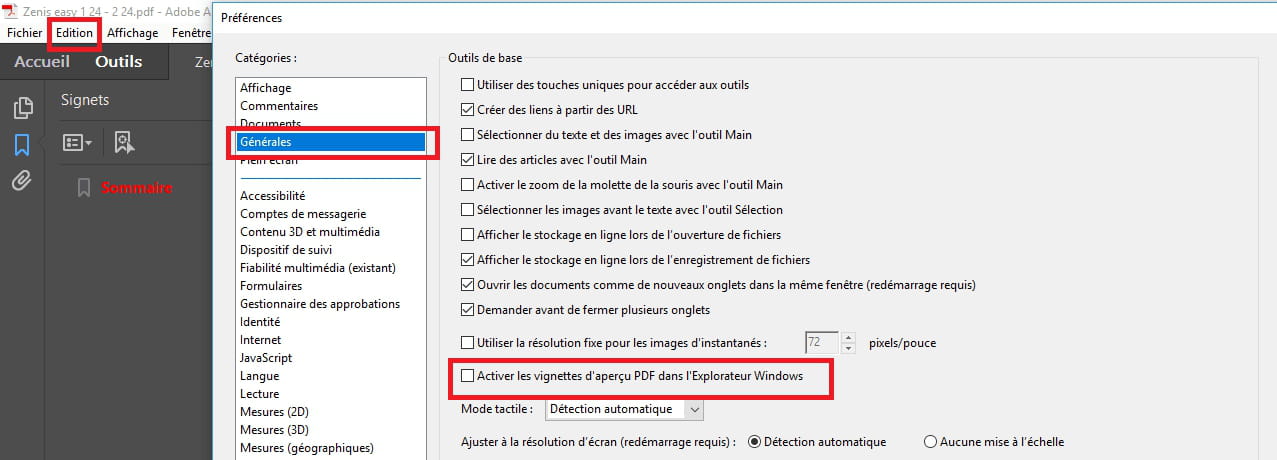
On 64-bit Windows systems, PDF thumbnails are not displayed by default; you need to enable them in Adobe Reader's options.
- Go to Edit / Preferences.
- In the General category, check the option Enable PDF thumbnail preview in Windows Explorer.
Source: https://helpx.adobe.com/fr/acrobat/using/enable-pdf-thumbnail-preview-windows-explorer.html