
White screen bug in Word
Solved
Anonymous user
-
Hervé -
Hervé -
Hello,
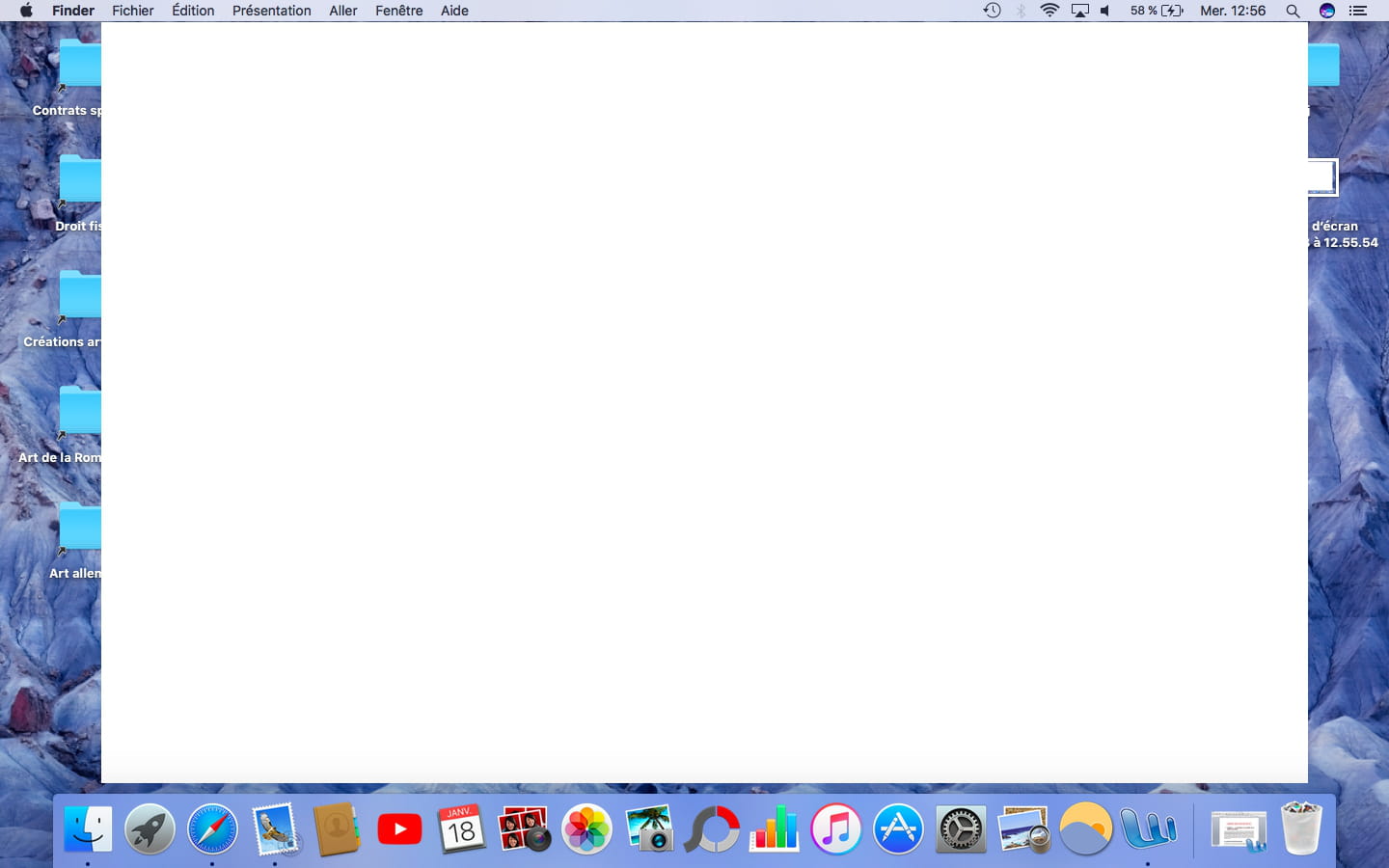
For some time now, every time I use Word (version 2009), a white screen appears after a few minutes and covers almost my entire desktop, preventing me from doing anything (see photo). The only way to make it go away is to quit Word, often needing to "force quit" because the software becomes unresponsive as soon as I try to close it...
Do you have any idea where the problem might be coming from? Is it simply that my version of Word is outdated? I don't really like the interface of the new versions, so I'd be reluctant to change...
Thank you for your help.
Configuration: Macintosh / Safari 10.0.1
For some time now, every time I use Word (version 2009), a white screen appears after a few minutes and covers almost my entire desktop, preventing me from doing anything (see photo). The only way to make it go away is to quit Word, often needing to "force quit" because the software becomes unresponsive as soon as I try to close it...
Do you have any idea where the problem might be coming from? Is it simply that my version of Word is outdated? I don't really like the interface of the new versions, so I'd be reluctant to change...
Thank you for your help.
Configuration: Macintosh / Safari 10.0.1
4 answers
-
Apparently, it seems to be Word 2008 (to be confirmed). Have you updated it properly (to 12.3.6)? Which version of Mac OS X is this occurring on? What do you observe if you test it in a session with a new Mac OS X user account, created for the occasion, or the "Guest" account, for example, to see if things behave differently in a "clean" context?
Office 2008 is indeed a largely obsolete version, not to mention it has always been considered a failed version, a draft of Office 2011. That said, it still works for me (Yosemite 10.10.5) and apparently, without too many issues under Sierra...
--
Hello at your place!
Bernard -
Thank you for your response! It's indeed the 2008 version, sorry for the mistake. I have done the latest update 12.3.6 and I'm on Sierra. I just tested on the guest account and I'm having the same issue...
-
Hello, I am on OSX Sierra and I have Word 15.30 2017. Everything is updated and I just encountered the same issue with a blank page. It only disappears when I force quit Word.
Best regards -
Hello,
What does Aliboron think?
Is it worth buying a new version of Office 2017 if we have these problems...!!!-
There is no version called Office 2016. For now, we stick to Office 2016 (it's already complicated enough to keep track of the names that Microsoft insists on giving haphazardly!) As for the issue mentioned here, it dates back to last January and Office 2008. In the meantime, Sierra has "matured" and has become usable on a daily basis. Personally, in any case, I have never encountered that ghost screen...
-
-
