
Windows 10 Boot Issue Error Message 0xc0000428.
Solved
alex21000D
Posted messages
5
Status
Member
-
alex21000D Posted messages 5 Status Member -
alex21000D Posted messages 5 Status Member -
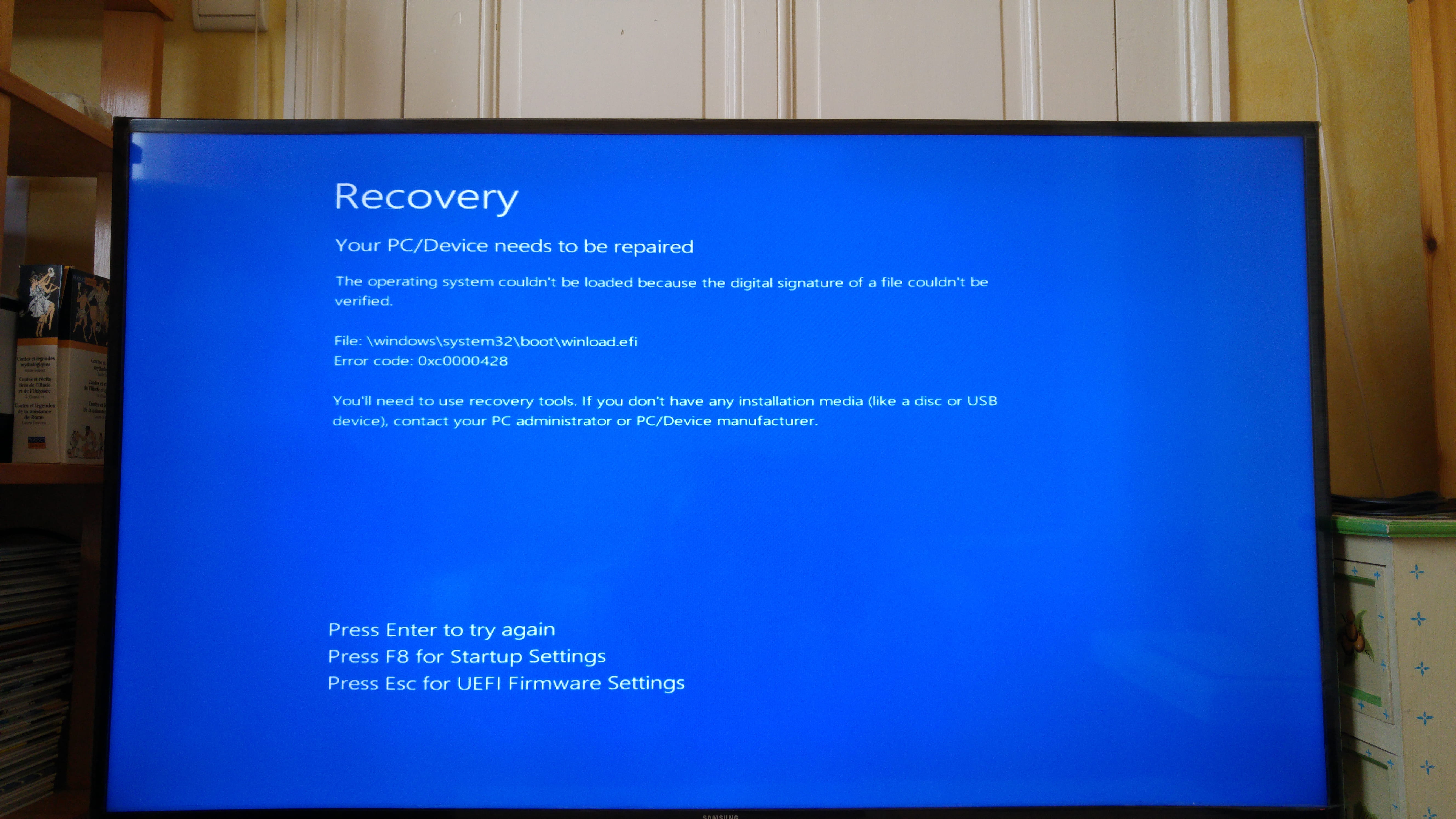
Hello, I am reaching out to you because I have a problem with my PC. After a freeze of Windows 10, I found myself stuck on a blue screen saying "Recovery. Your PC/device needs to be repaired." Since then, I have been unable to boot from either a Windows 10 USB drive or a DVD to repair or restart a complete installation. Thank you in advance for your responses. 
3 answers
-
Hello,
The signature of the windows.efi file is not considered valid by the "secure boot". Two options:
- Either it is not the official W8/W10 file (which would be surprising).
- Or it has disappeared or is corrupted (probably a hard drive issue).
The first thing to do is to temporarily disable "secure boot" in the BIOS to see if the message changes.-
Hello, thank you for your reply.
I have attempted a lot of manipulations.
I have successfully disabled secure boot.
Replaced the SSD with another hard drive.
I have also created several types of boot keys using different software like Rufus and MediaTool.
By formatting these keys and preparing them in GPT and MBR so that they are recognized by the legacy and UEFI BIOS.
Each time I get stuck on the screen in the photo.
I have also created a boot DVD.
Nothing seems to work; I am stuck on this message.
The PC is new; I just built it. It worked for 4 days.
Could it be that a component is faulty? And could that block the boot process?
-
