Windows reinstall on formatted hard drive
brucine Posted messages 25213 Registration date Status Member Last intervention -
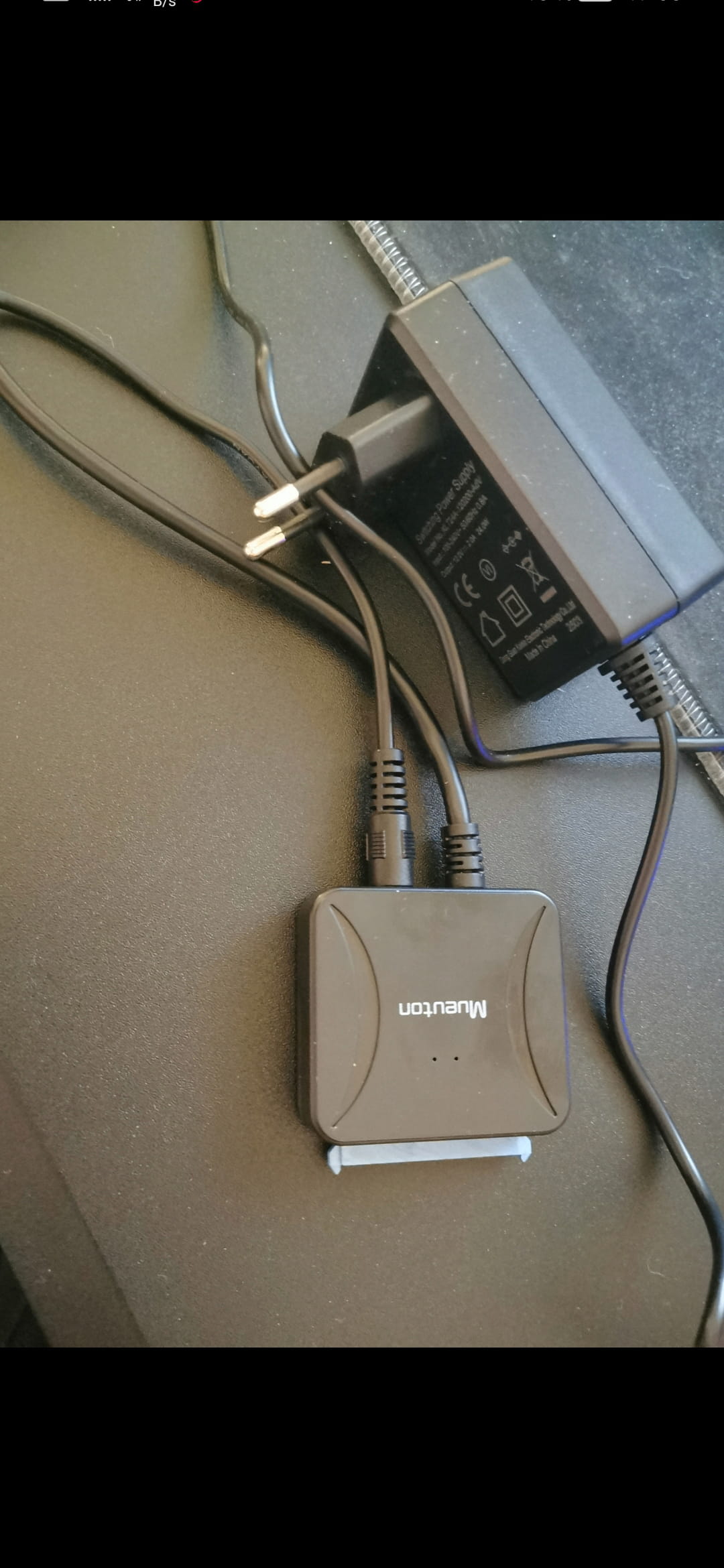
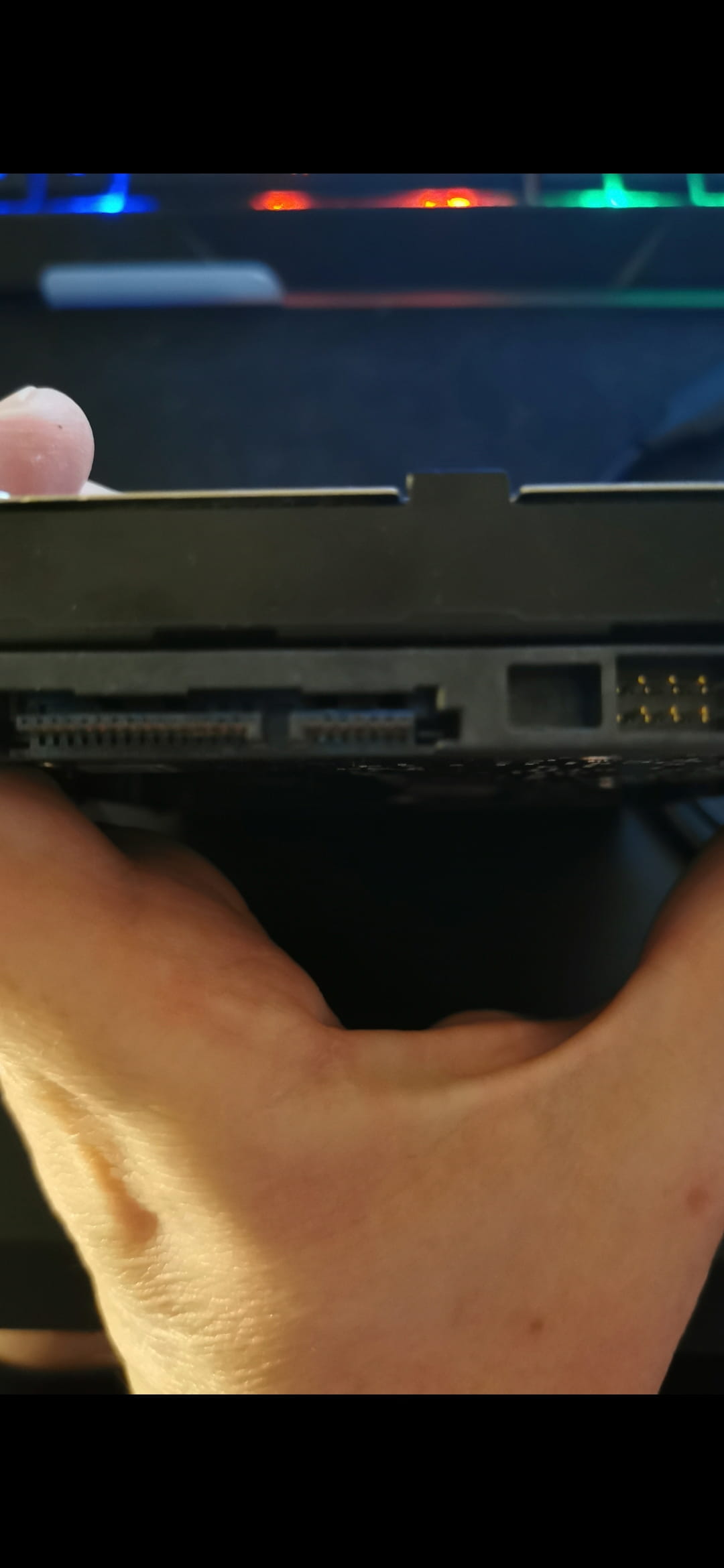
Hello, I want to reinstall Windows on an internal hard drive that has been formatted. When I turn on the PC, nothing happens and it shuts down after a few seconds, but it works if I connect it to my new PC (with an adapter). I can’t open the BIOS because there’s nothing left on the drive, so I can’t use a USB key with Windows. Is there a way to install Windows from my new PC onto this internal hard drive without causing problems on my new PC? If possible with Rufus for a clean installation. (my PC is old and I had used the Flyby application for the Windows 11 installation.)
3 answers
-
Hello,
The disk partition type must match the BIOS type of the machine.
If an old PC, it may be that the BIOS is in Legacy (or heritage) mode; the disk partition must be of type MBR.
Please check.
-
Hello,
There is no partition table since the disk is formatted, but of course, to install Windows 11 which will necessarily be in UEFI mode the Bios must also be set to UEFI, which is the case if, as we understand, Windows 11 was installed previously and the key as well, GPT, when we have the choice for example via Rufus.
-
-
Hello
The BIOS is not on the disk but on the motherboard.
What is the brand of the motherboard?
You need to create a boot USB key or you will put Windows 11 on it.
then boot from the boot key at PC startup
see the motherboard brand for the boot key on USB.
If my answer helped you, click the Thank you button.
Mark as resolved, if your problem is solved.-
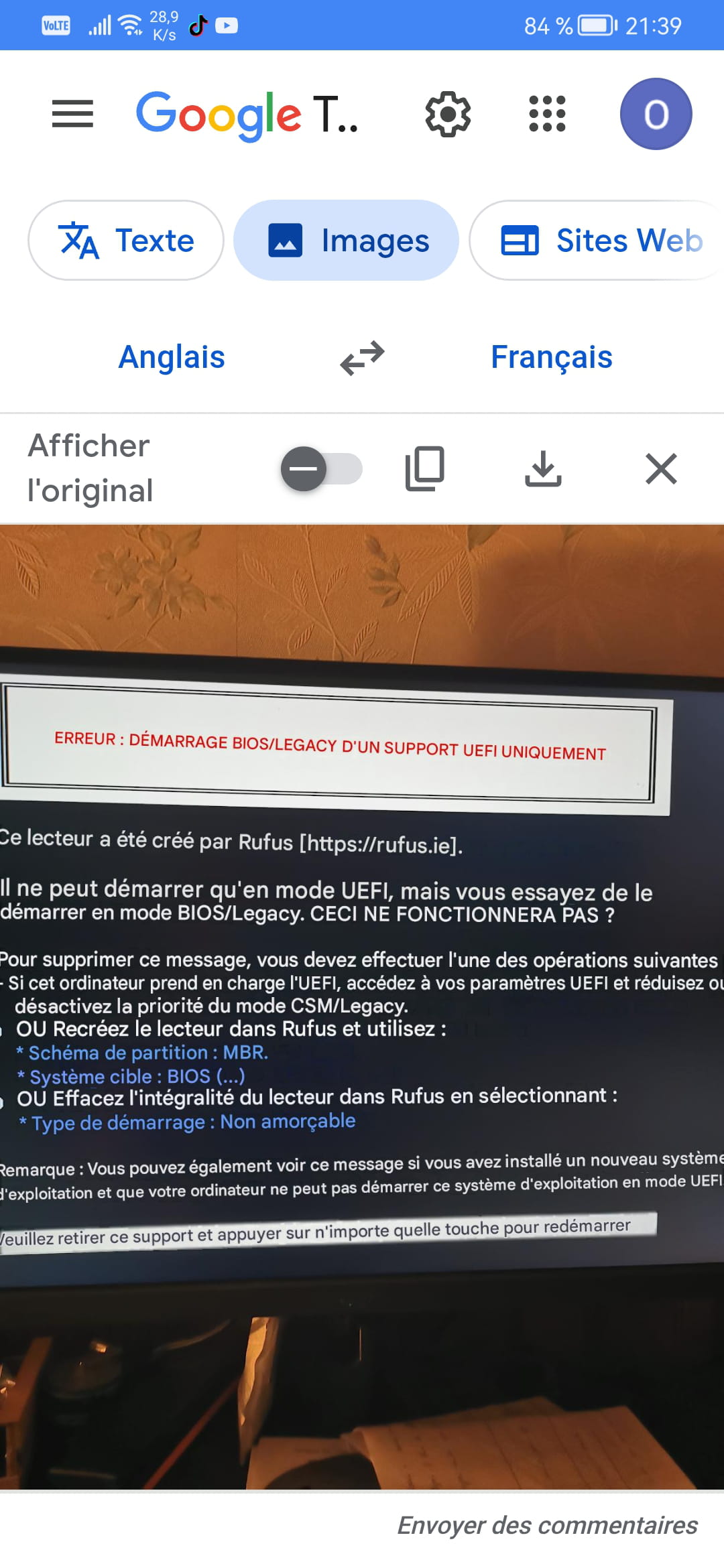
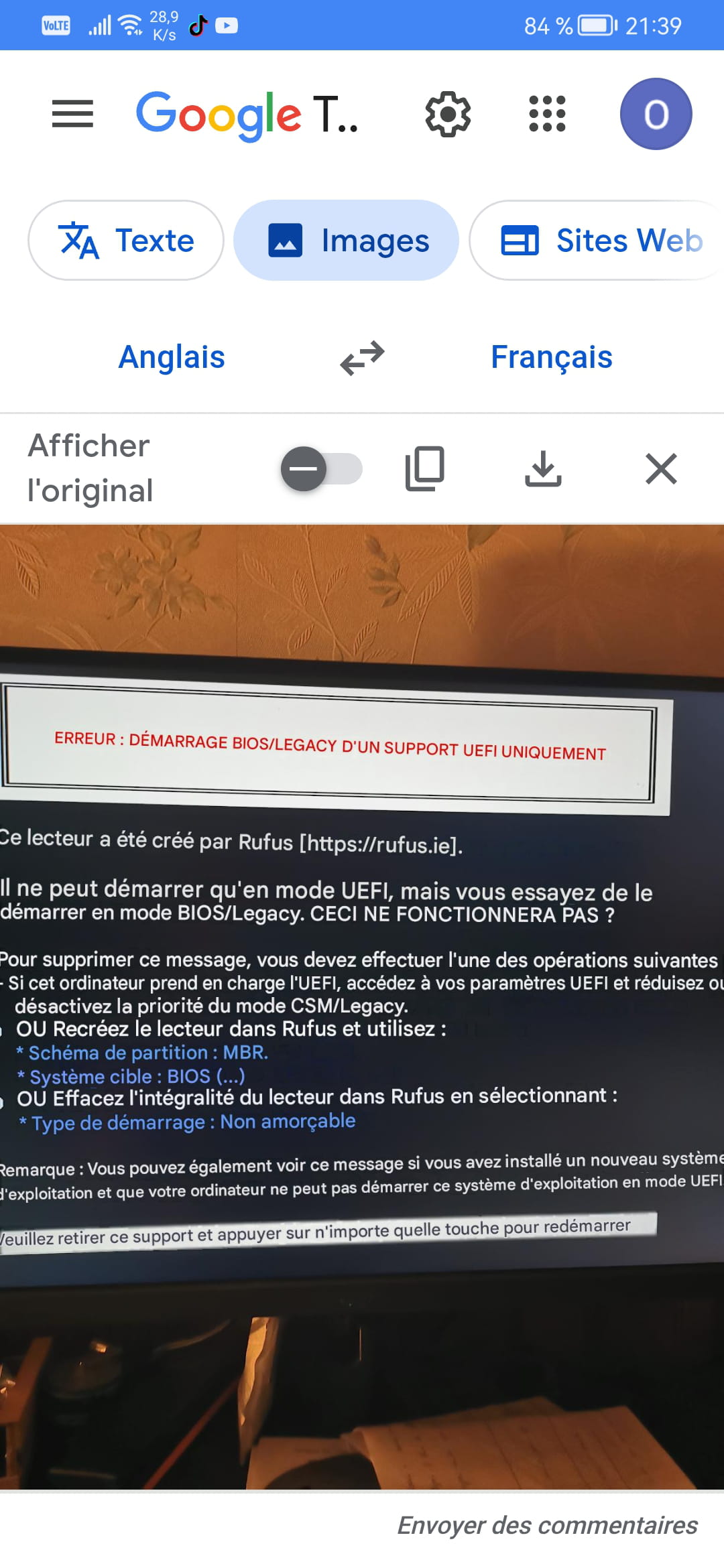
there was this message and afterwards the PC turns on but there is no image and it shuts off automatically and restarts and shuts off nonstop.
Because as mentioned in <3> Windows 11 is necessarily UEFI and the BIOS with it.
The Rufus key is properly created in GPT mode.
At startup you need to enter the BIOS by tapping the appropriate function key, which depends on the PC brand, then enable UEFI or disable CSM, which amounts to the same thing.
If of course the PC supports UEFI, but unless it is really old and we understand that Windows 11 has already been installed there.
-
my motherboard is Gigabyte. the PC turns on but shuts down and restarts non-stop. so I can't access the BIOS.
It will necessarily start looping and crash if you give it time to start on the key that must be removed first.
At startup, press successively and very quickly the BIOS key, I think it’s Delete, and set to UEFI (or disable CSM) I suppose in Settings then Save and Exit.
On newer systems, there is also a Secure Boot parameter in Boot that must be enabled.
Then either with the key in place we reboot to it by selecting it via the Boot Manager at startup (I think F12) or in the BIOS by moving up with the arrow keys or the function key shown in the menu (often F5 or F6) to make the USB device the top priority.
-
-
Hello,
Your demonstration is curious; a formatted disk will necessarily appear if connected to another PC as an external drive, but the BIOS runs independently of what is on a disk, provided you set its Boot Manager if there is one on the USB key, or otherwise boot with priority from the installation key.-
-
-
-
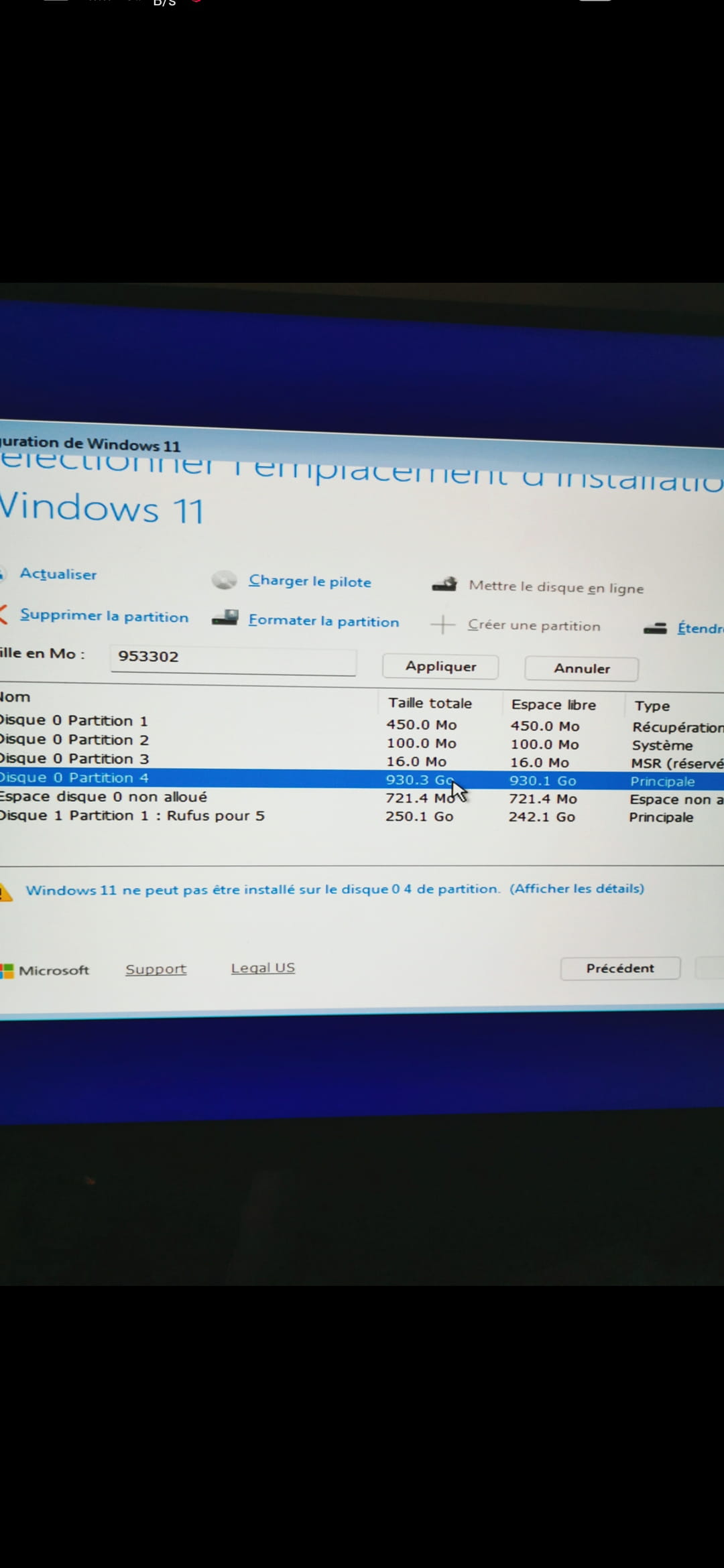
thank you I need to put the discussion on hold my USB adapter is dead there is a piece of micro SD adapter stuck and I can't do anything. on the other hand I rebuilt my hard drive and this time I was able to access my bios. I got there only once (image 1 and 2) but I don't know why I erased the recovery partition afterwards I couldn't do it again. meantime I will already order USB adapters and micro SD on AliExpress
-
-